Text snippets

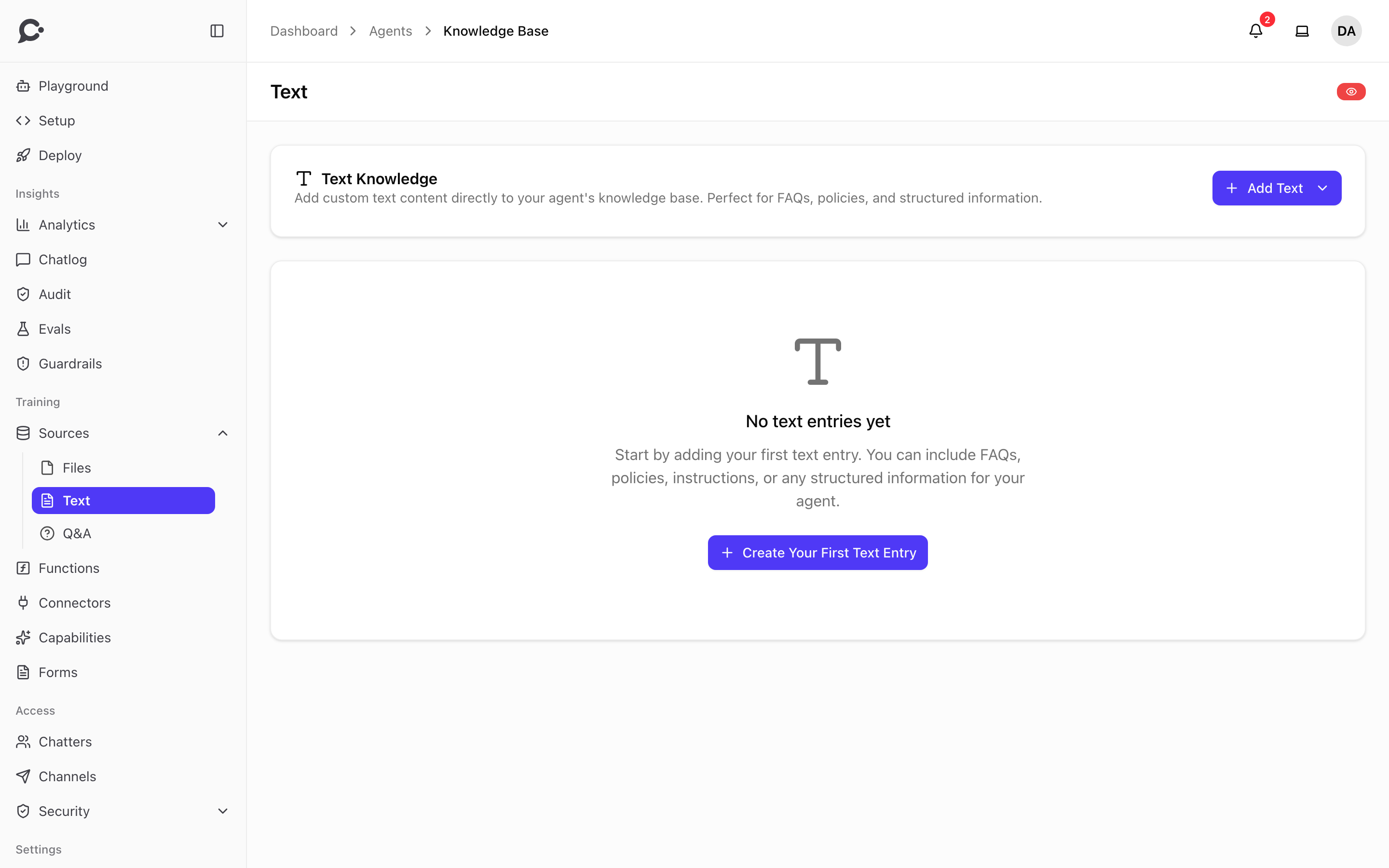
Paste plain text directly into an agent. Useful for short content your team wants the agent to know, but that doesn't warrant a file or web page.
When your team should use a text source
- A return policy the agent should know verbatim.
- An FAQ section pulled from another system.
- Release notes for a recent change.
- A short internal policy that isn't on your docs site yet.
If your team finds itself pasting more than a few thousand words, promote it to a Markdown file source instead. It's the same shape but easier to keep version-controlled across the workspace.
Adding a snippet
In the agent's Sources → Text, click Add Text and fill in Content: the text itself. Plain text or simple Markdown both work. The text must be at least 500 characters long, and no other text in your workspace may have the same content. The hint under the box says "Minimum 250 words required", but what Chatvia checks when you save is 500 characters, about 80 words.
Click Save Entry and Chatvia immediately chunks and embeds it. Text sources usually finish ingesting in seconds, so the agent is ready for your customers right away.
Editing
A teammate who may train text sources can click Edit entry on a text source to change its content. Saving trains it again automatically. The old chunks are removed at once, so the agent can't use this text until it finishes training, usually within seconds. Saving without a change does nothing.
Q&A vs. Text
If your team has specific question/answer pairs, the Q&A source type is better. It indexes the question for retrieval and serves the exact answer back, so customers get deterministic responses to canonical questions.
Use Text for paragraph-style content where the model should compose an answer from the snippet.