Widget settings

The Chat Widget is the chat bubble that sits in the corner of a website. A workspace pastes a short piece of code, called a snippet, into its site, and visitors can then chat with an agent there. This page holds the options for the Chat Widget of every agent on the install at once: where it may load, where its code comes from, how many replies it may send, whether its header says the visitor is talking to an AI, and what happens when a visitor removes a chat. Open it in the admin panel under Settings → Widget.
You need it when you serve the widget from a CDN, allow a site for every agent at once, or change the reply limits. Each agent's own widget options, such as its colors and its list of sites, stay in the dashboard. If you never open this page, the widget works on each agent's own list of sites, says "AI assistant" in its header, and keeps every chat.
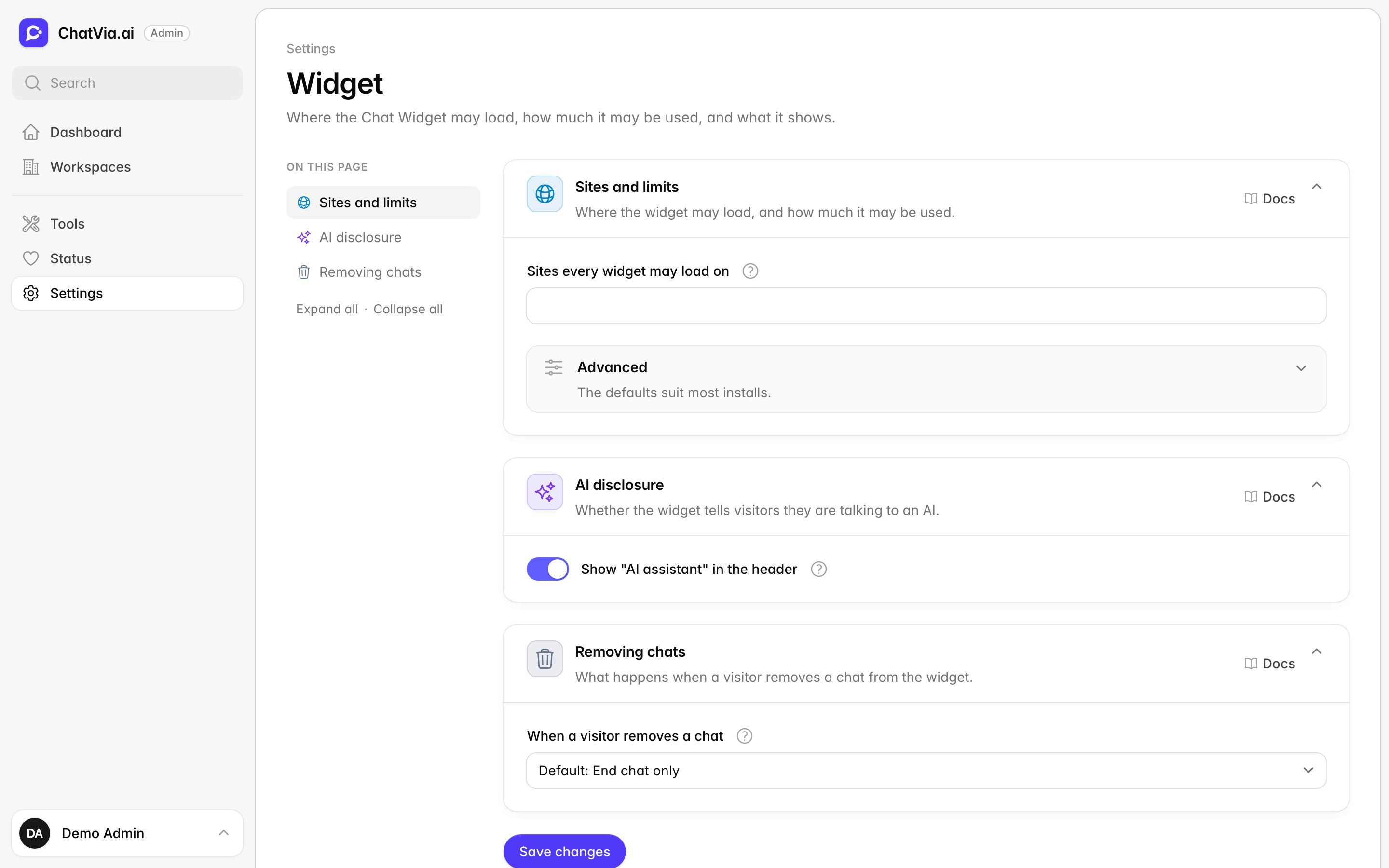
A blank field uses its default, which the field shows in grey. A change applies from the next request, which means the next time a page with the widget loads or a visitor sends a message.
Sites and limits
Where the widget may load, and how much it may be used.
Anyone can copy a widget snippet from a web page and paste it into their own site. So each agent has a list of sites where its widget may run, and requests from any other site are refused. This card adds sites that every agent's widget may run on. It also sets a rate limit: the most replies one agent may send in a minute and in an hour. A rate limit works like a turnstile that lets only so many people through per minute. It stops one person from using up an agent's monthly replies in an afternoon.
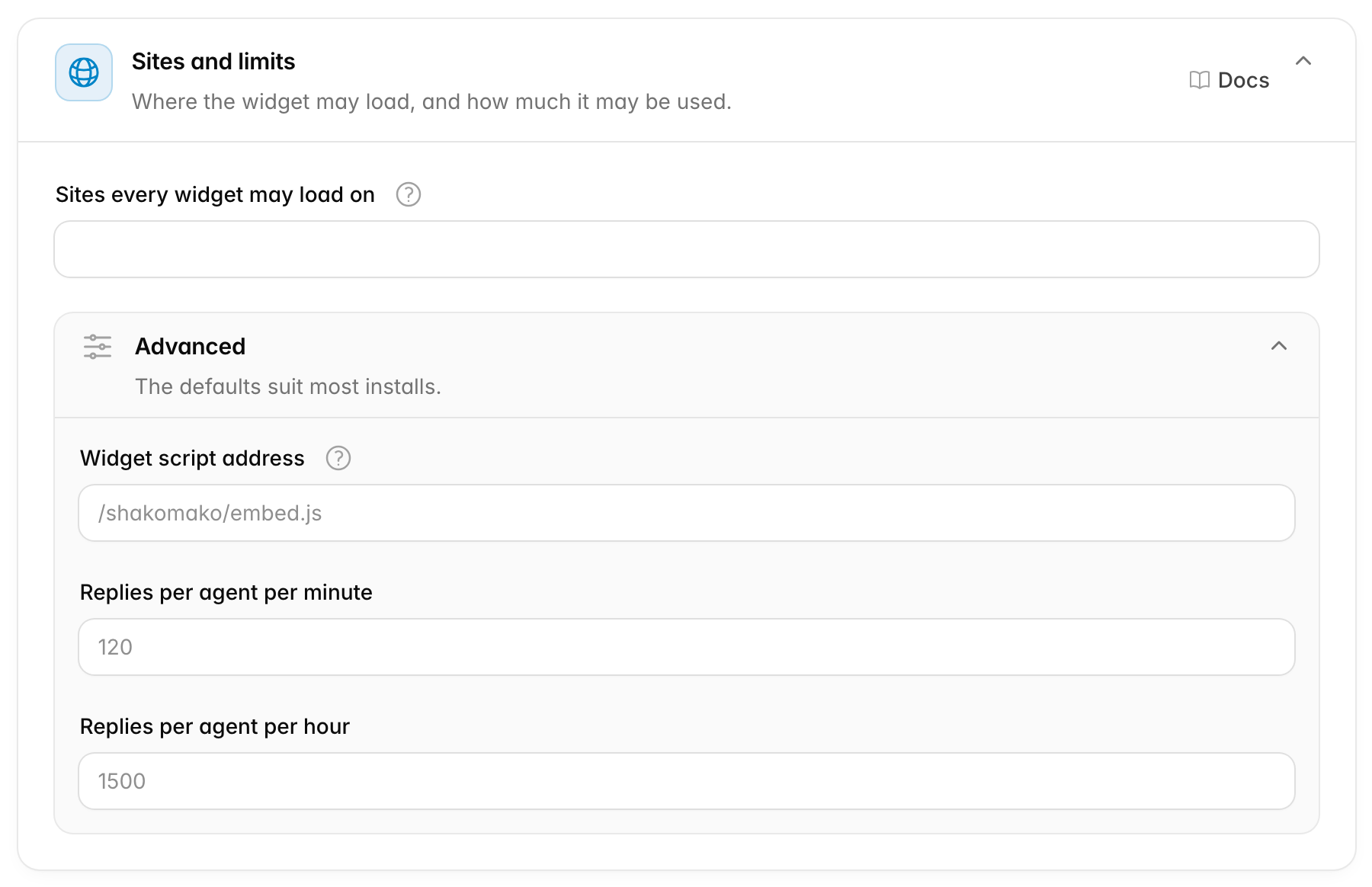
Sites every widget may load on
Sites every widget may load on adds websites where the widget of any agent may load, on top of each agent's own list of sites. Separate them with commas, such as example.com, shop.example.com. It is empty by default.
The entries work like the ones in an agent's list:
example.comallows that host, andwww.example.comtoo.*.example.comallowsexample.comand every subdomain, at any depth.
The install's own address (the host of APP_URL) is always allowed, so the widget works in the dashboard and the hosted chat. The hosted chat is the chat page each agent has on your install's own address. Use this field for a site that every agent's widget should run on, such as your company's main website. For one agent, add the site to that agent's own list instead.
Advanced options
The card's Advanced part has three more options. The defaults suit most installs.
| Option | Default | What it does |
|---|---|---|
| Widget script address | /shakomako/embed.js |
Where the widget's code loads from. |
| Replies per agent per minute | 120 |
The most replies one agent may stream in a minute, across all its visitors. |
| Replies per agent per hour | 1500 |
The same, per hour. |
Widget script address is the address of the file that holds the widget's code. Each site that shows the widget downloads that file. It takes a path on this server that starts with /, or a full address that starts with https://. Leave it blank to use the copy that npm run shakomako:build puts on this server. Enter a full address to load the widget from somewhere else, such as a CDN. A CDN (content delivery network) is a service with servers all over the world that hands out files from the one closest to each visitor, so the widget loads faster. The embed snippets in the dashboard use this address. A snippet that is already on a website keeps the address it was copied with, so copy it again after a change.
Replies per agent per minute and Replies per agent per hour count every reply of one agent, whatever the visitor, session or IP address. To stream a reply means to show it word by word as the AI writes it. They stop someone from using up a public agent's monthly message limit by opening many sessions. Each visitor also has a limit of its own, which you cannot change here. The same two numbers also apply to the agent's hosted chat.
When to change it: add your main website to the sites when all your agents should run there. Raise the reply limits if a busy agent gets refused at peak times. Change the script address only when you serve the widget from a CDN.
AI disclosure
Whether the widget tells visitors they are talking to an AI.
Disclosure means telling people something openly. Visitors have a right to know when they chat with a machine, not a person. This card sets whether the widget says so in its header.

Show "AI assistant" in the header shows "AI assistant" on the line under the chat title. It is on by default, for every agent's widget.
The EU AI Act (Article 50) asks you to tell people when they are talking to an AI. So turn this off only if you tell them in another way, for example in the agent's welcome message. While a person from your team answers in a human handoff, the line says "Human agent", whatever you choose here.
When to change it: leave it on unless every agent already says it is an AI in another clear way.
Removing chats
What happens when a visitor removes a chat from the widget. The choice applies to every agent's widget.
A visitor sees their past chats in the widget. Some visitors want to remove a chat, for example because they typed something private. This card decides whether they can, and whether your team still keeps a copy afterwards. It is a choice between keeping records for your team and letting visitors erase what they wrote.
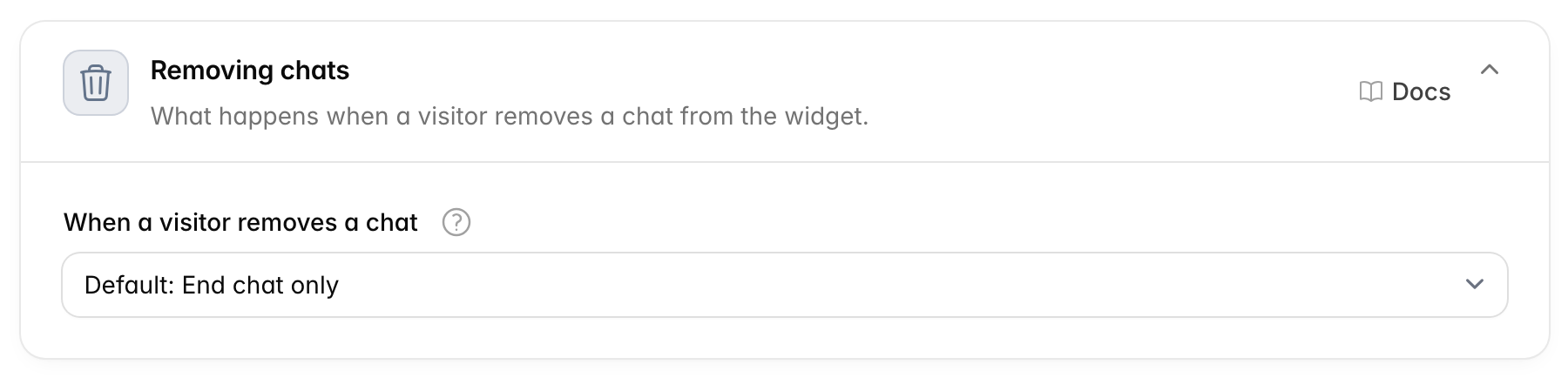
When a visitor removes a chat has three choices:
| Choice | What the visitor sees | What you keep |
|---|---|---|
| End chat only (default) | The widget offers no way to remove a chat. The visitor can end it and start a new one. | Every chat, in the chat log. |
| Remove from history | The chat leaves the visitor's list of past chats. | The chat stays in the chat log, so your team can still read it. |
| Delete permanently | The chat leaves the visitor's list of past chats. | Nothing. The chat is erased for good and cannot be brought back. |
On a protected agent, a signed-in visitor can only remove their own chats.
When to change it: pick End chat only if your team needs every conversation, for example for support quality or records. Pick Delete permanently if you promise visitors that they can erase what they wrote.
Related
- Widget (chat bubble): the embed snippet, and each agent's list of allowed sites.
- Installation: build the widget and serve it from this server or a CDN.
- Message limits: the monthly limits the reply caps protect.
- Human handoff: when a person takes over a chat.