Prompts library

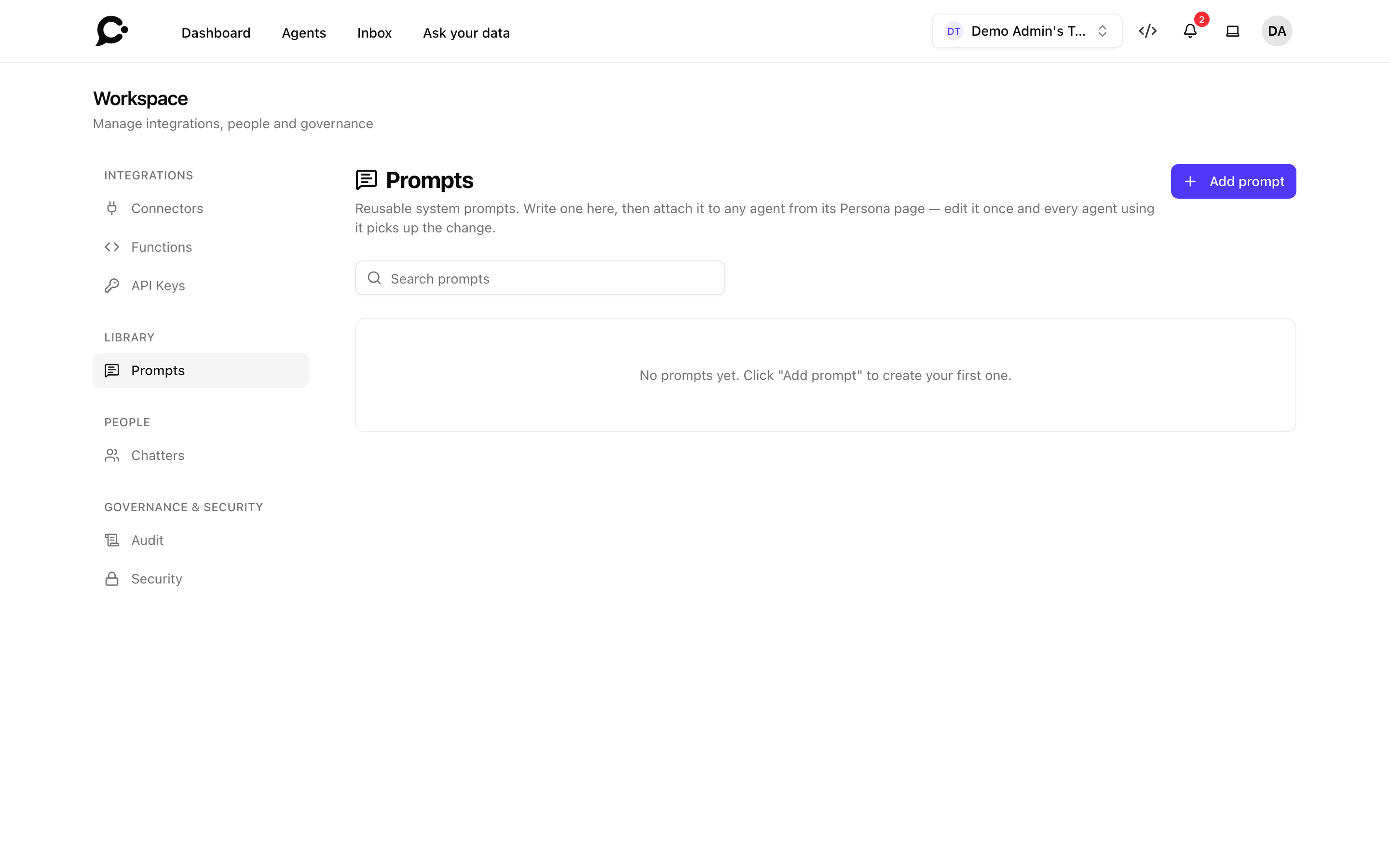
A prompt is a saved block of system instructions your workspace can attach to one or many agents. The library lives in Workspace → Library → Prompts and gives your business one source of truth for voice and behavior across every agent.
Why use prompts instead of inline instructions
Inline instructions (in the agent's Setup → Persona section) are great for one-off agents. Saved prompts shine when:
- Your workspace runs multiple agents with similar behavior (different markets, different products, same business voice).
- A non-developer teammate owns the persona and shouldn't have to open each agent to change wording.
- Your team wants to version control persona changes outside of individual agent settings.
Update the prompt once, and every agent that references it picks up the change immediately, across every surface (Hosted Chat, Chat Widget, Command Bar).
Creating a prompt
In Workspace → Library → Prompts, click Add prompt:
- Name: internal label.
- Prompt: the system instructions. Markdown works.
The prompt has no placeholder syntax. It's passed verbatim to the model. Write it the same way you'd write inline persona instructions (Persona guide).
Attaching to agents
From the agent's Setup → Persona section, open the Instructions (System prompt) menu and pick a prompt under Saved prompts. The prompt shows read-only. The agent reads from the prompt by reference. To write instructions for just this agent again, pick Base Instructions.
You can also attach one via the API, with the prompt_id field. Copy the ID with Copy prompt ID in the prompt's editor.
What happens when you edit
Editing the prompt updates all attached agents at the next message. There's no caching to invalidate. Chatters mid-conversation will see the new behavior on their next turn (existing messages stay grounded in whatever the model said with the old prompt).
Test before broadcasting
A prompt change can unintentionally shift behavior across dozens of agents your team owns. Test in the Playground of one or two agents before saving.
Deleting a prompt
You can delete a prompt that agents still use. Those agents then fall back to their own custom instructions, so check them first.