Tools

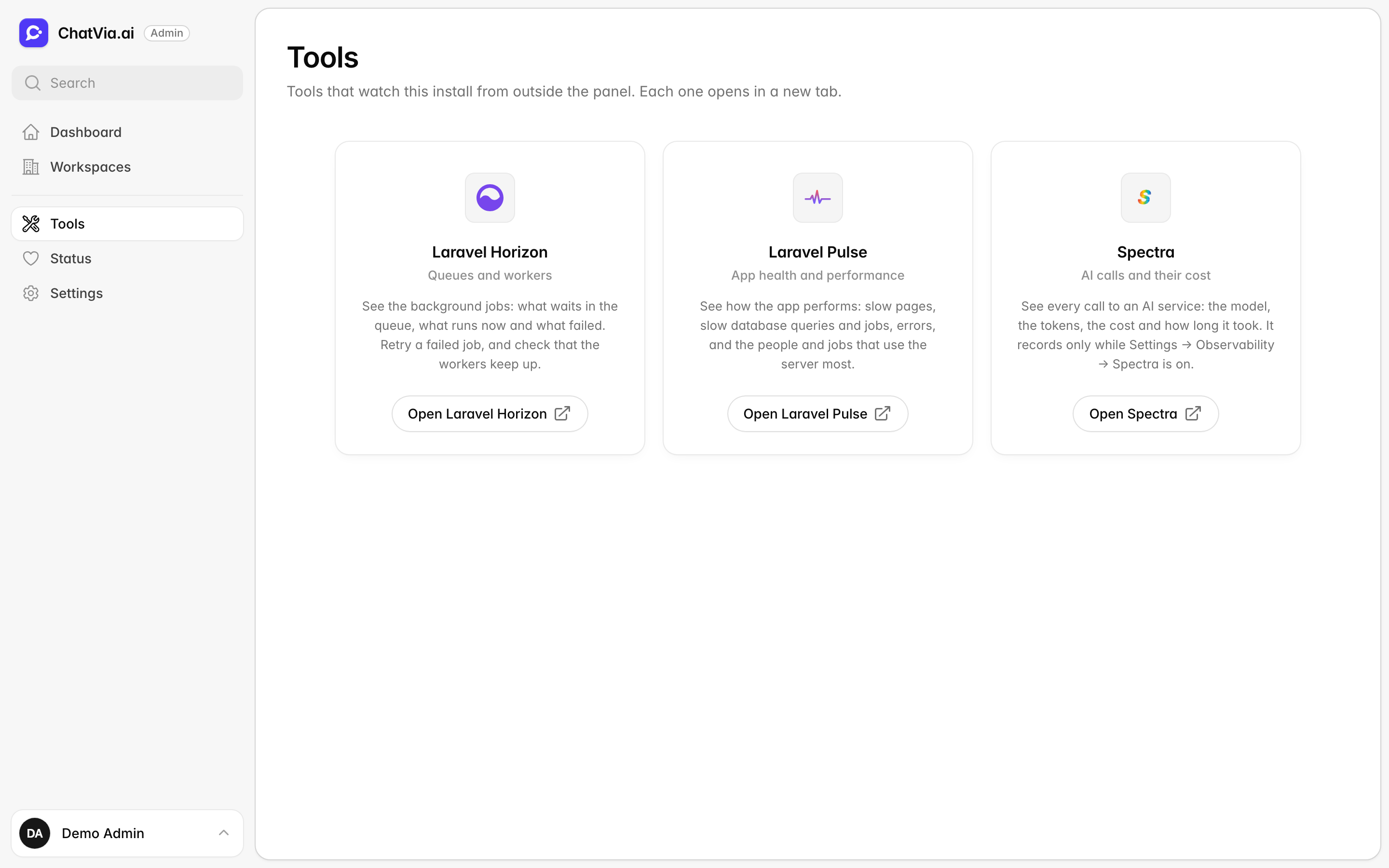
Staff tools are separate pages that show what happens inside your install, like the gauges and warning lights of a car. The Tools page links to three of them: one for the queue of background jobs, one for the app's health, and one for the log of AI calls. Each one opens in a new tab. Open it with Tools in the admin panel's sidebar, above Settings.
You need these tools when something is slow or broken, or when you want to know what your agents cost. The person who runs the server uses them most. They only show information and record on their own, so if you never open them, nothing changes.
Only admins can open this page and the tools. An admin account that is deactivated cannot open them.
The tools
Each card is one tool. Here is what each one is for, in everyday words:
- Laravel Horizon watches the queue. Some jobs take too long to do while someone waits, like reading a big PDF. Chatvia puts them in a waiting line, the queue, and background helpers called workers do them one by one. Horizon shows that line: what waits, what runs and what failed.
- Laravel Pulse watches the app's health, like a fitness tracker. It shows what is slow, what goes wrong and how busy the server is.
- Spectra logs every call Chatvia makes to an AI service, with its cost. AI services bill by the token, a small piece of text of about three quarters of a word, so Spectra counts tokens to work out the cost.
| Tool | What it looks after | What you see there |
|---|---|---|
| Laravel Horizon | Queues and workers | The background jobs: what waits in the queue, what runs now and what failed. Retry a failed job, and check that the workers keep up. |
| Laravel Pulse | App health and performance | Slow pages, slow database queries and jobs, errors, and the people and jobs that use the server most. |
| Spectra | AI calls and their cost | Every call to an AI service: the model, the tokens, the cost and how long it took. |
Click Open Laravel Horizon, Open Laravel Pulse or Open Spectra on a card to open that tool.
A card without a button says why the tool cannot open:
- Not installed: this install does not have the tool.
- You cannot open it: your account may not open the tool.
Which one to open: files that never finish training, or WhatsApp replies that never come, point to Horizon. A slow dashboard or errors point to Pulse. Surprising AI bills, or an answer you want to understand, point to Spectra.
Recording
Pulse and Spectra write down what happens as it happens, so you can look back at it later. This is called recording, and you can switch it off. Horizon has no such switch.
Pulse and Spectra record only while their switches are on, in Settings → Observability. Both are on by default. When you turn one off, its page still opens and shows what was recorded before.
Horizon always shows the queue. How many workers it runs is set in Settings → Platform → Queue workers.
Related
- Status: whether the queue, Pulse and the other services are running.
- Observability settings: what Pulse and Spectra record.
- Installation: set up two-factor authentication for every admin account.