API keys

An API key is a bearer token that lets your backend services call the Chatvia public API on behalf of your workspace. Your install documents it at yoursite.com/docs/api. One key works for everything your team needs: managing agents, sources, functions, MCP connectors, chatters, and conversations.
Creating a key
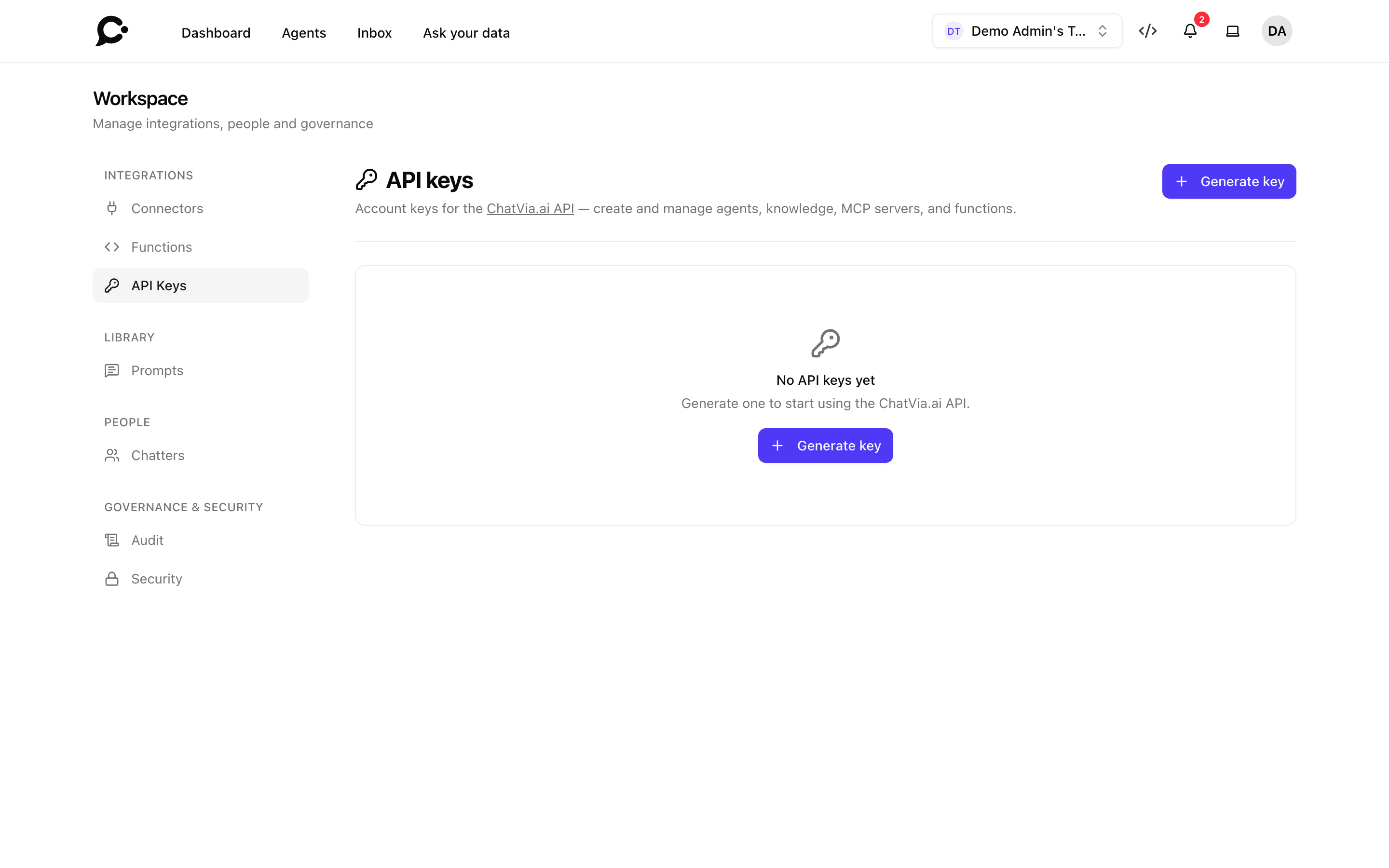
Open Workspace → Integrations → API Keys and click Generate key. A teammate needs the API keys permission in their role to see this page. Give it a name that describes where your team will use it:
production-serverci-deploy-pipelineanalytics-export
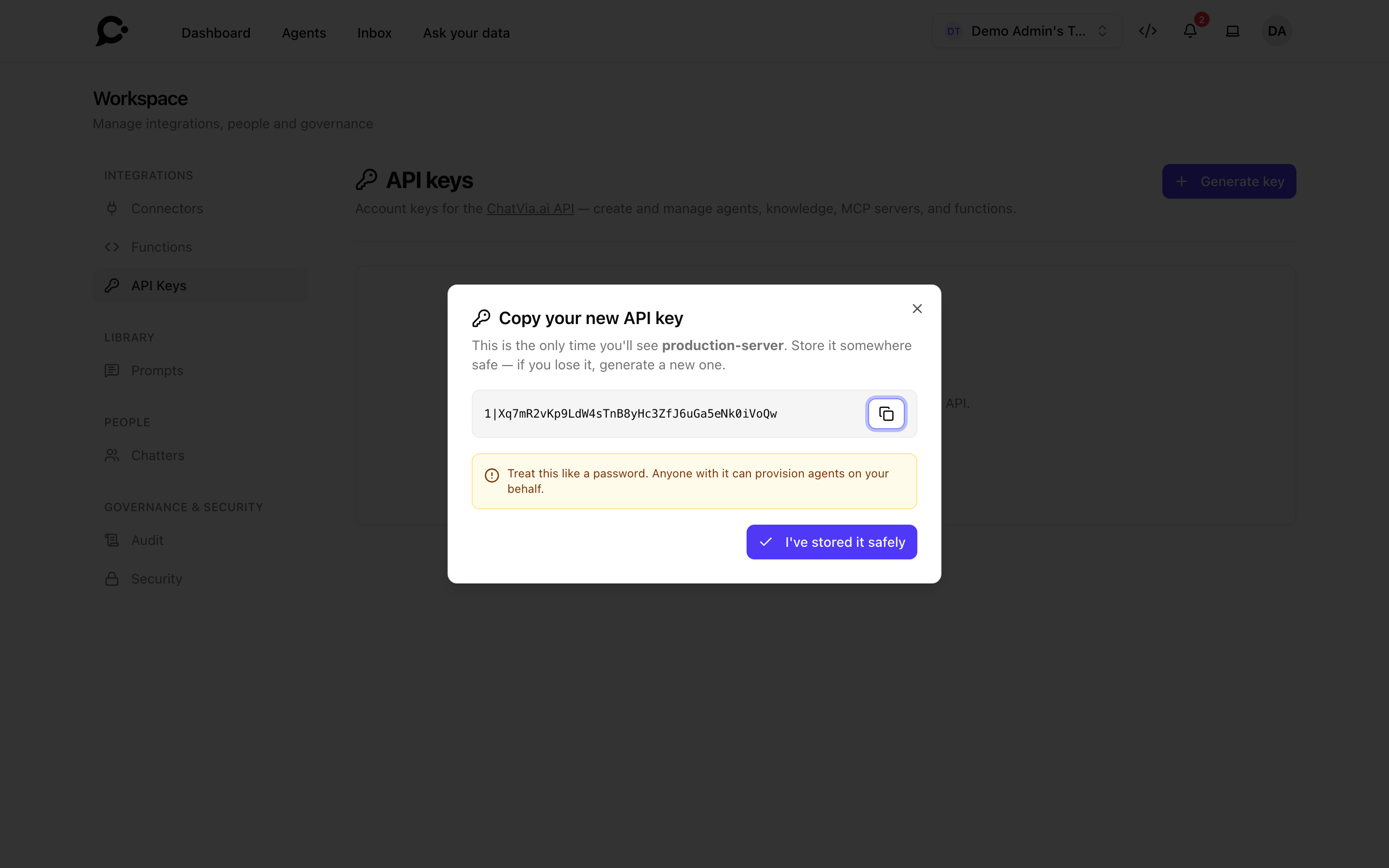
Click Generate. The plaintext token is shown once, in a dialog with a copy button:
Copy it now
Chatvia stores only a hashed version. Once you close the dialog, the plaintext is gone forever. If you lose it, revoke the key and generate a new one.
Using a key
Pass the key as a Bearer token:
curl https://chat.example.com/api/v1/agents \
  -H "Authorization: Bearer YOUR_API_KEY"
Or in code:
const response = await fetch('https://chat.example.com/api/v1/agents', {
  headers: { Authorization: `Bearer ${process.env.CHATVIA_API_KEY}` },
})
What a key can do
A key acts as the person who generated it, with that person's permissions. A key made by the workspace owner can:
- Read and modify any agent in your workspace.
- Add, update, and delete sources.
- Manage workspace-level functions and MCP connectors.
- Manage teams and roles, assign people to roles, and manage chatters and their access.
- Read and delete conversation history.
A key made by a teammate can only do what that teammate's role allows. Owner-only calls, such as managing teams and roles, are refused for it.
No key can:
- Sign in to the dashboard UI.
- Change a teammate's password or delete the workspace.
- Access agents owned by other workspaces.
Revoking a key
Click Revoke next to a key in Workspace → Integrations → API Keys and confirm to revoke it immediately. Any in-flight request using that key fails with 401 Unauthorized.
Revoking is the right response to a leaked key. It's instant and doesn't affect other keys.
Listing and auditing
The keys table shows:
- Name: what your team called it.
- Last used: timestamp of the most recent successful request (refreshed asynchronously).
- Created: when the key was minted.
Use Last used to spot keys no service is using anymore. Rotate stale keys regularly.
Best practices
- One key per service. Don't share a single key across CI, the production app, and a teammate's laptop. If one needs to be rotated, the others keep working.
- Don't ship keys to the browser. Anything a customer can view-source on can be extracted. Use keys only on backends.
- Store in env vars, not source control. A leaked key in a repo is a key in someone else's repo too.
- Rotate periodically. Even with good hygiene, key compromise is a thing. A 90-day rotation is a sensible default.
Pagination
Every list endpoint returns one page of items, newest first:
{
  "data": ["…"],
  "next_cursor": "eyJpZCI6MTg2LCJfcG9pbnRzVG9OZXh0SXRlbXMiOnRydWV9"
}
To get the next page, send the next_cursor of the response back as the
cursor query parameter. Leave cursor out for the first page. On the last
page next_cursor is null. Stop there.
per_page sets how many items a page holds, from 1 to 100 (25 when left
out). A value outside that range is brought into range, not rejected.
A cursor marks a fixed place in the list, not a page number, so pages stay
stable while items are created or deleted, and there are no page numbers and
no total count. Treat the cursor as an opaque string: send back exactly the
next_cursor you received, and never build or edit one.
Rate limits
API requests are throttled per account: up to 300 requests a minute for all the keys of one person together. Sending a chat message (POST /api/v1/agents/{agent}/conversations/{conversation}/messages) has its own cap of 30 a minute per person, since each one costs a model reply. Your backend will get 429 Too Many Requests if it exceeds a limit. Back off and retry. Bulk operations (re-ingesting all sources, importing a thousand functions) are best paced with a small concurrency limit on your side.
Sign-in tokens vs. API keys
Don't confuse these:
- API keys authenticate your backend services to Chatvia. They are secret and server-only, and they expire after one year unless your server admin changes that.
- Sign-in tokens authenticate your chatters into a specific agent. Short-lived, signed with the agent's signing secret, may be embedded in the browser.
See Identity verification for sign-in tokens.