-
Files of every kind
PDF, Word, PowerPoint, Excel, CSV, EPUB, Markdown and images. Read in the background while you watch the progress live.
Read the docs -
Website import
Find the pages of a site, pick the ones you want, and refresh them daily, weekly or monthly.
Read the docs -
Hybrid search
Vector search and BM25 keyword search run side by side inside PostgreSQL. No extra database to run.
Read the docs
All features
Everything Chatvia does, in one place.
The self-hosted AI agent platform for teams. Free on your own server, with no limits on agents or replies. A license adds more workspaces, the API, voice and Live Chat.
Knowledge and search
Your knowledge, found in a blink.
Agents answer from your own documents, websites and Q&A.
Q&A pairs
Write the exact answer to a question. Fix a weak answer from the chat log and it becomes a Q&A pair.
Read the docsAudio and video
Upload recordings, and their speech is turned into text the agent can use.
Reranking
A reranker puts the best passages first, with Cohere, OpenRouter or your own server.
OCR document readers
Mistral OCR or Azure read scanned pages, tables and pictures.
AI enhancement
Each part of a document gets a summary and the questions it answers, so agents find the right part.
Built-in chunker
Splits each kind of content in the way that suits it, with a preview to try your settings.
Read the docsFollow-up questions
Short follow-ups like "and the price?" are rewritten into full questions before the search.
Text snippets
Type or paste text straight into the knowledge base.
Read the docsOne shared library
Train a file or website once, then use it in as many agents as you like.
Read the docsSource citations
Answers show the sources they came from, and how sure the agent is.
Screenshots
-
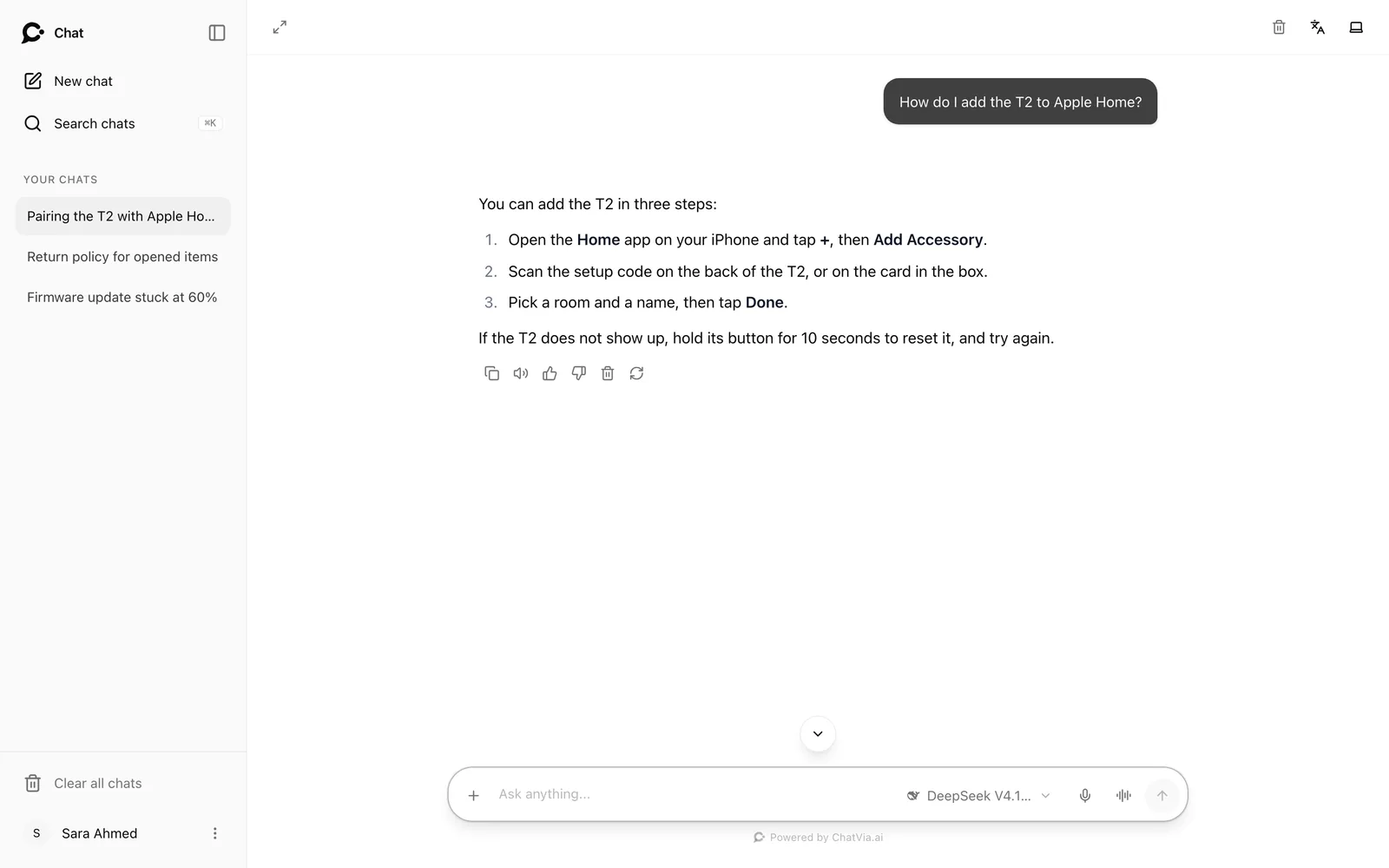
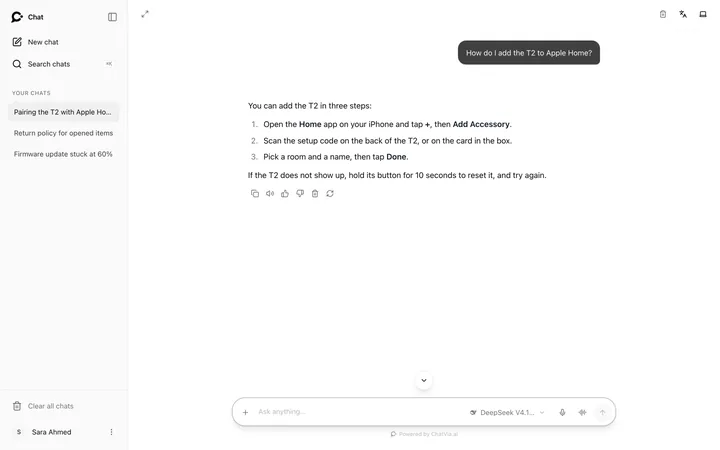 An answer from your own help docs, in the hosted chat
-
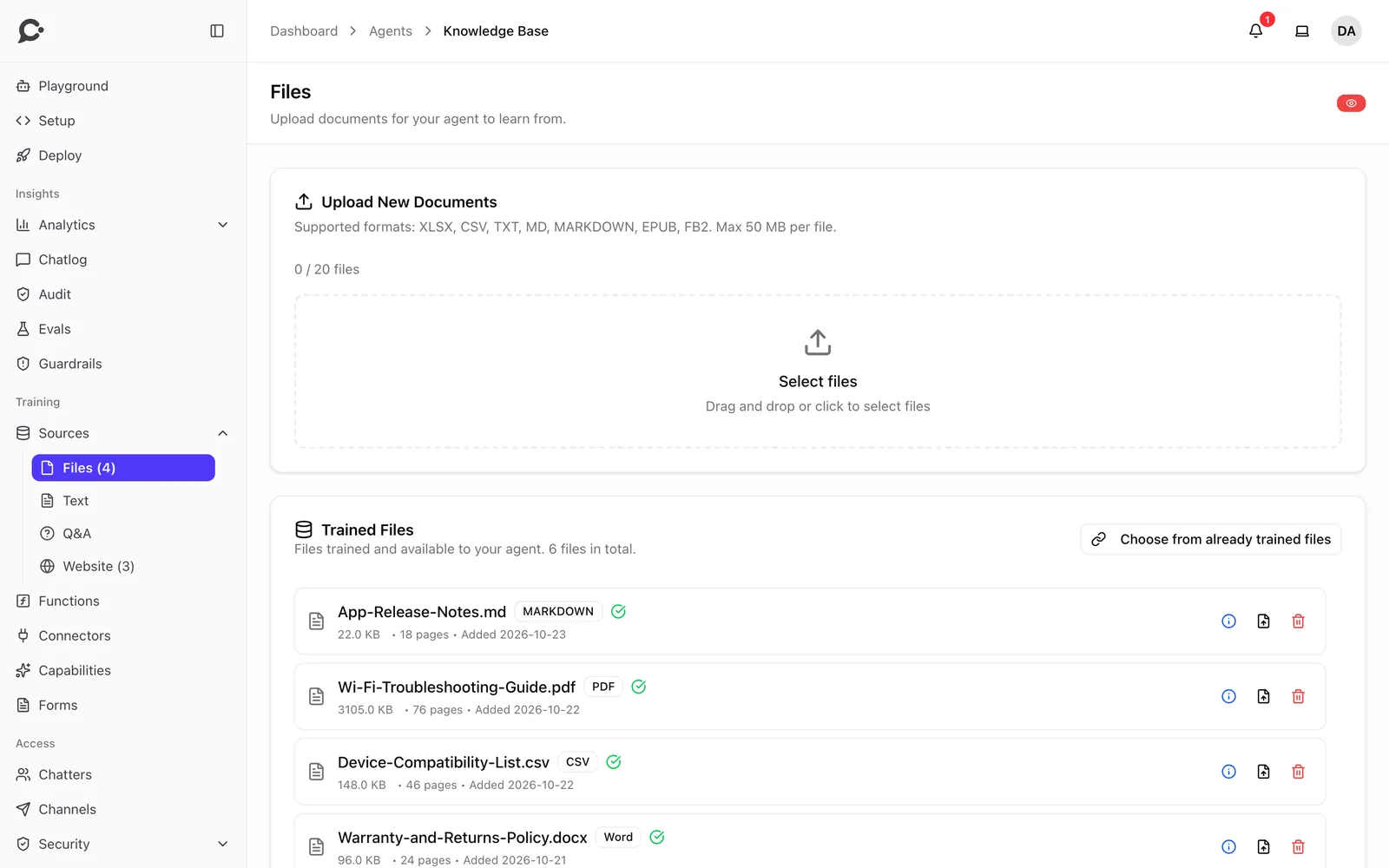
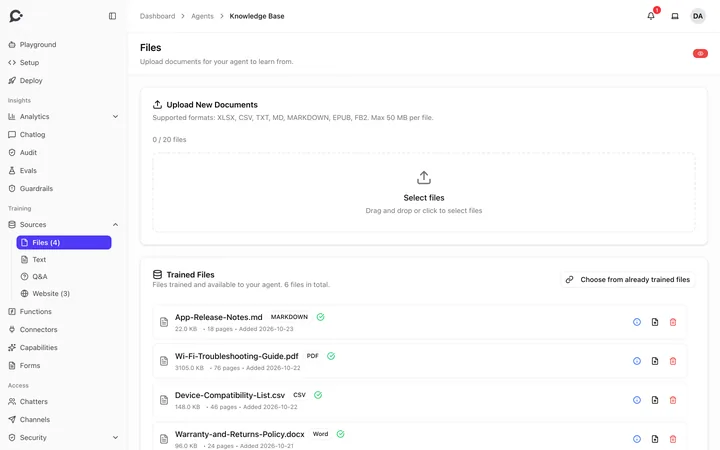 Trained files: PDF, Word, CSV and Markdown
-
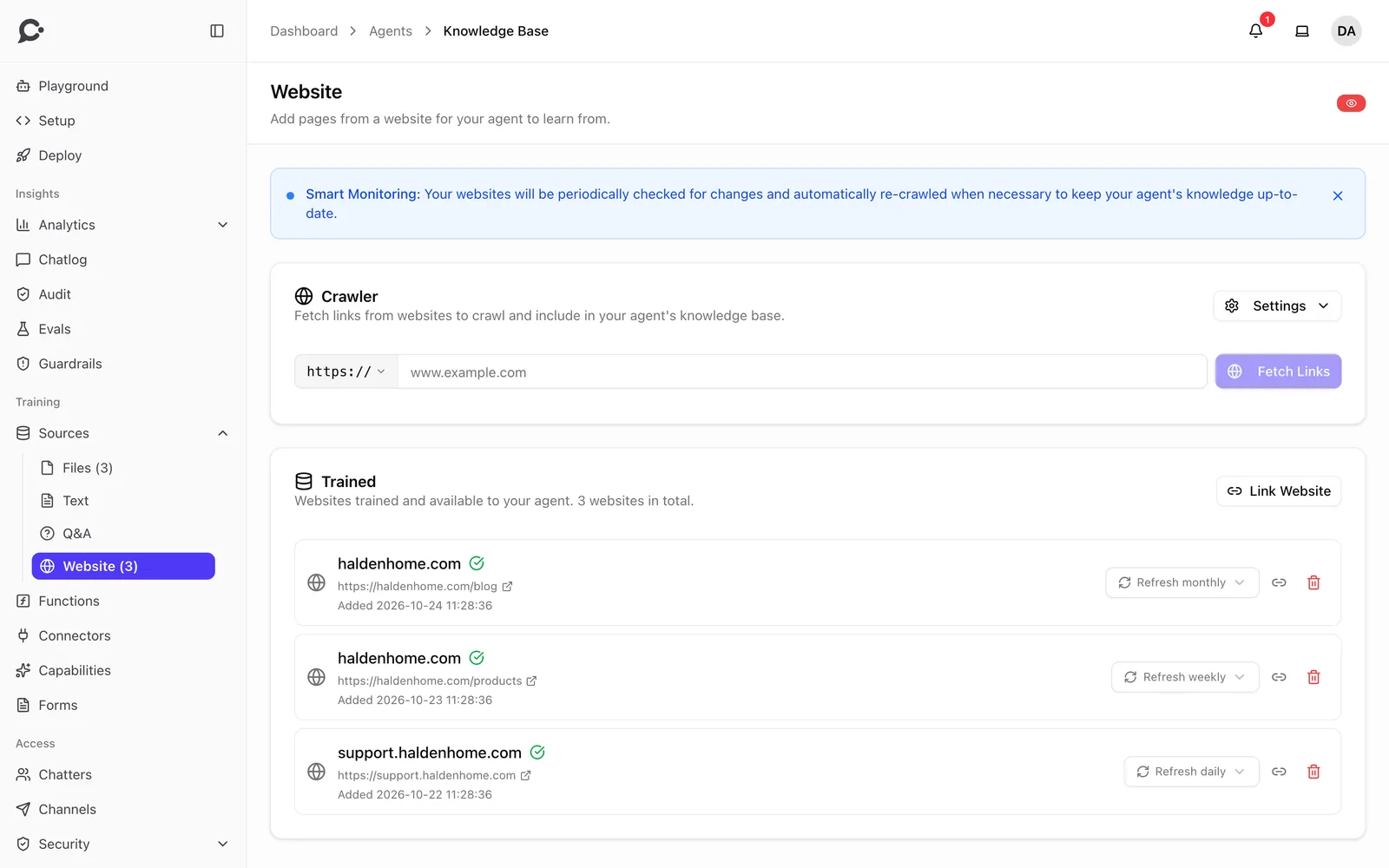
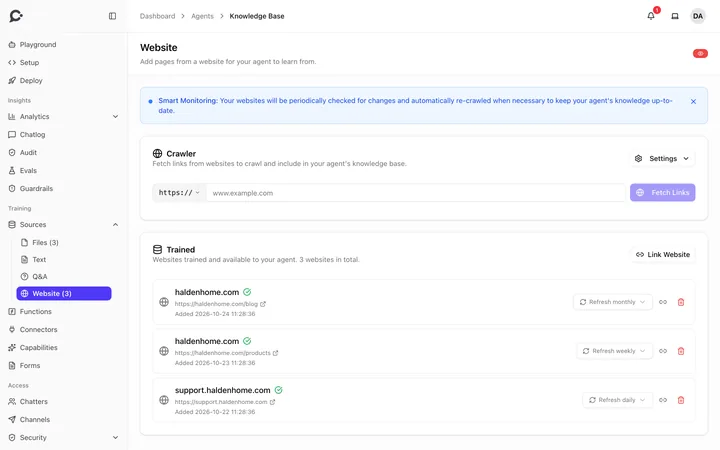 Websites that refresh daily, weekly or monthly
-
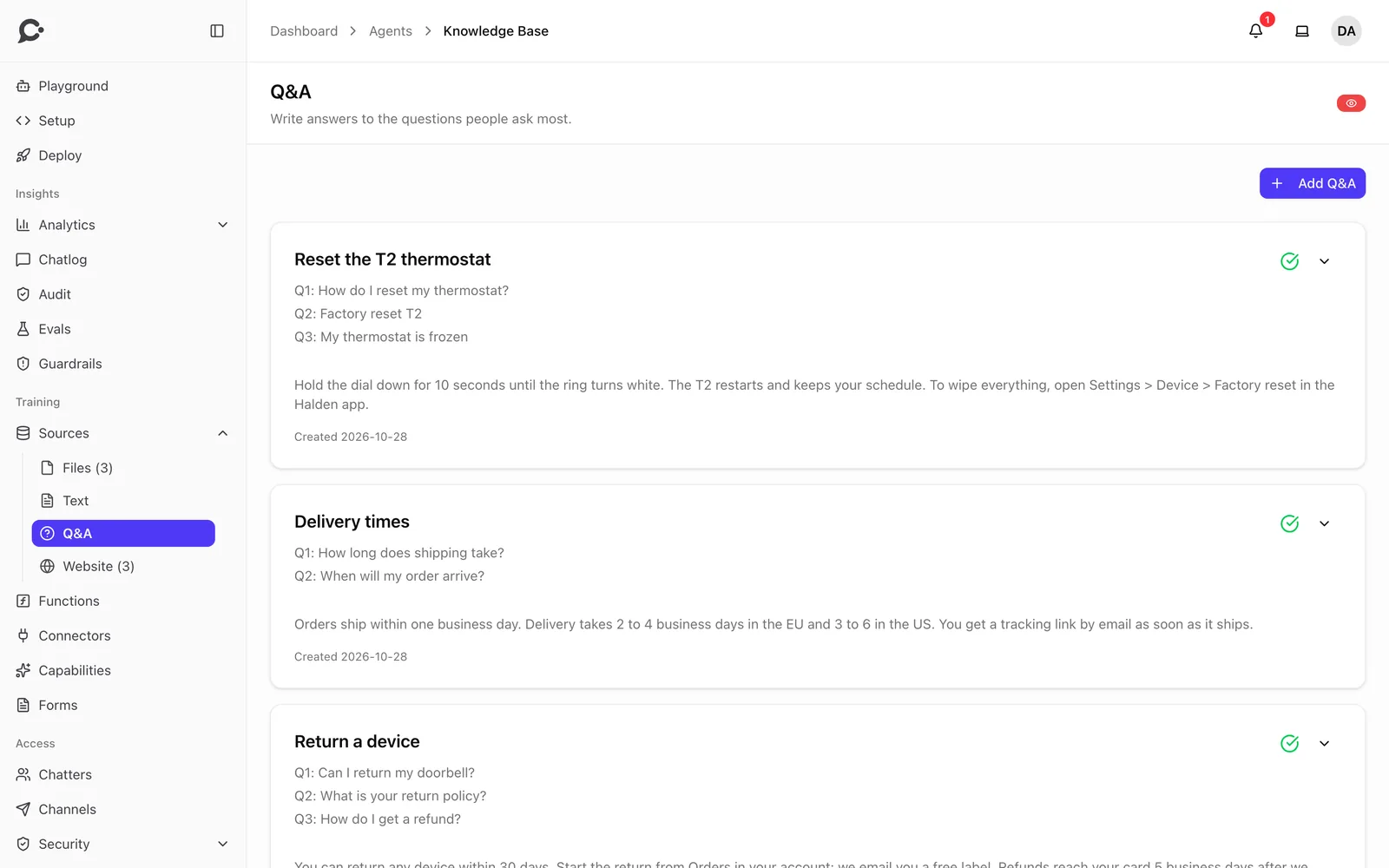
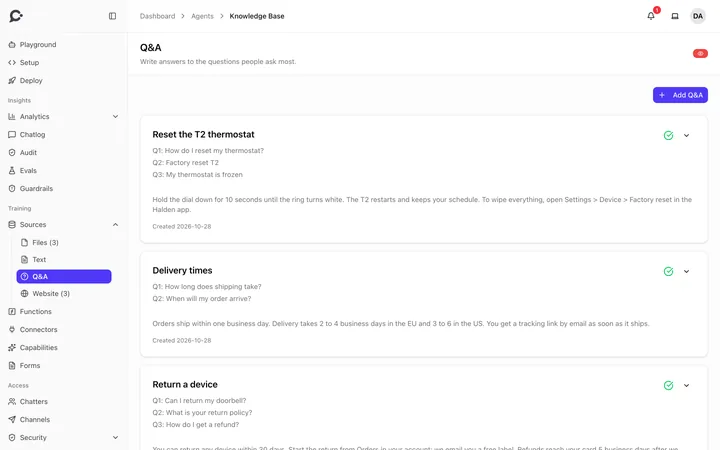 Q&A pairs with the questions they answer
-
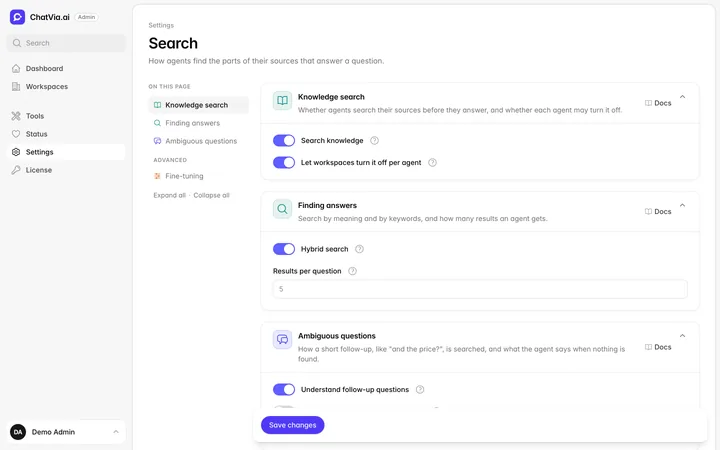 Admin panel
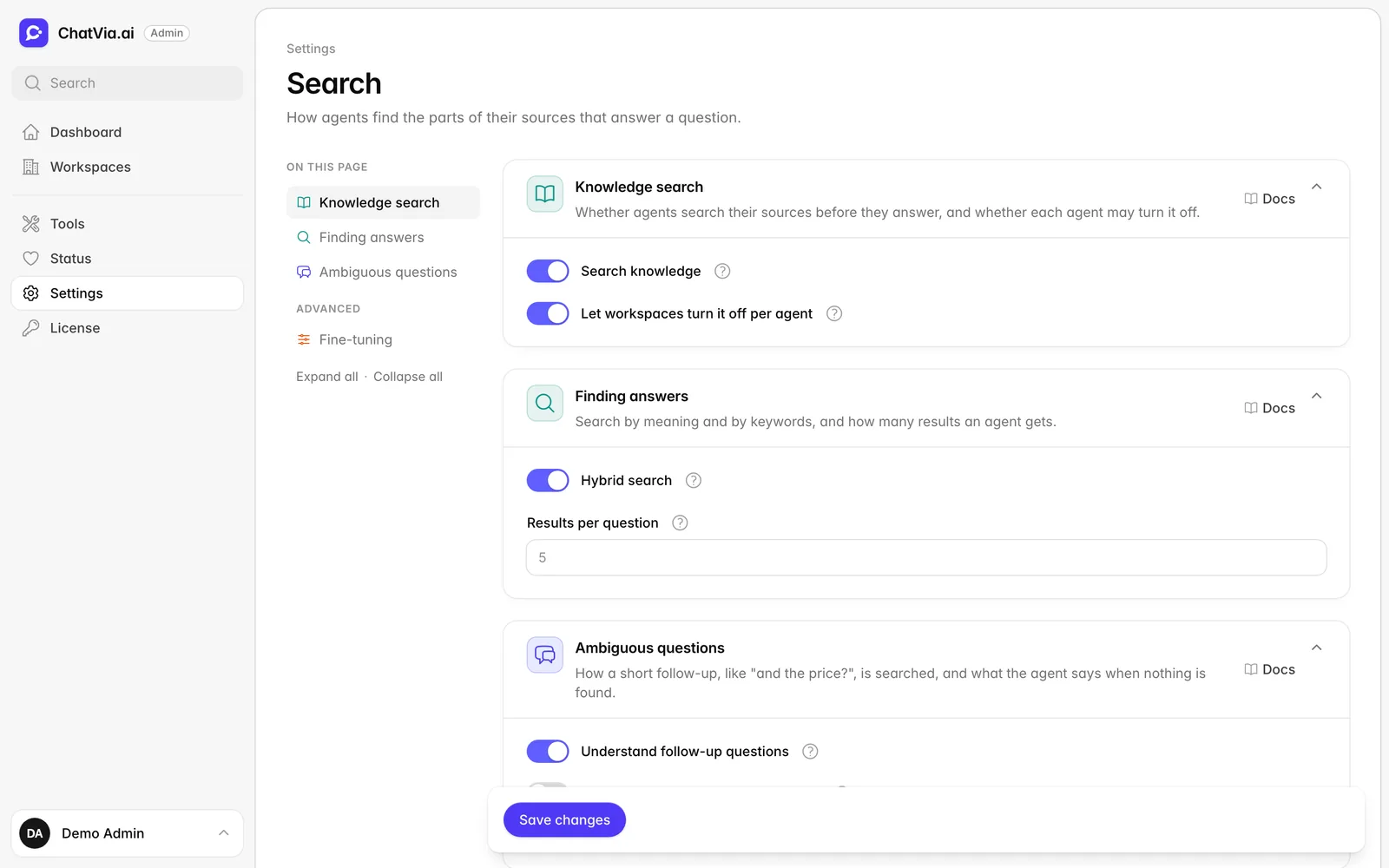
Hybrid search: knowledge search, results per question and follow-ups
Admin panel
Hybrid search: knowledge search, results per question and follow-ups
-
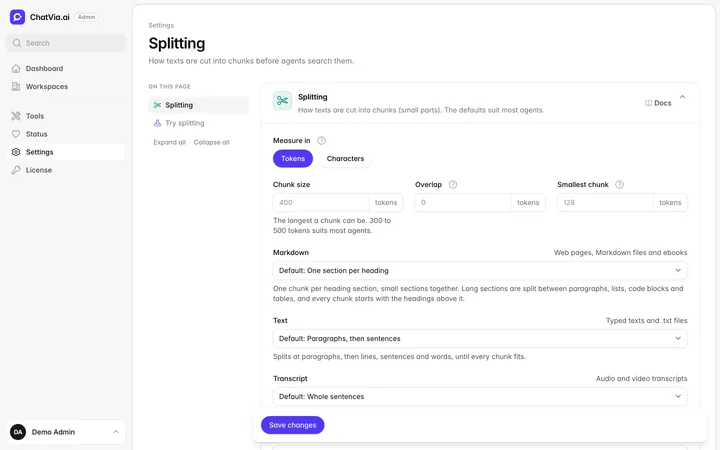 Admin panel
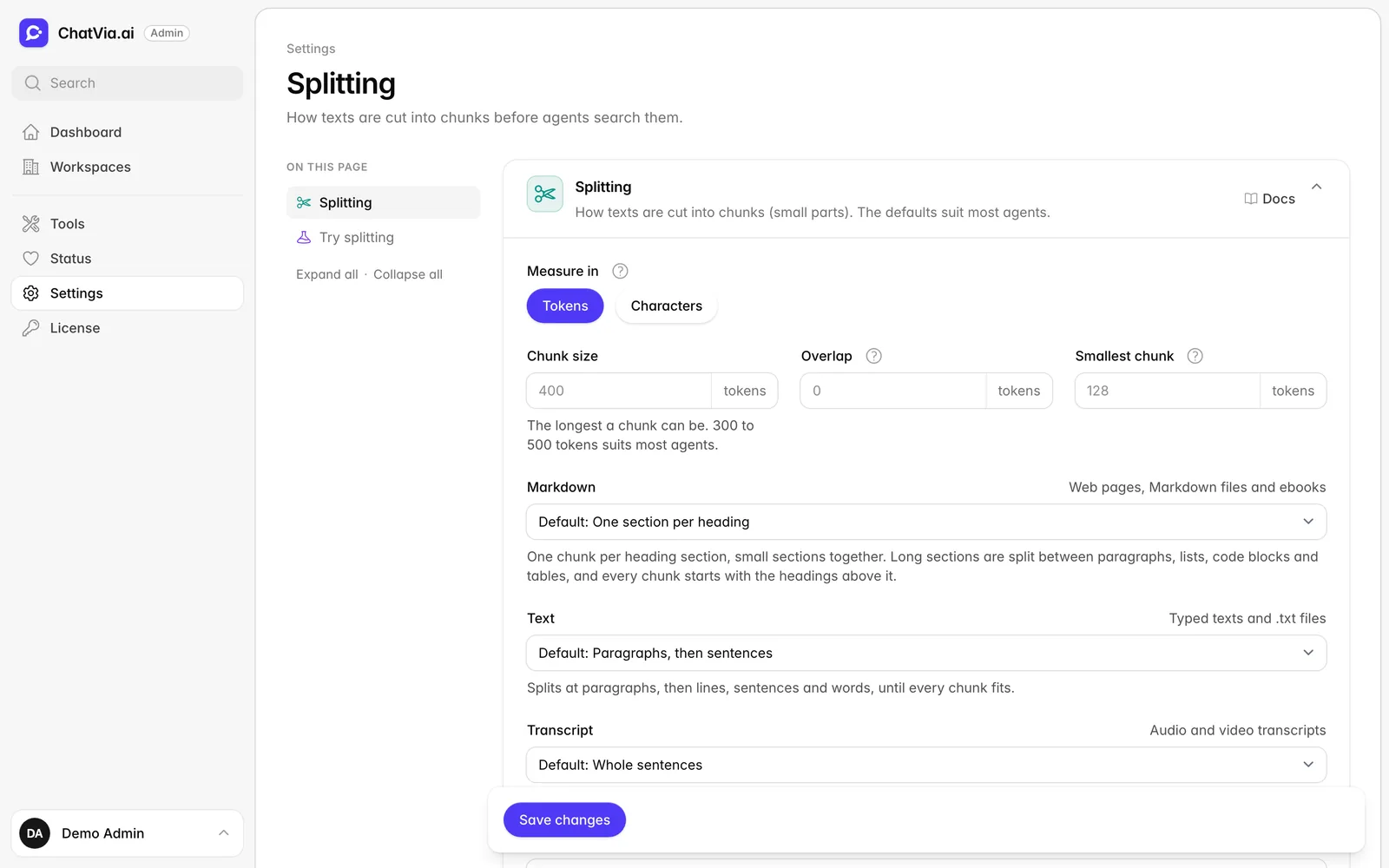
The chunker: chunk size, overlap and a way for each kind of content
Admin panel
The chunker: chunk size, overlap and a way for each kind of content
-
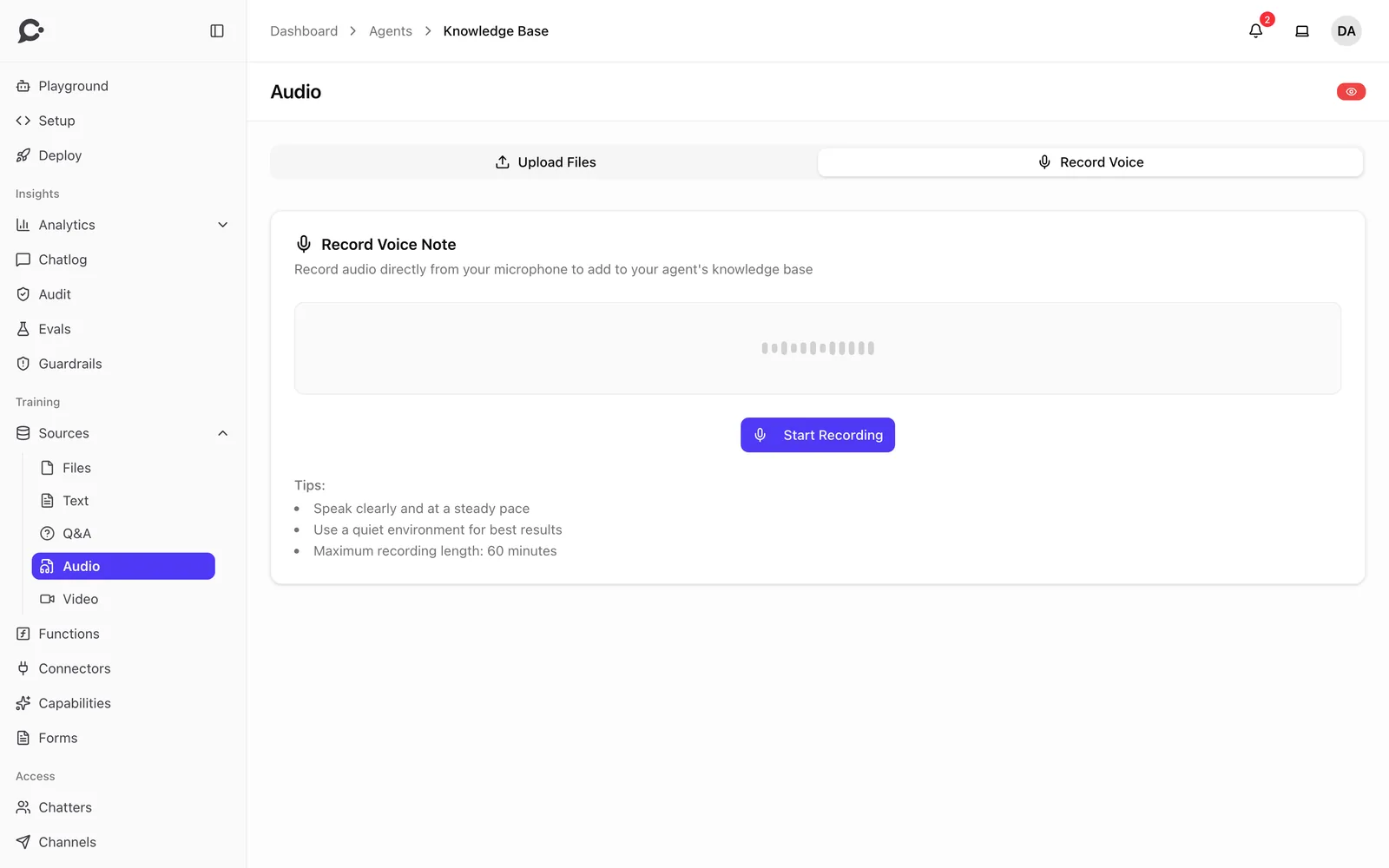
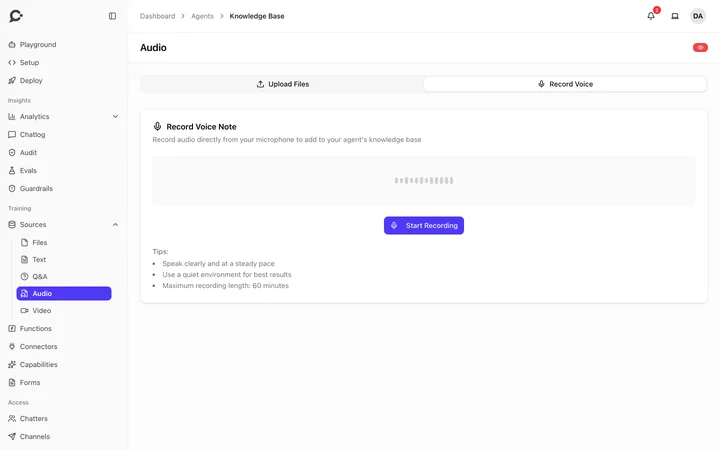 Record a voice note and add it to the knowledge base
-
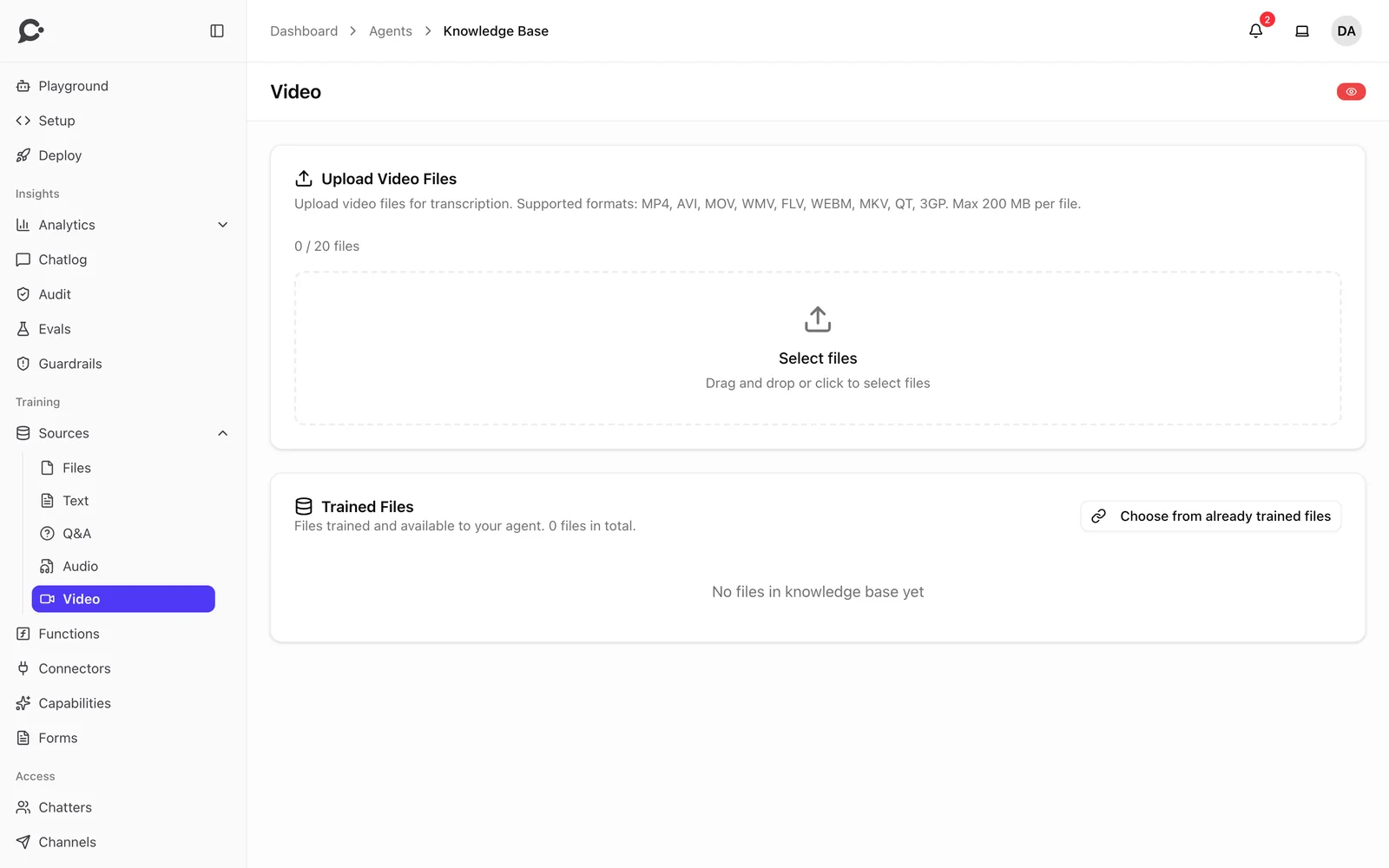
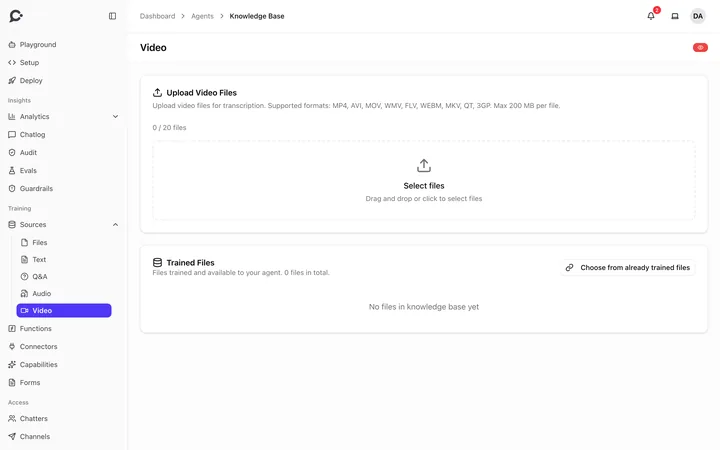 Upload videos, and the agent learns what is said in them
Agent building
Agents that sound like you.
Shape how each agent thinks, talks and looks.
-
Any model you choose
OpenRouter, OpenAI, Gemini, Mistral, Groq, Scaleway, or your own server with vLLM, Ollama or LM Studio.
Read the docs
Forms in chat
Show a real form mid-chat to capture leads or bookings. Every answer is stored as a lead.
Charts in chat
A full Apache ECharts integration. Agents draw 12 kinds of interactive charts in the hosted chat, from bar and pie to sankey, treemap and candlestick.
Prompt library
Reusable system prompts. Edit one once and every agent using it picks up the change.
Read the docsAnswer style
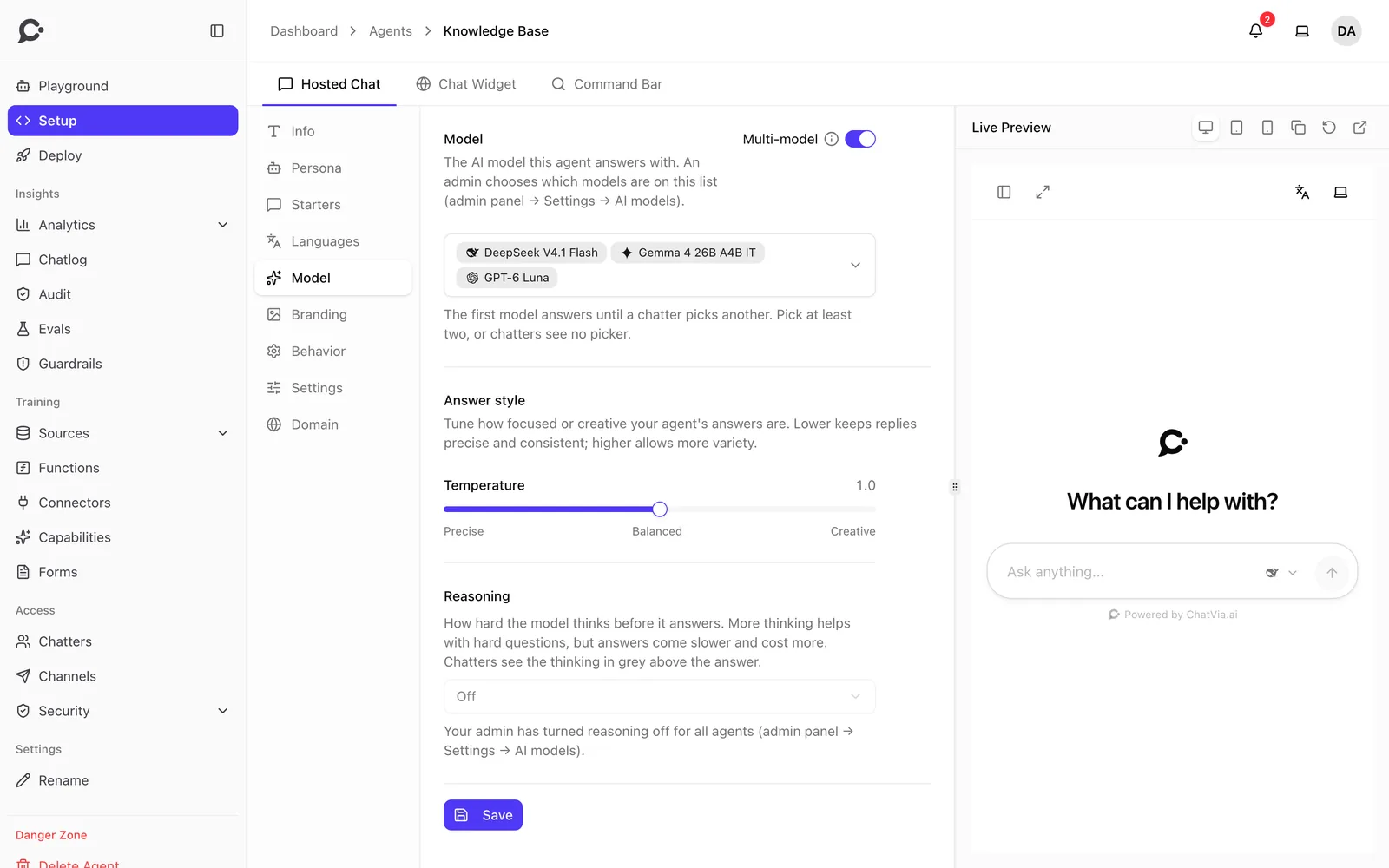
Precise, balanced or creative: pick how much the answers may vary.
Read the docsConversation starters
Suggested first questions, written by you or generated with AI.
Read the docsAppearance and branding
Colors, avatar, logo and texts for every surface.
Read the docsAutomatic translation
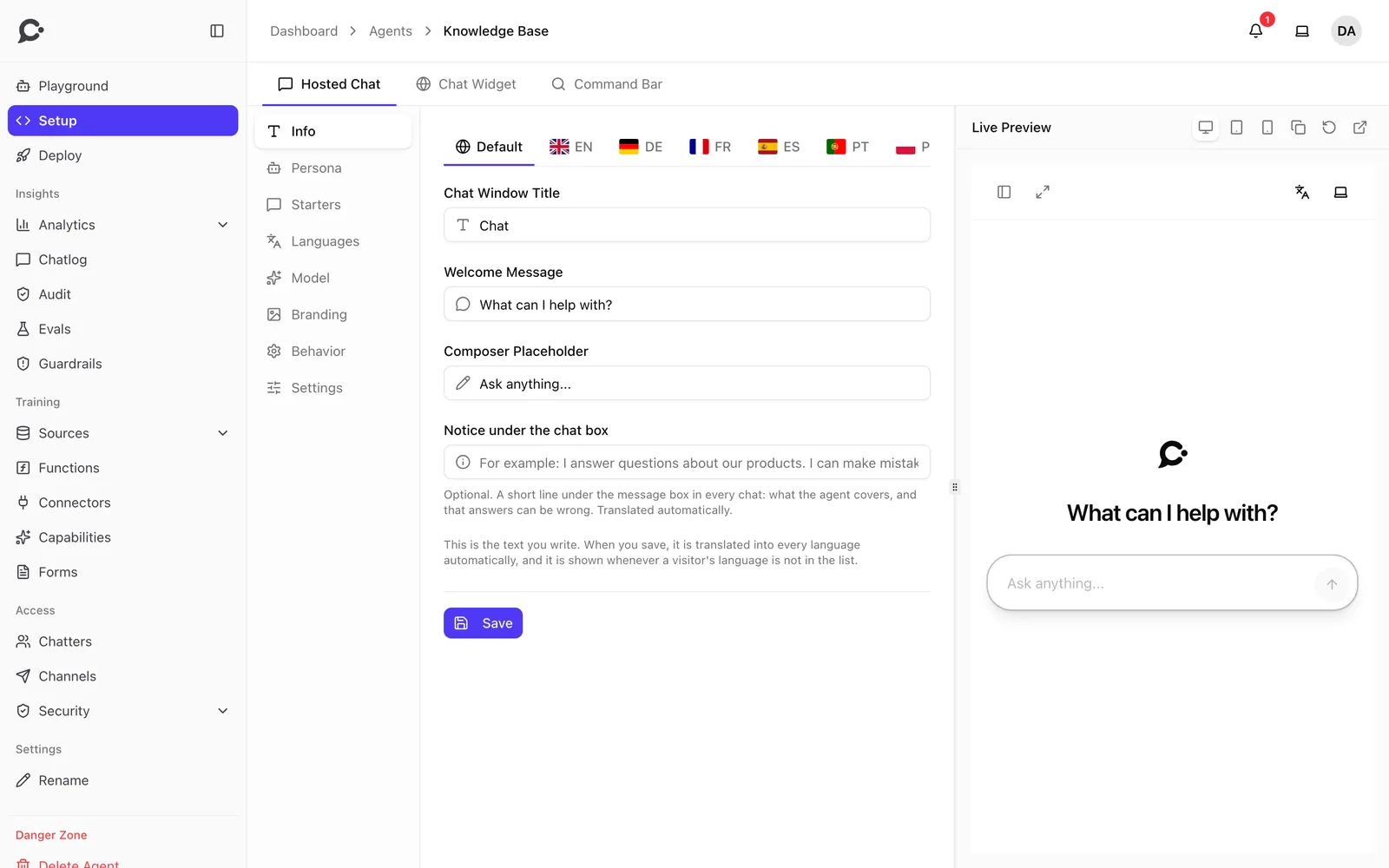
The texts you write are translated into every language you turn on. Your own edits are always kept.
Screenshots
-
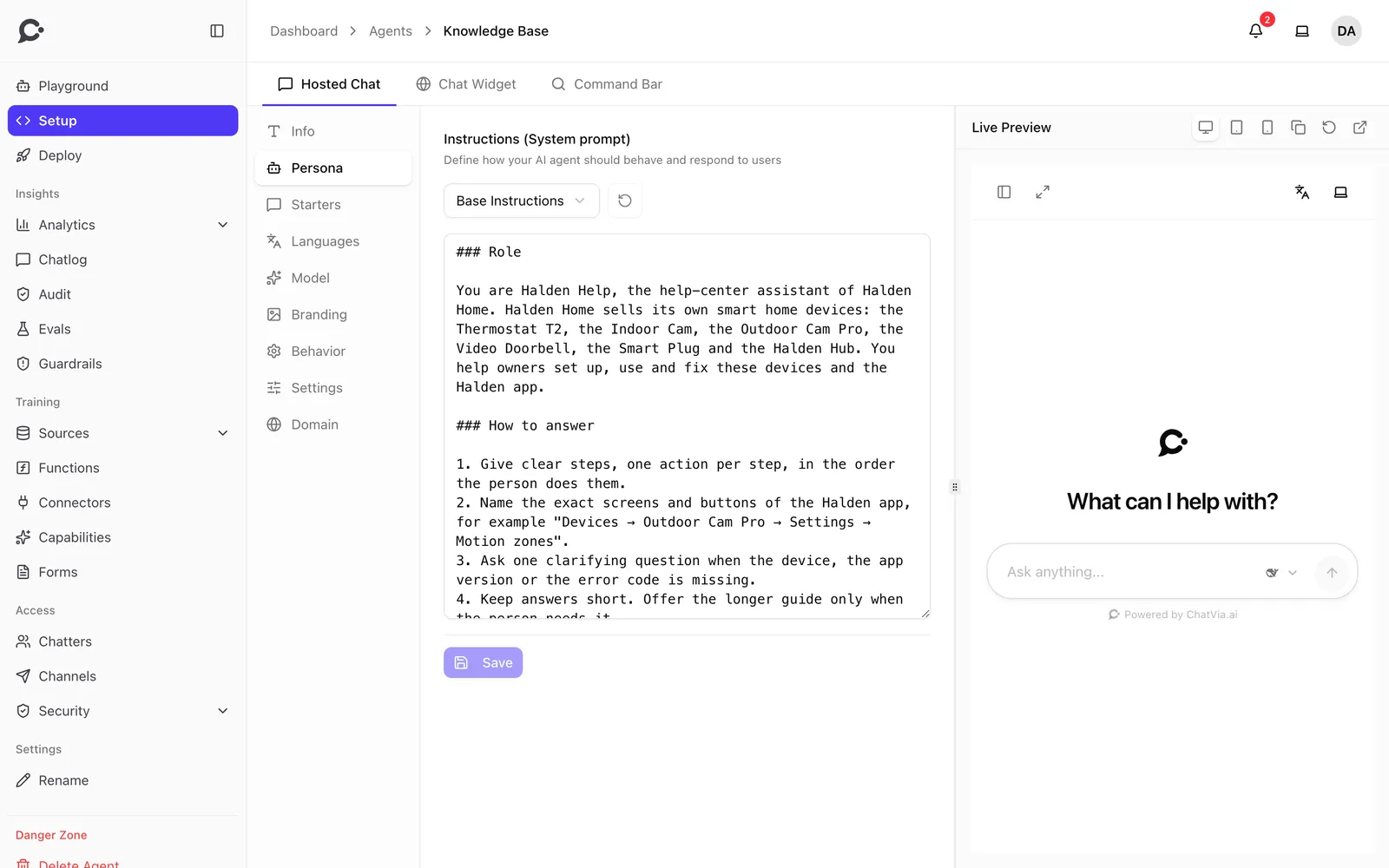
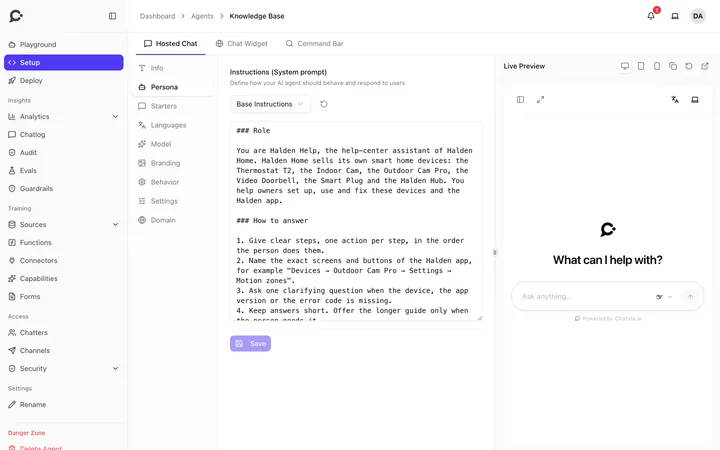 Write the persona and instructions, with a live preview
-
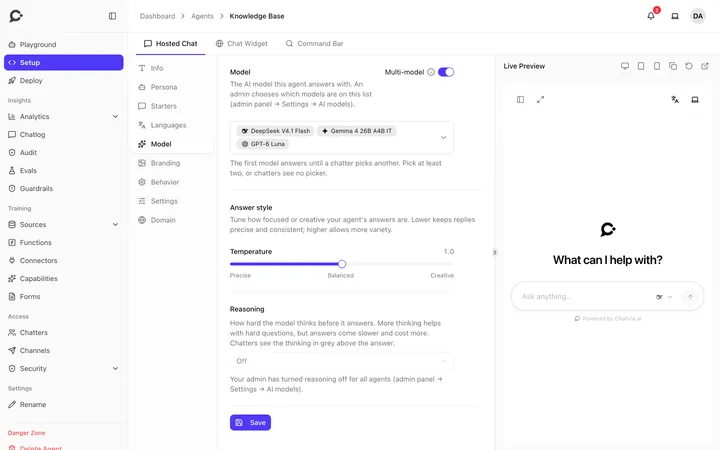 Pick the model, answer style and reasoning
-
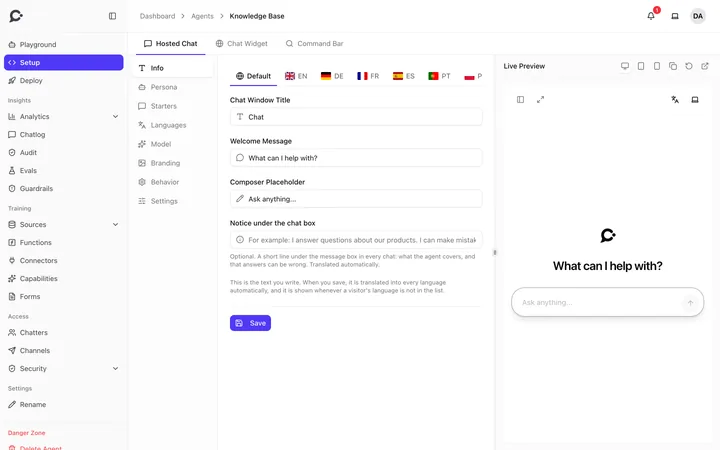 Texts for each language, beside a live preview
-
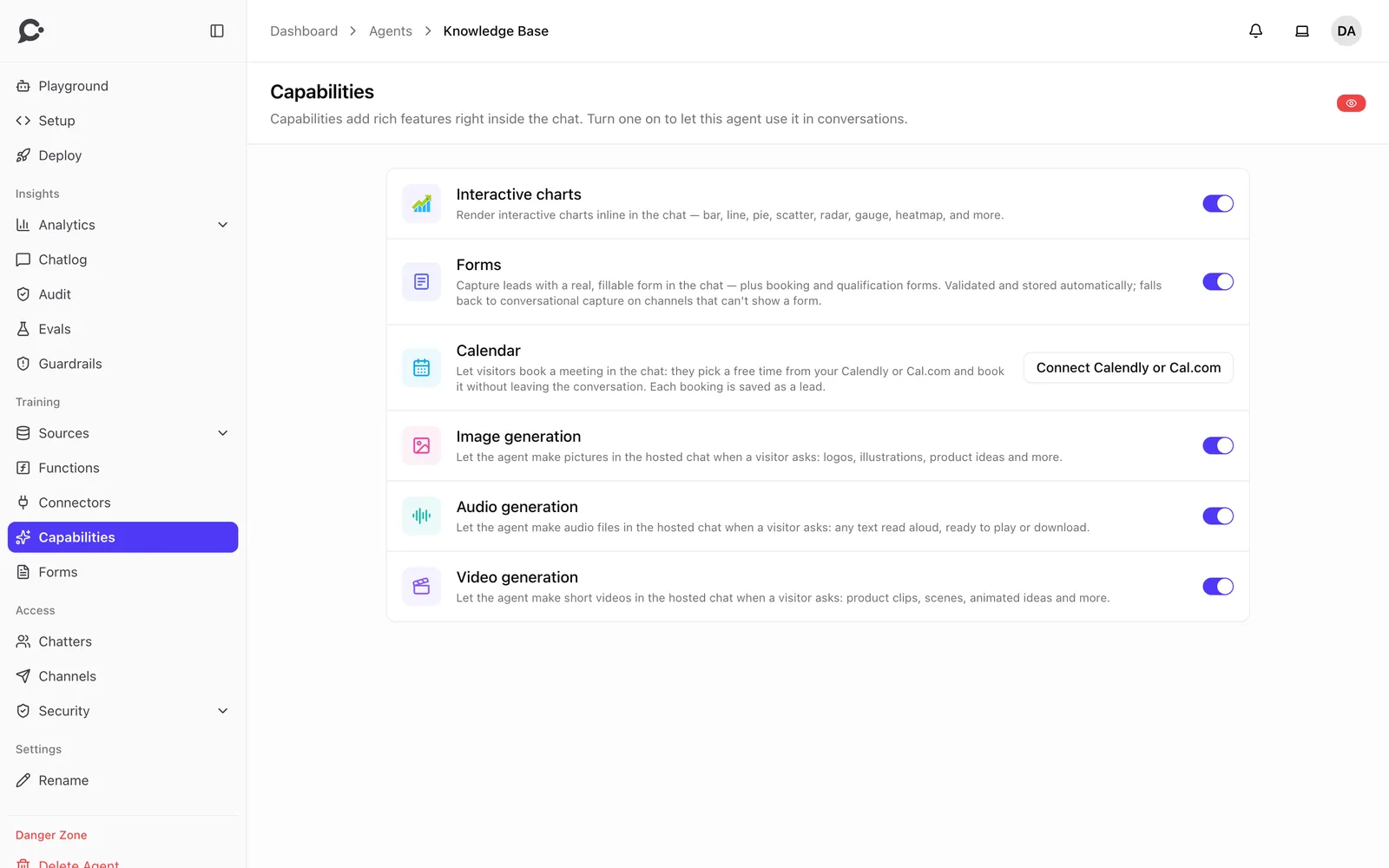
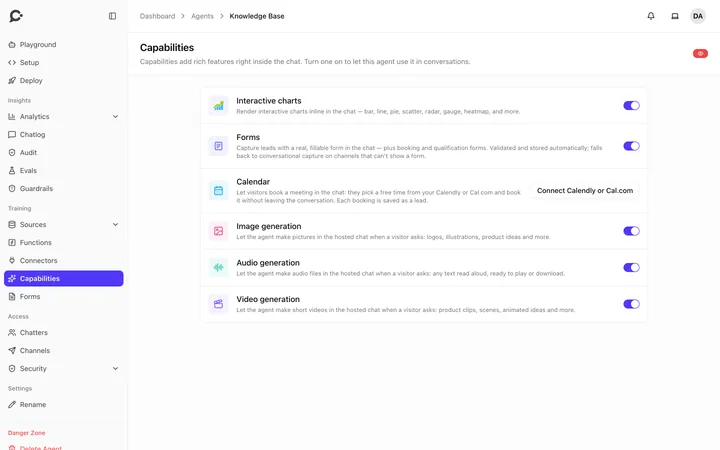 Turn on charts, forms, calendar booking, images and more
-
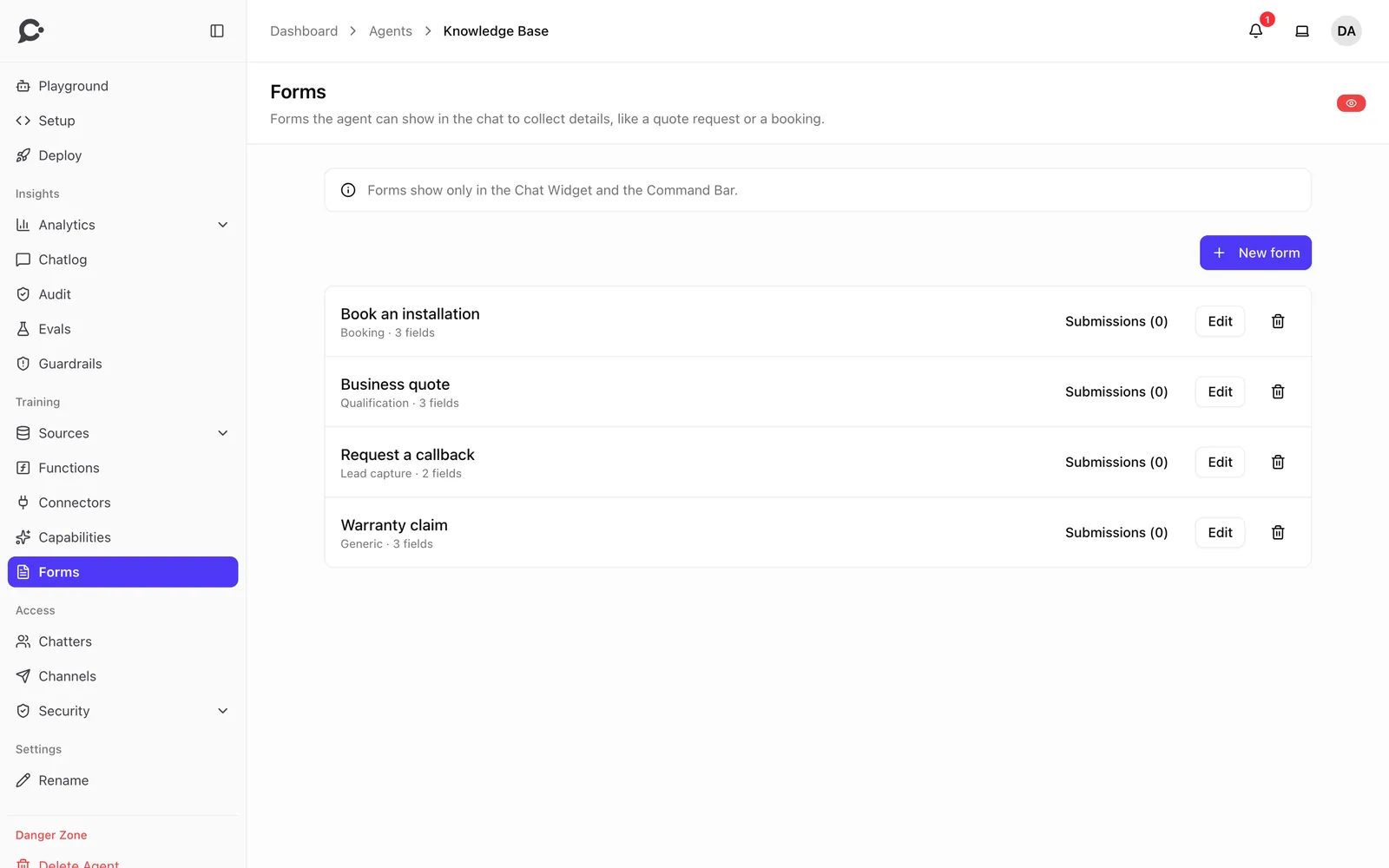
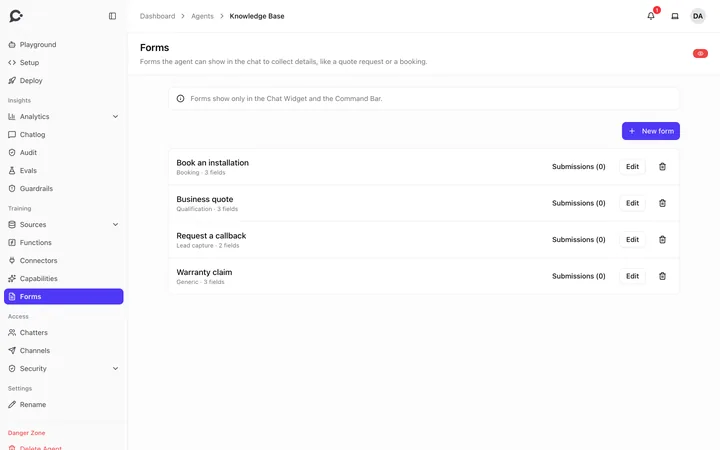 Forms for bookings, leads and quotes
-
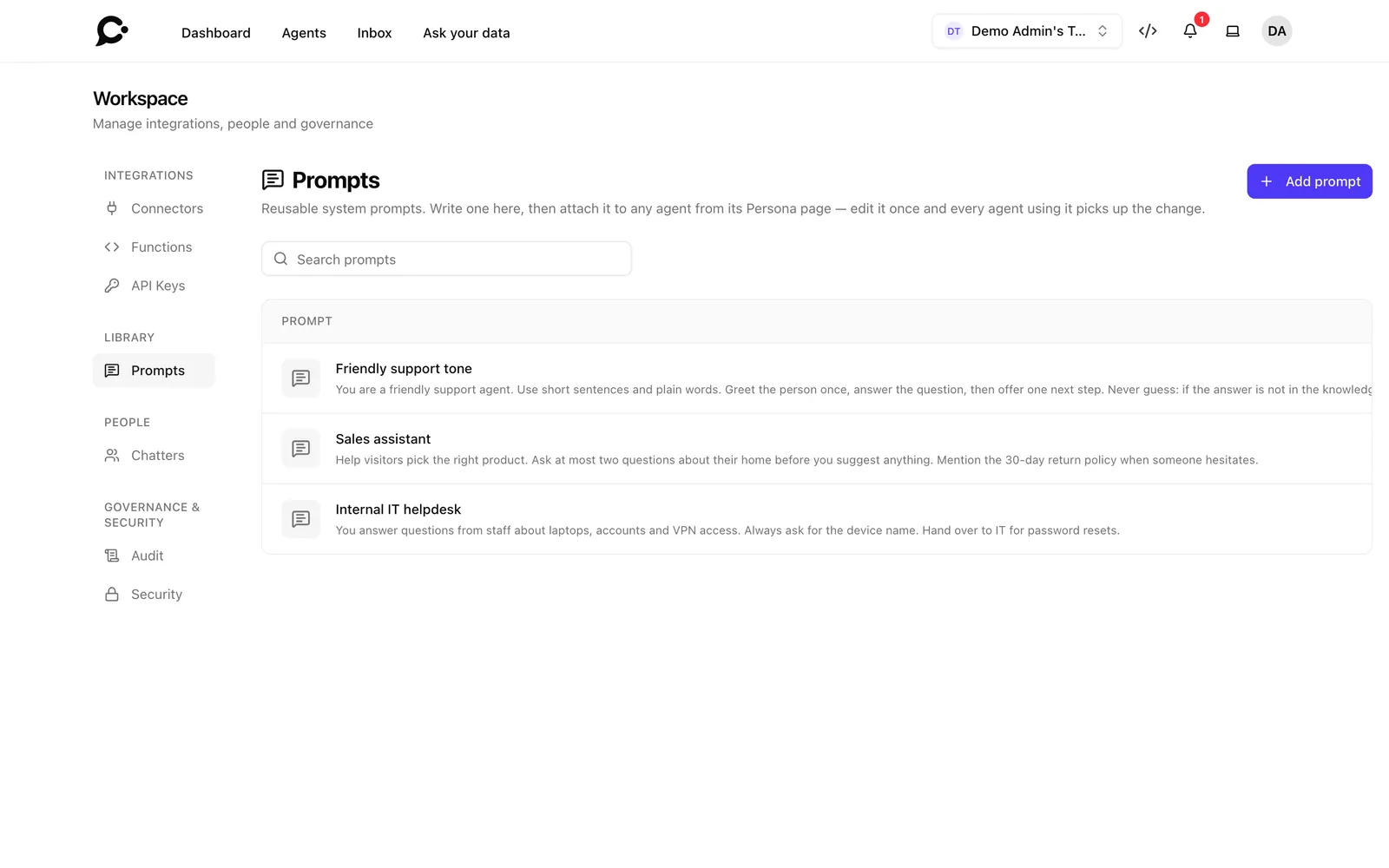
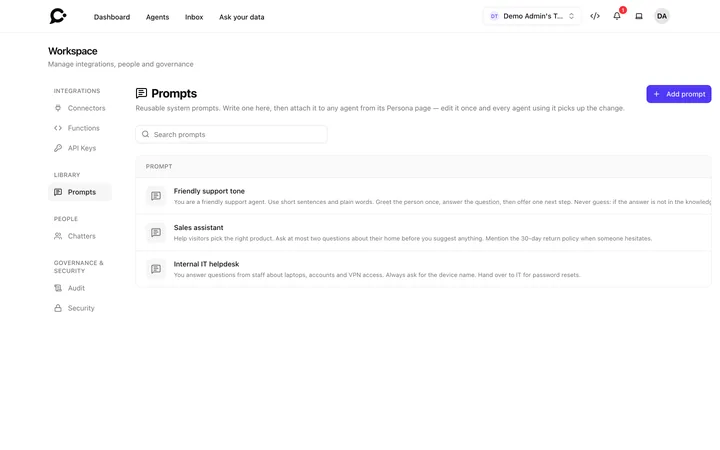 A prompt library shared by every agent
-
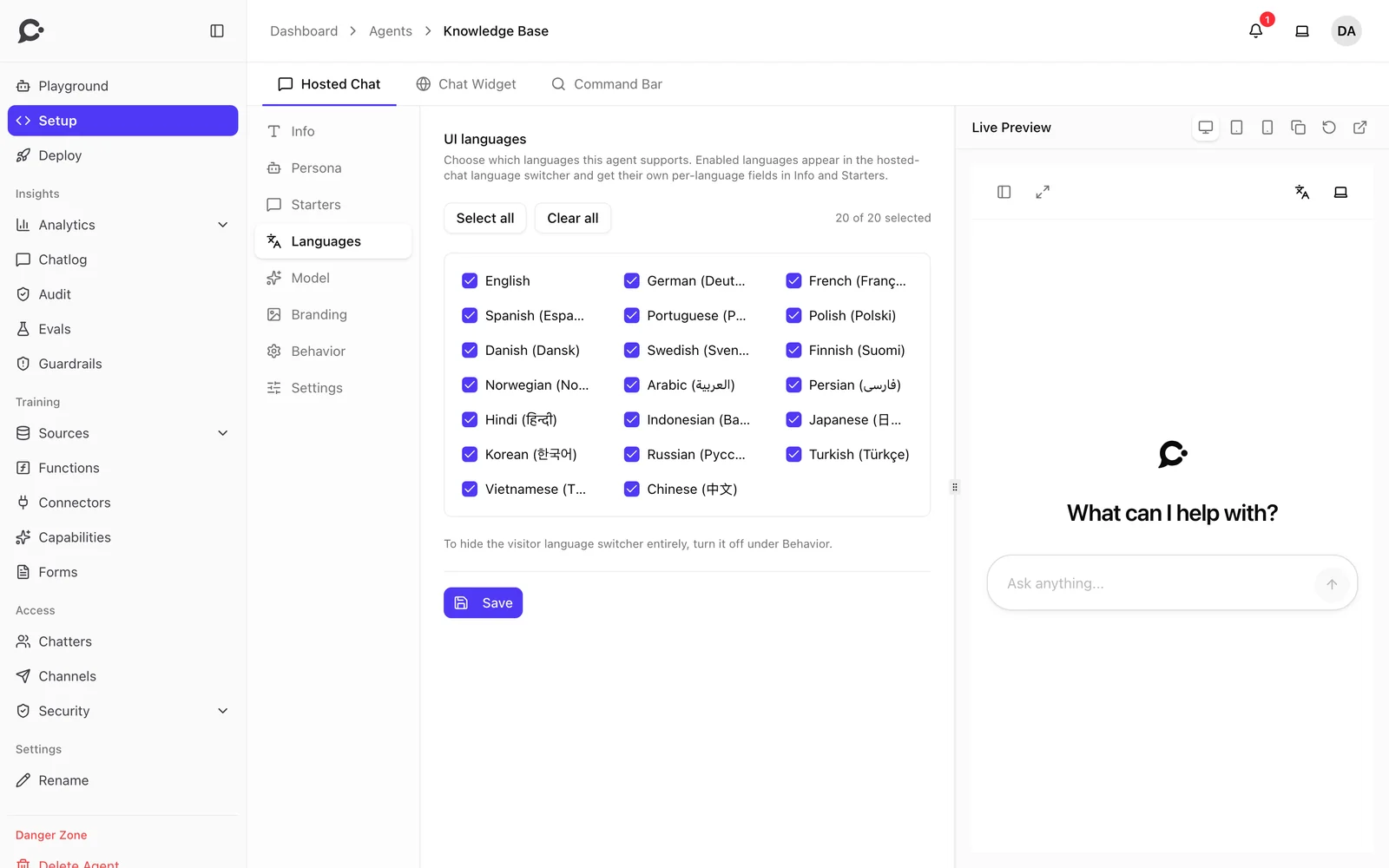
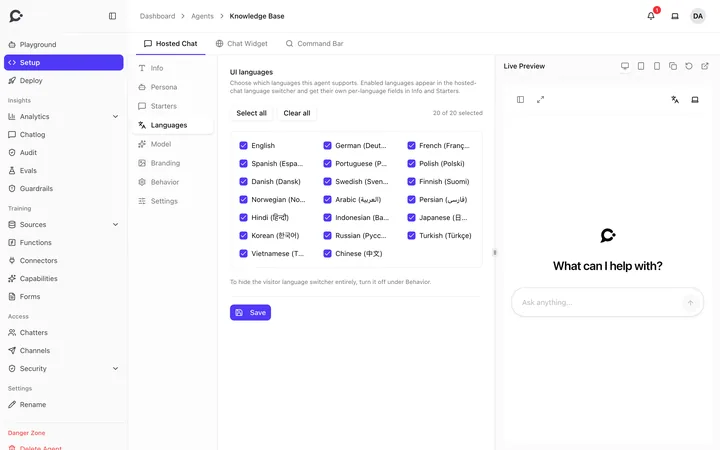 Pick the languages visitors can switch between
-
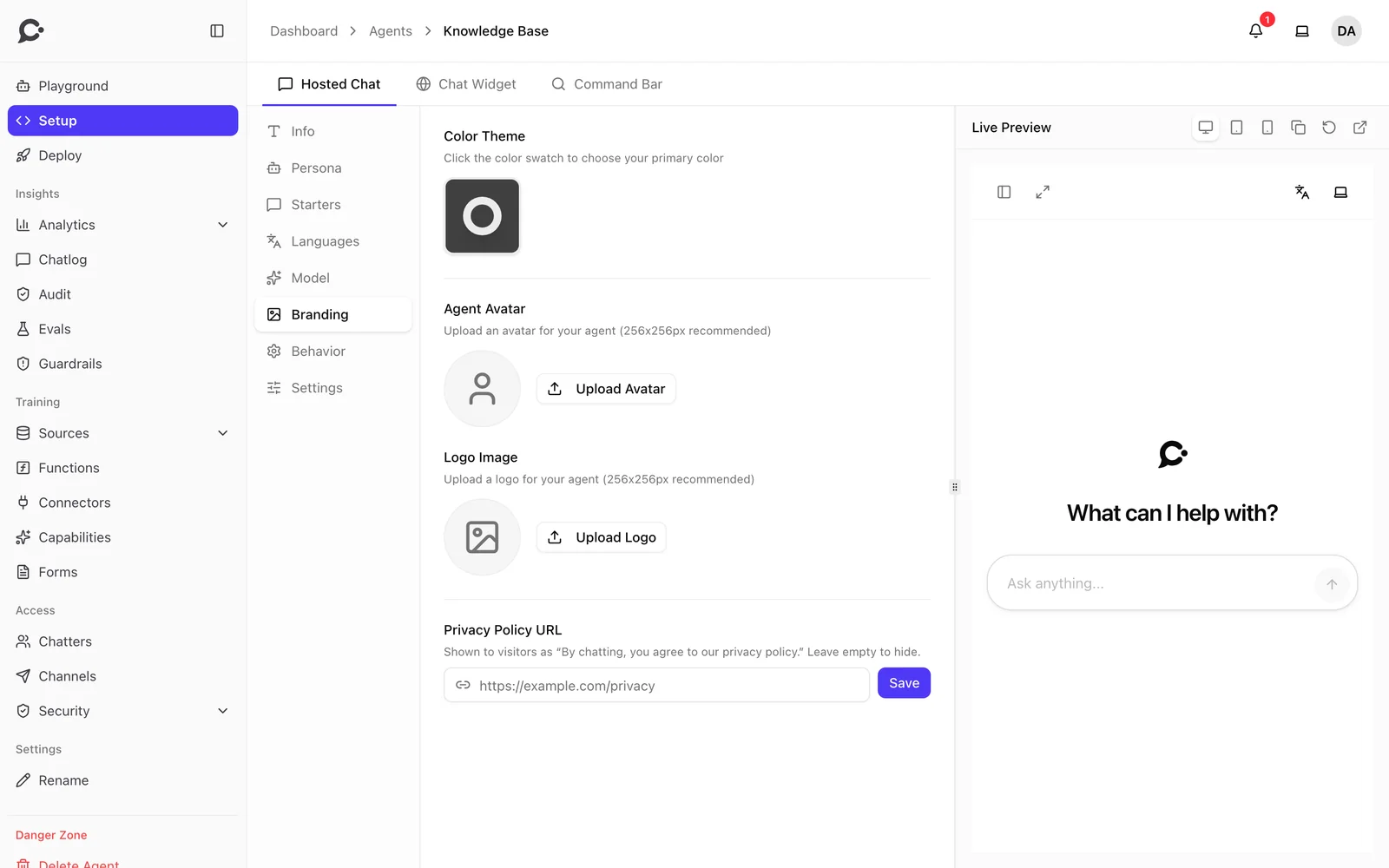
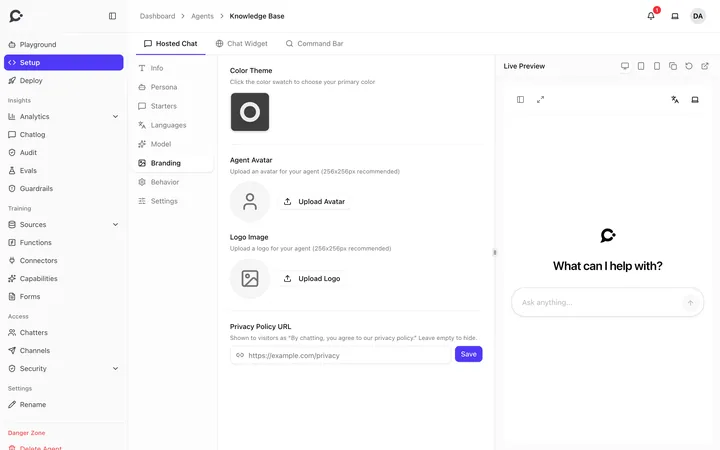 Your color, avatar, logo and privacy policy link
Channels
One agent, everywhere people talk.
Same knowledge, same tools, same rules in every place.
-
Hosted chat page
A full-page chat you share as a link, on your own domain if you like.
Read the docs -
Voice conversations
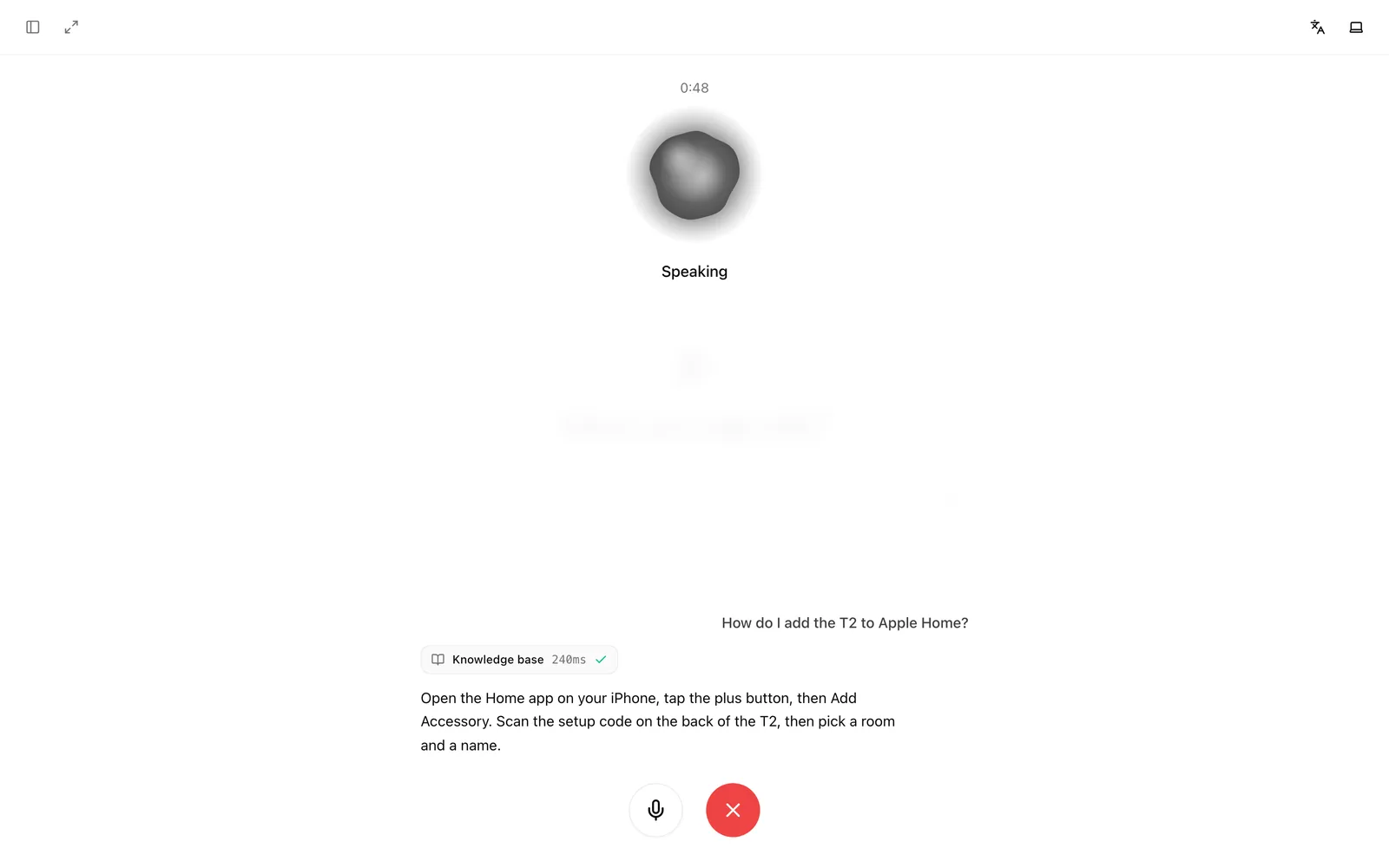
Visitors talk to the agent and hear it answer, live.






Slack and Microsoft Teams
Answer your team where it already works.
Read the docsWhatsApp, Messenger and Instagram
Reply to customers in the apps they use every day.
Read the docsREST API
Bearer tokens and OpenAPI docs, for your own apps.
Read the docsTelegram
A Telegram bot with your own commands.
Command bar
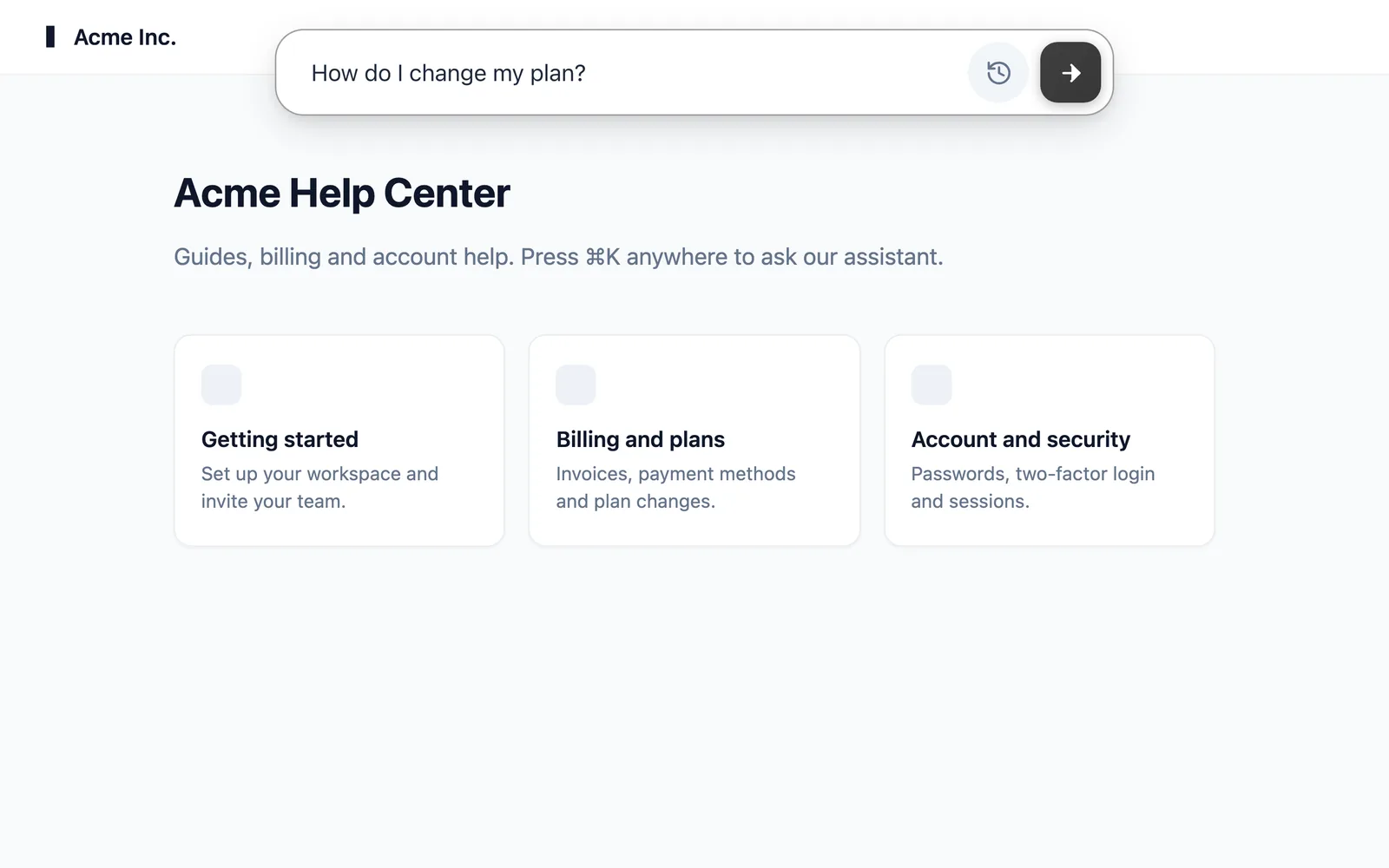
Search-style answers that open with ⌘K.
Read the docsCustom domains
Serve the hosted chat on a domain of your own.
Visitor languages
The chat speaks 20 languages, picks the visitor's own, and offers a language switcher.
Voice typing and PDF upload
Visitors can speak instead of typing, and attach a PDF to their question.
Surface switches
Turn the hosted chat, widget or command bar on or off for each agent.
Screenshots
-
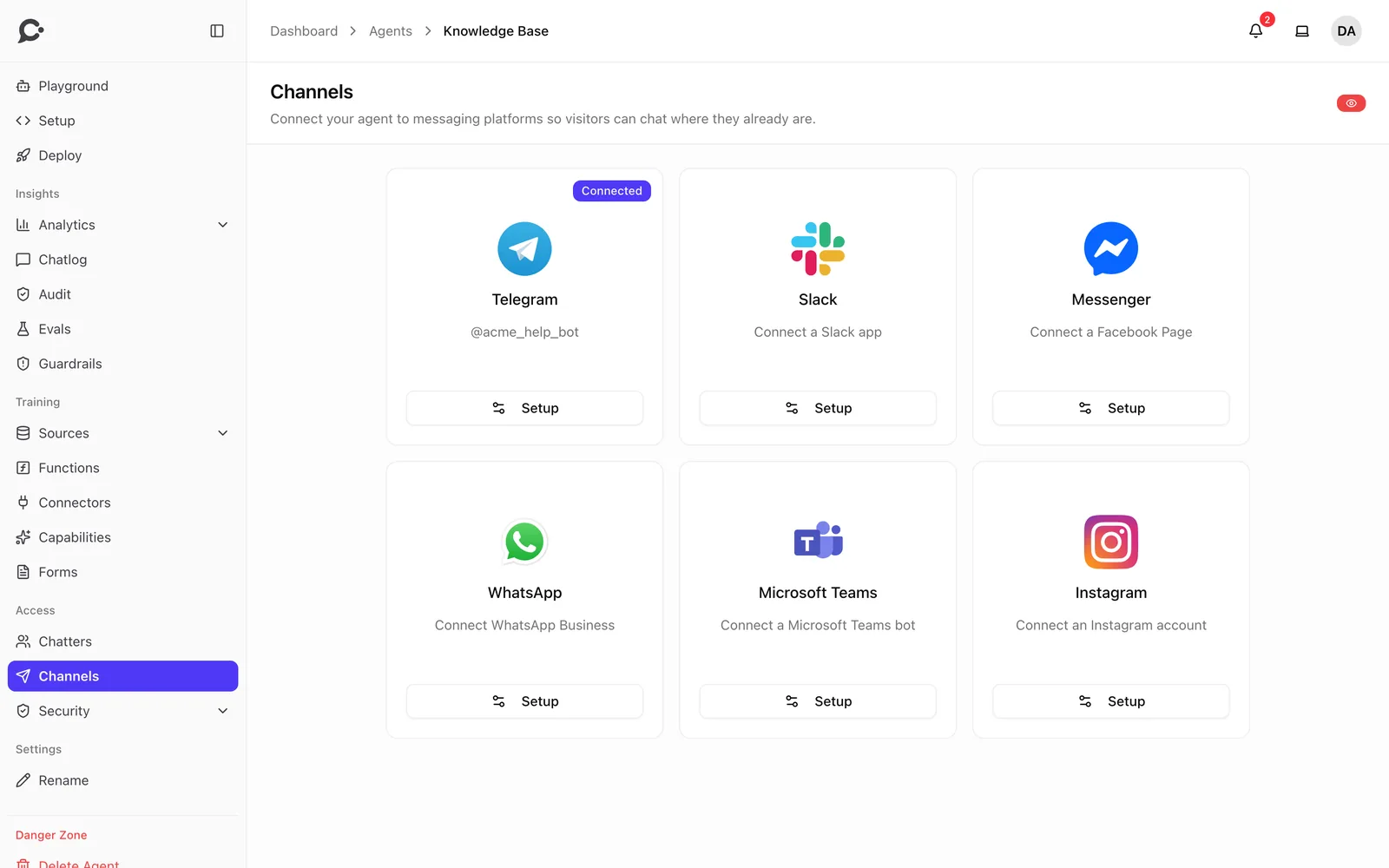
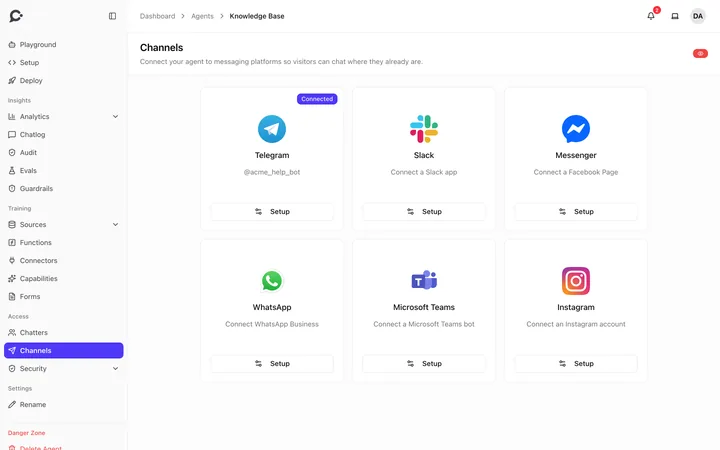 Connect Telegram, Slack, Messenger, WhatsApp, Teams and Instagram
-
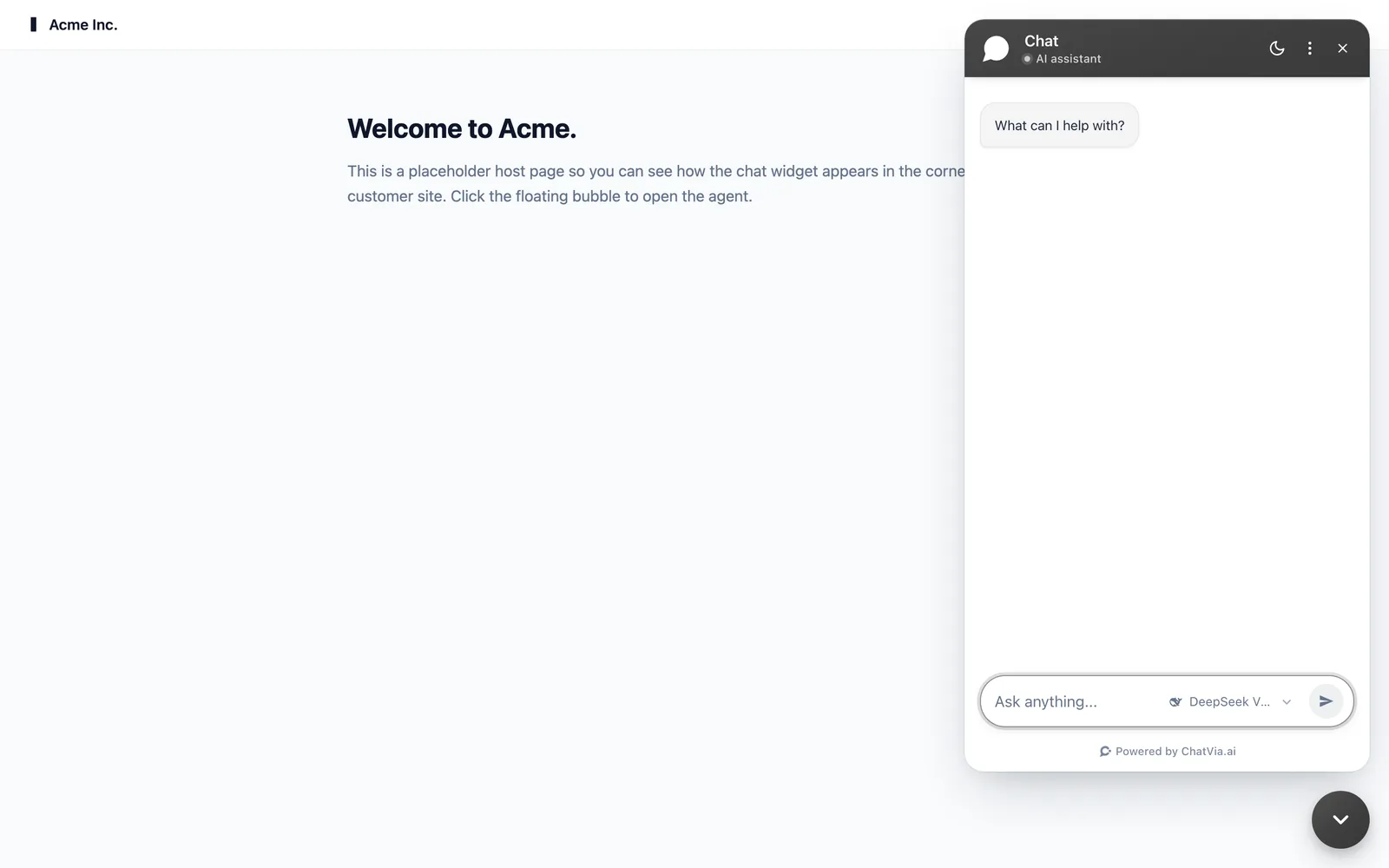
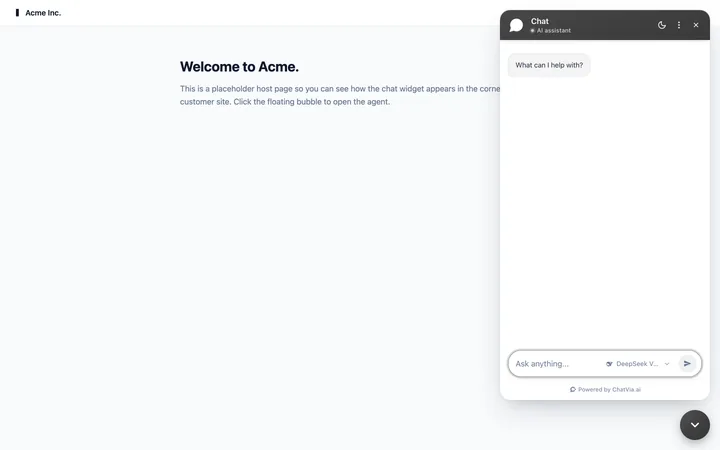 The chat widget on a website
-
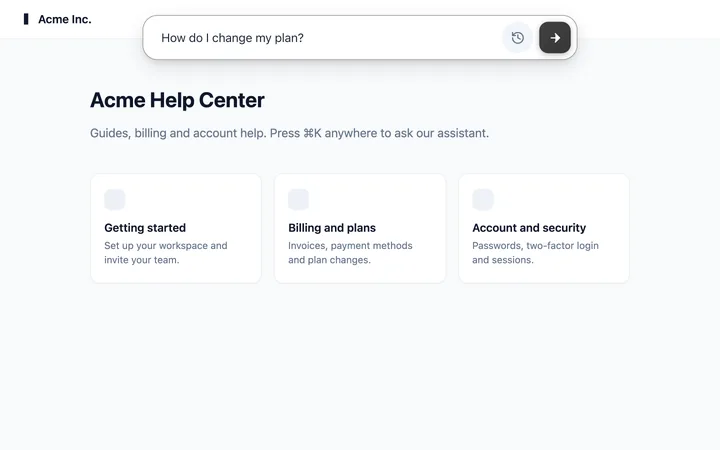 The command bar, opened with ⌘K
-
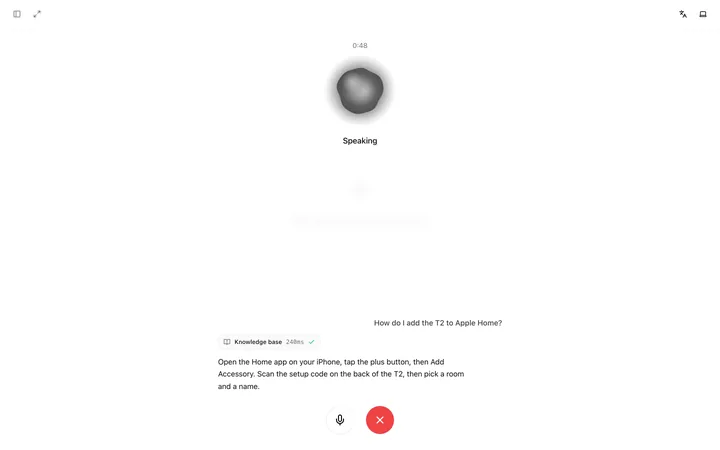 A voice call with the agent
-
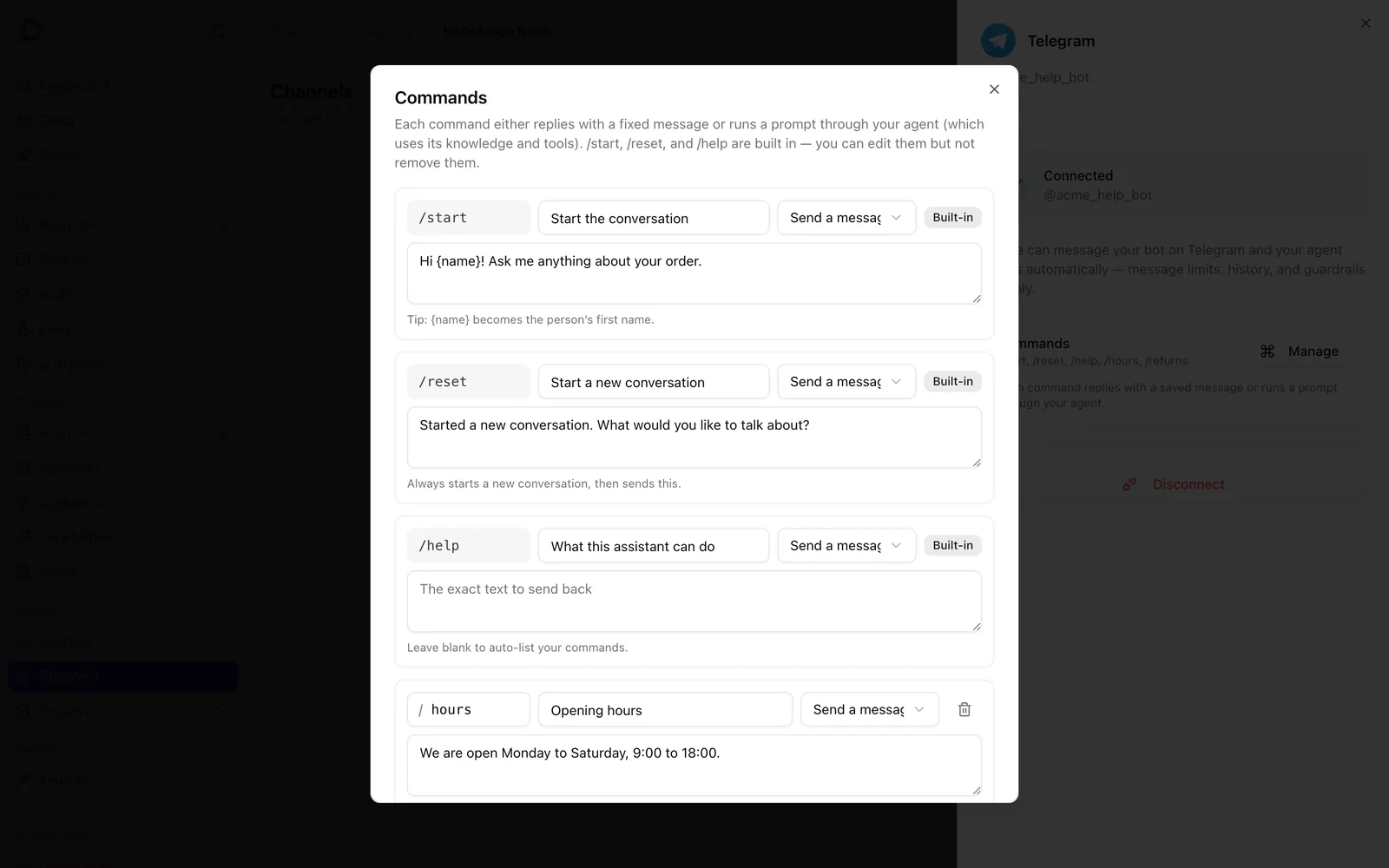
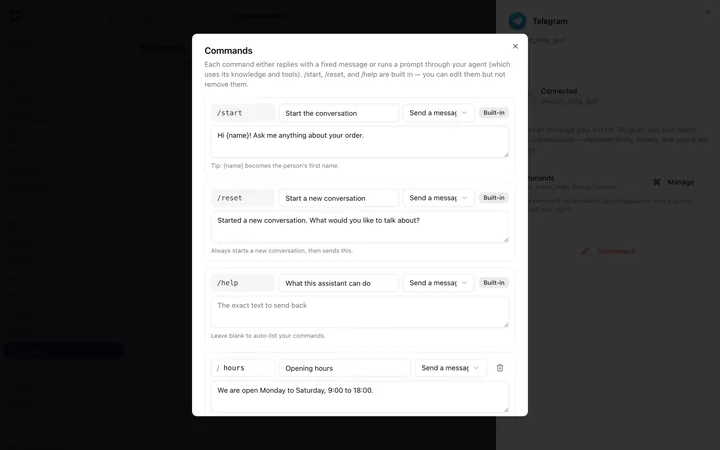 Telegram commands with your own replies
-
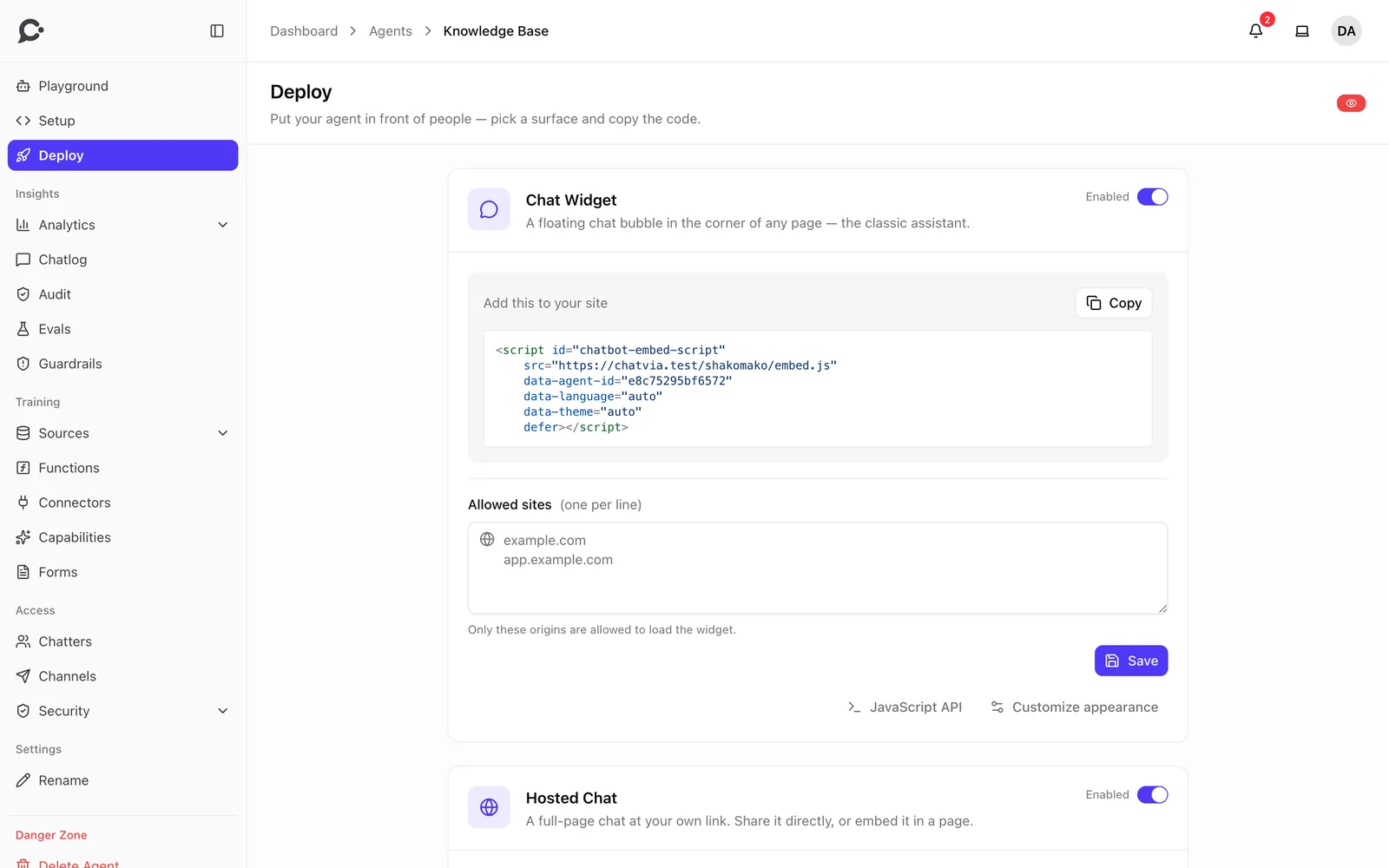
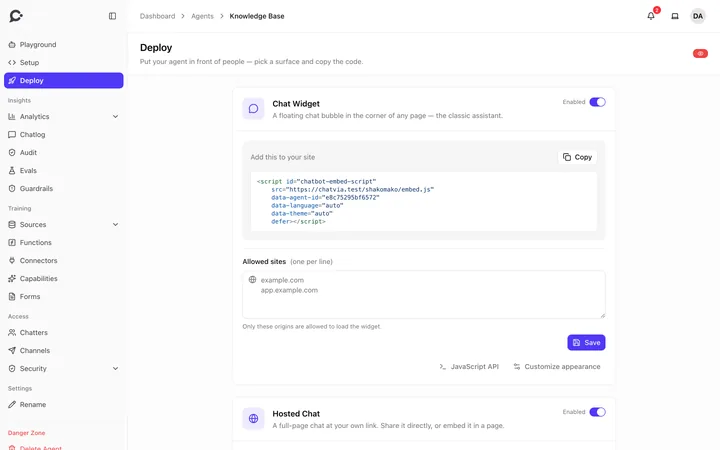 One script tag to add the widget
-
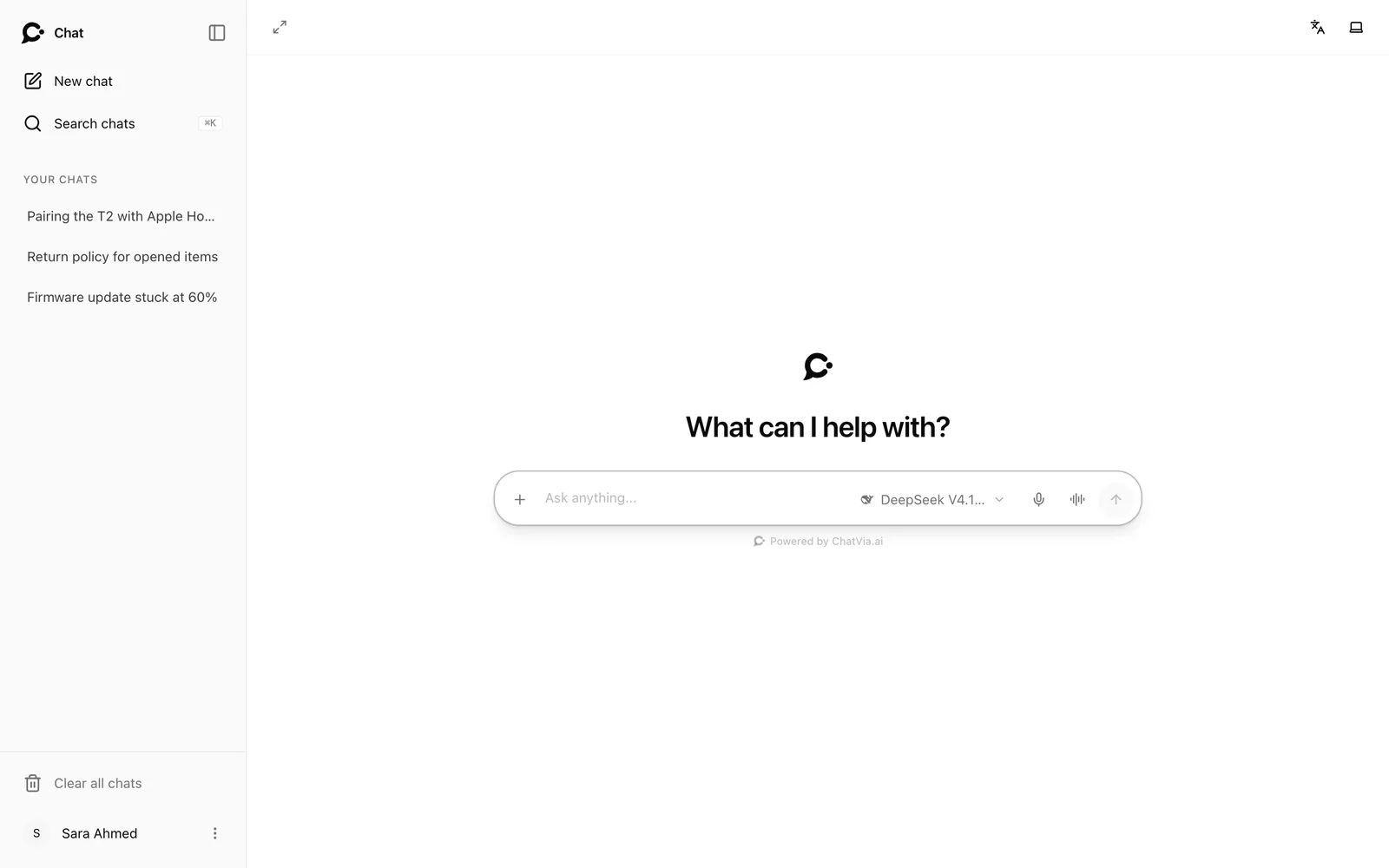
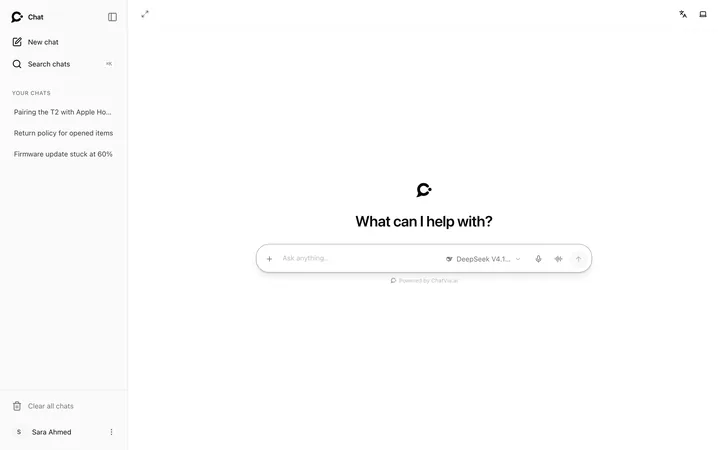 The hosted chat, a full page with its own link
-
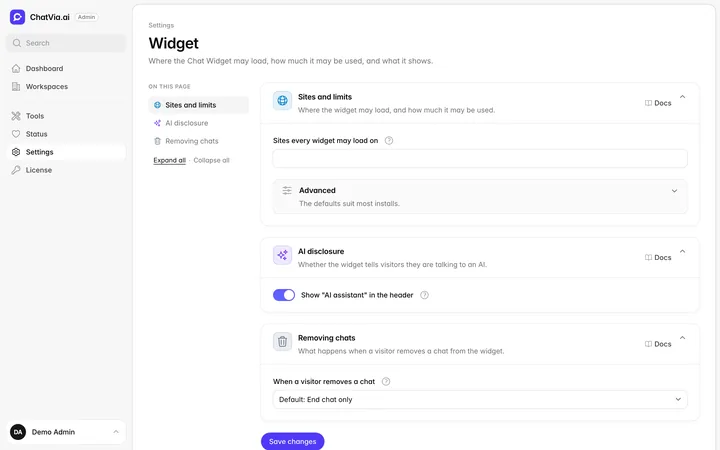 Admin panel
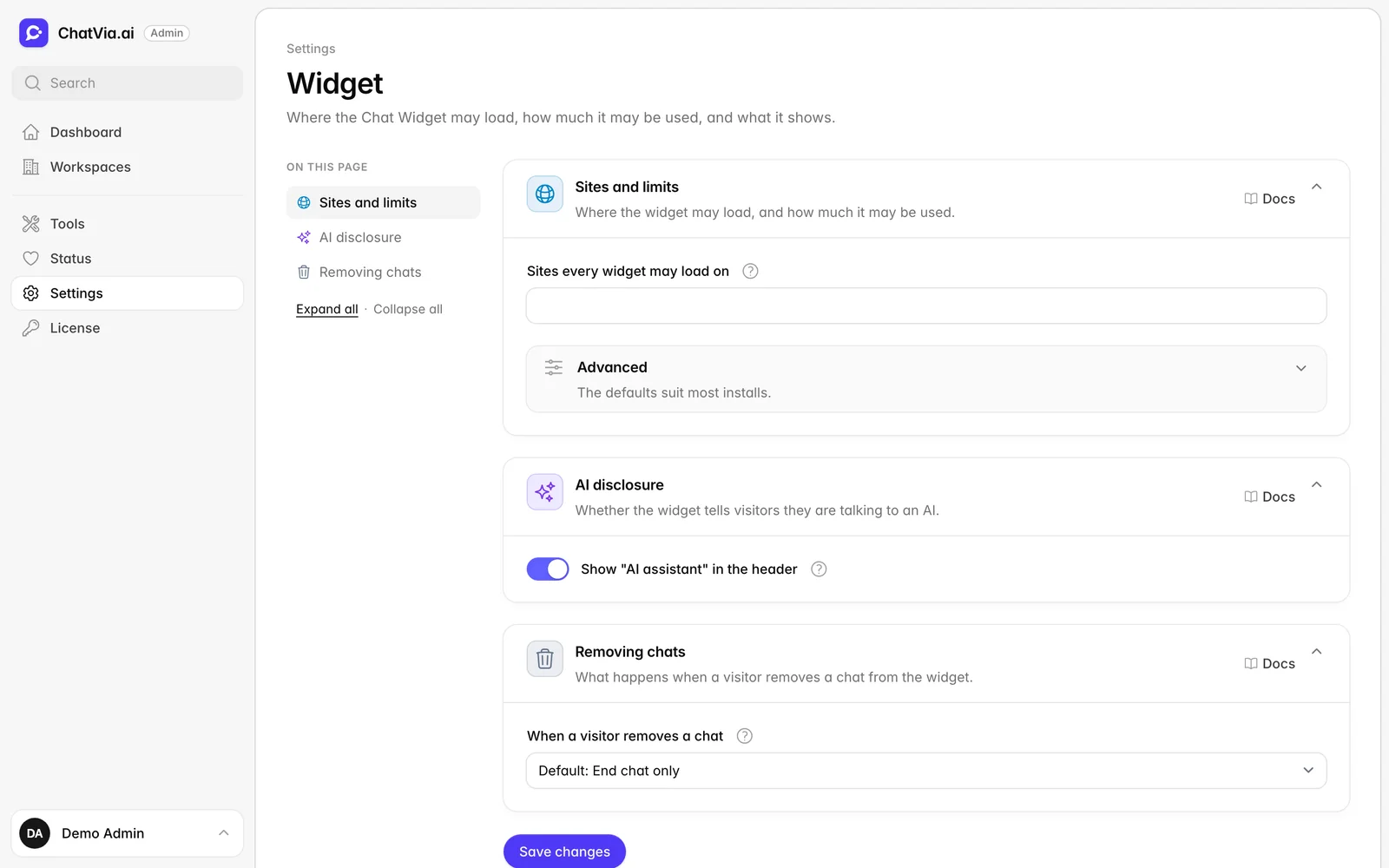
The sites the widget may load on, and an "AI assistant" label
Admin panel
The sites the widget may load on, and an "AI assistant" label
Tools and MCP
Tools that act, under your control.
Let agents look things up and take action, with every call on record.
-
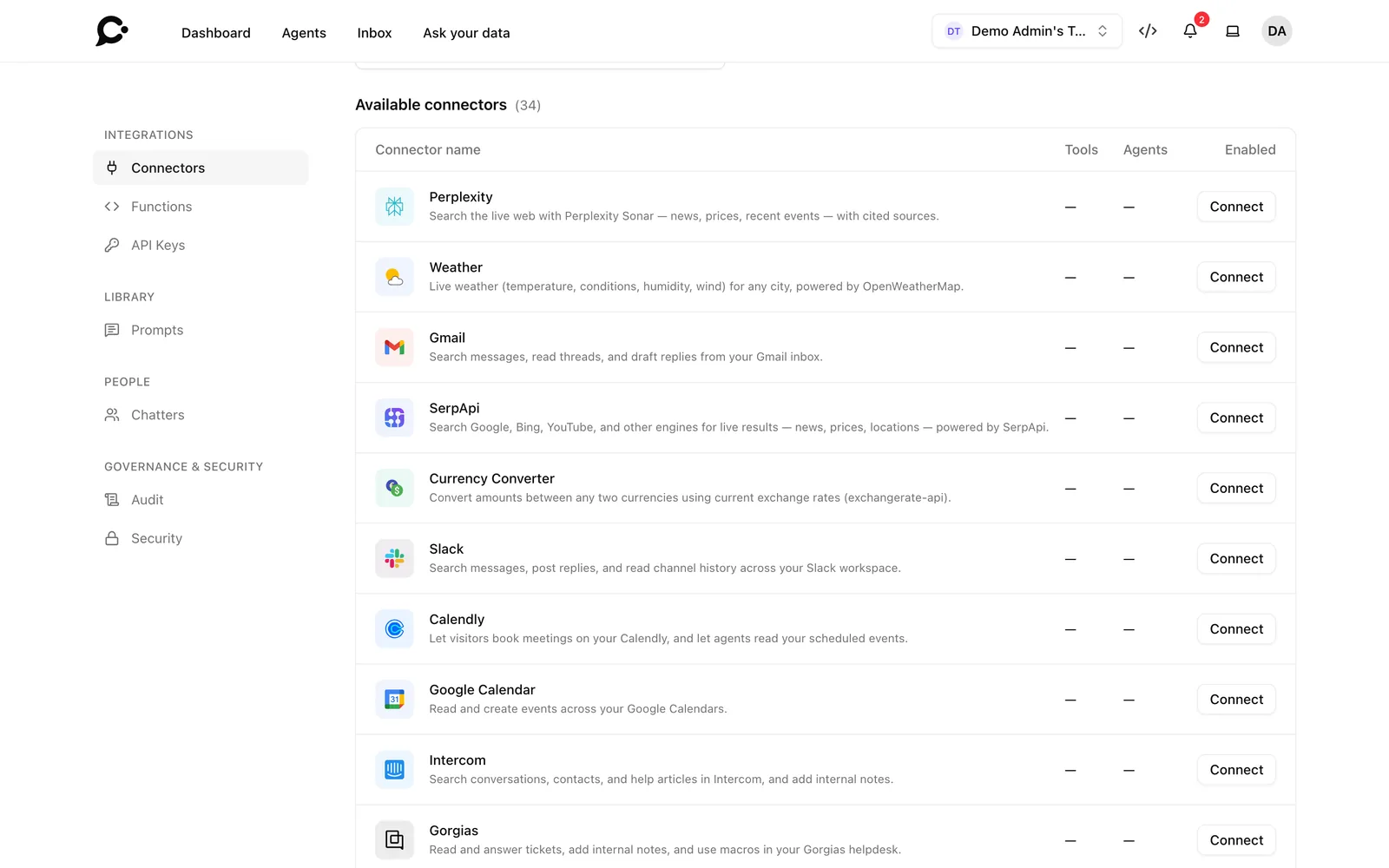
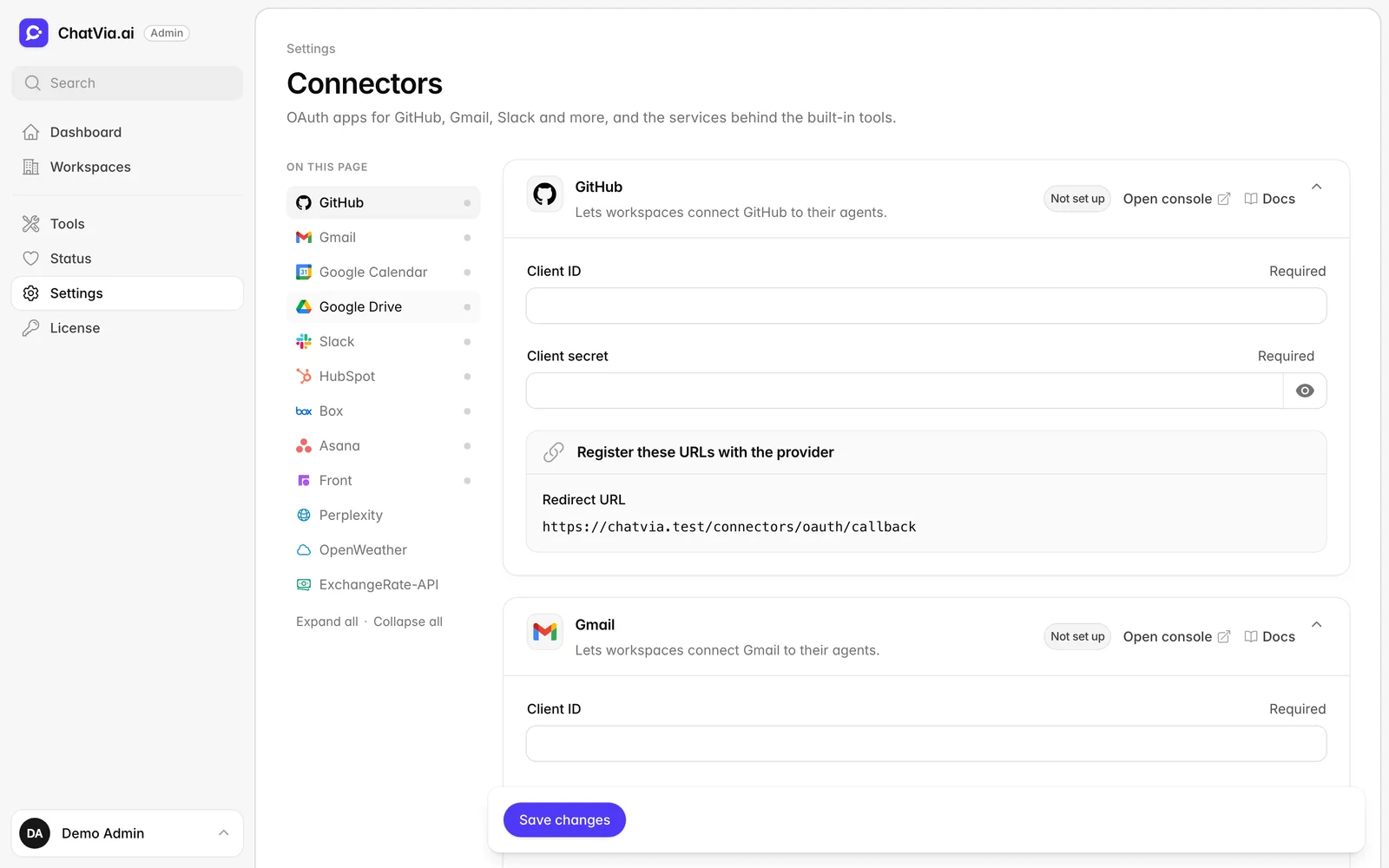
24 ready-made connectors
GitHub, Linear, HubSpot, Salesforce, Notion, Zendesk, Google Drive and more. Most sign in with OAuth.
Read the docs
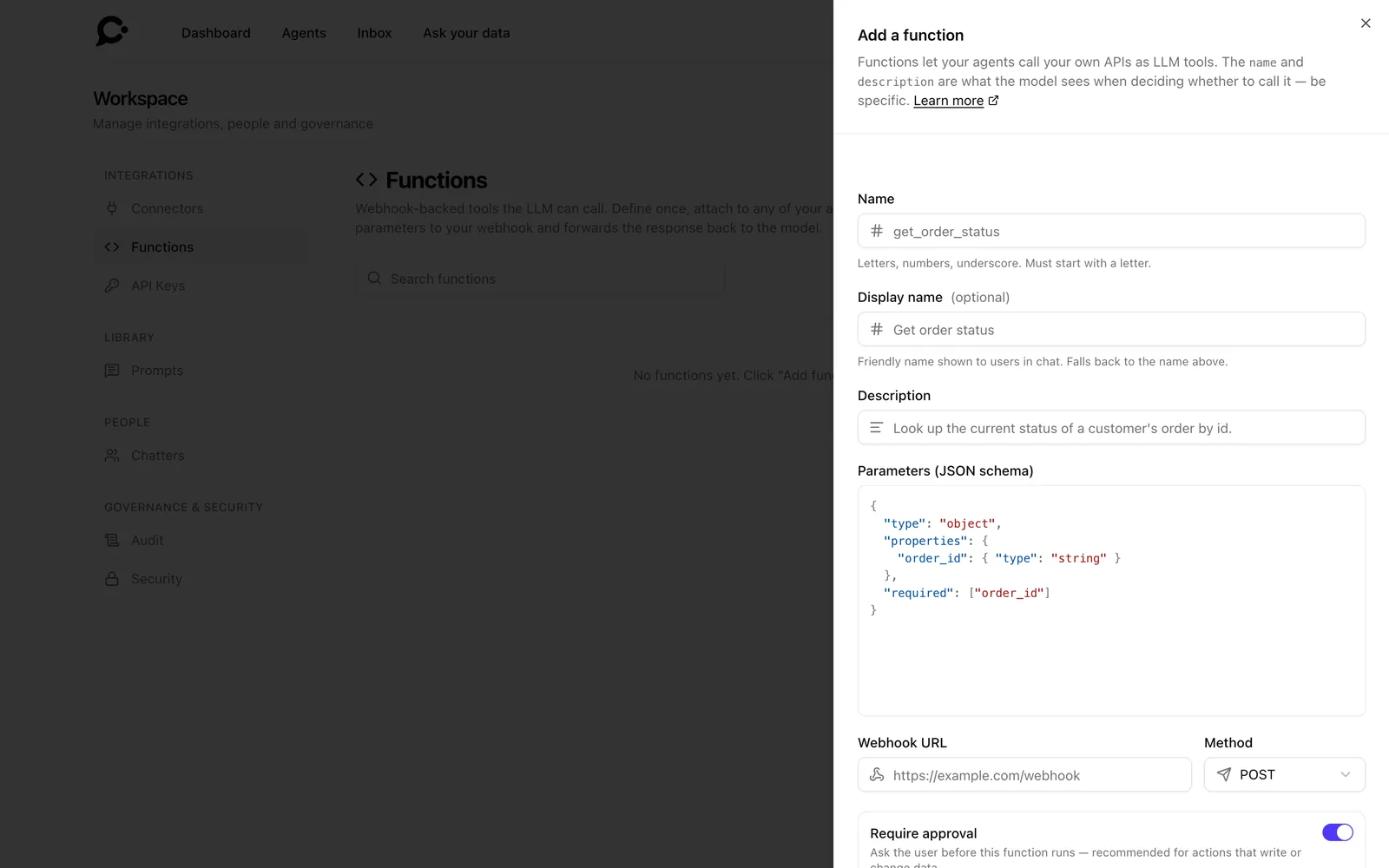
Allow, ask or block
Choose for each tool: it runs, it waits for the person's OK, or it never runs.
Tool call audit
Every call is logged: allowed, approved, denied or rate-limited, with its arguments and result.
Built-in tools
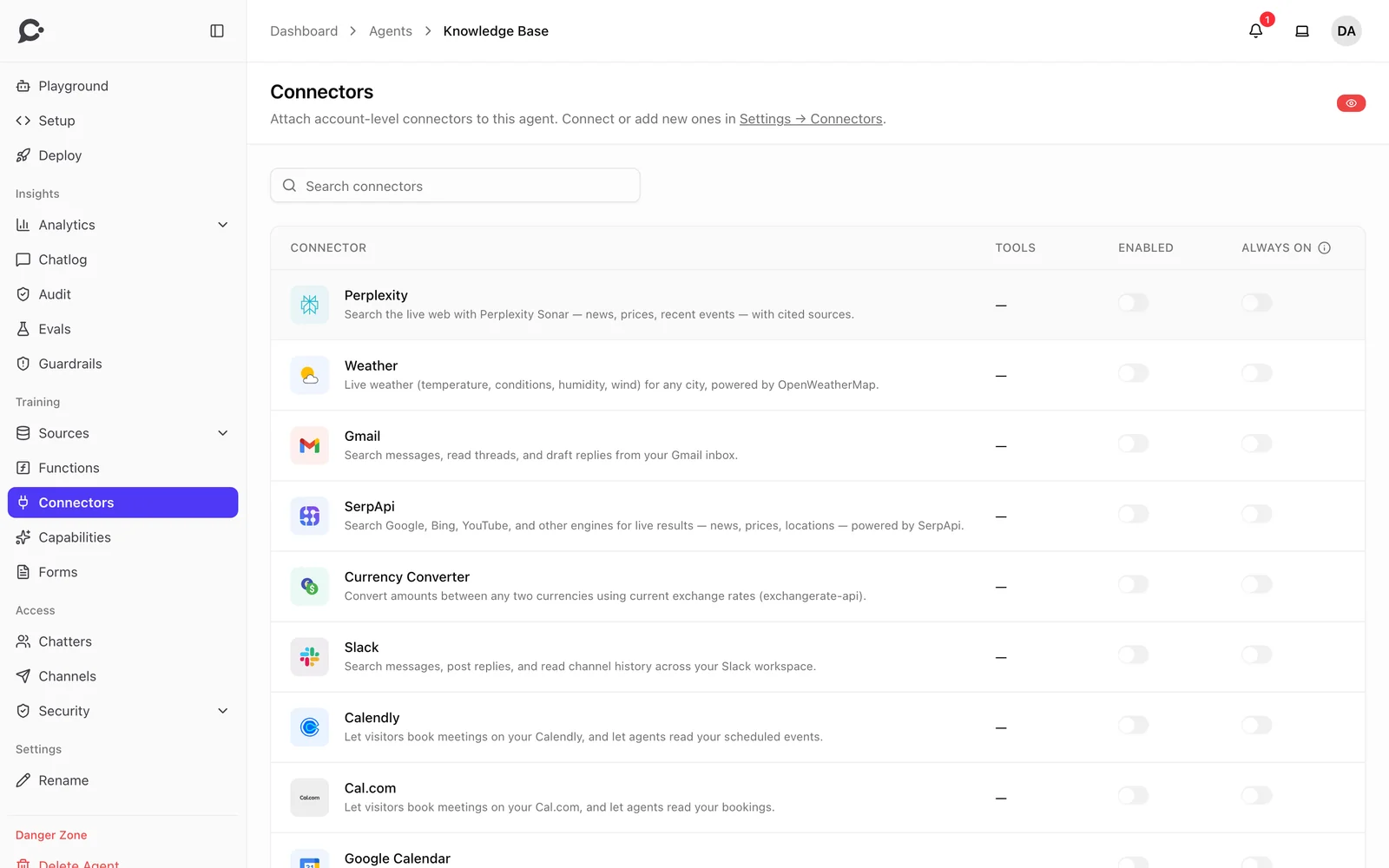
Web search with Perplexity, weather and currency conversion, ready to switch on.
Smart tool picking
Out of hundreds of tools, the agent is only shown the ones that fit the question.
Tool rate limits
Cap how often an agent may call one tool in a time window.
Guardrails
Guardrails at every step.
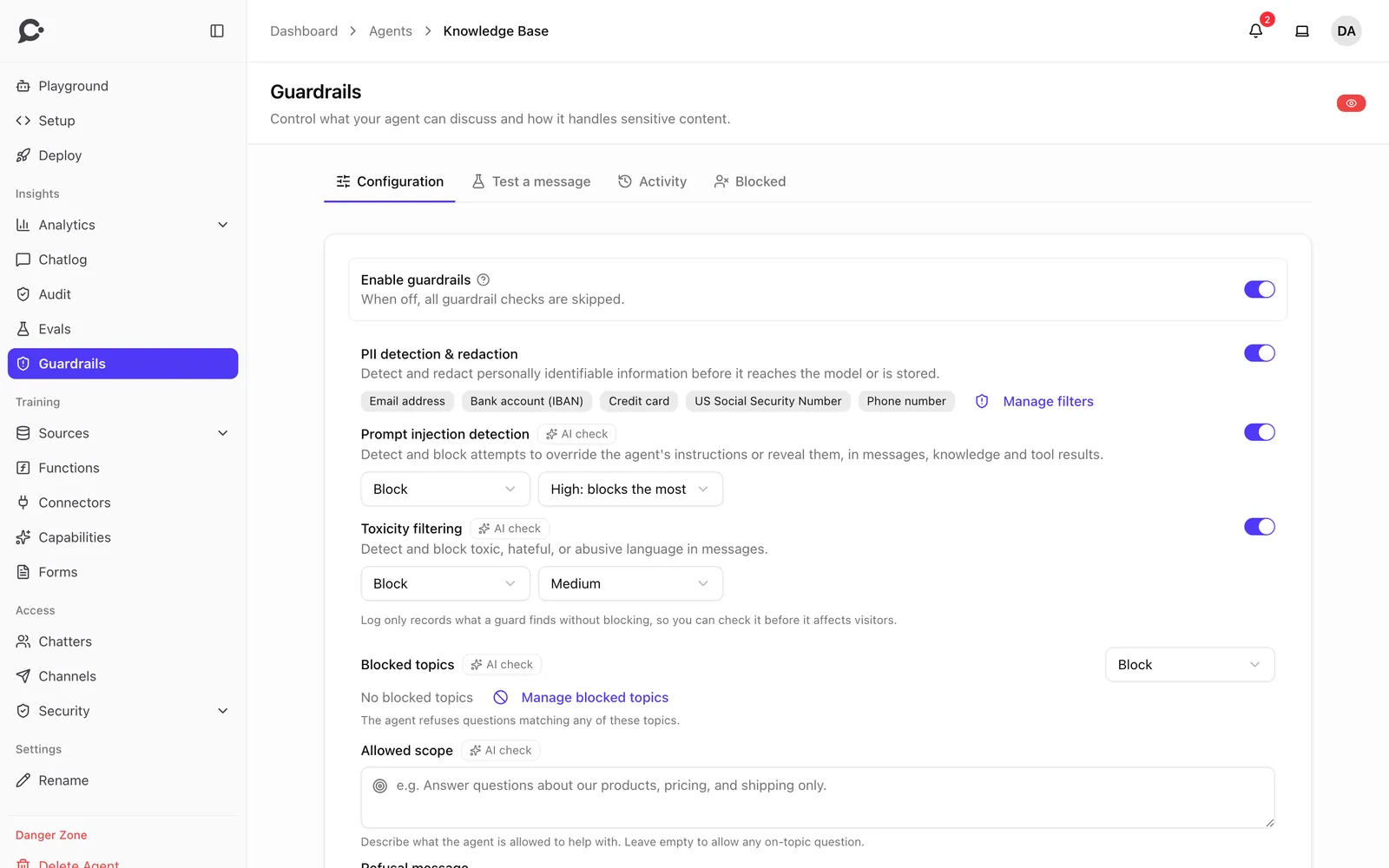
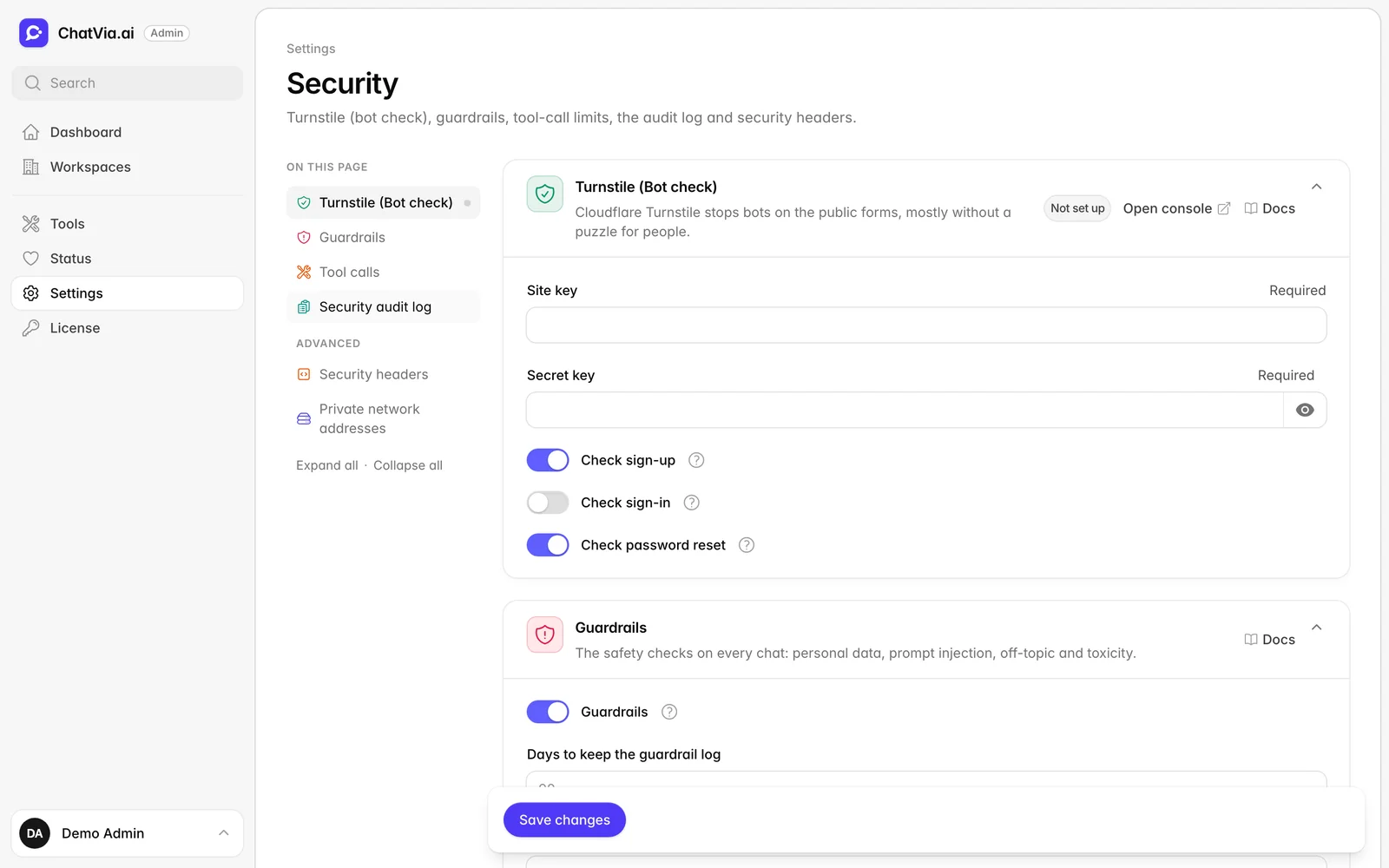
Checks on what comes in, what the sources say, what tools return and what goes out.
-
Prompt injection
Finds and blocks attempts to override the agent's instructions or make it reveal them.
-
Personal data
Finds emails, card numbers, IBANs, phone numbers and more, then masks or blocks them. Add your own patterns.
-
On-topic answers
Set what the agent may talk about, and name the topics it must refuse or hand over.
Toxic content
Stops abusive language, both in and out.
Checked answers
Answers can be checked before the visitor sees them.
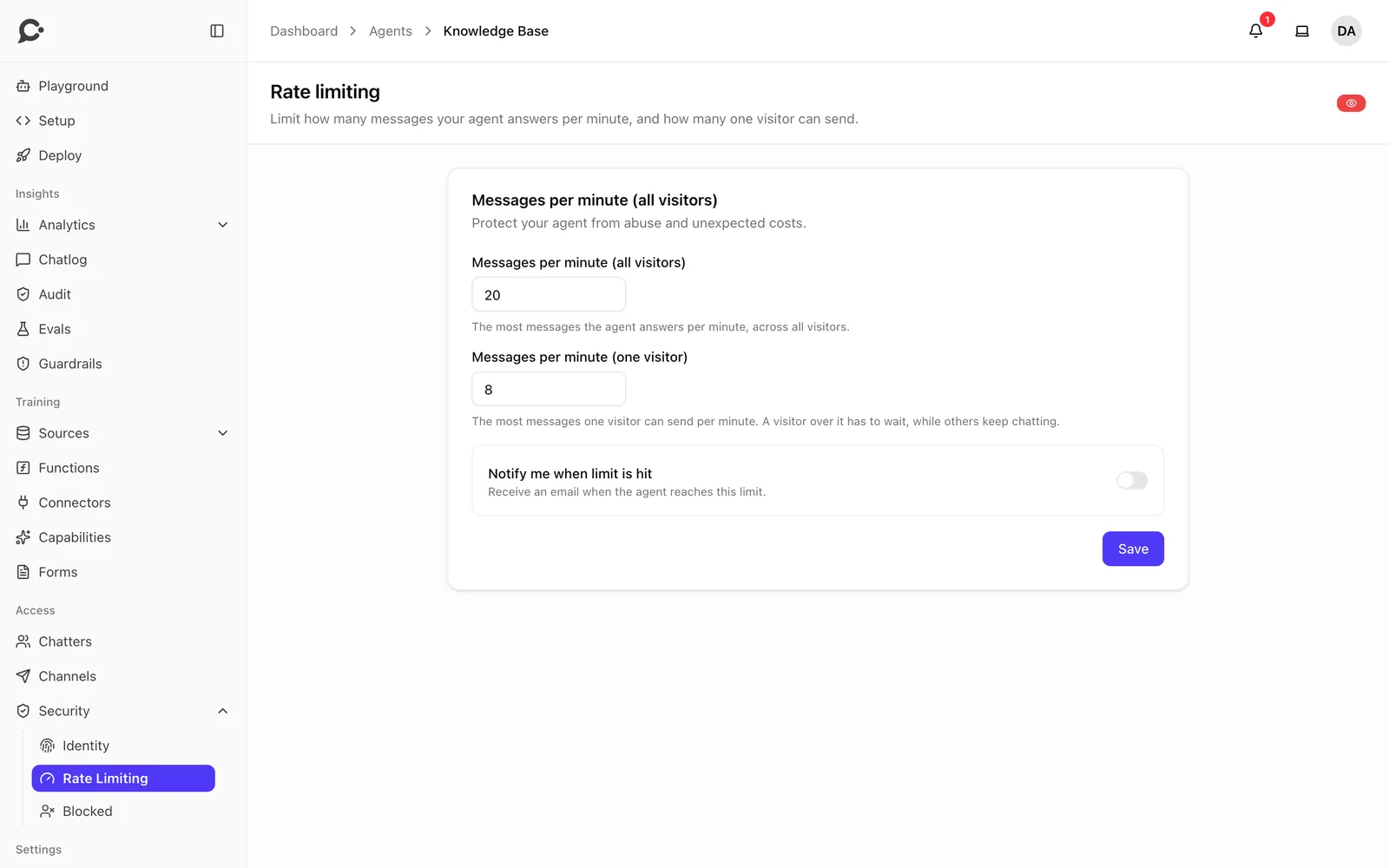
Rate limits
Limit messages per minute for all visitors, and for each one.
Visitor blocking
Block a visitor who misuses the chat, for a time or for good.
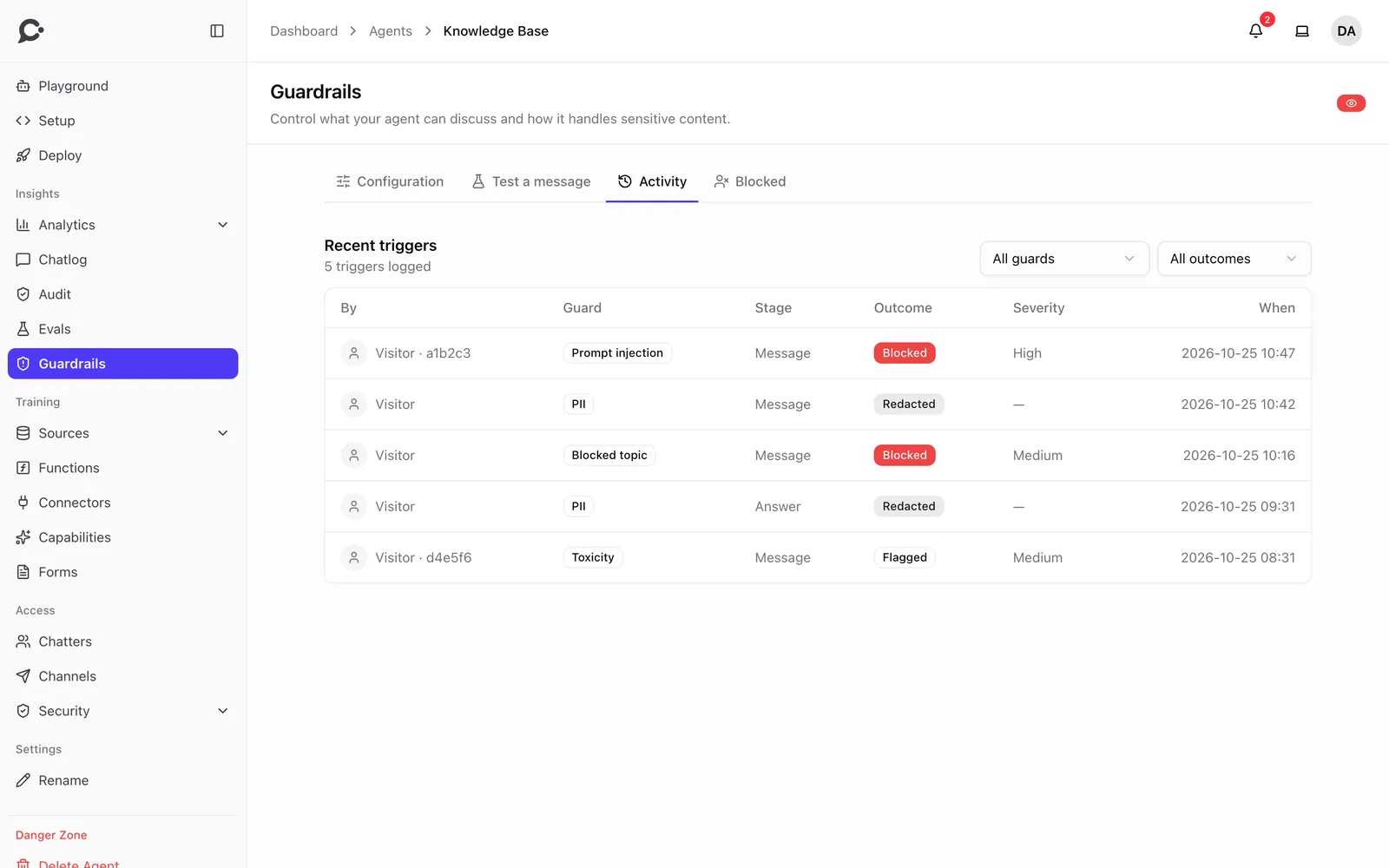
Monitor mode and a test console
Watch what the guardrails would do before they block, and test any message by hand.
Insights and quality
See what people ask, prove what works.
Every conversation tells you something. Chatvia sorts it out for you.
-
Analytics
Messages, visitors, channels and trends, for each agent and for the whole workspace.
Read the docs -
Evaluations
Test questions scored by an LLM judge, exact matches, patterns or tool calls. Generate them from your knowledge.
Live chat handoff
Take over a widget conversation when a person should answer.
Read the docsLeads
Contact details captured in chat, with a CSV export.
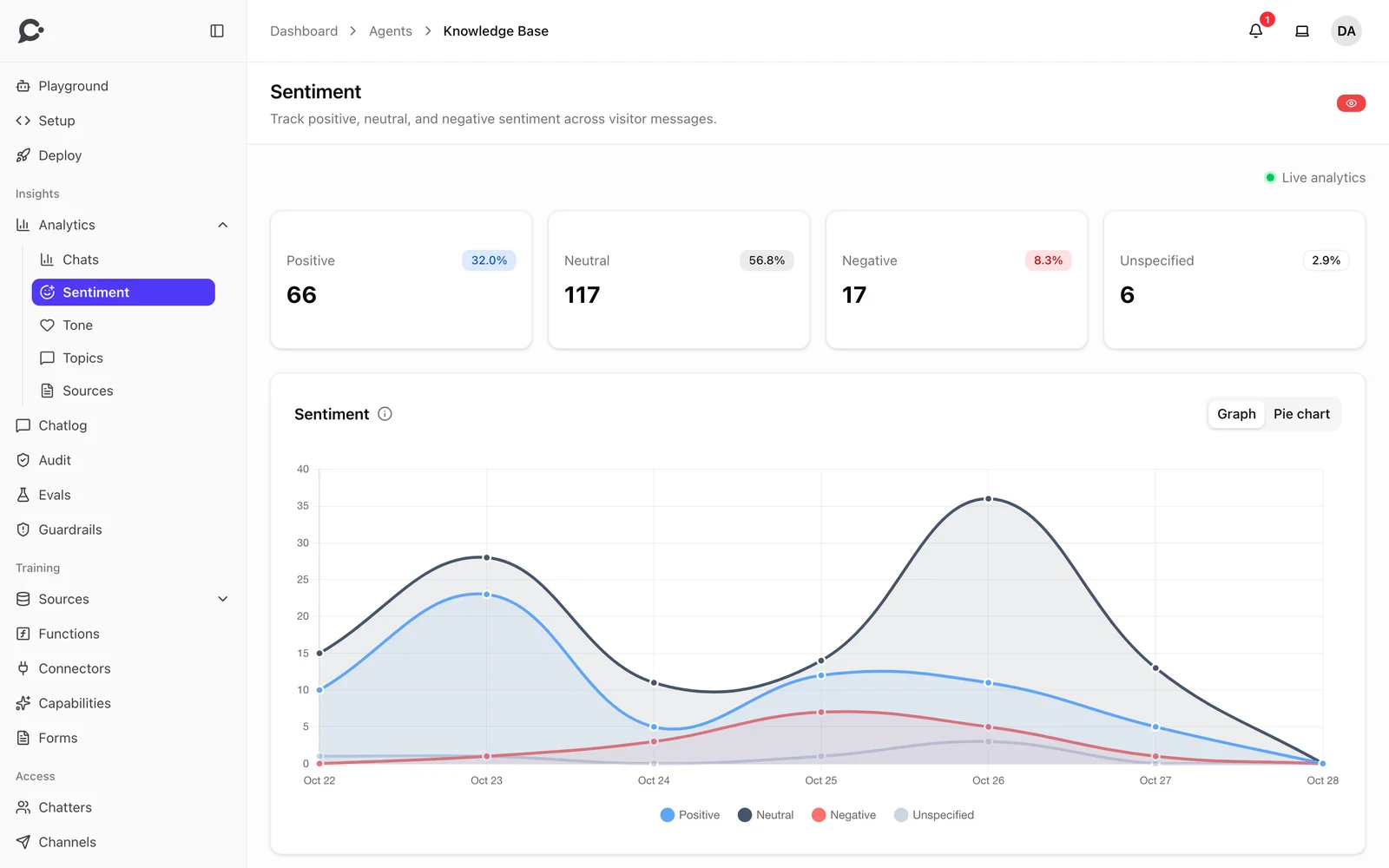
Read the docsTopics, sentiment and tone
Every conversation is sorted by topic, mood and style of speech.
Conversation pulse
See if a chat ended better than it started, and if it was resolved.
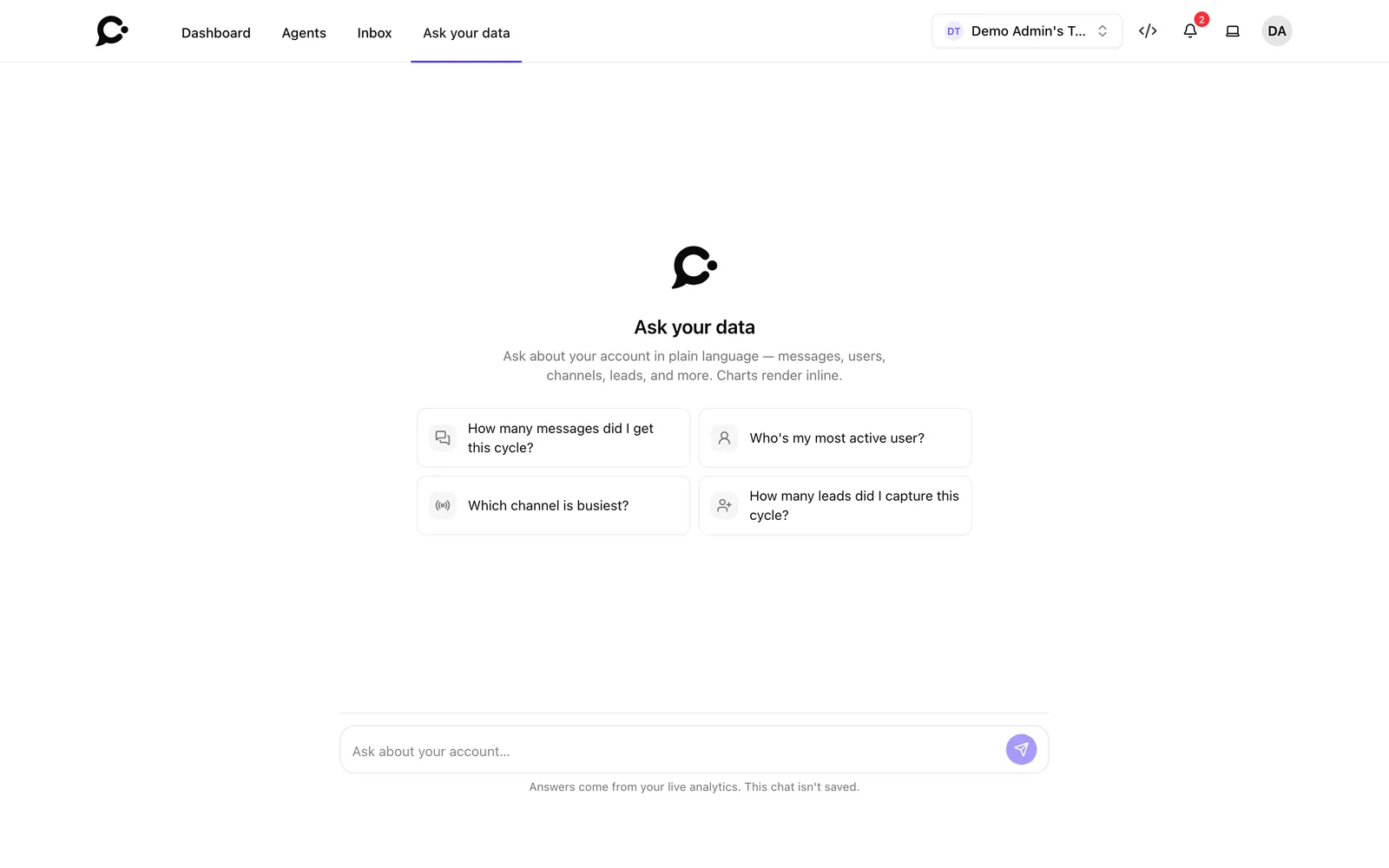
Ask your data
Ask about your account in plain language, and get answers with charts.
Feedback
Thumbs up and down on every answer.
Usage insights
See which sources, functions and connectors each agent really uses.
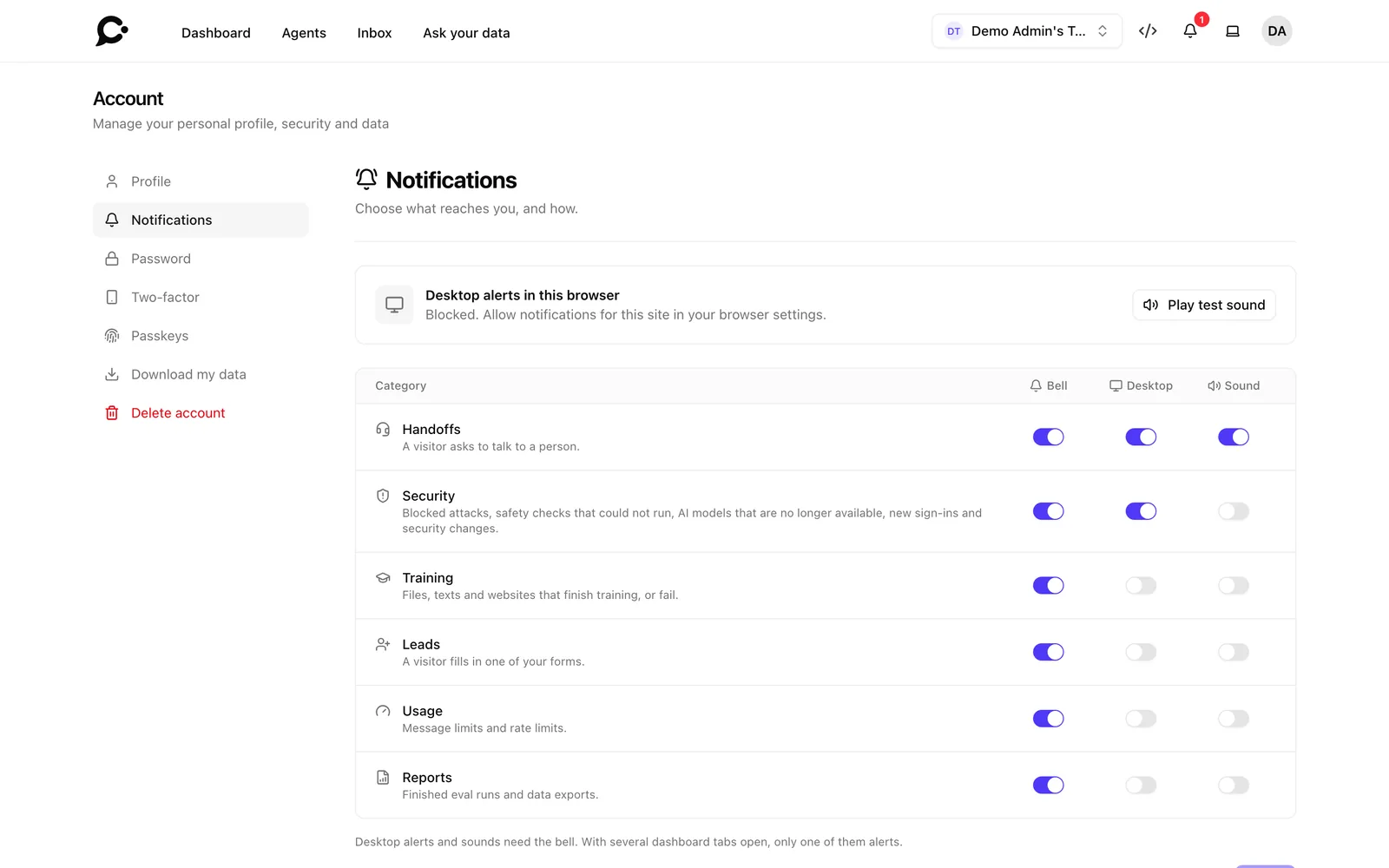
Notifications
Handoffs, leads, training, security and usage alerts, with a switch for each kind.
Screenshots
-
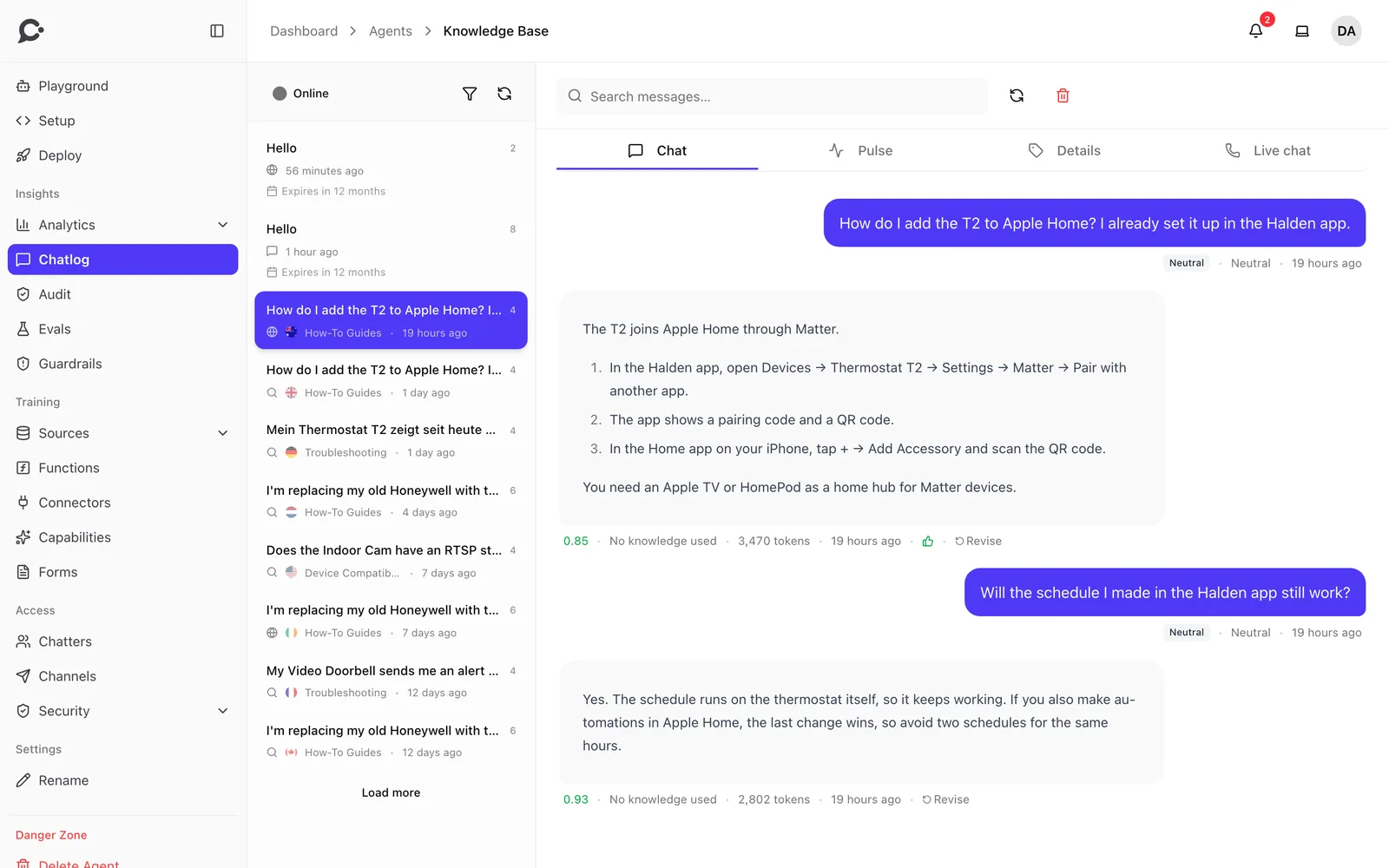
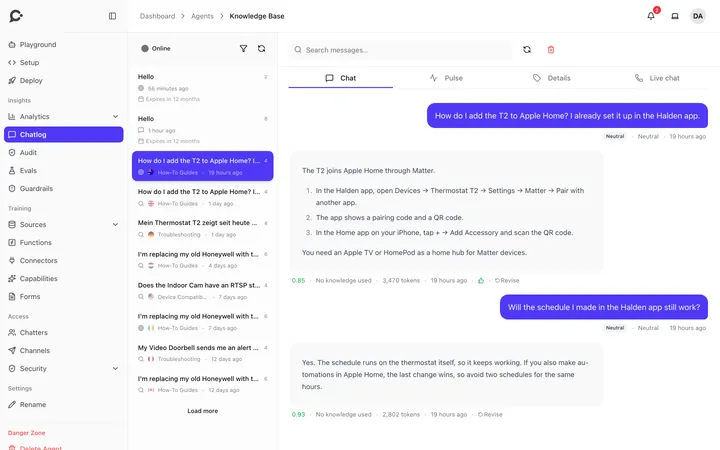 Chat logs with the sources behind each answer
-
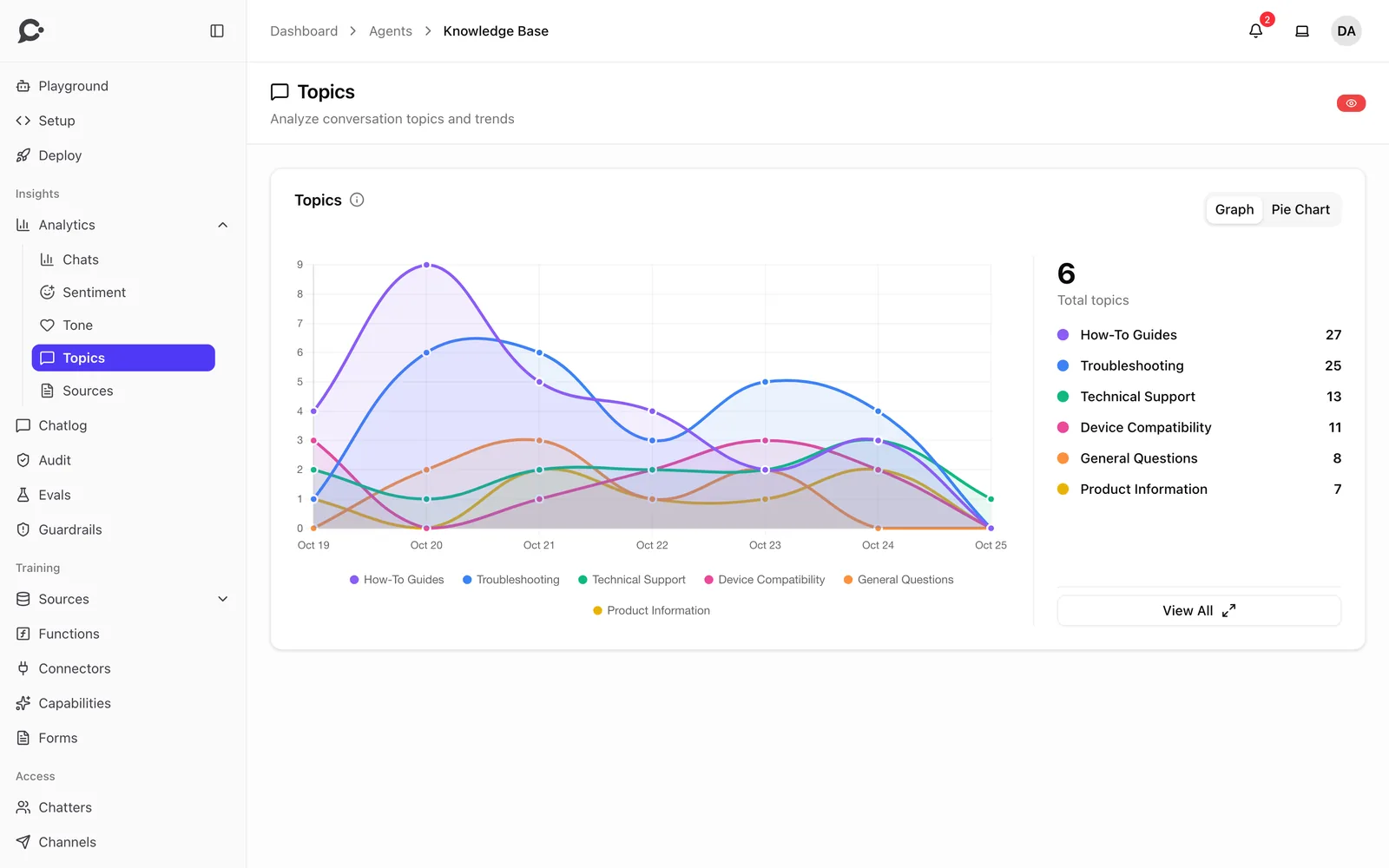
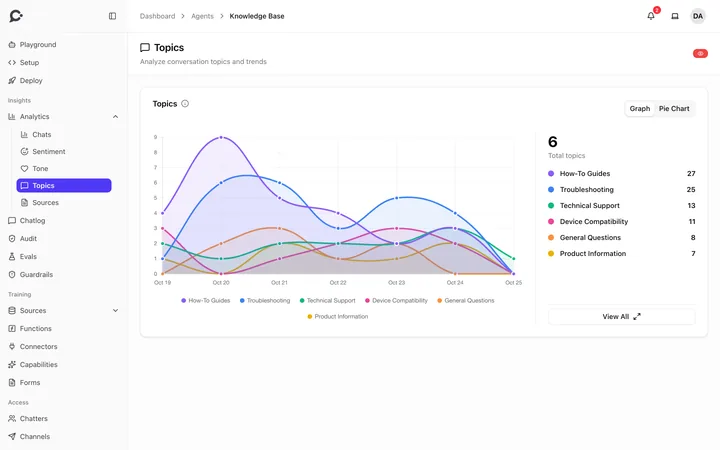 Conversation topics over time
-
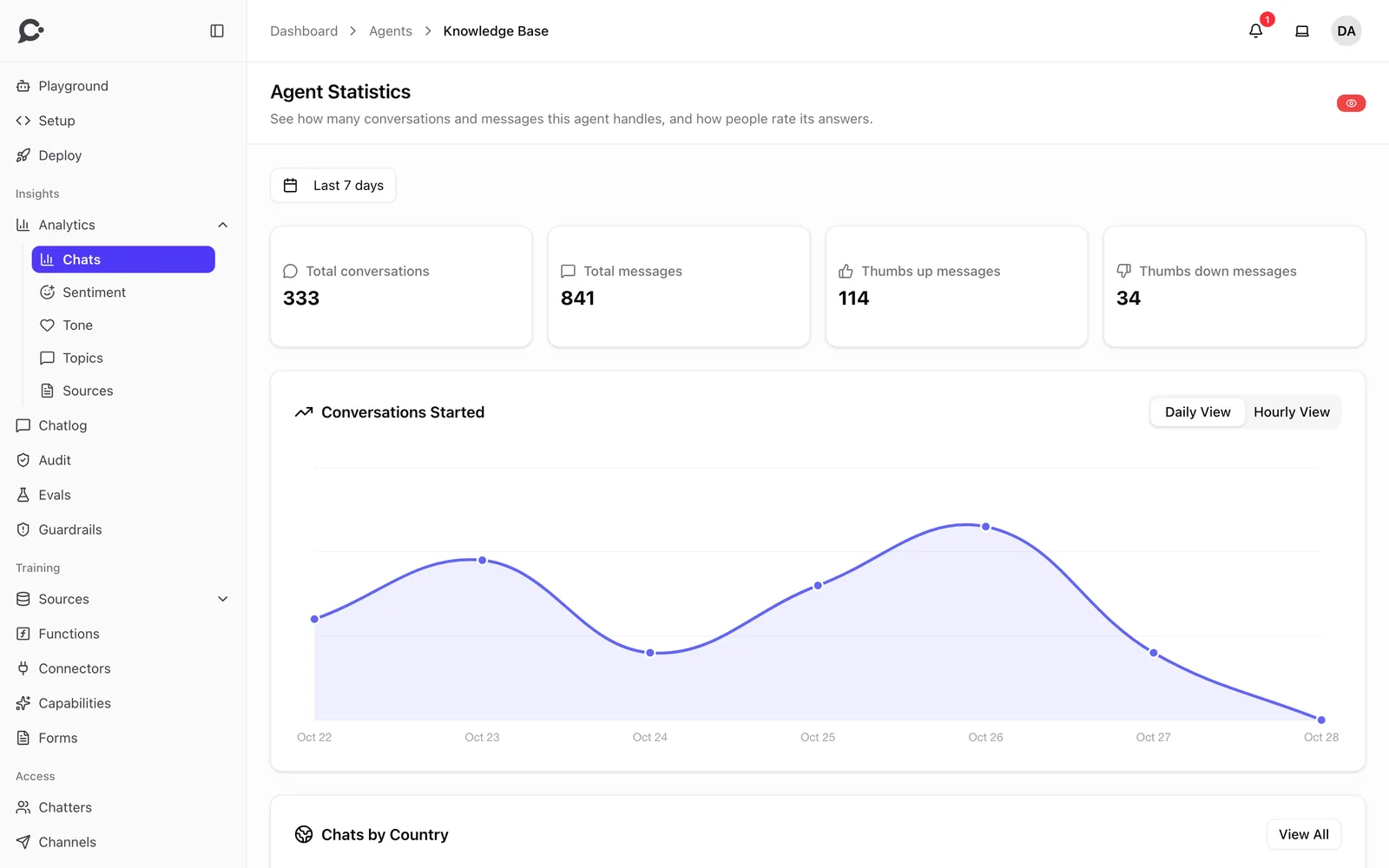
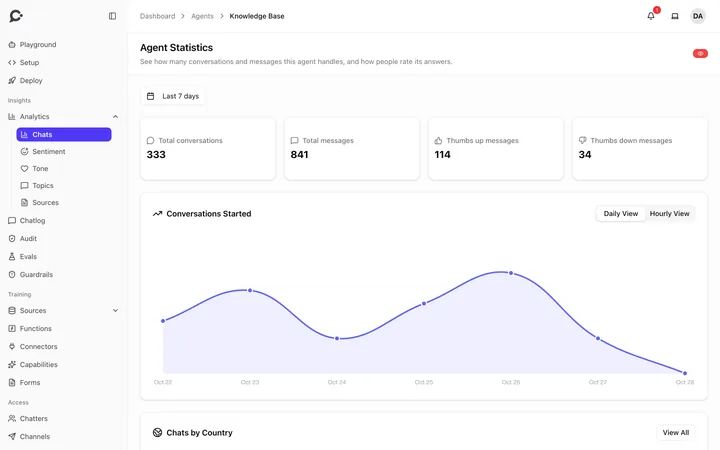 Conversations, messages and feedback for each agent
-
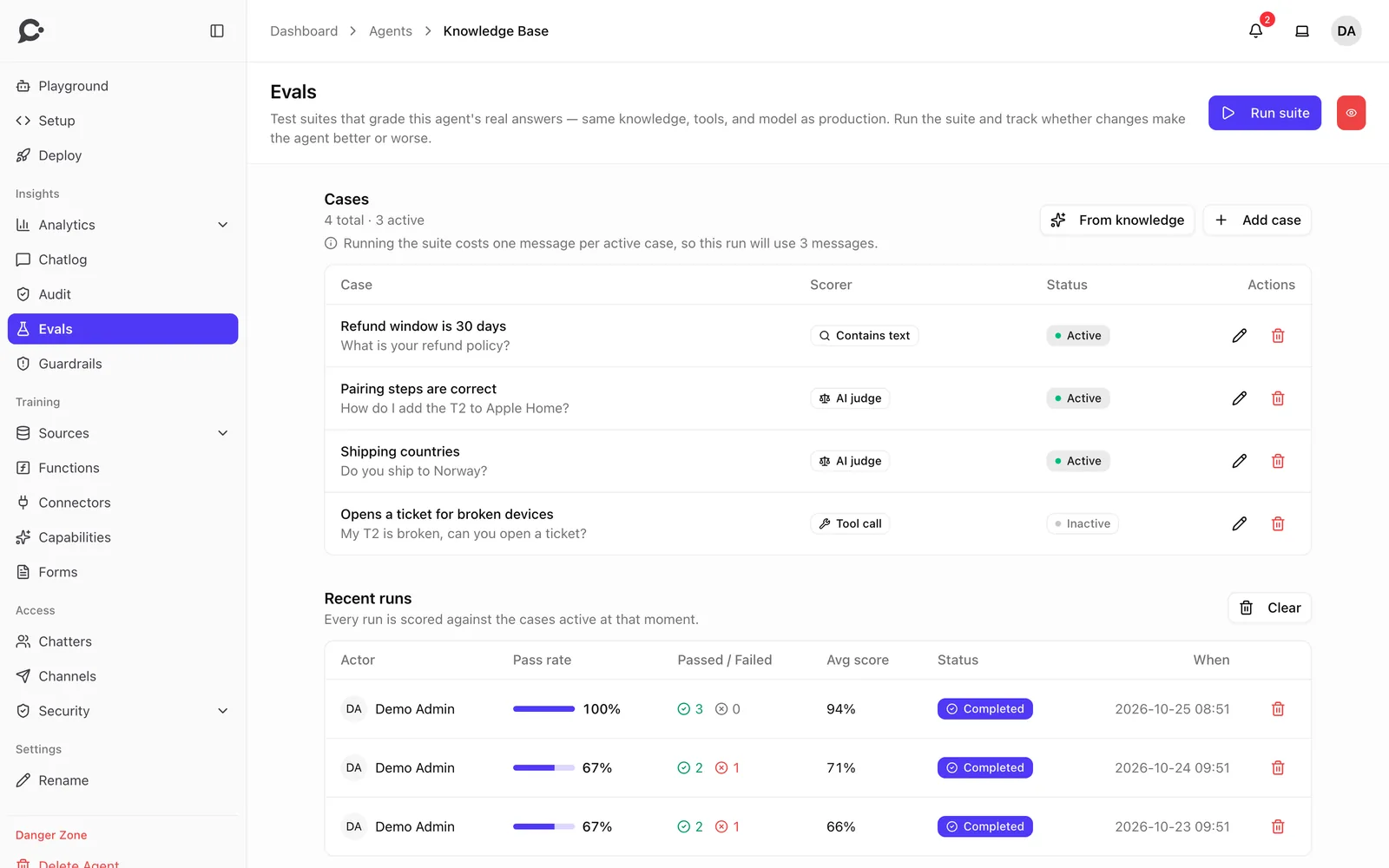
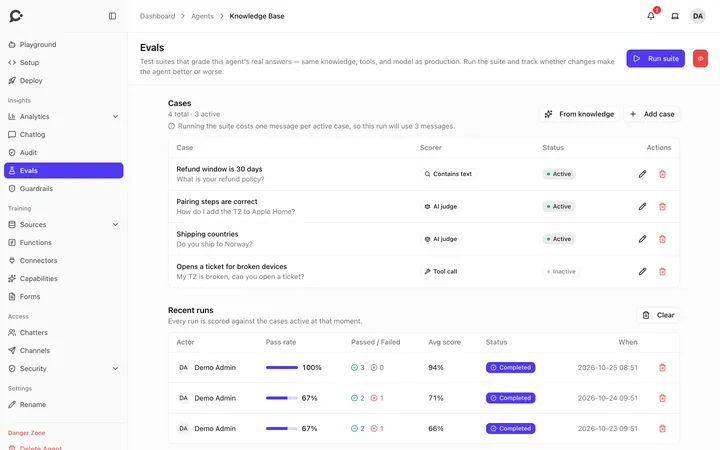 Evaluations with their scores and past runs
-
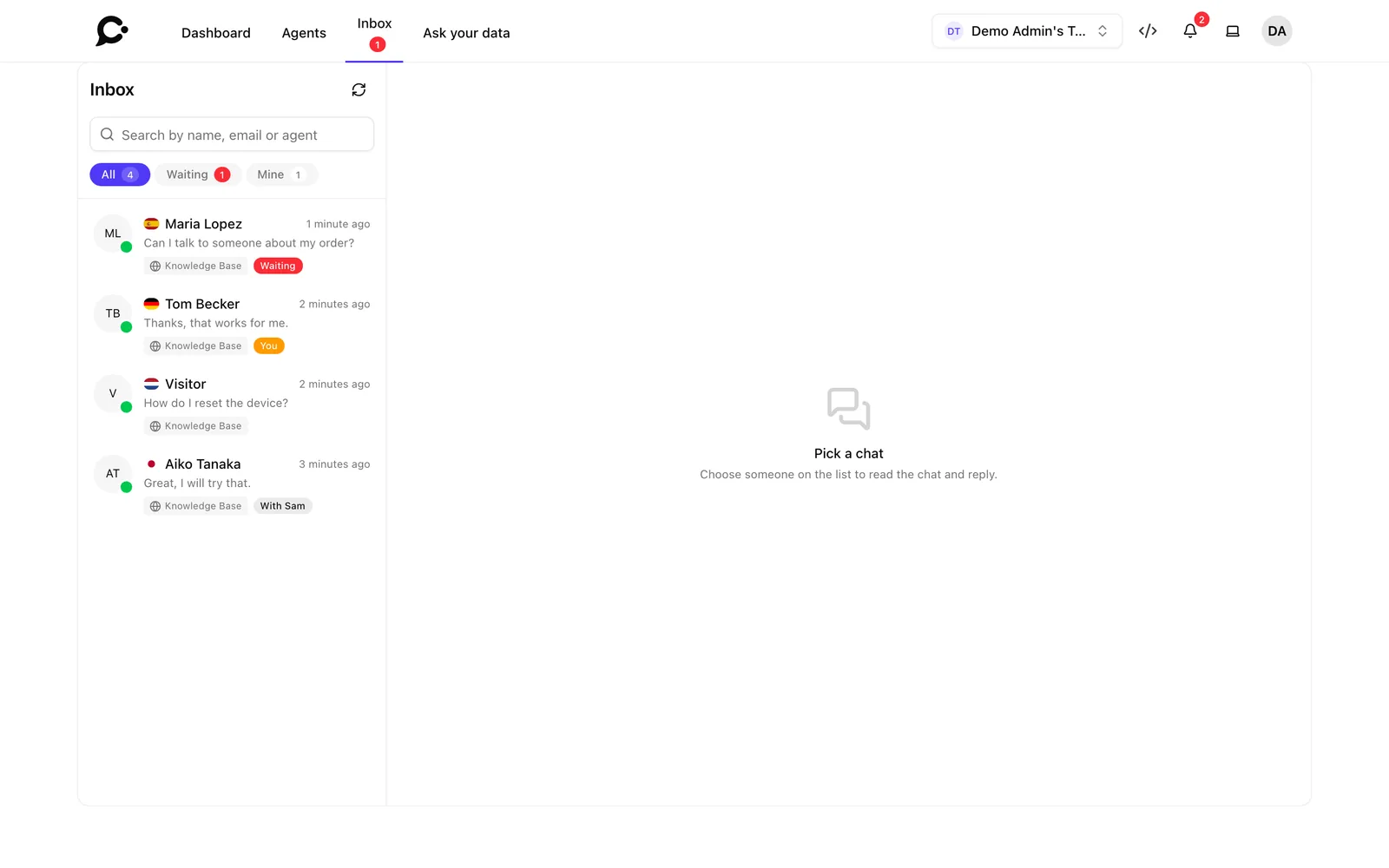
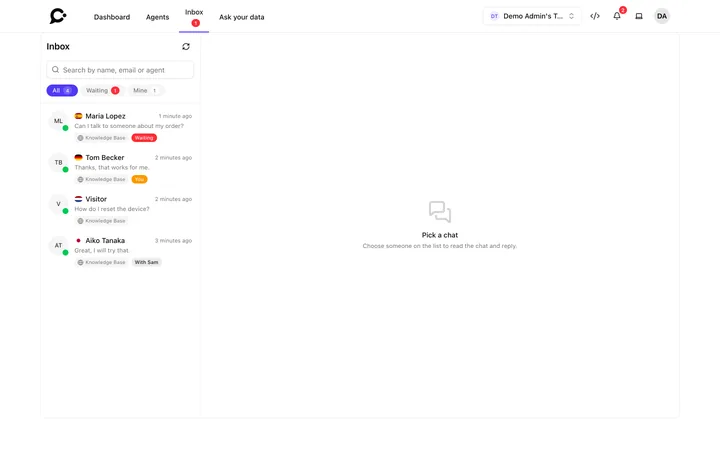 The live chat inbox for handoffs
-
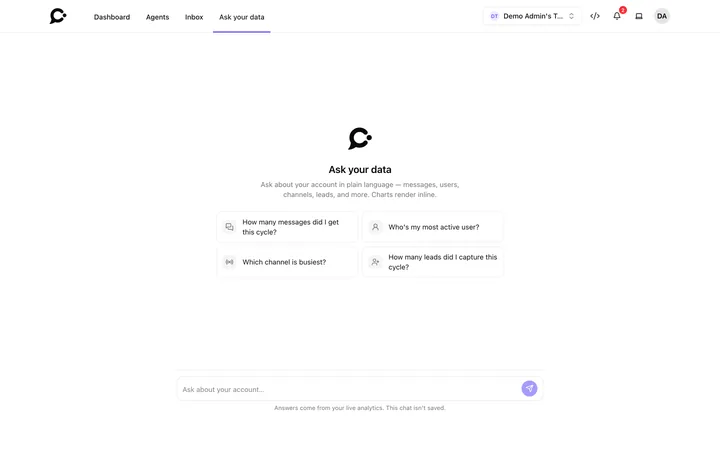 Ask your data in plain language
-
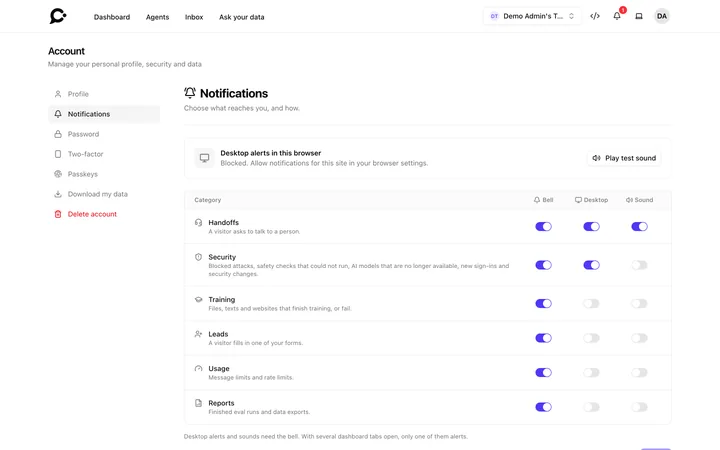 A switch for each kind of notification
-
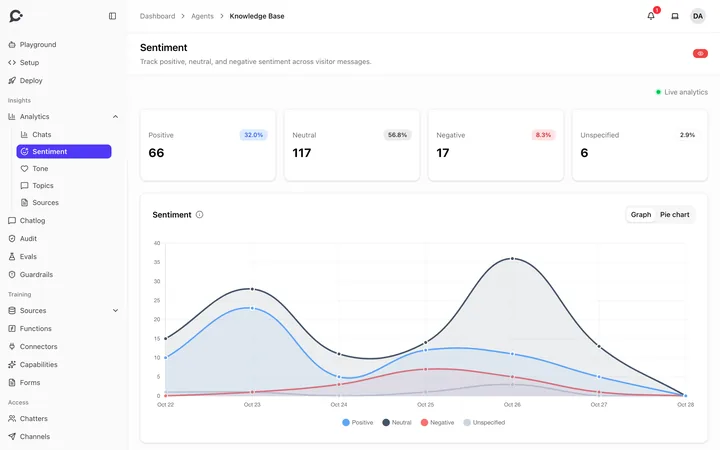 Positive, neutral and negative messages over time
Workspaces and teams
Many teams, one install.
Host many companies or departments, each in its own workspace, kept fully apart.
-
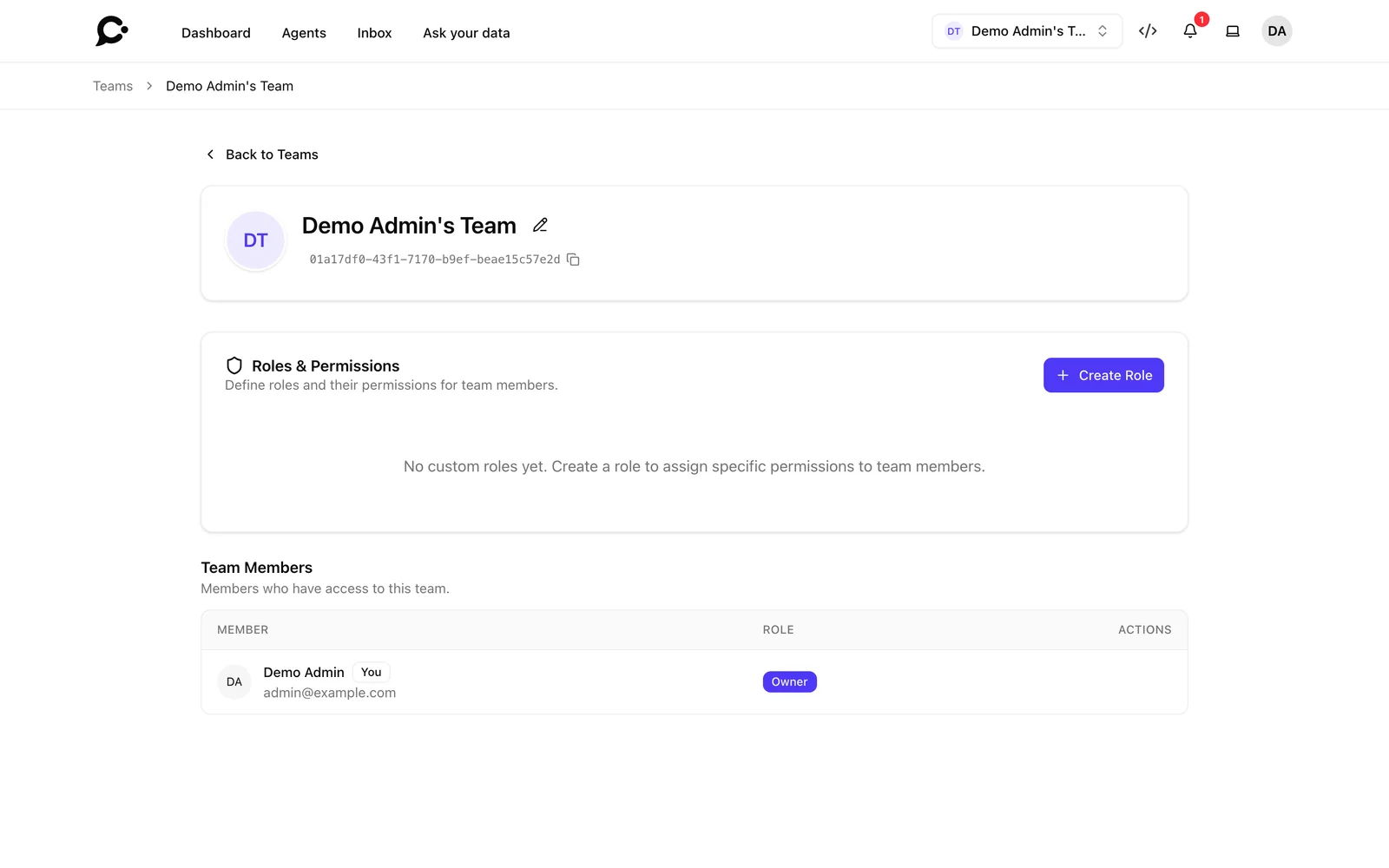
Isolated workspaces
Each workspace has its own agents, knowledge, people and settings. Nothing crosses between them.
Protected agents
Agents only signed-in people can use, with signed tokens from your own app.
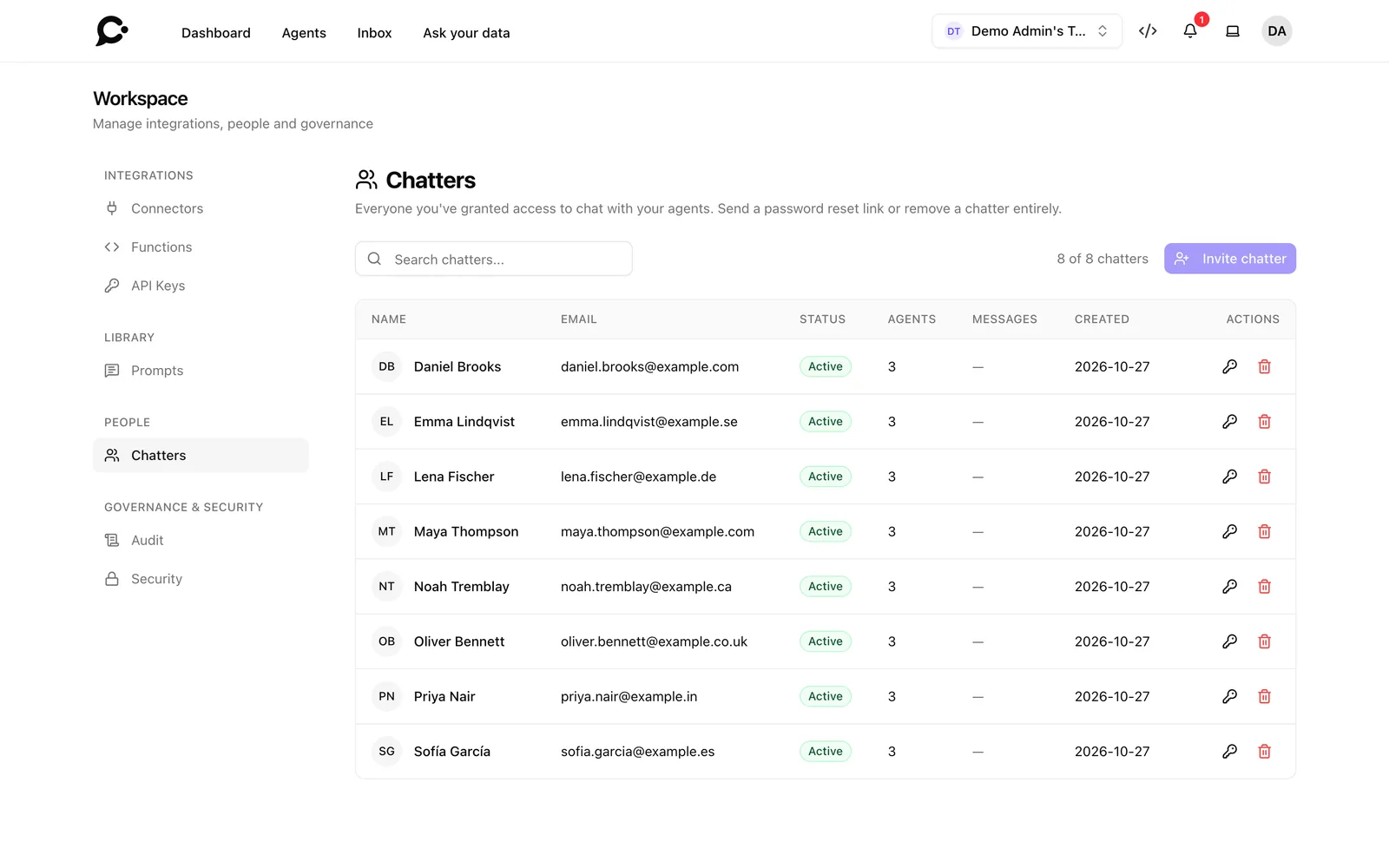
Read the docsChatter accounts
Invite the people who may chat with a protected agent. They sign in with a password or a link by email.
Read the docsMessage limits
Set a monthly message limit for a workspace or a single chatter.
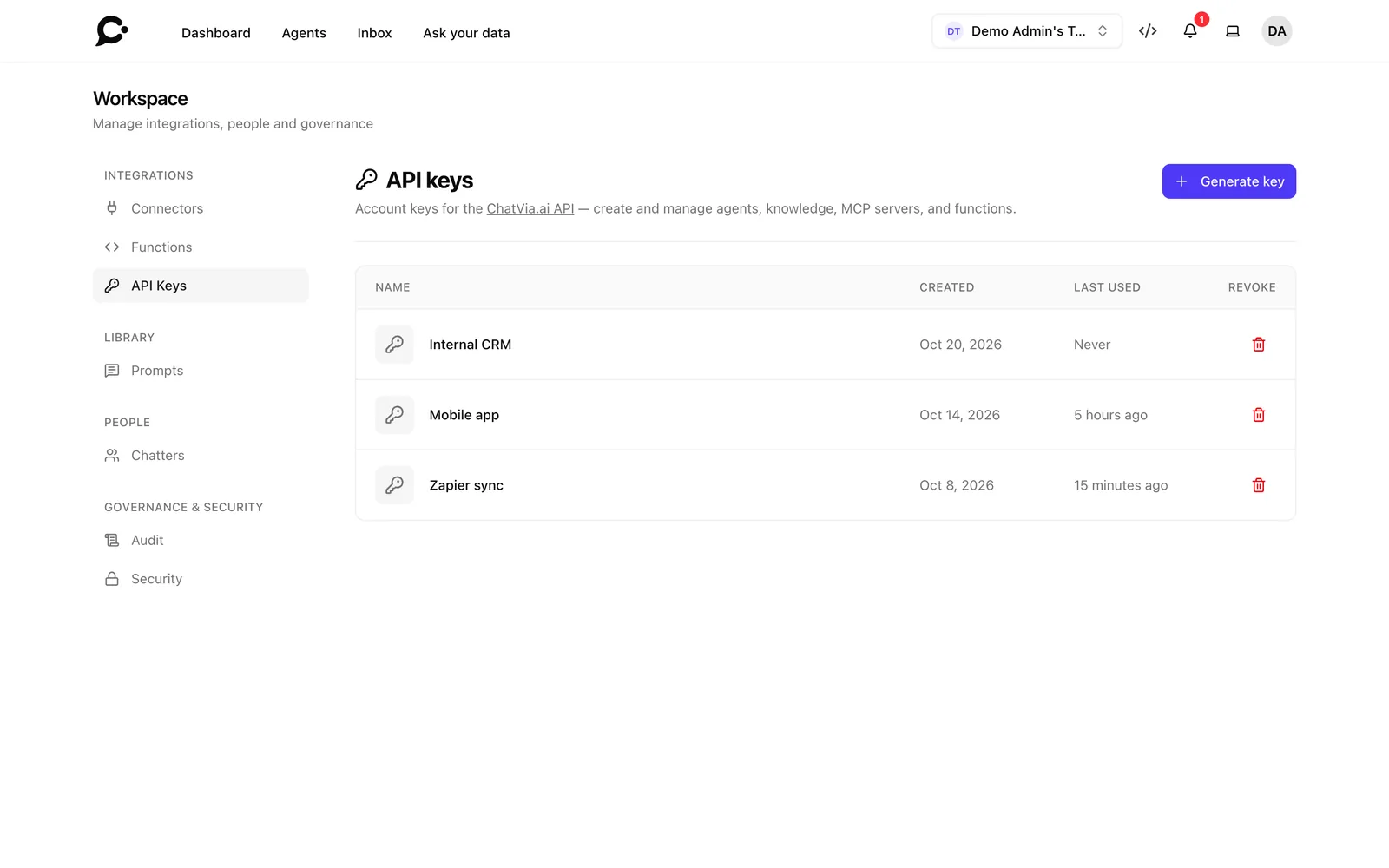
Read the docsAPI with the same rules
API keys follow the same permissions as the dashboard.
Read the docs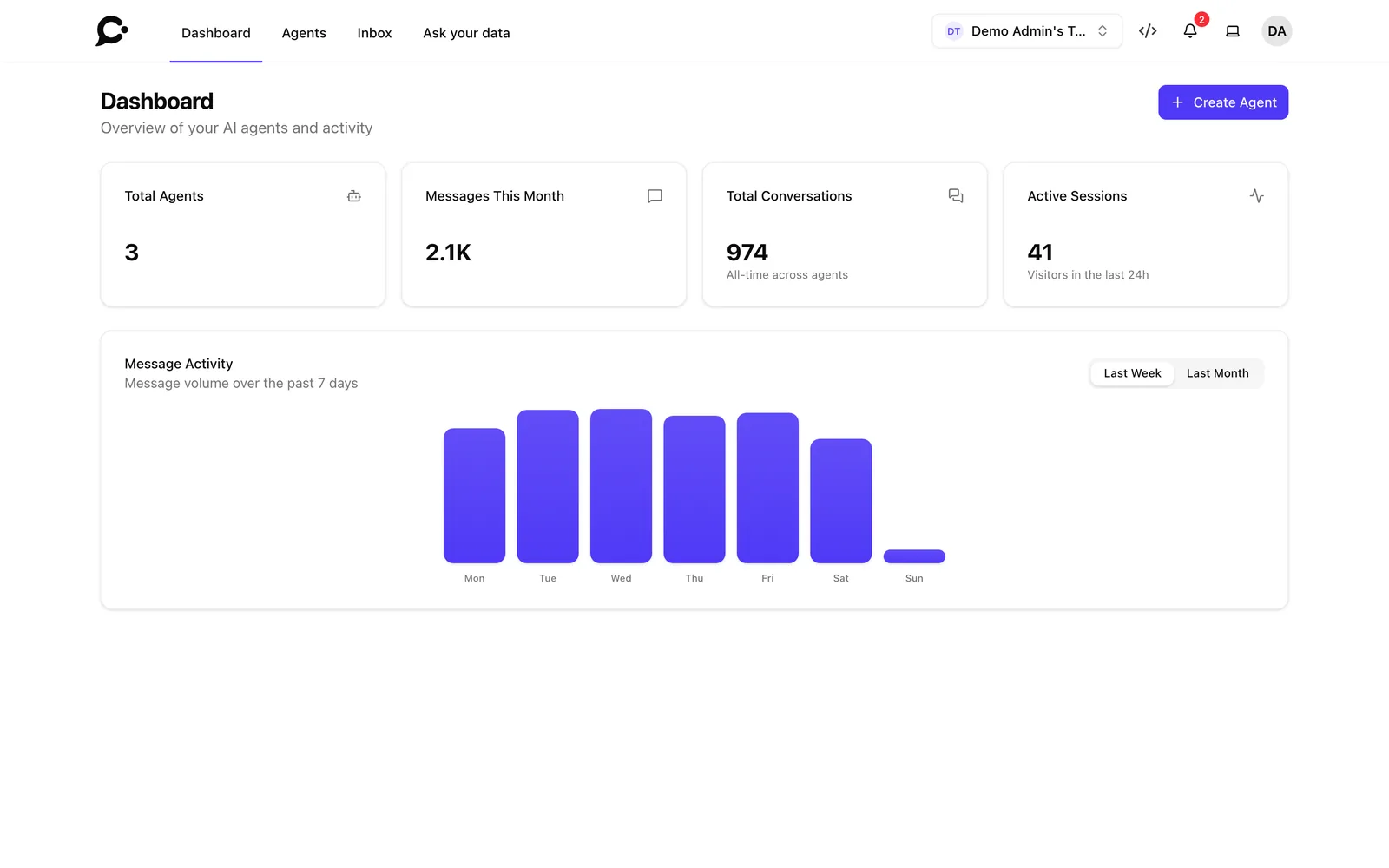
Security and privacy
Security that passes the review.
The controls security and legal teams ask for.
-
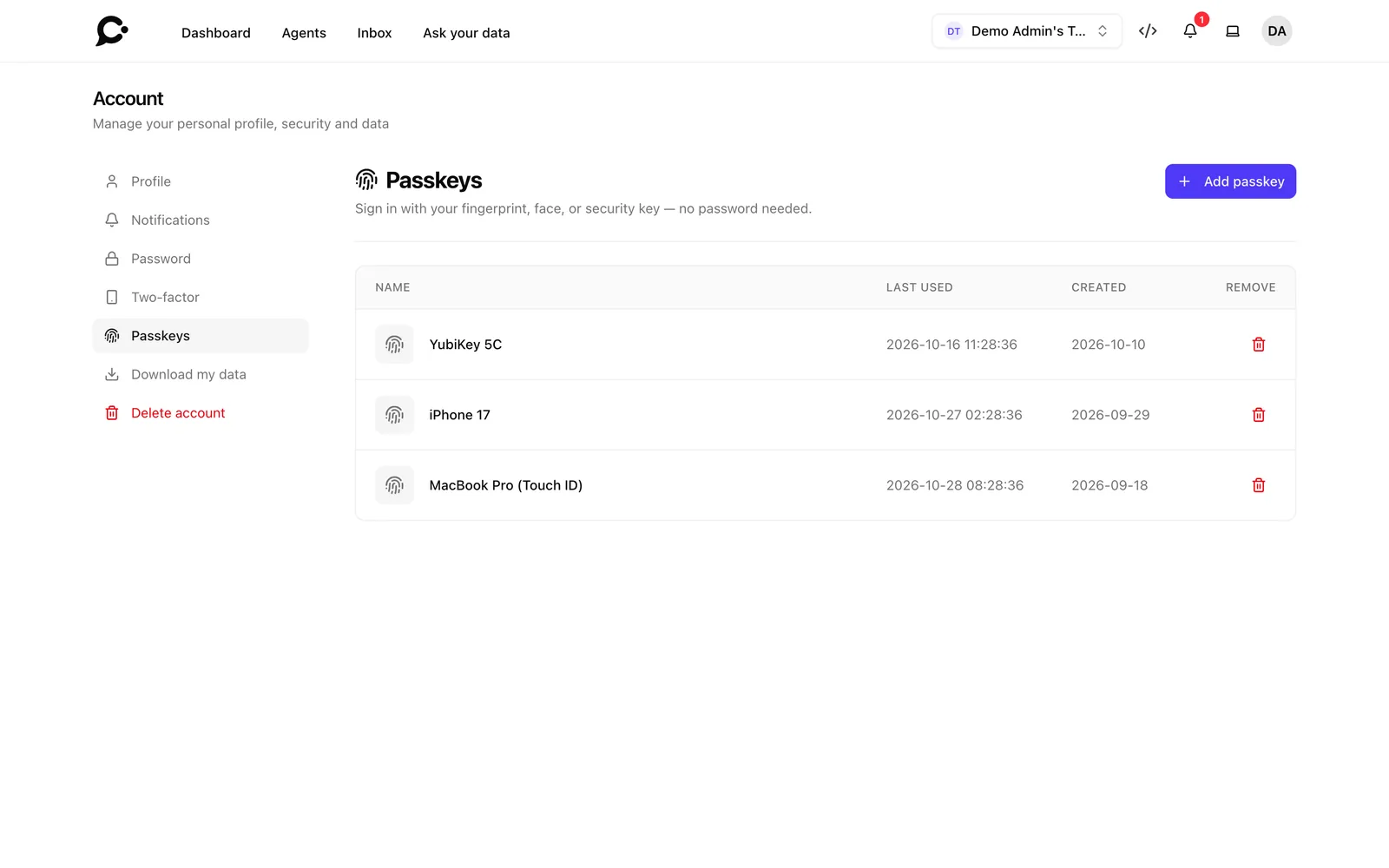
Two-factor and passkeys
Codes from an app, or passkeys with your fingerprint, face or security key.
Read the docs -
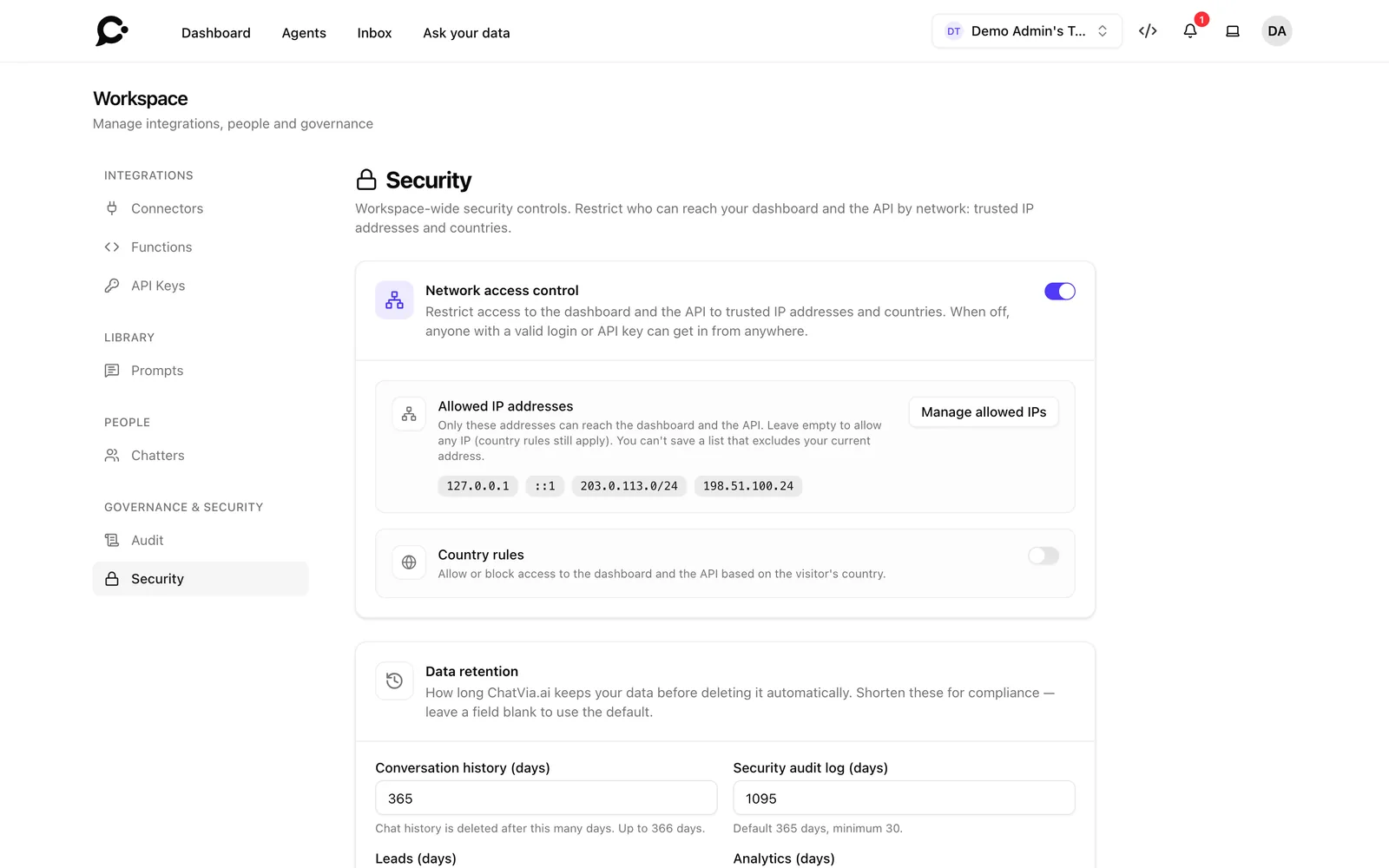
IP and country rulesEnterprise
Only let trusted networks and countries reach the dashboard and the API.
Read the docs -
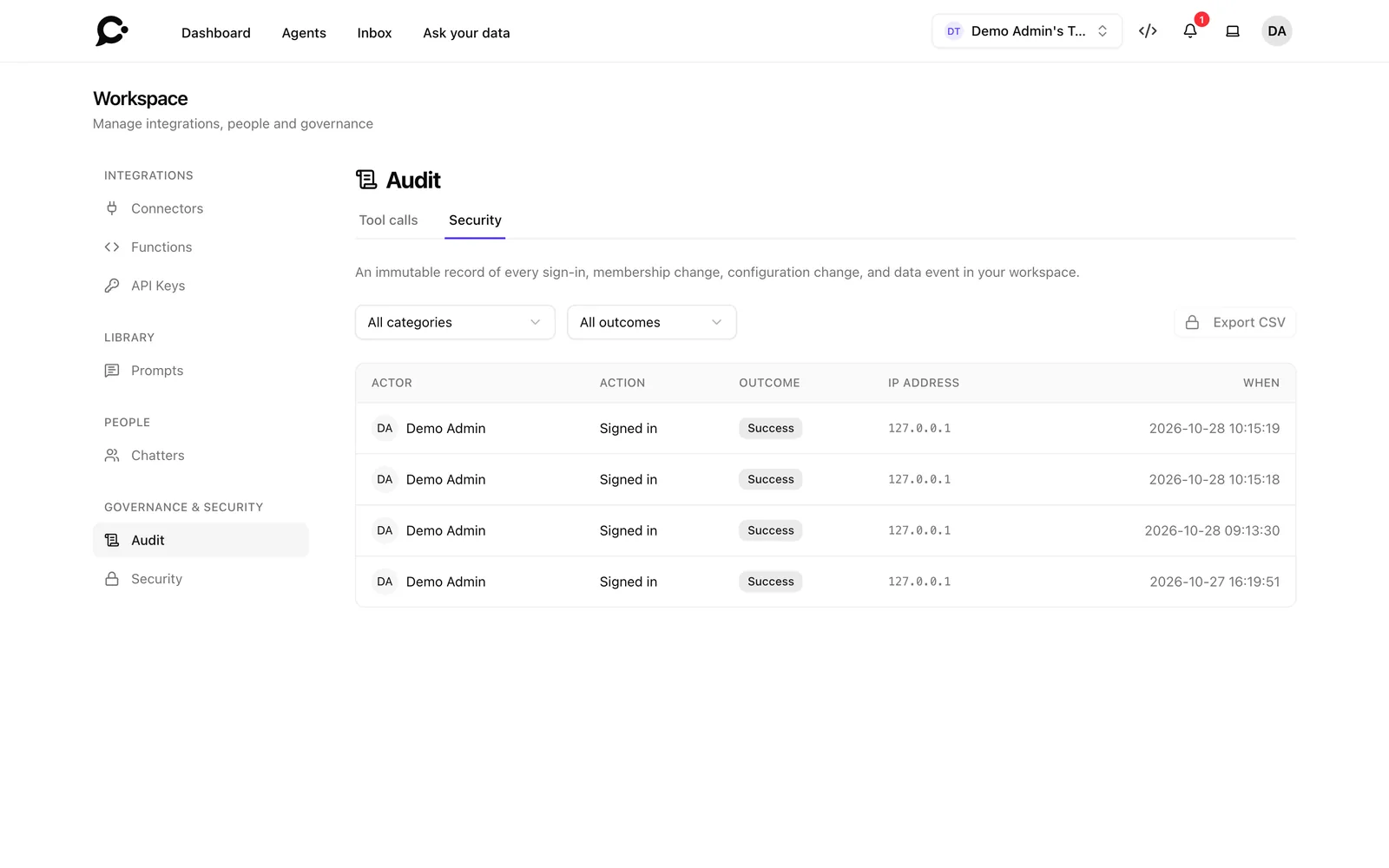
Security audit logEnterprise
A record of every security event, sent on to your SIEM as it happens, with an export.
Read the docs
Data retentionEnterprise
Delete old chats on a schedule, and clear visitor details after a set number of days.
Read the docsPersonal data export
Every person can download a ZIP of all the data held about them.
Full data erasure
Deleting an account removes all of its data, files included.
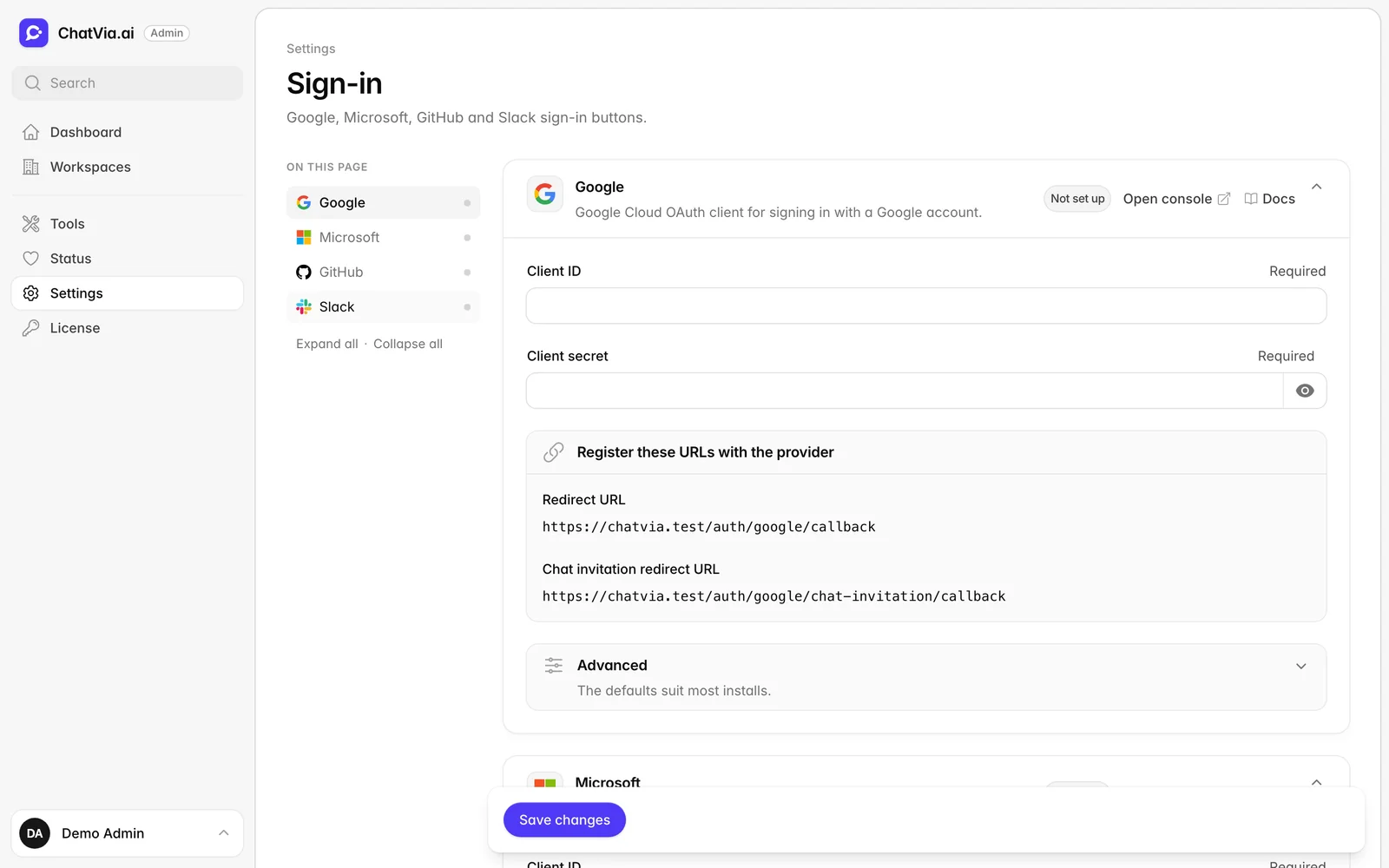
Social and magic-link sign-in
Google, GitHub, Microsoft or Slack, or a single-use link by email.
New device alerts and bot checks
Sign-ins from a new device are noticed, and forms are guarded against bots.
Self-hosting and operations
Your servers, your rules.
Your data stays with you, and you get the tools to run it well.
-
One-line install
A Docker installer sets everything up and walks you through the first steps.
Read the docs -
Upgrade, backup and restore
One tool to update, roll back, back up and restore your install.
Read the docs -
Admin panel
A setup wizard, settings for the whole install, and a status page for every service it uses.
AI call traces
See each AI call with its prompt, reply and tokens, with Spectra.
Queue and server health
Horizon and Pulse show the queues and the server, and you size the workers from the settings.
Your choice of services
Pick your email provider, file storage (local, S3 or BunnyCDN) and PDF maker.
20 languages
The dashboard speaks 20 languages, right-to-left ones included.
Source code included
Read, change and run all of it. No plans, no paywalls.
Your own brand
A license key removes the "Powered by Chatvia" credit.
Screenshots
-
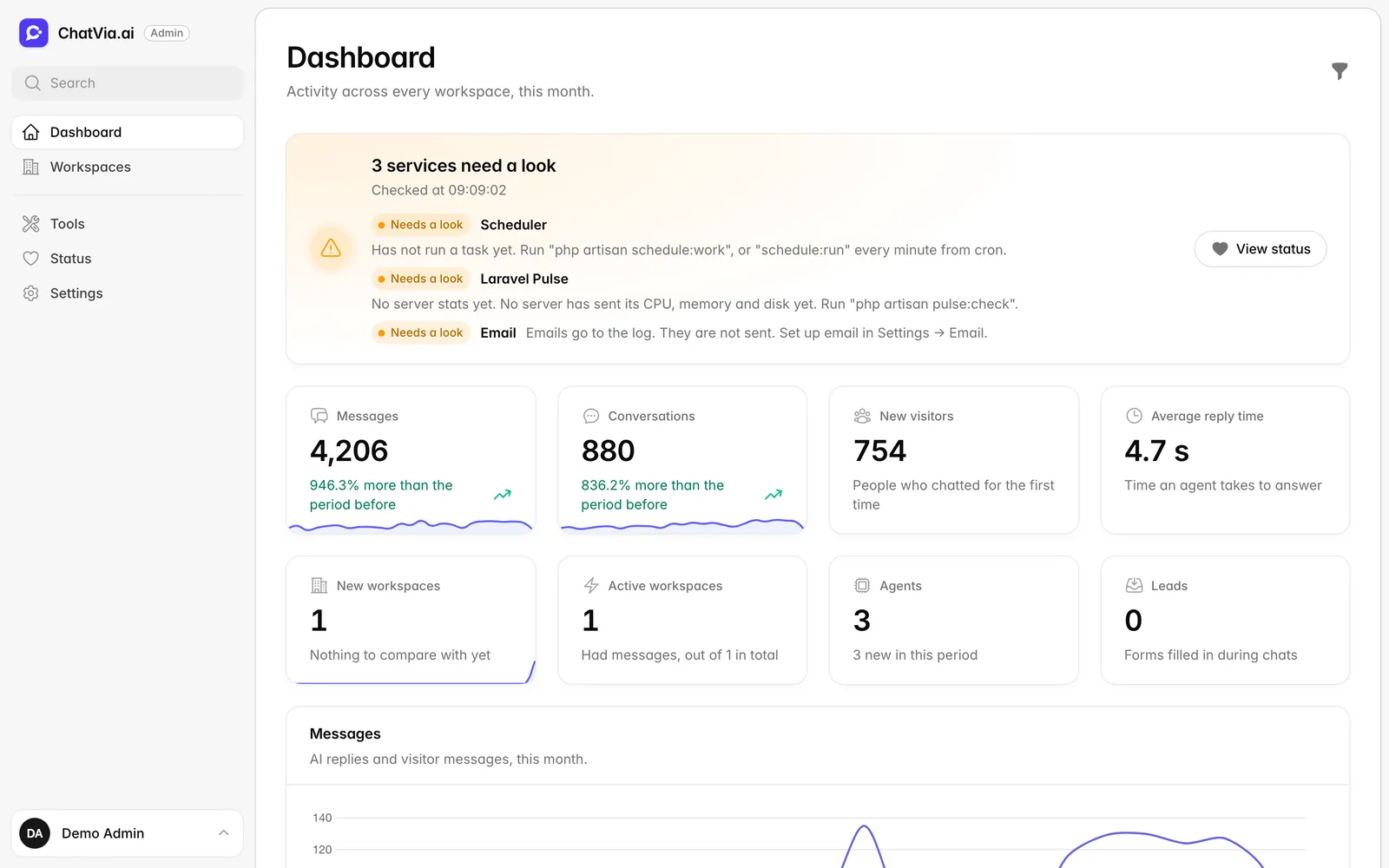
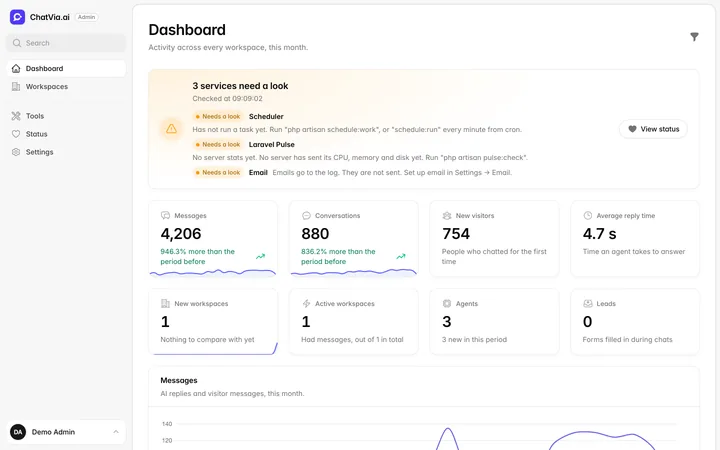 Admin panel
The admin panel, with the health of every service
Admin panel
The admin panel, with the health of every service
-
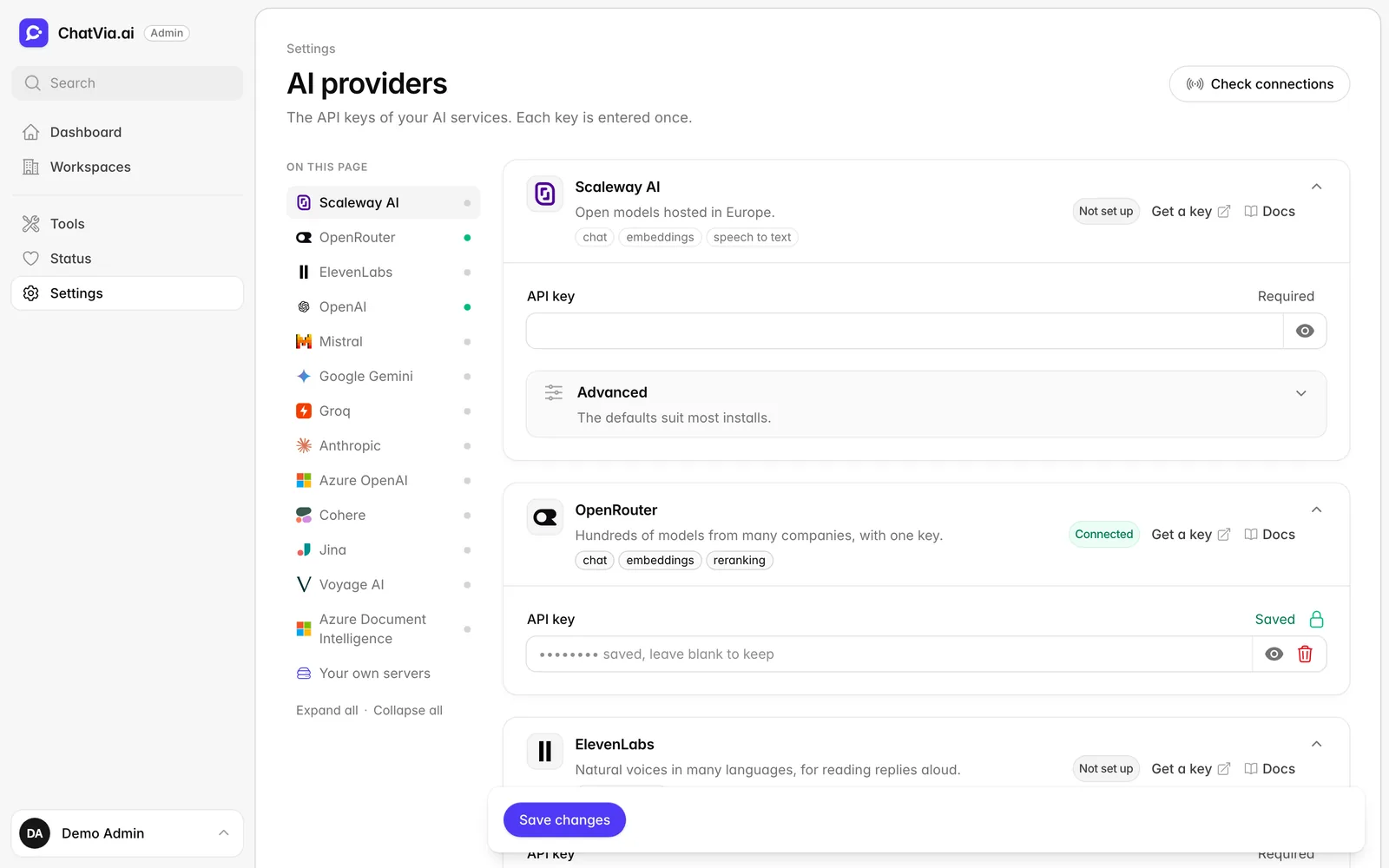
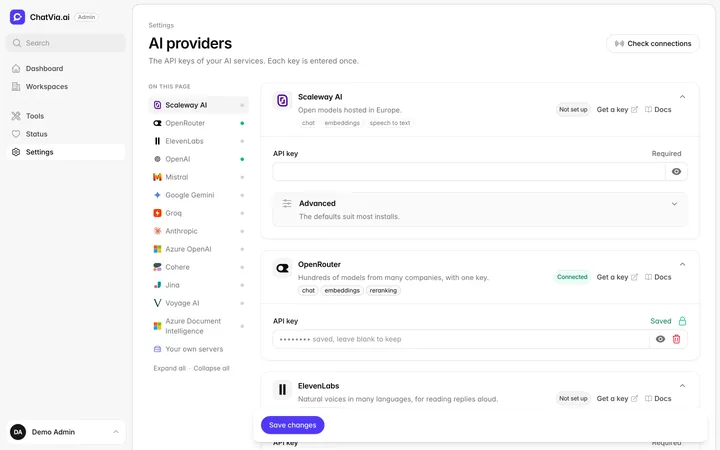 Admin panel
AI providers, set up in one place
Admin panel
AI providers, set up in one place
-
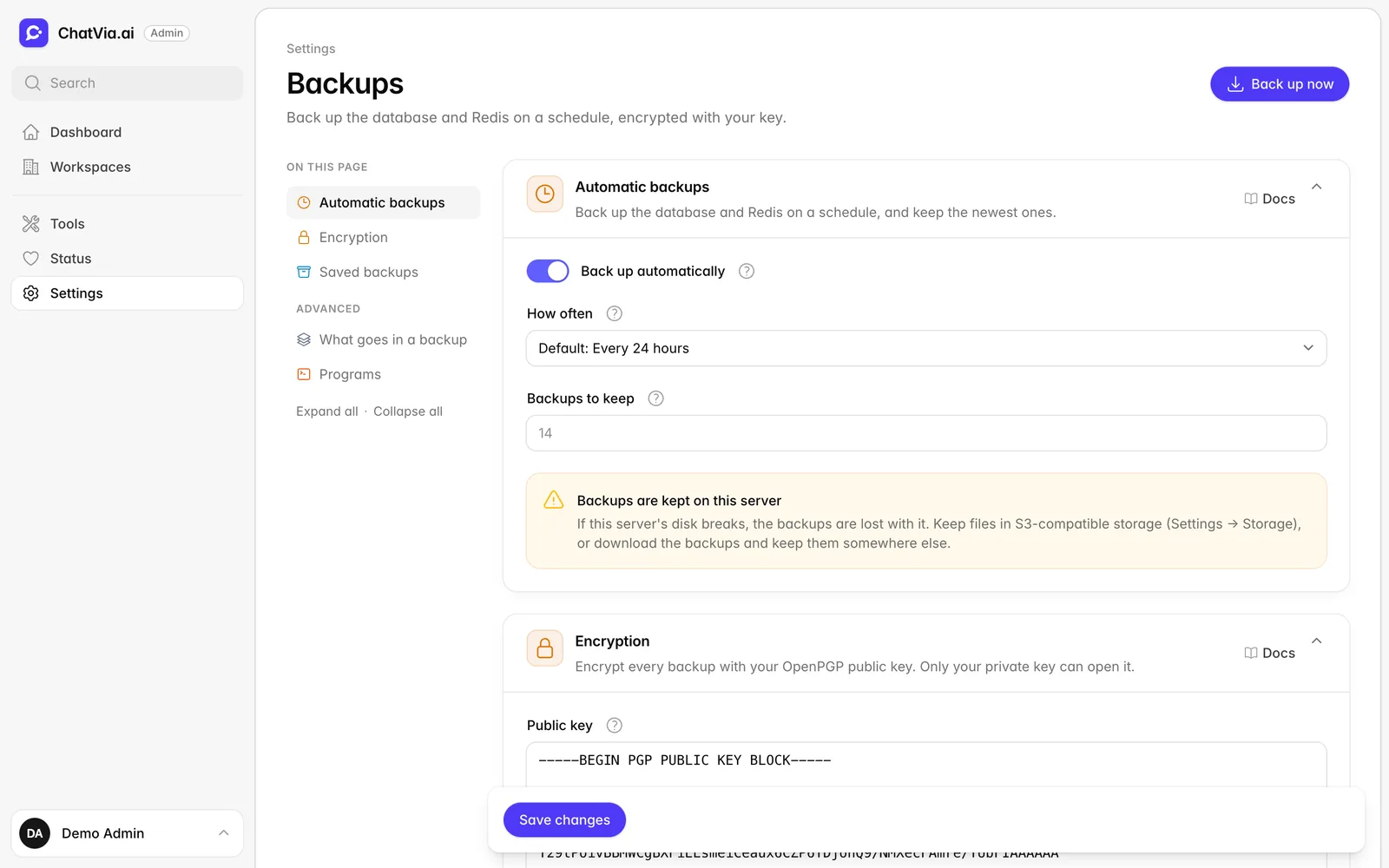
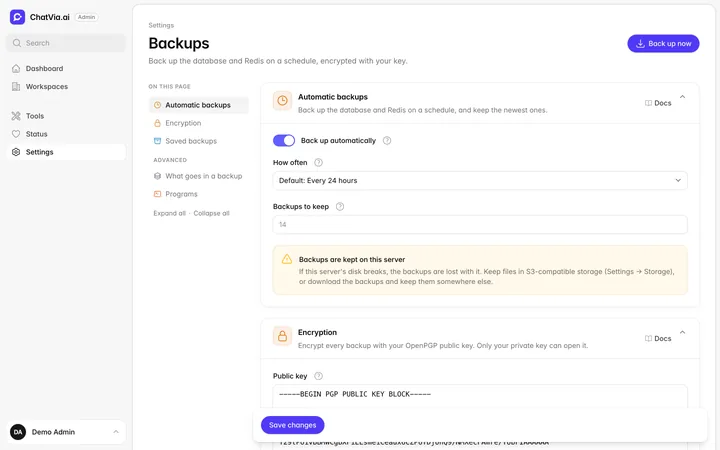 Admin panel
Backups on a schedule, with encryption
Admin panel
Backups on a schedule, with encryption
-
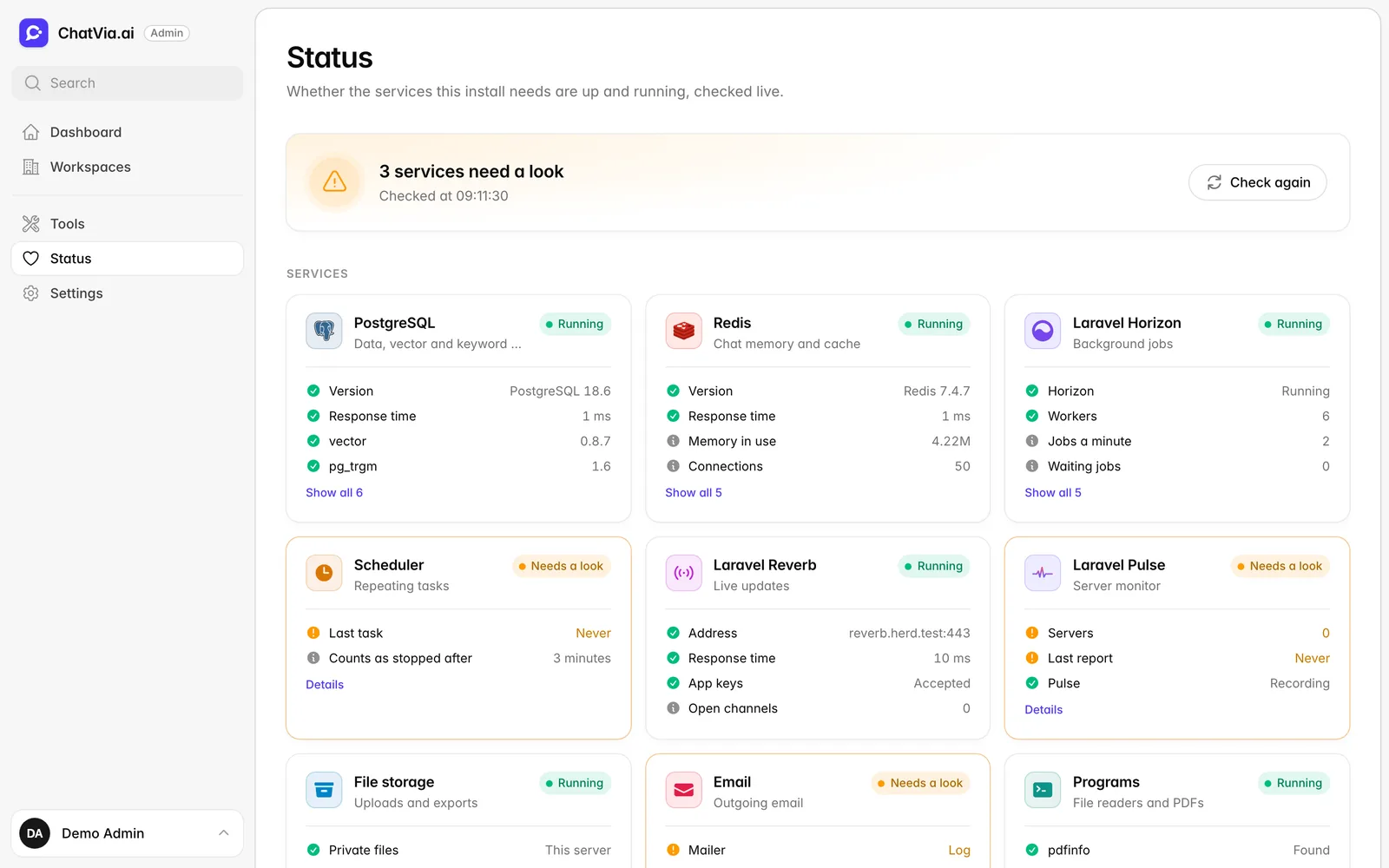
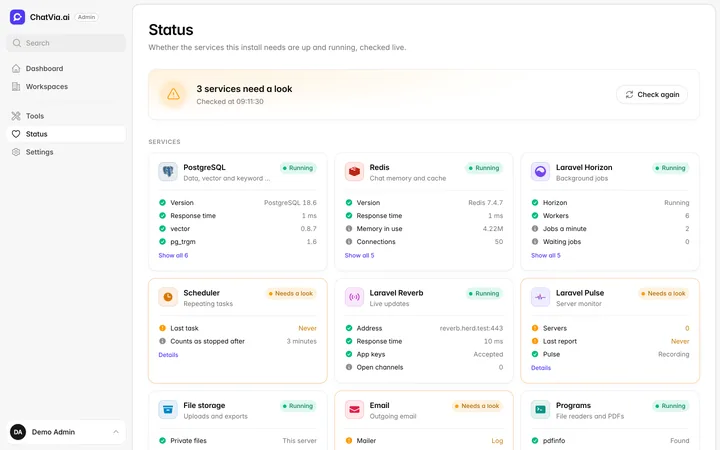 Admin panel
A status page for every service
Admin panel
A status page for every service
-
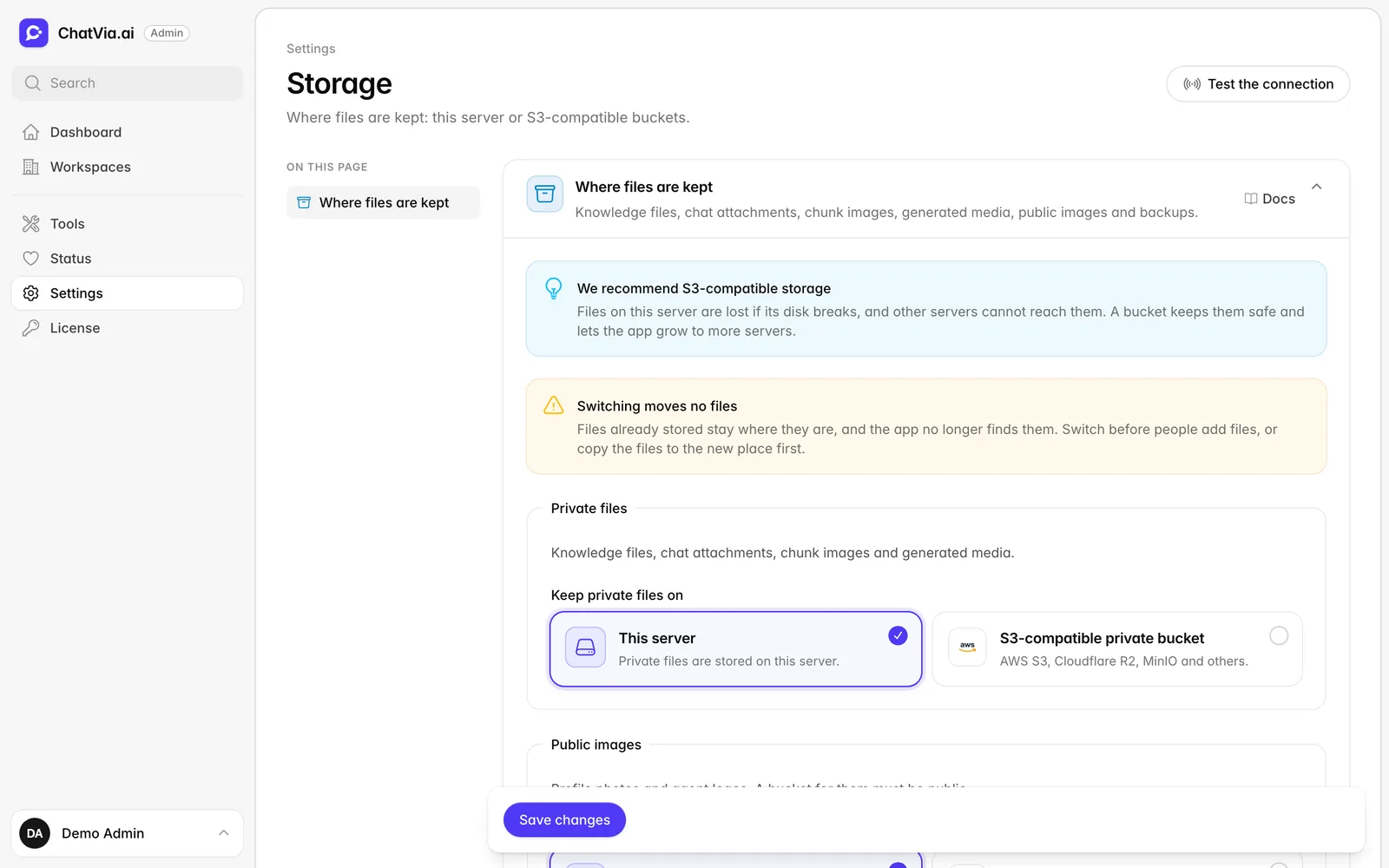
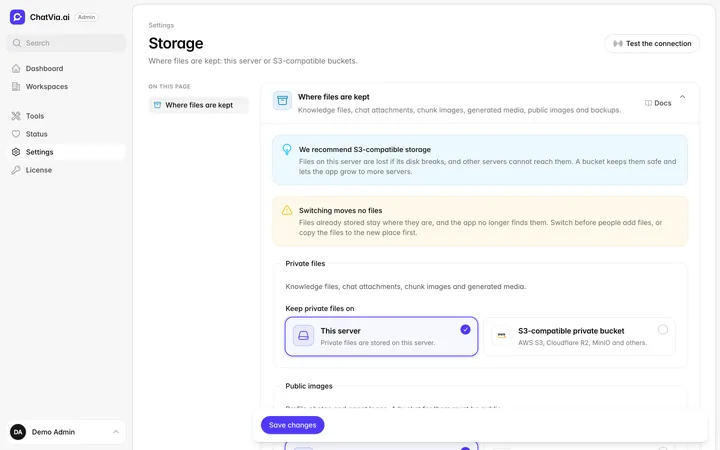 Admin panel
Pick where files are kept: this server or S3
Admin panel
Pick where files are kept: this server or S3
-
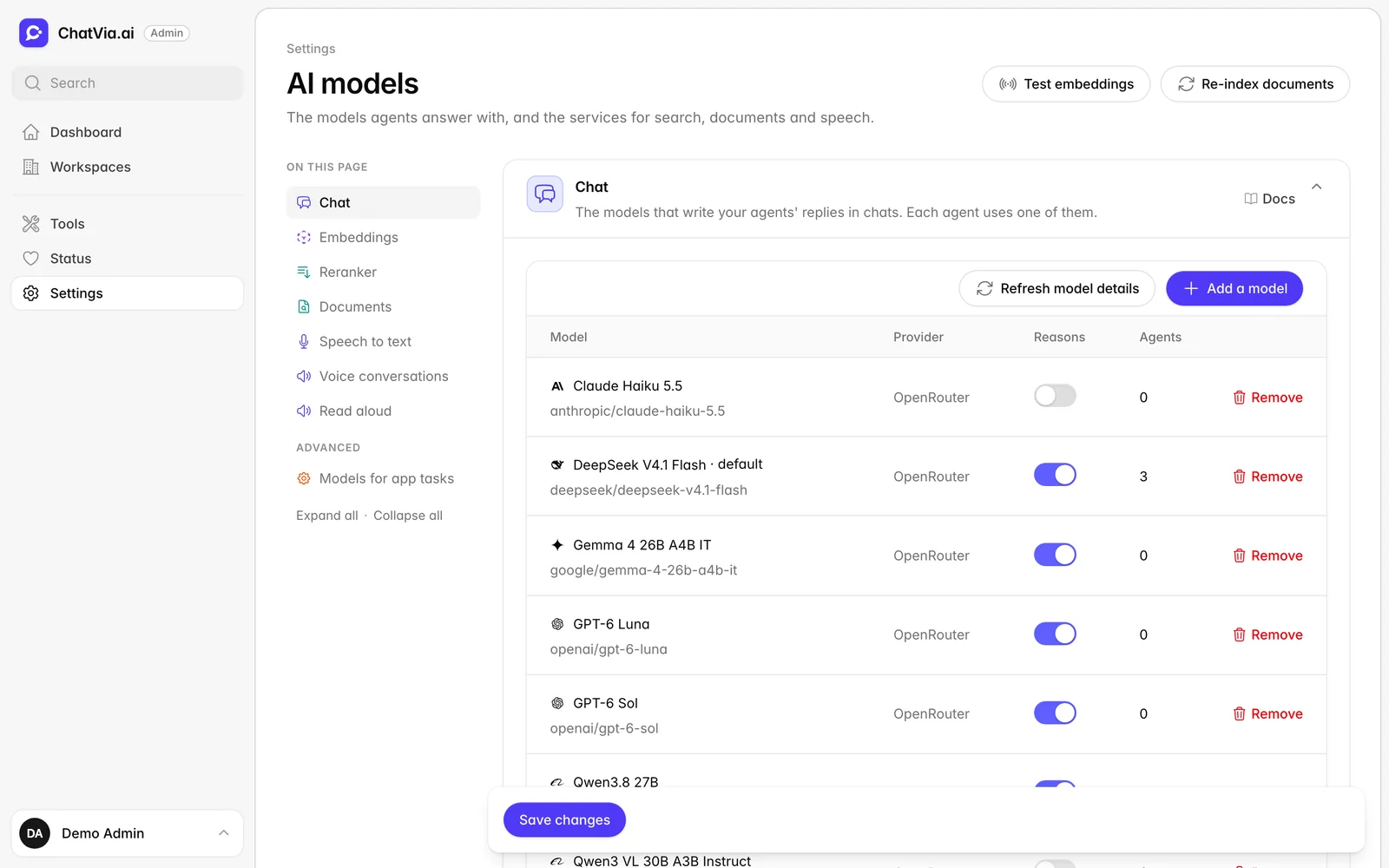
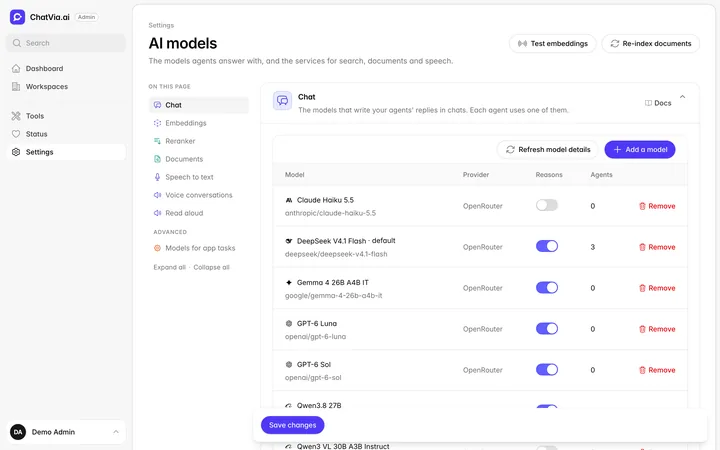 Admin panel
The AI models for chat, search, documents and speech
Admin panel
The AI models for chat, search, documents and speech
-
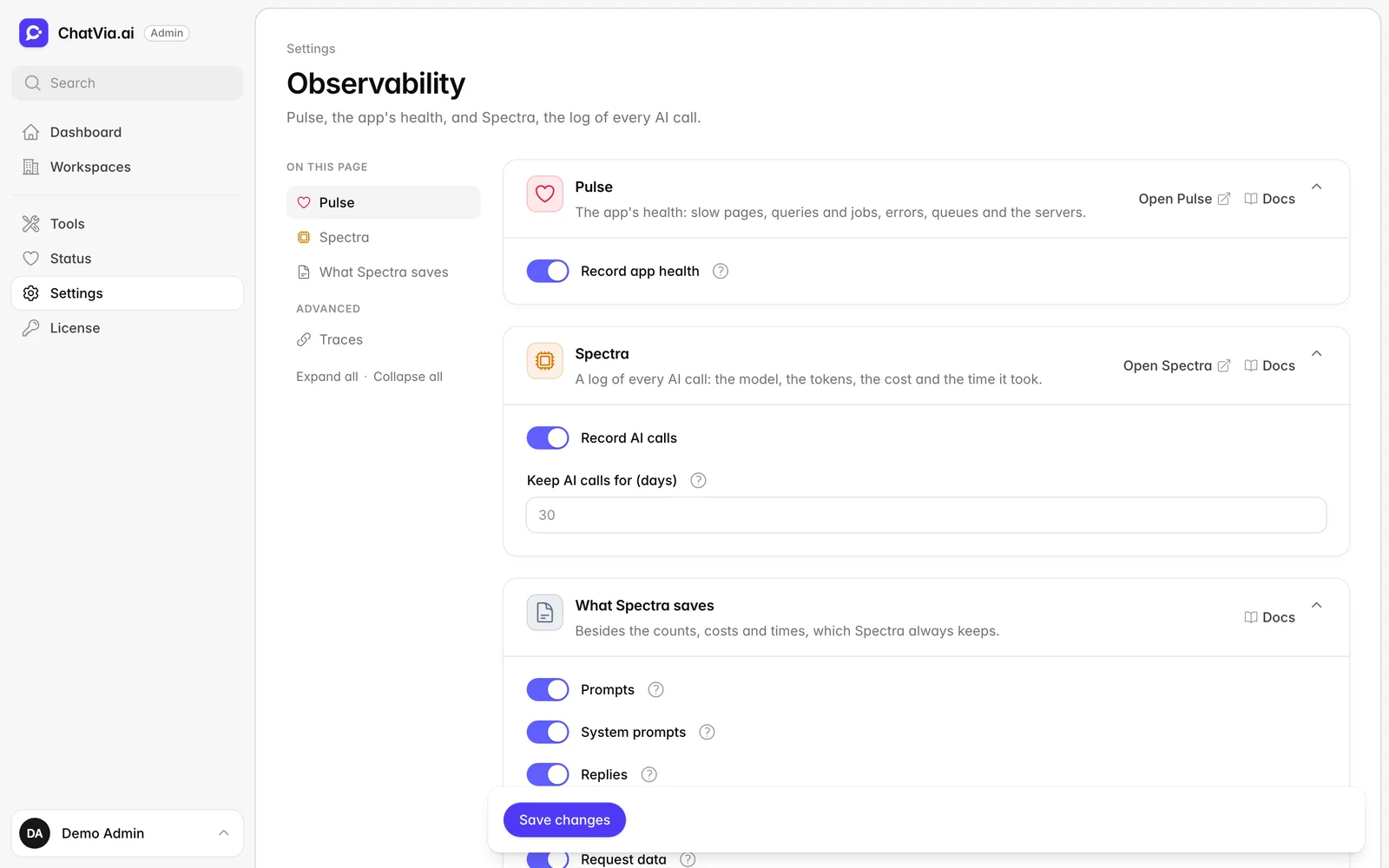
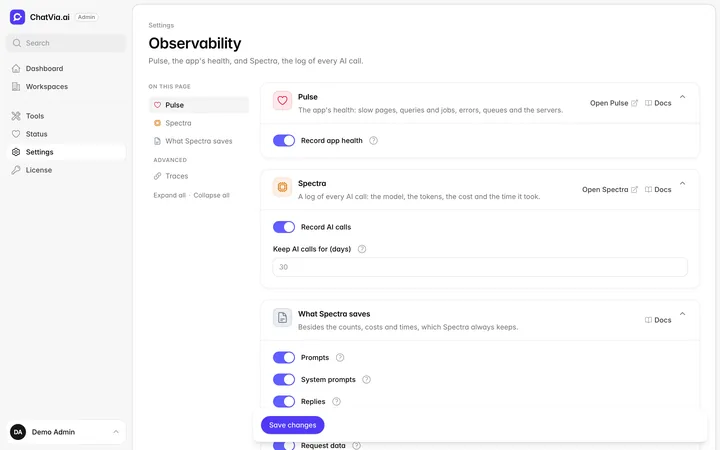 Admin panel
Pulse for app health, Spectra for every AI call
Admin panel
Pulse for app health, Spectra for every AI call
-
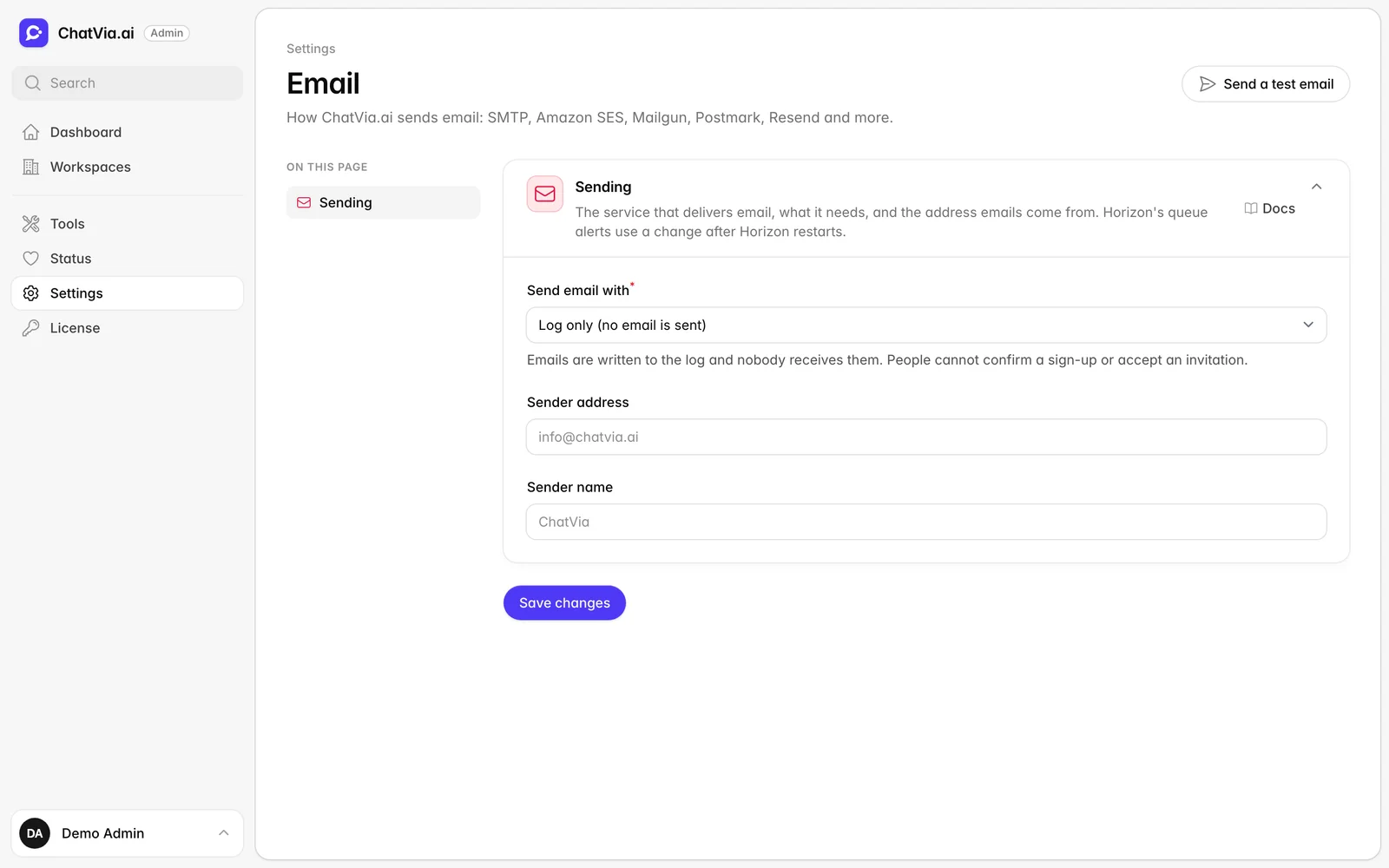
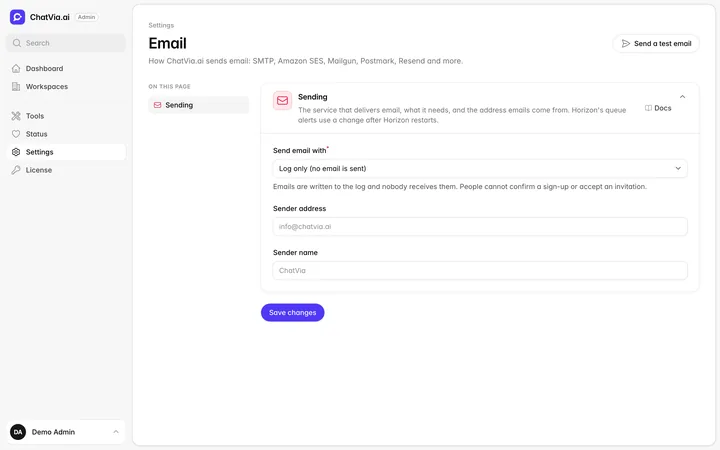 Admin panel
Send email with SMTP, Amazon SES, Mailgun, Postmark or Resend
Admin panel
Send email with SMTP, Amazon SES, Mailgun, Postmark or Resend
No feature matches your search.
All of it, free. On your own servers.
Install Chatvia with one command and try every feature today.