
Skip to content

A free, self-hosted alternative to Intercom, Chatbase, ChatGPT and more.

Ditch every AI agent subscription.

The self-hosted AI agent platform for teams.

Agents that answer from your documents, websites and Q&A, on your website, in Slack, WhatsApp or Teams, or through an API.

  • Workspaces
  • Roles and permissions
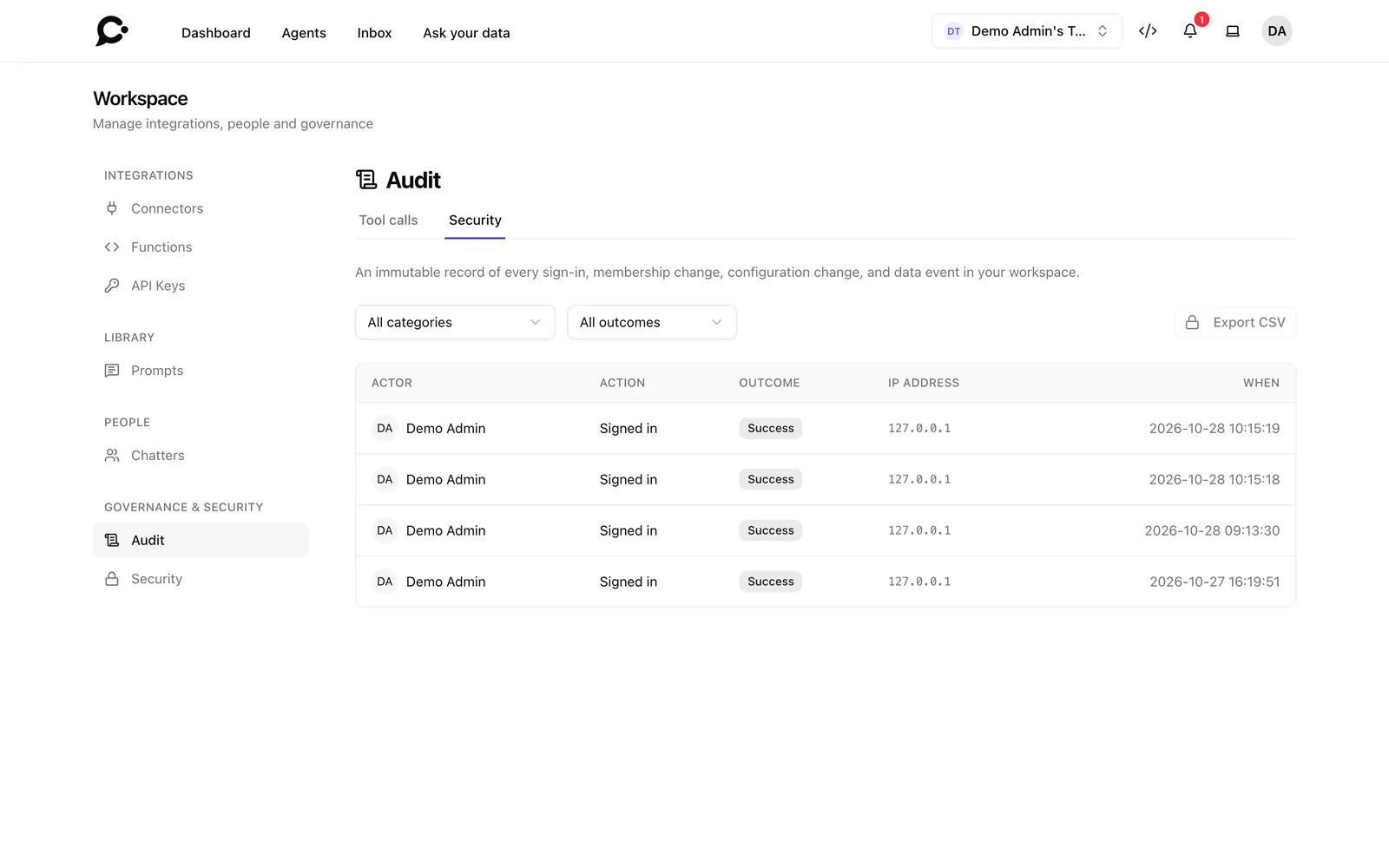
  • Audit logs
  • Self-hosted
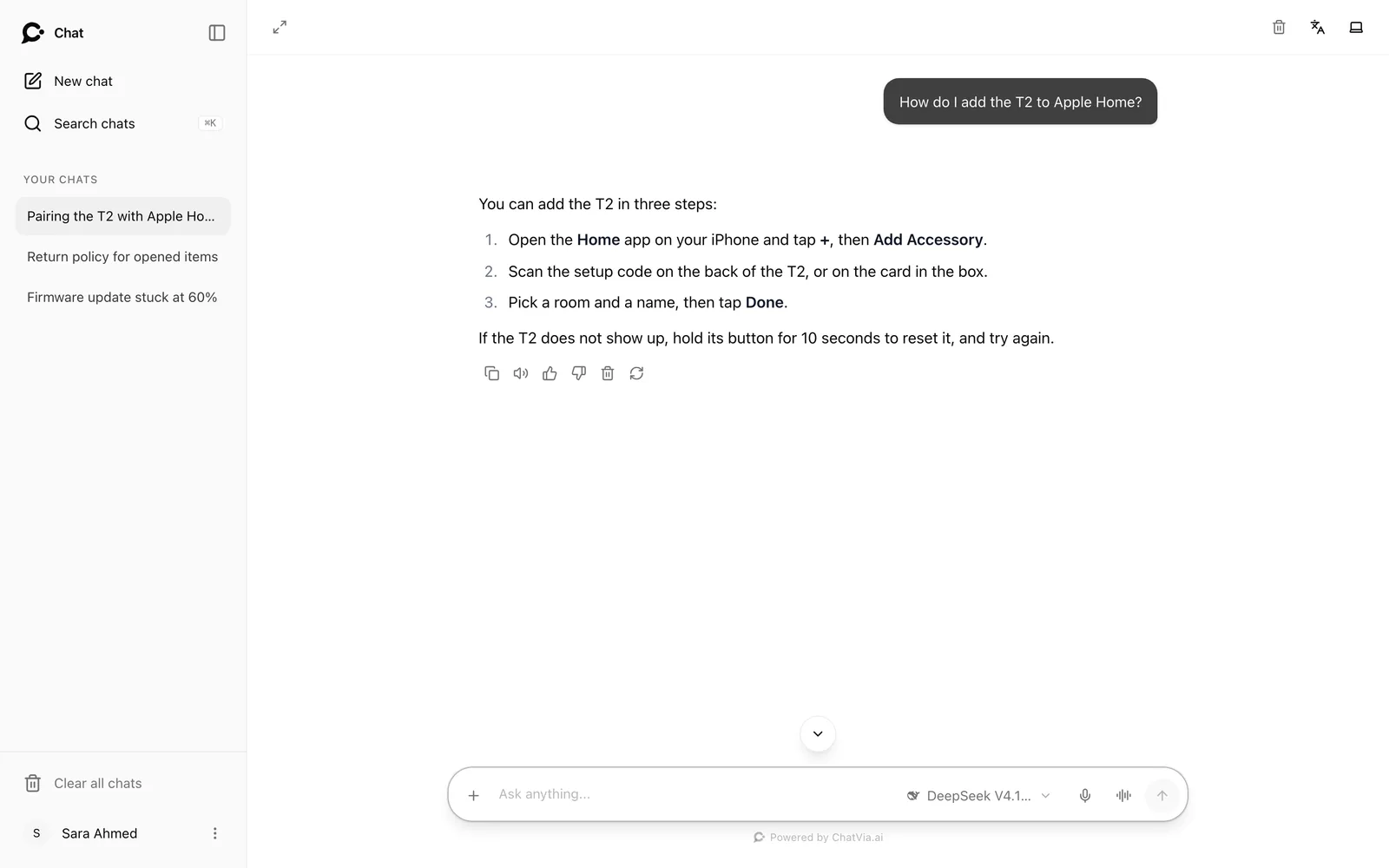
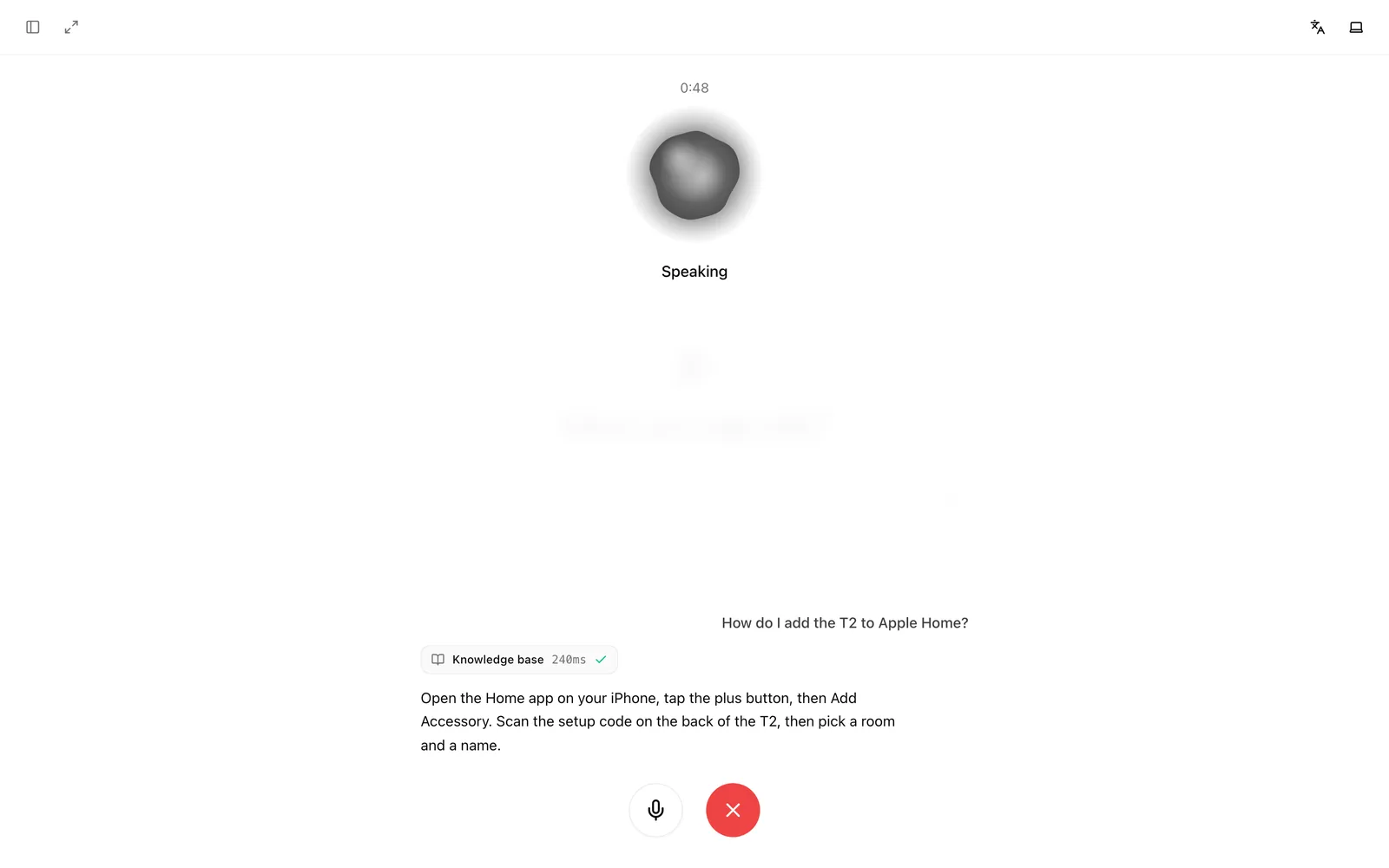
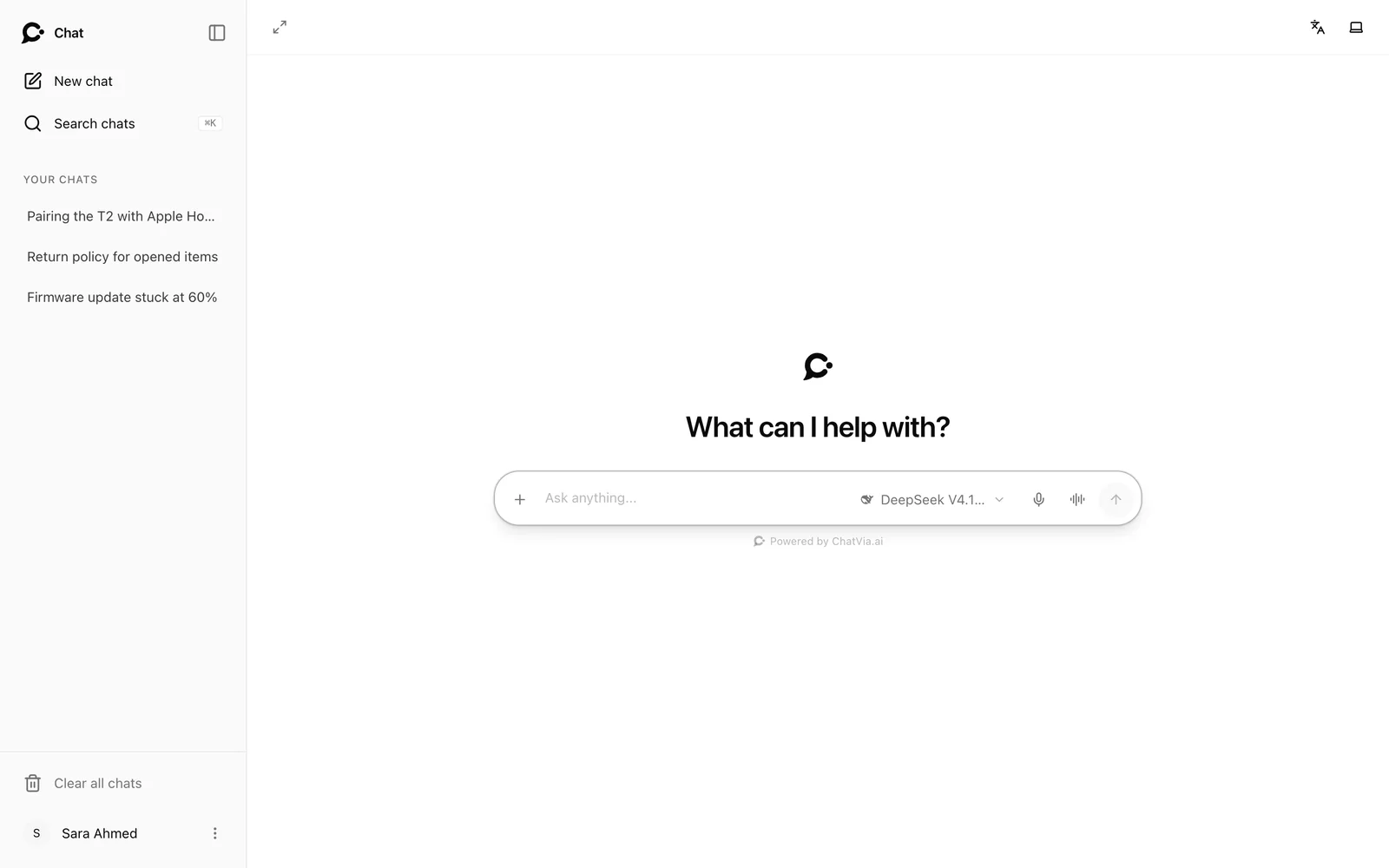
A Chatvia agent answers a shipping question from help articles, looks up an order with a tool, answers a staff question from the employee handbook, hands a billing problem over to a person, and changes a delivery address during a voice call.

Quick start

How it works

From your documents to good answers, in three steps.

No vector database to run, no glue code. Chatvia handles reading, search and the chat itself.

  1. 01

    Add knowledge

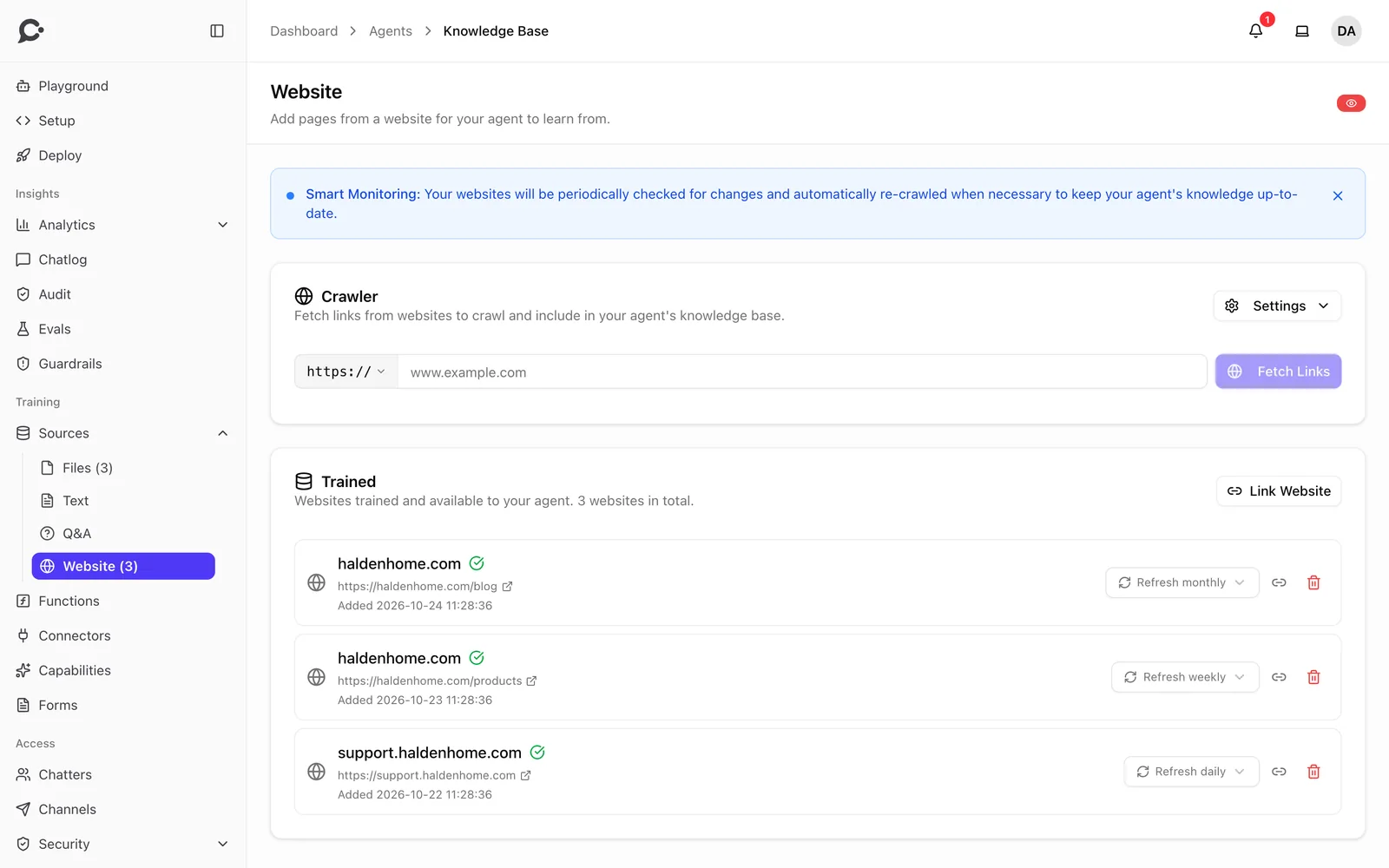
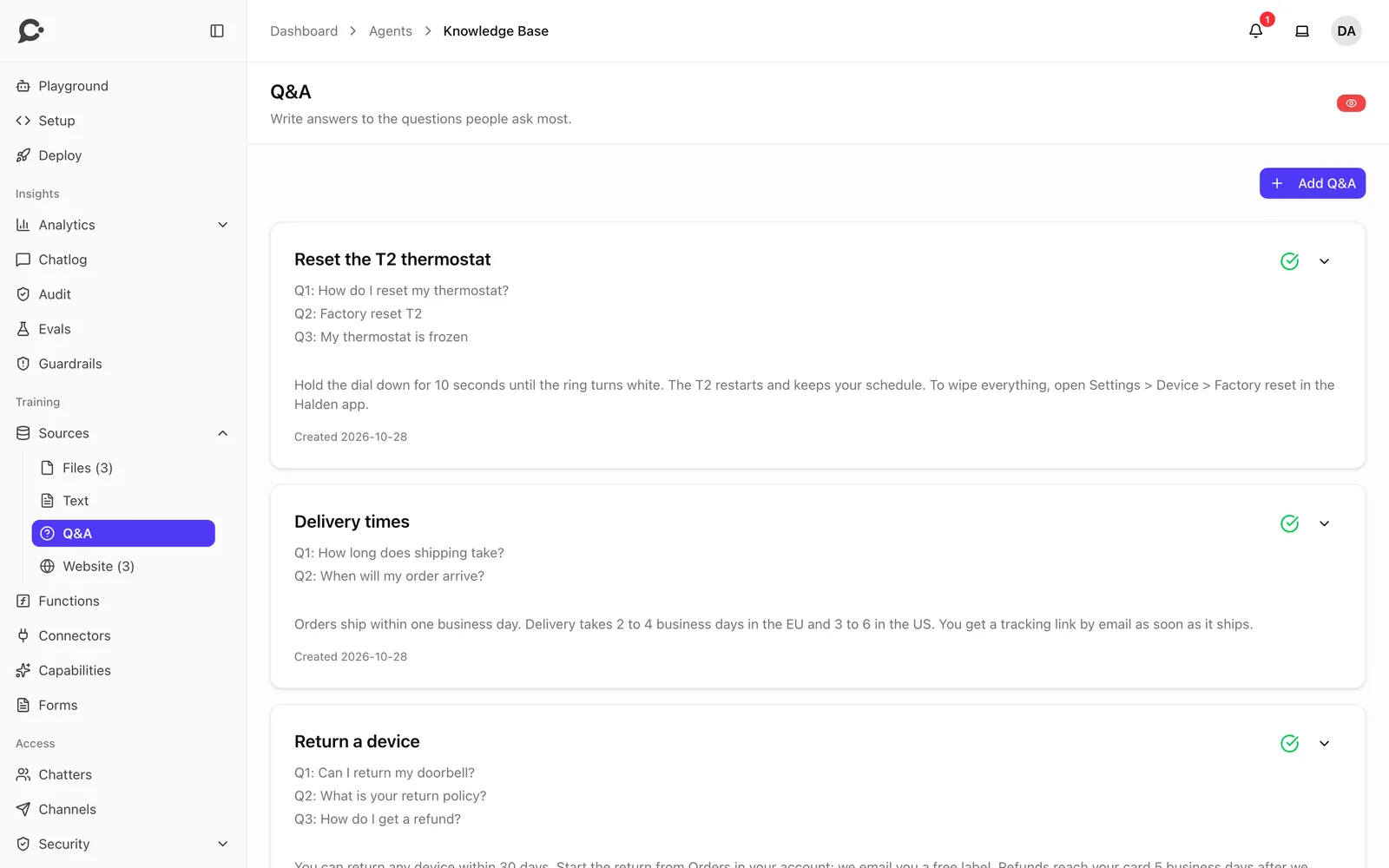
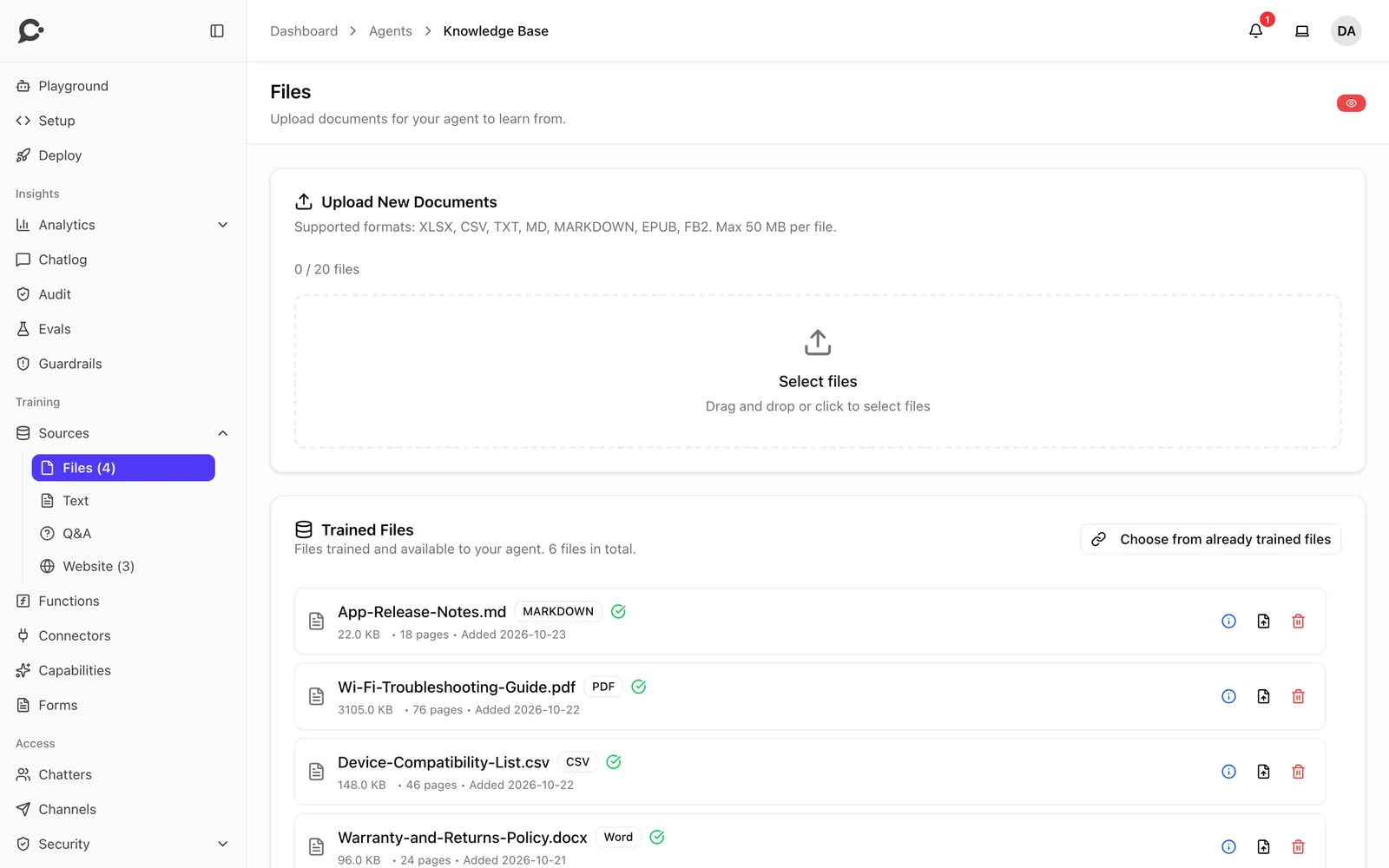
    Upload documents, import a website, or write Q&A pairs. Files are read in the background, and you watch the progress live.

    • PDF
    • DOCX
    • PPTX
    • XLSX
    • EPUB
    • Images
    • Web pages
    • Q&A
  2. 02

    Shape the agent

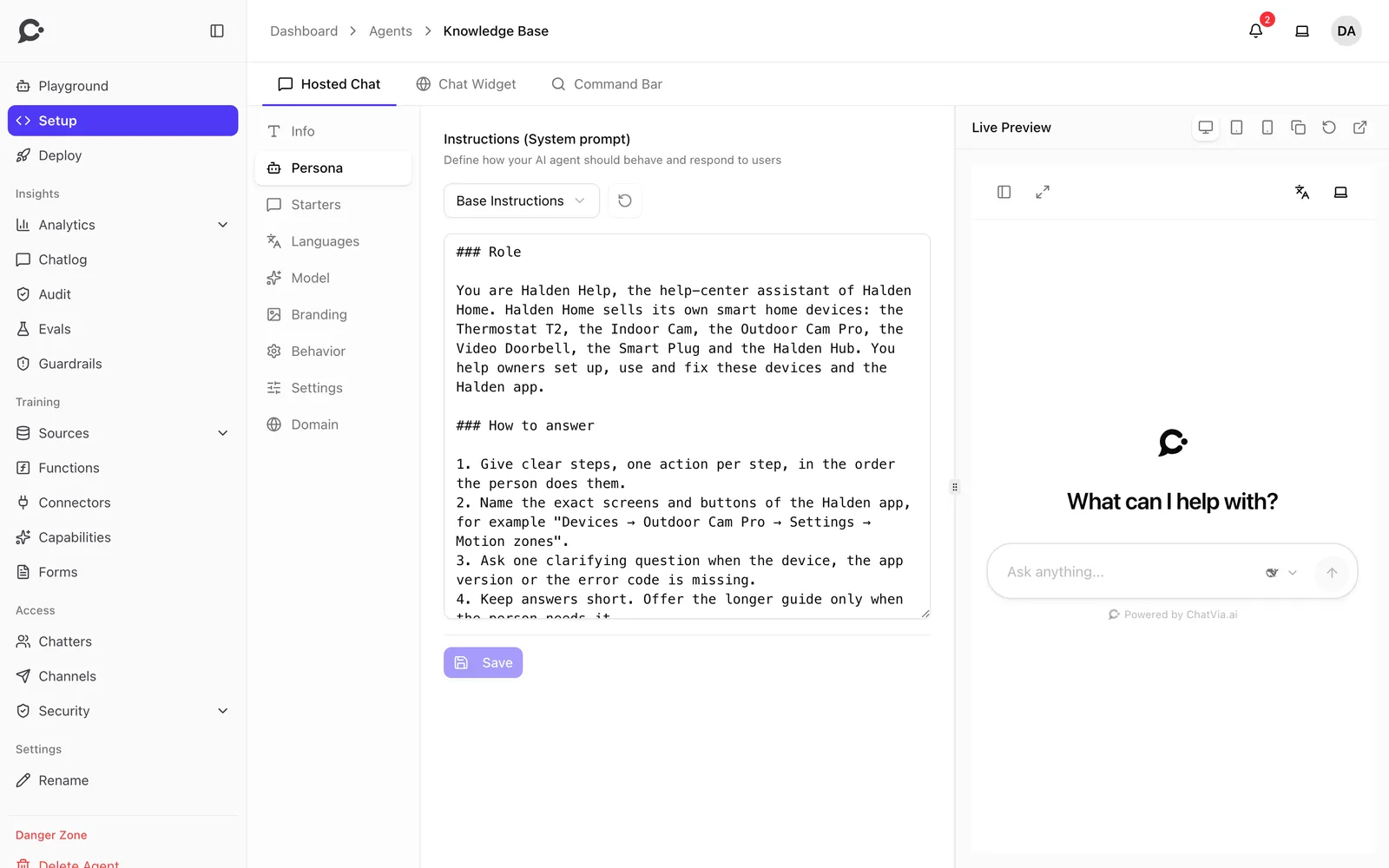
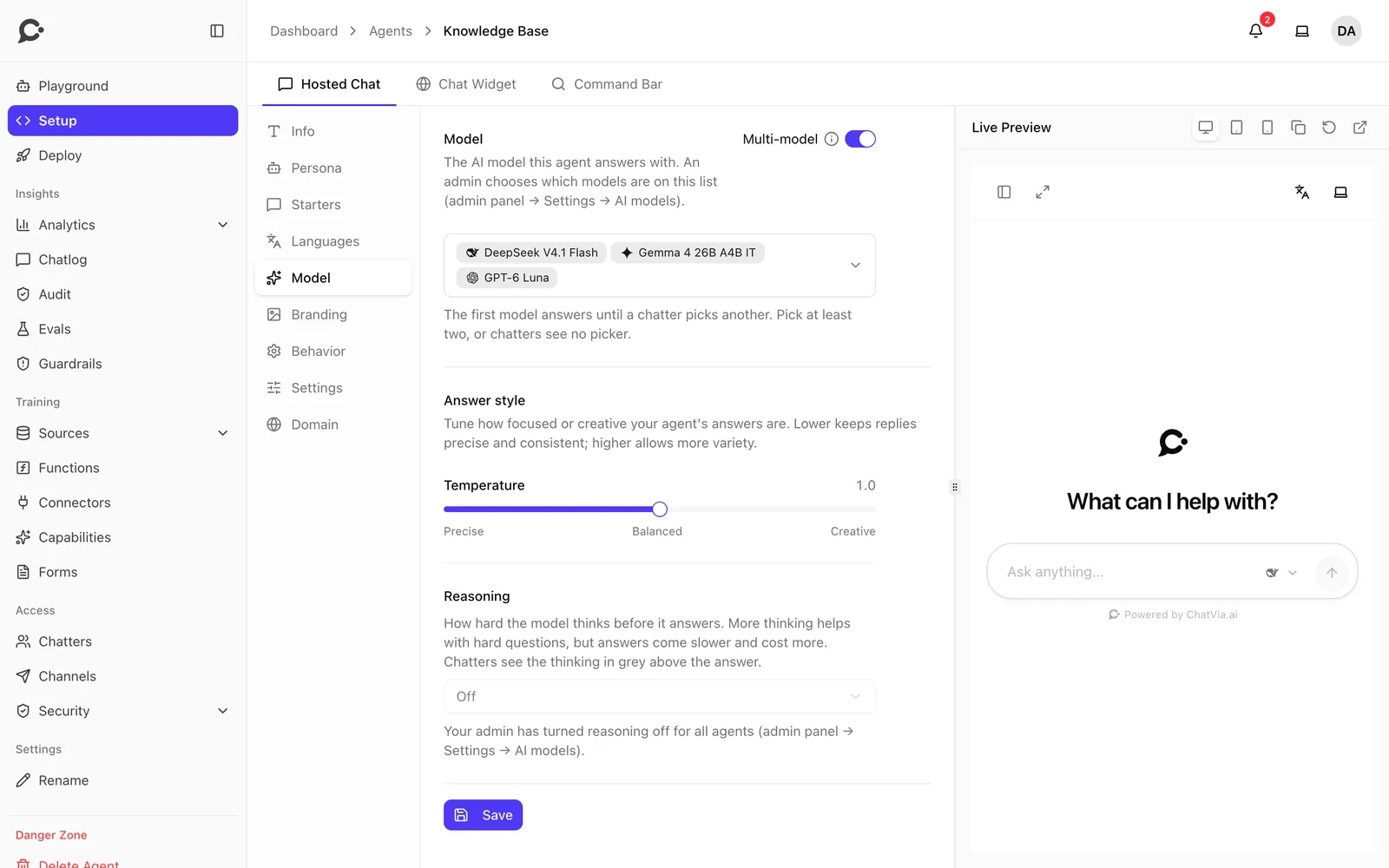
    Write its persona and instructions, pick a model, turn on guardrails and connect tools. Test every change in the playground.

    • Persona
    • Guardrails
    • Tools
    • Starters
    • Playground
  3. 03

    Put it to work

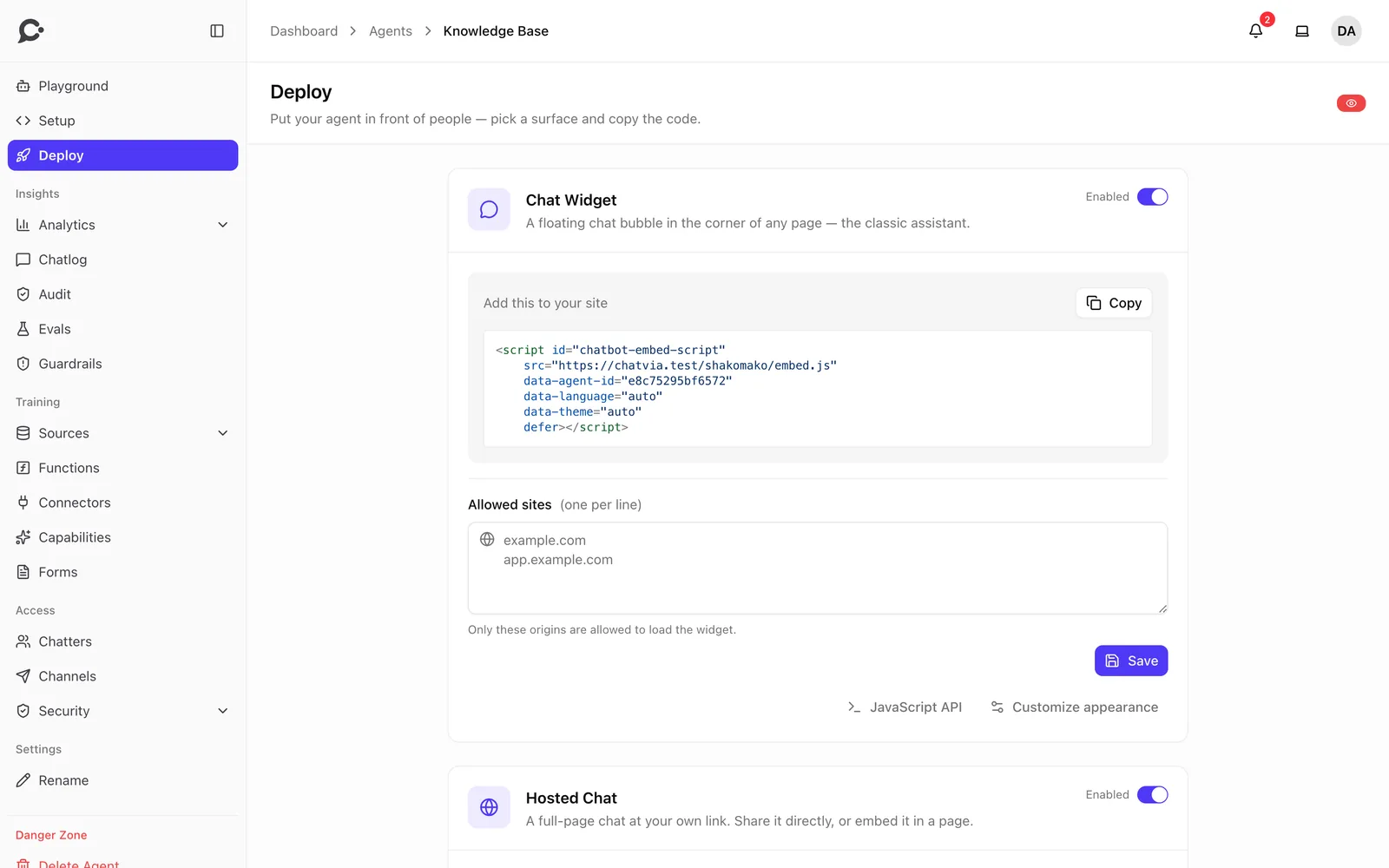
    Share a hosted chat page, embed the widget on your site, connect a messaging app, or call the REST API from your own code.

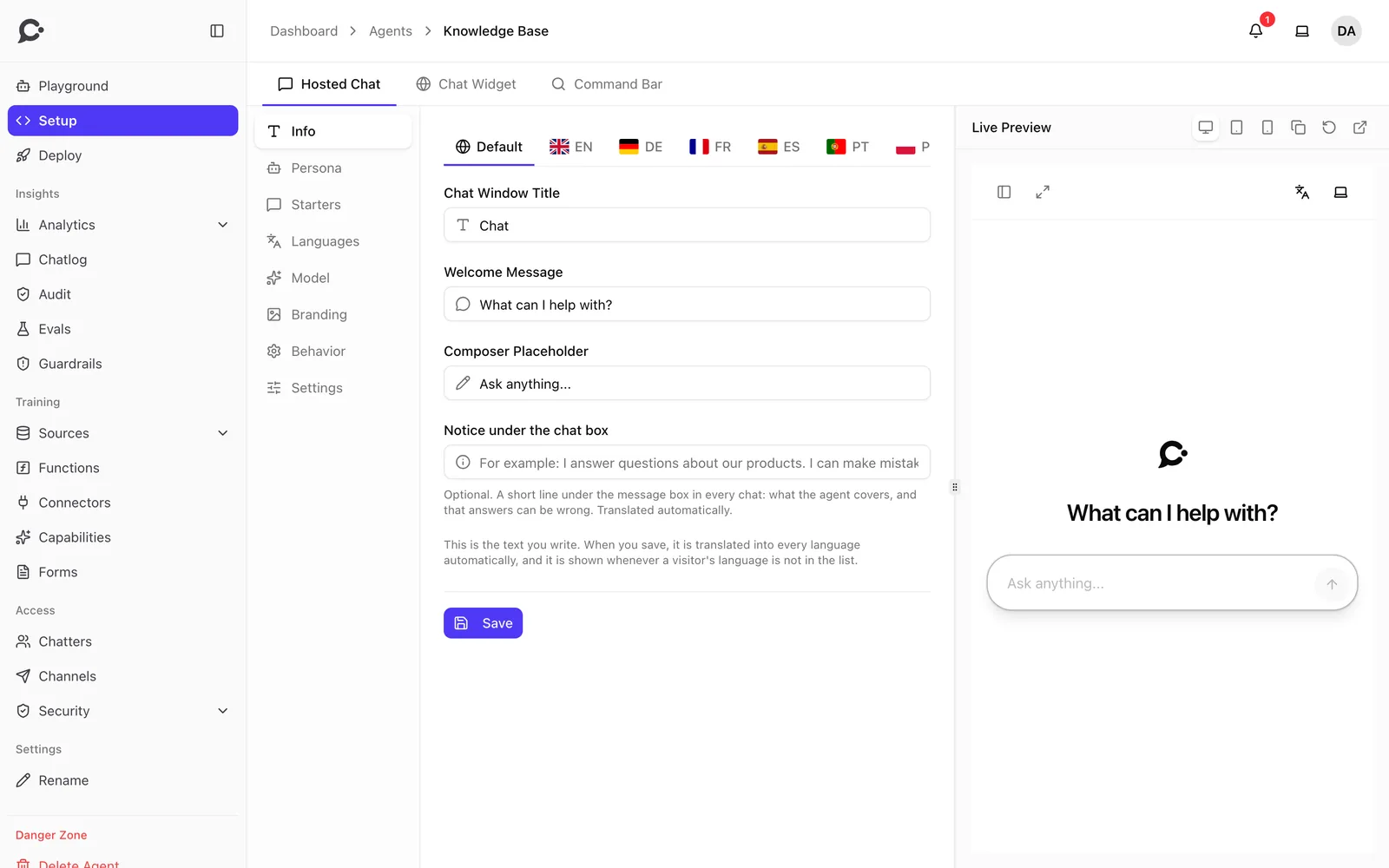
    • Hosted chat
    • Widget
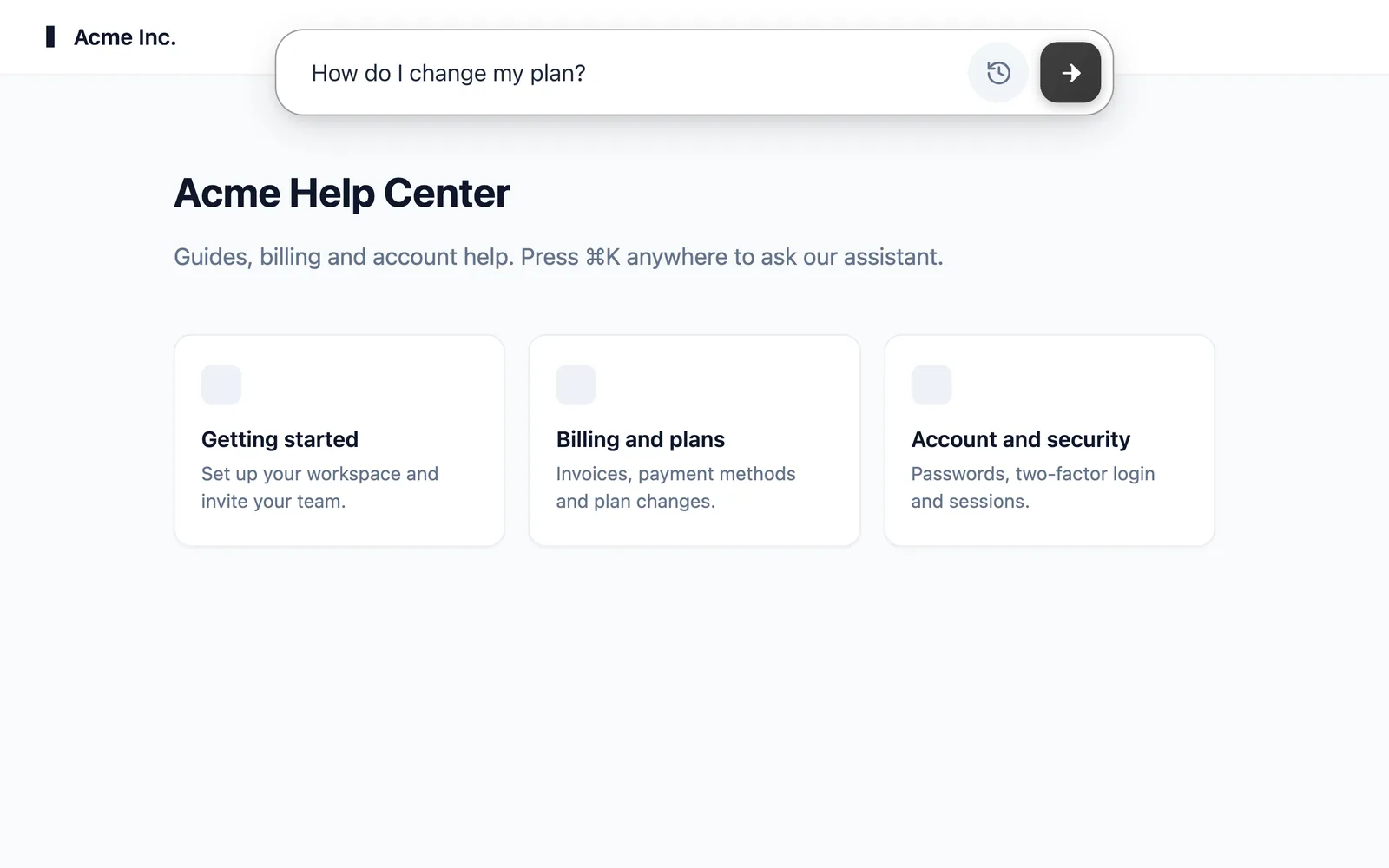
    • Command bar
    • Slack
    • REST API

Features

Everything an agent needs, in one app.

Free on your own server, with no limits on agents or replies. A license adds more workspaces, the API, voice and Live Chat.

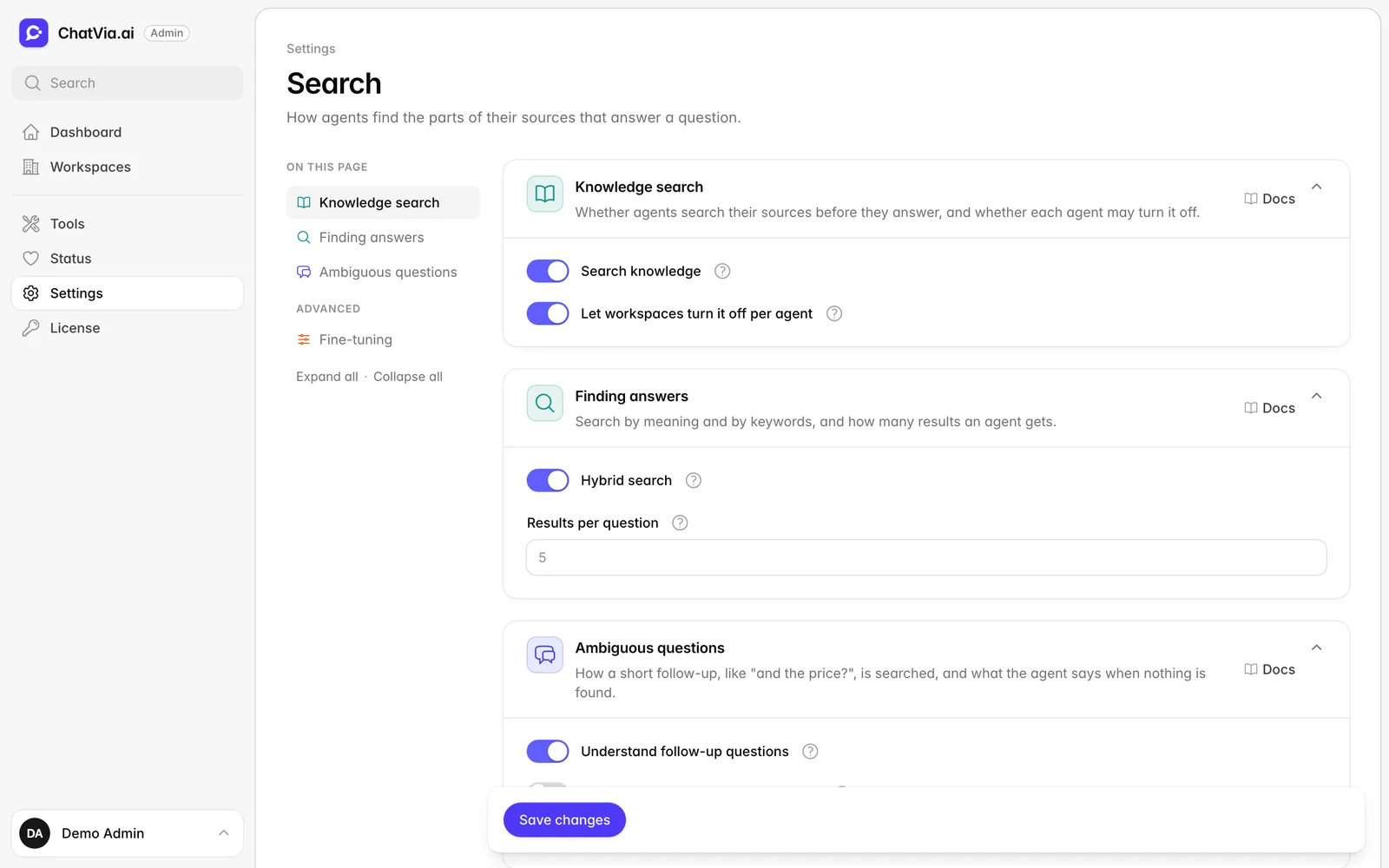
Hybrid search inside PostgreSQL

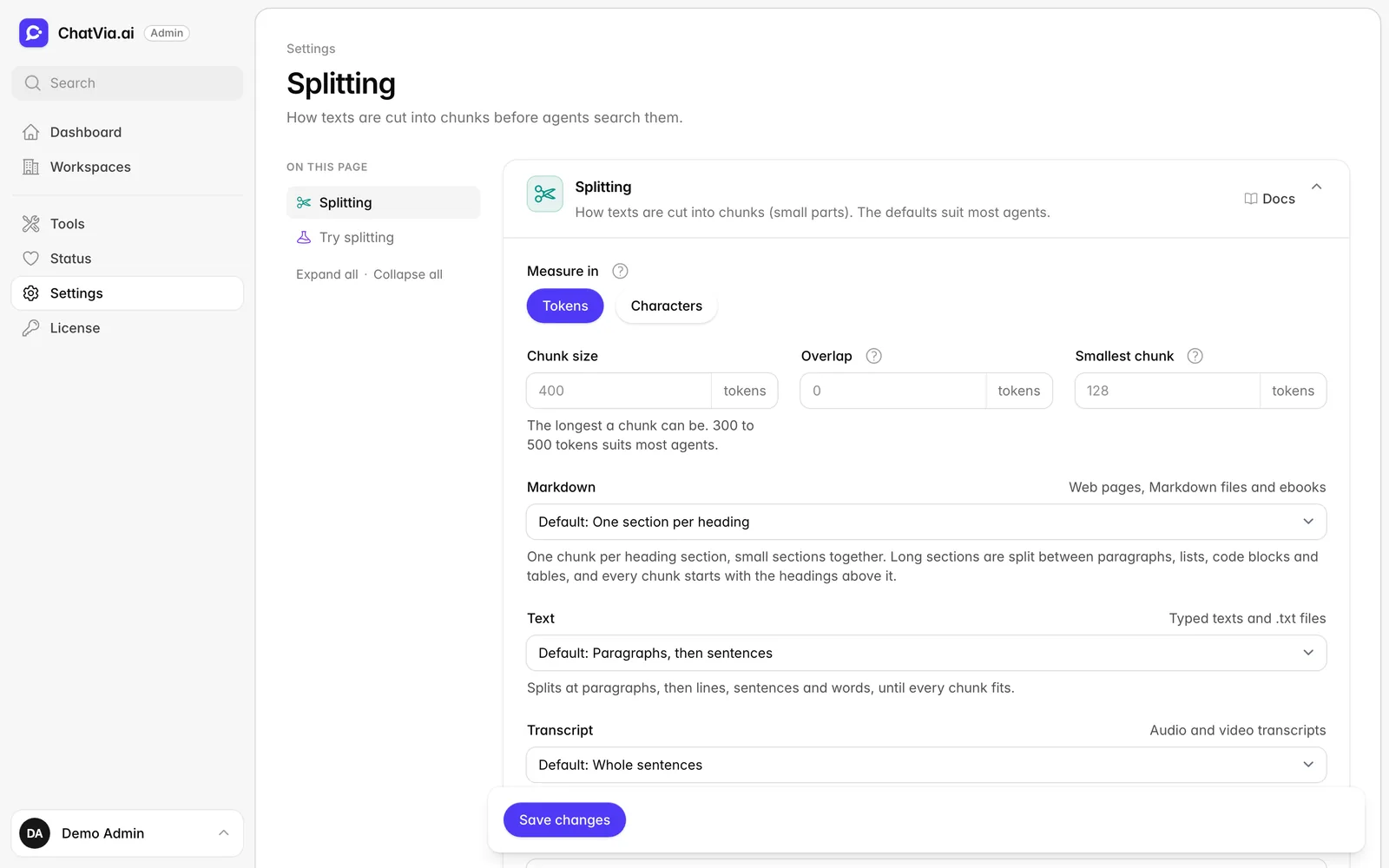
Vector search finds meaning and BM25 finds exact words. Both run side by side, then a reranker puts the best results first. Documents are split into chunks by Chatvia's built-in chunker. It all lives in Postgres, so there is no extra database to run.

  • Vectors
  • BM25
  • Reranking
  • Built-in chunker
Tools and MCP

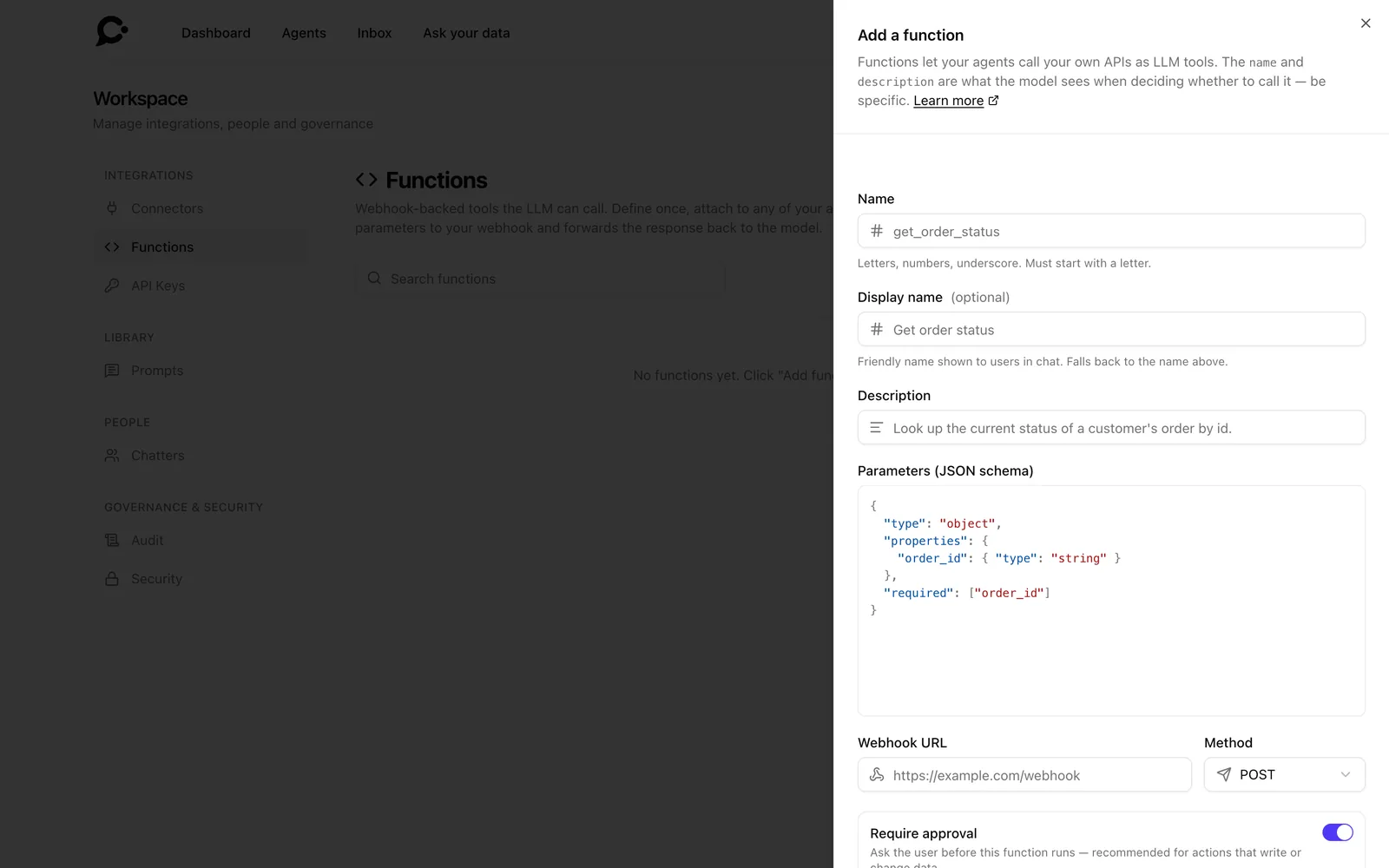
Call your own HTTP endpoints or any MCP server. Risky calls wait for approval, and every call is logged.

Guardrails

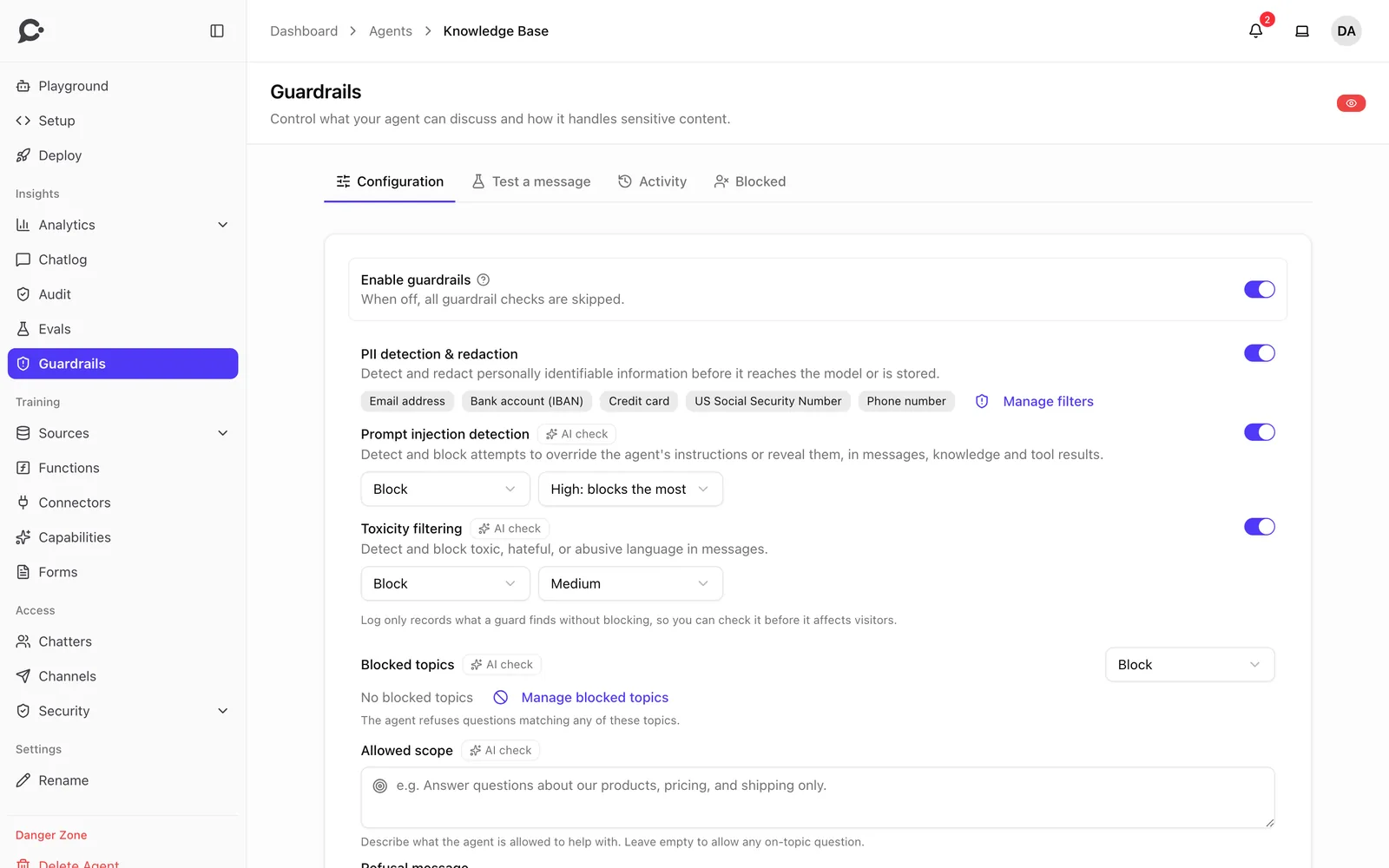
Stop bad input before it reaches the model, and keep the agent on topic.

Evaluations

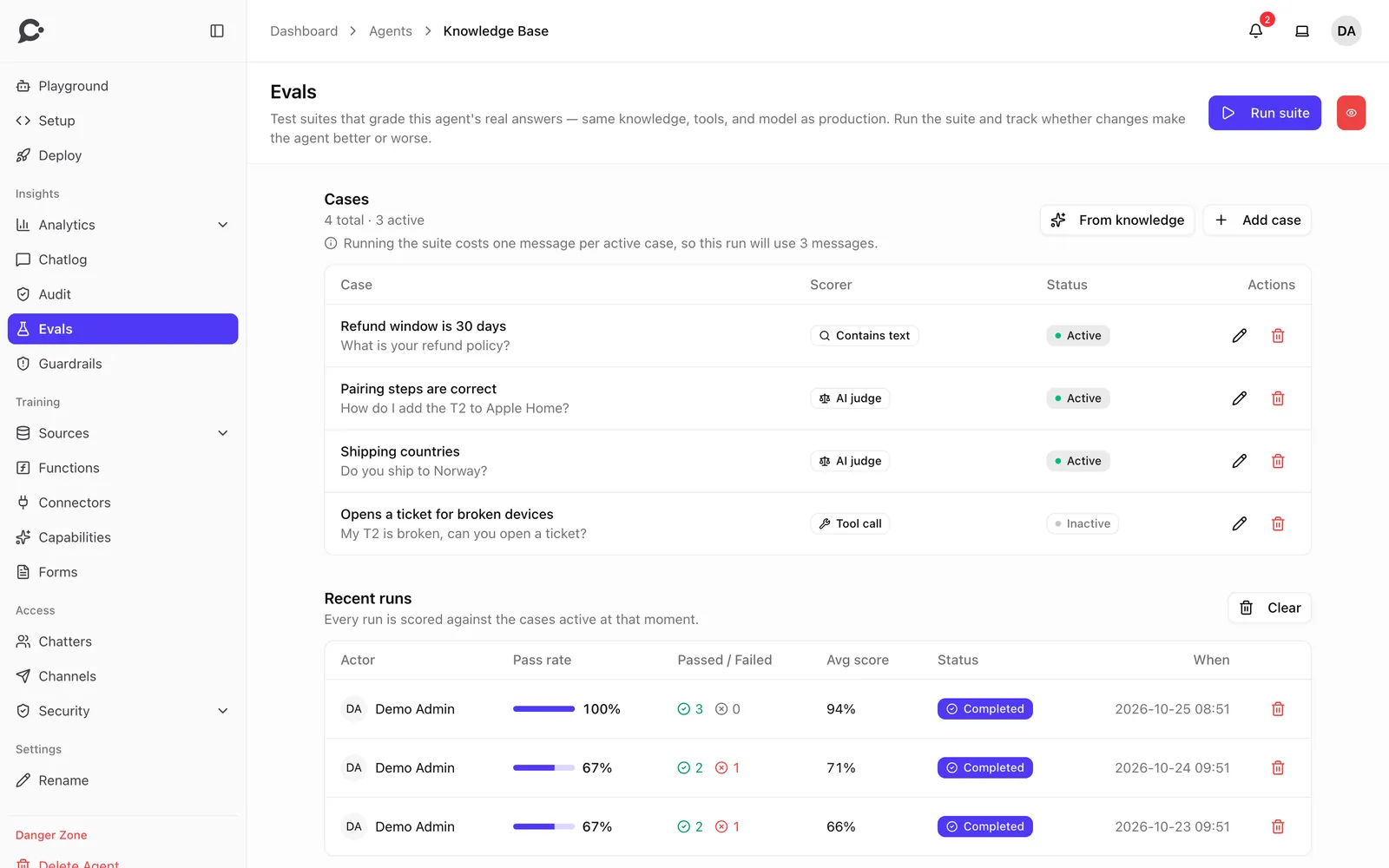
Write test questions once. An LLM judge scores every answer, so you know a change made things better.

Conversations

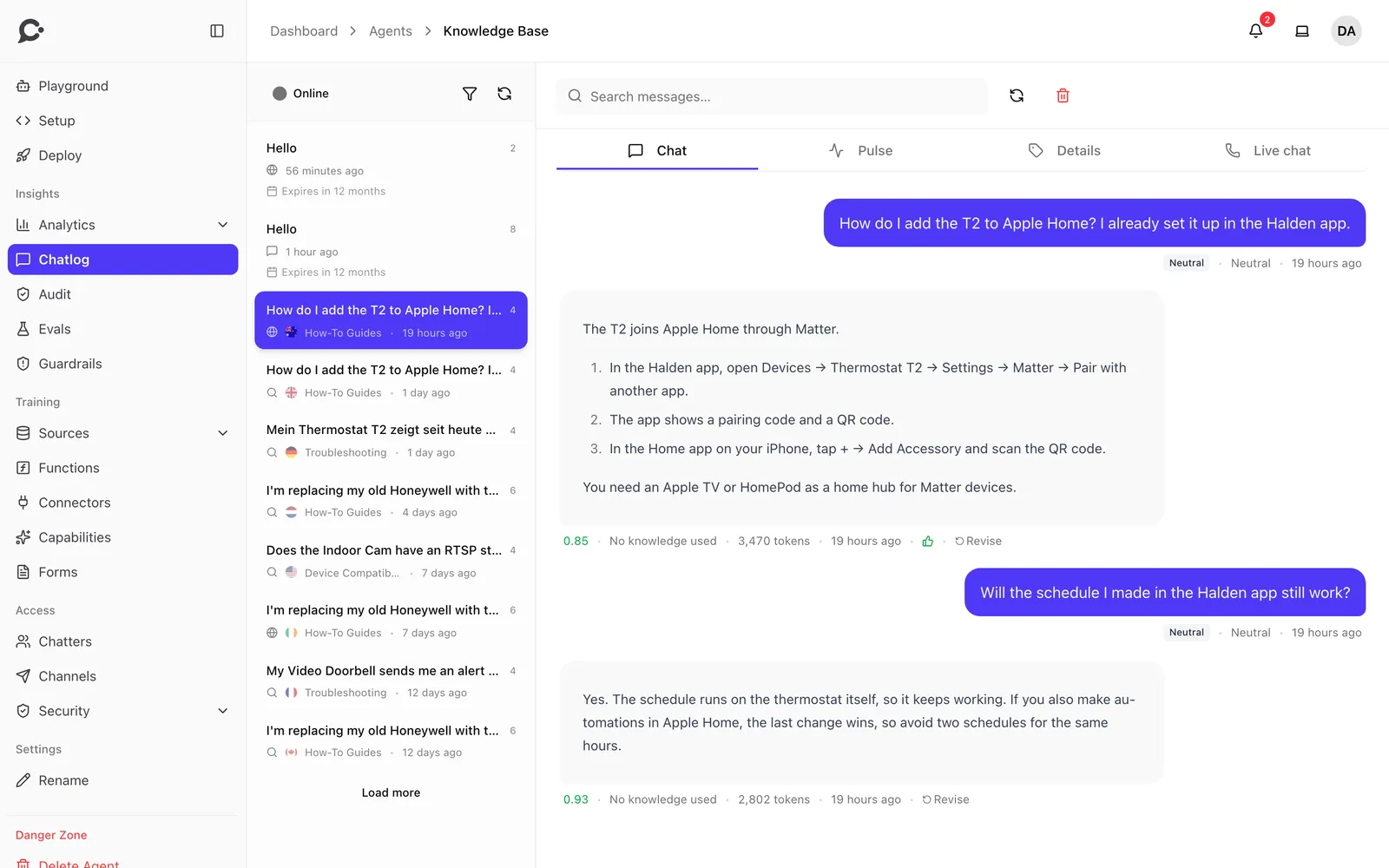
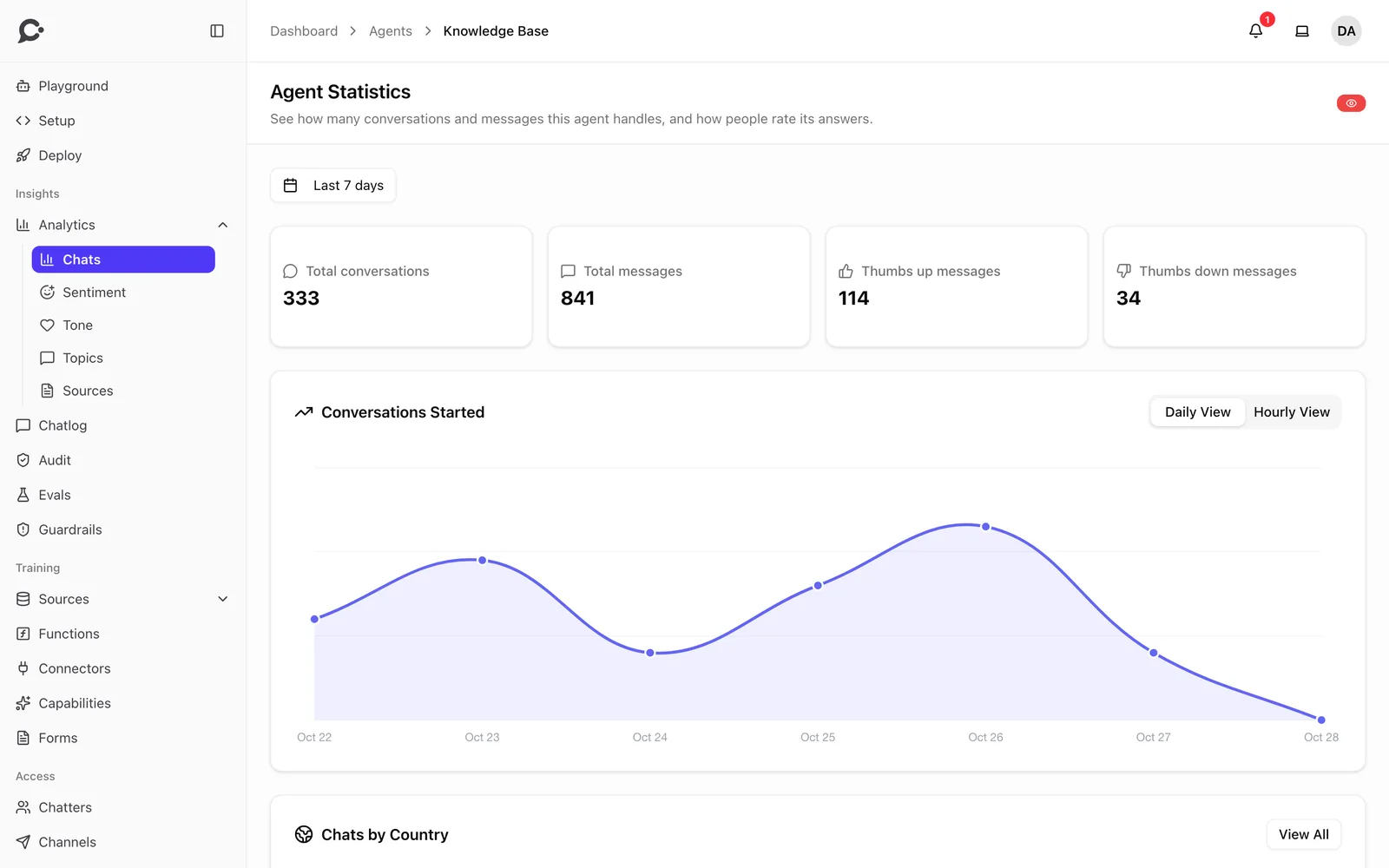
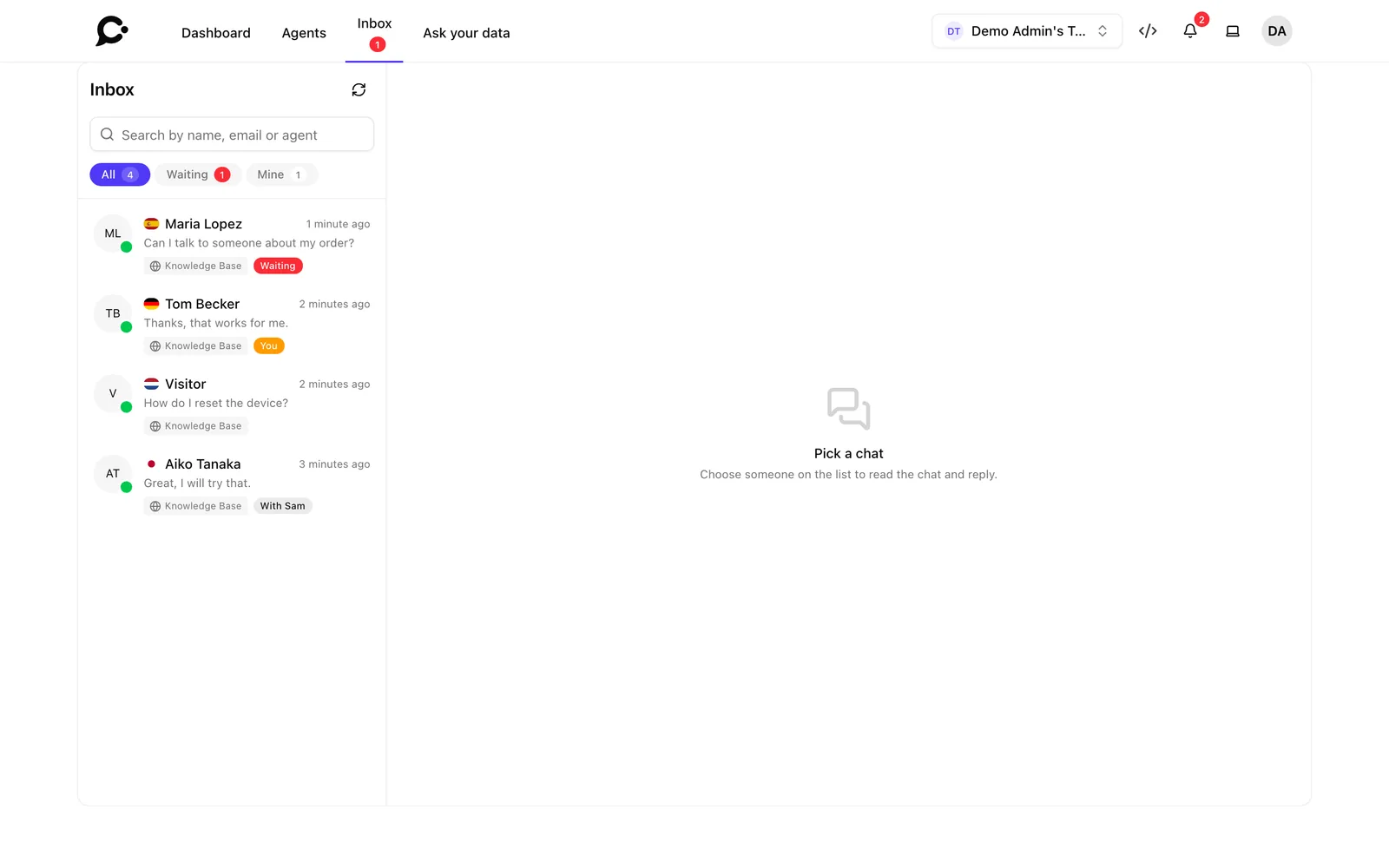
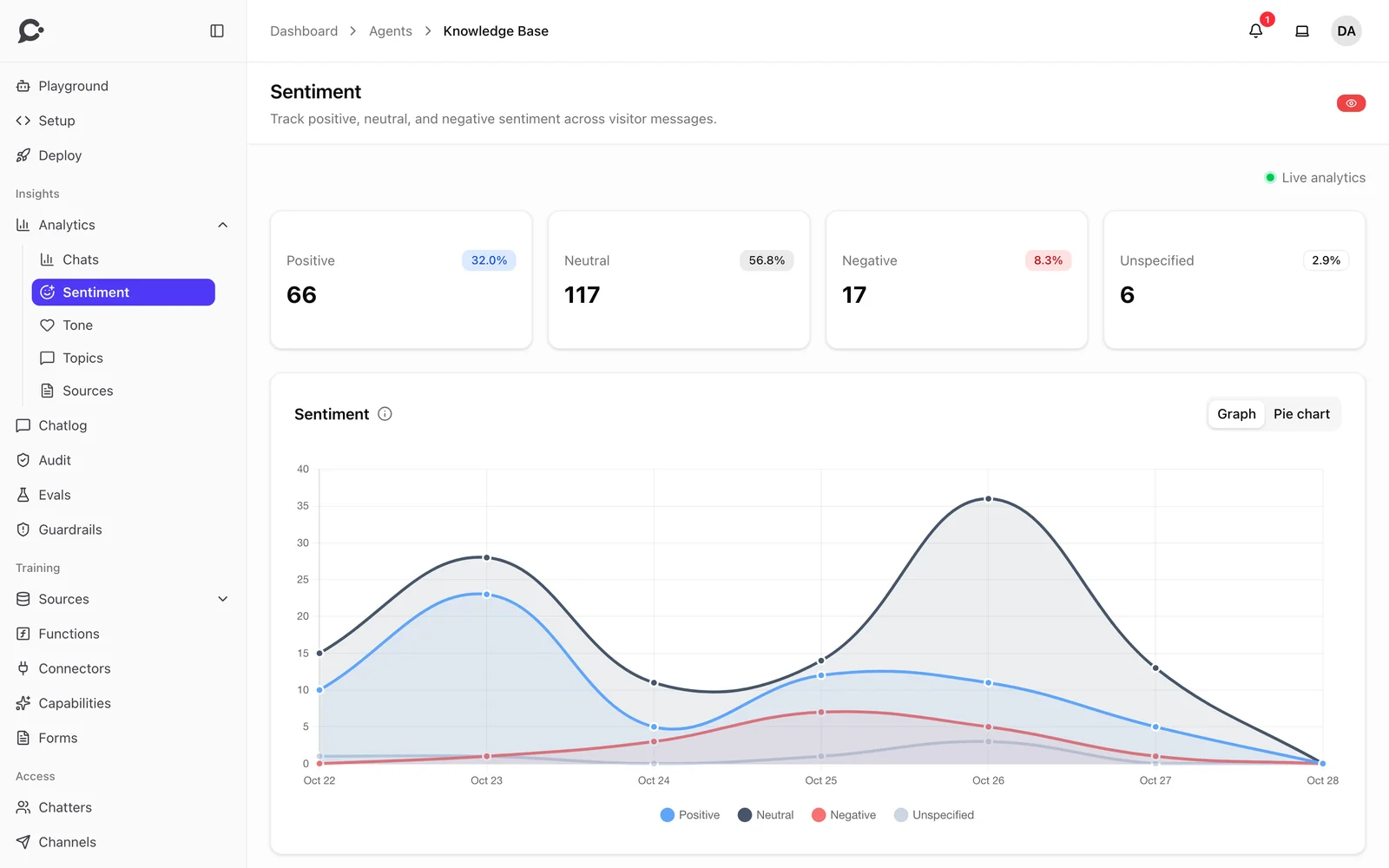
See what people ask, and step in when the agent should hand over to a human.
Teams and security

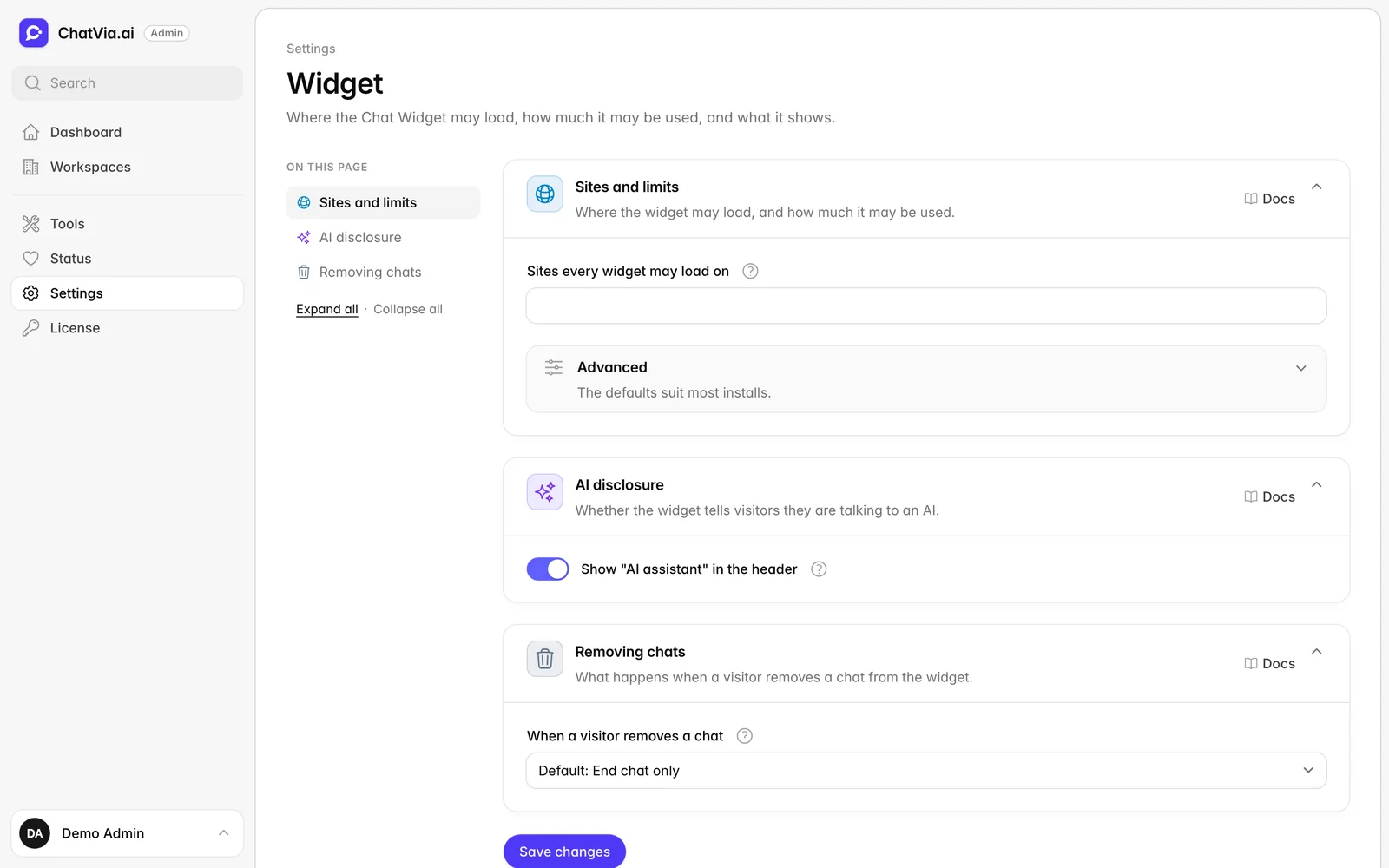
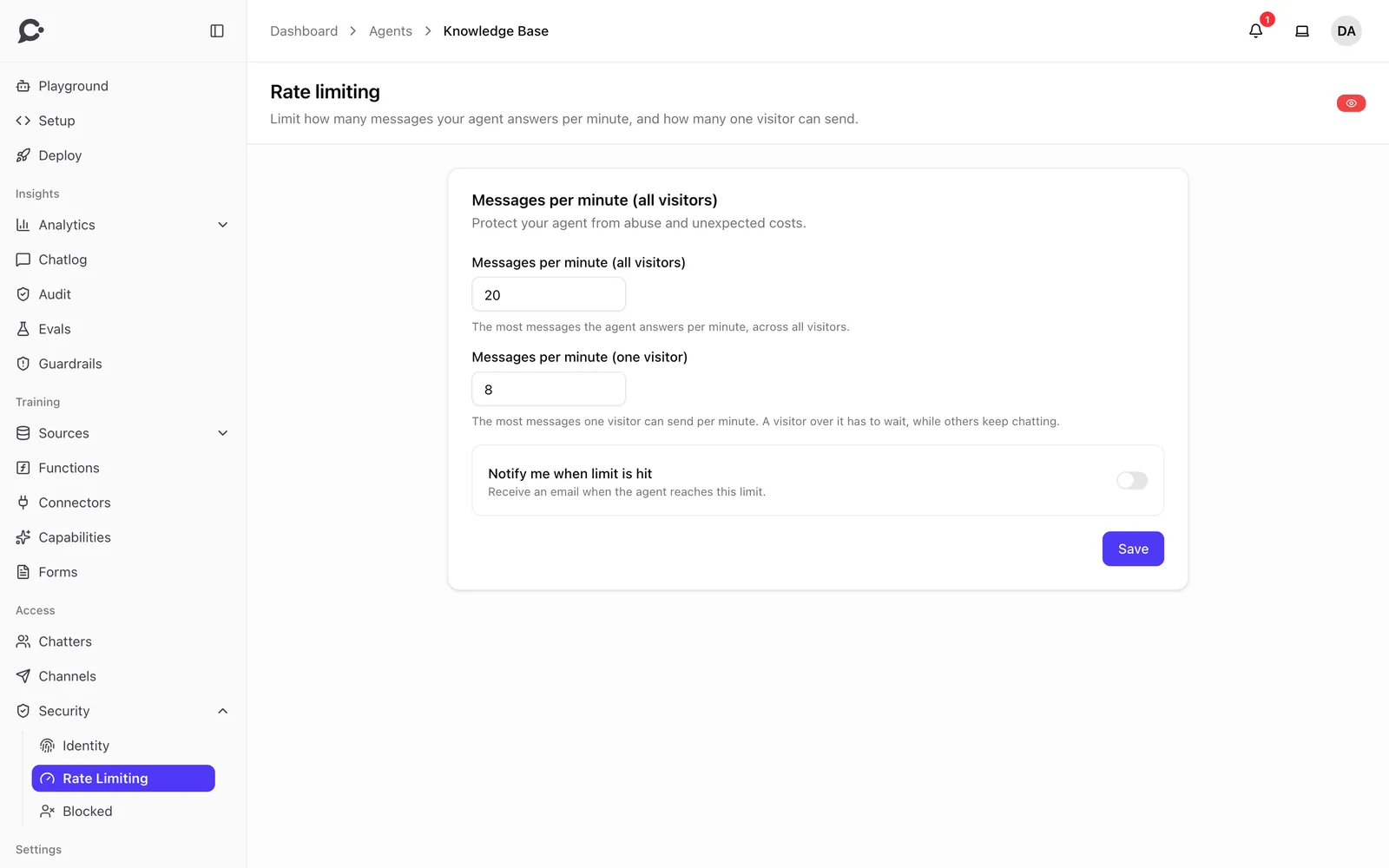
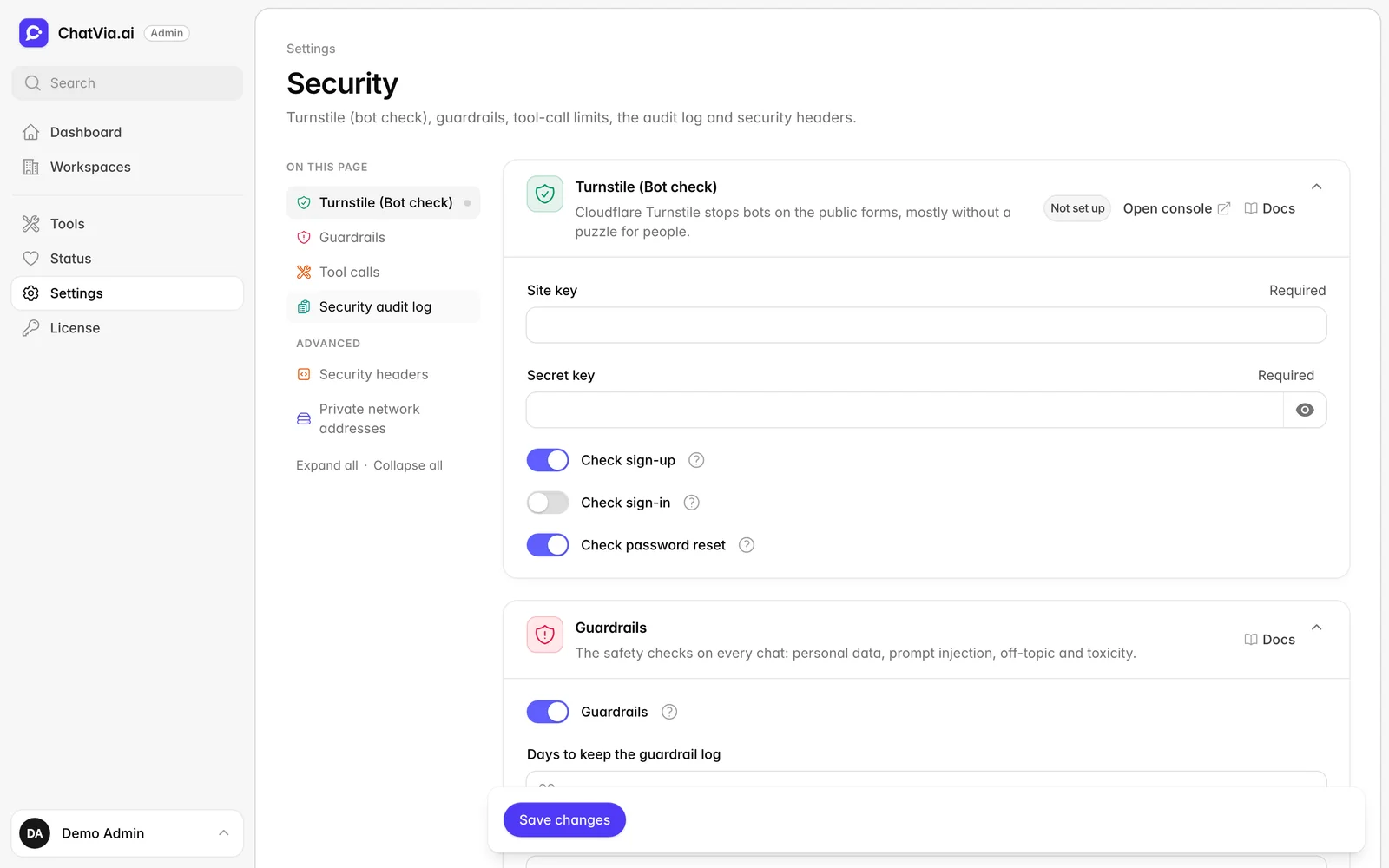
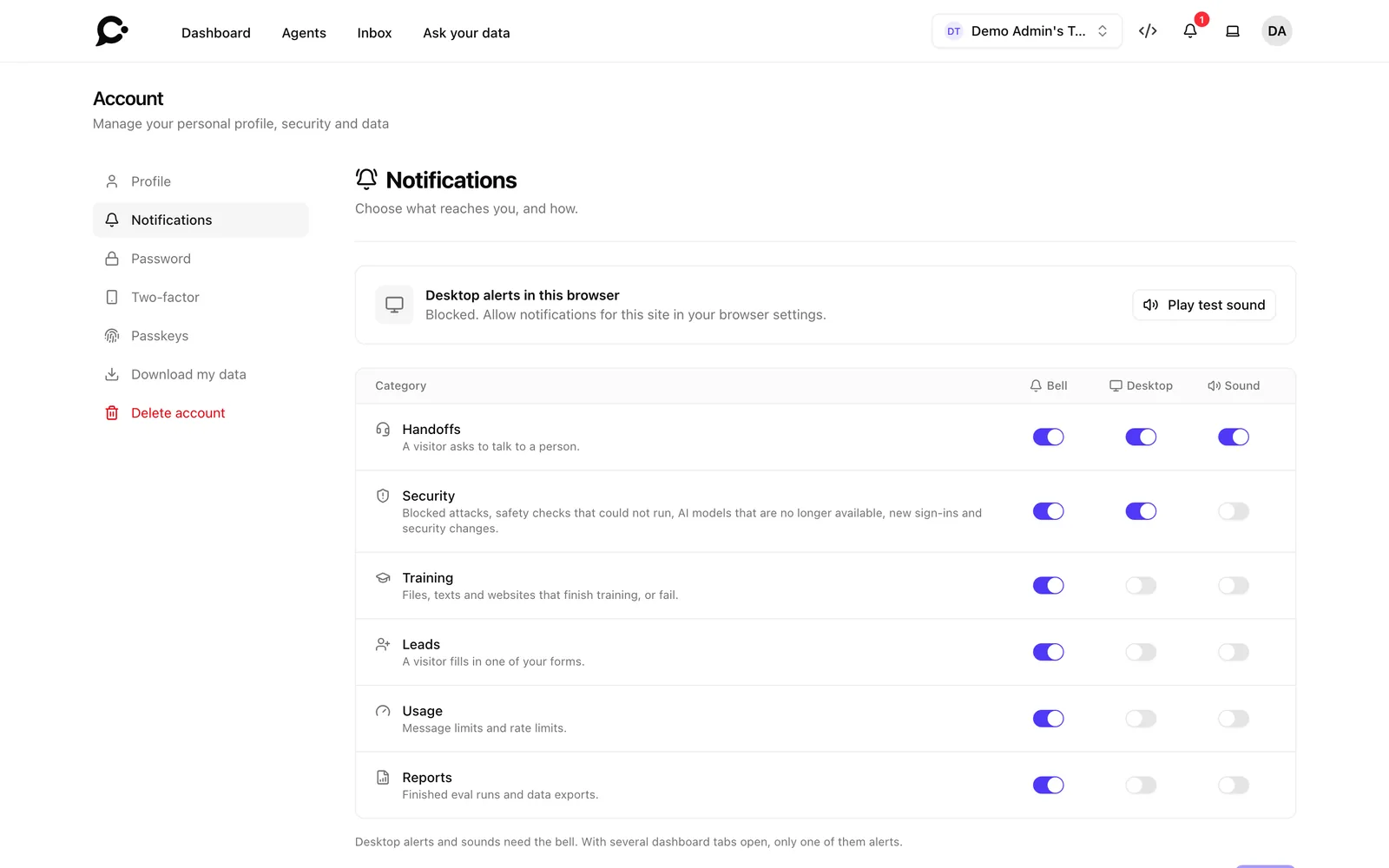
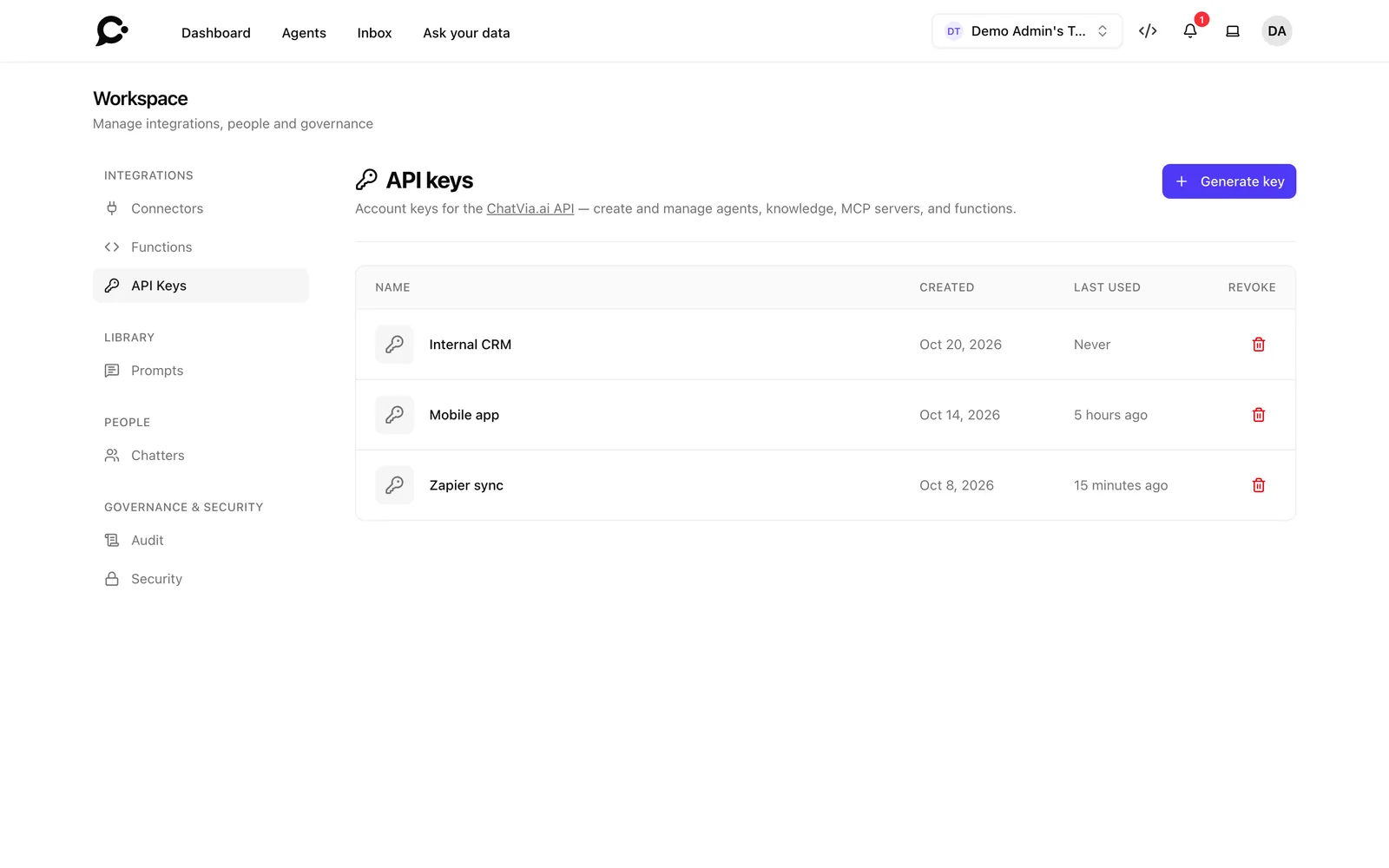
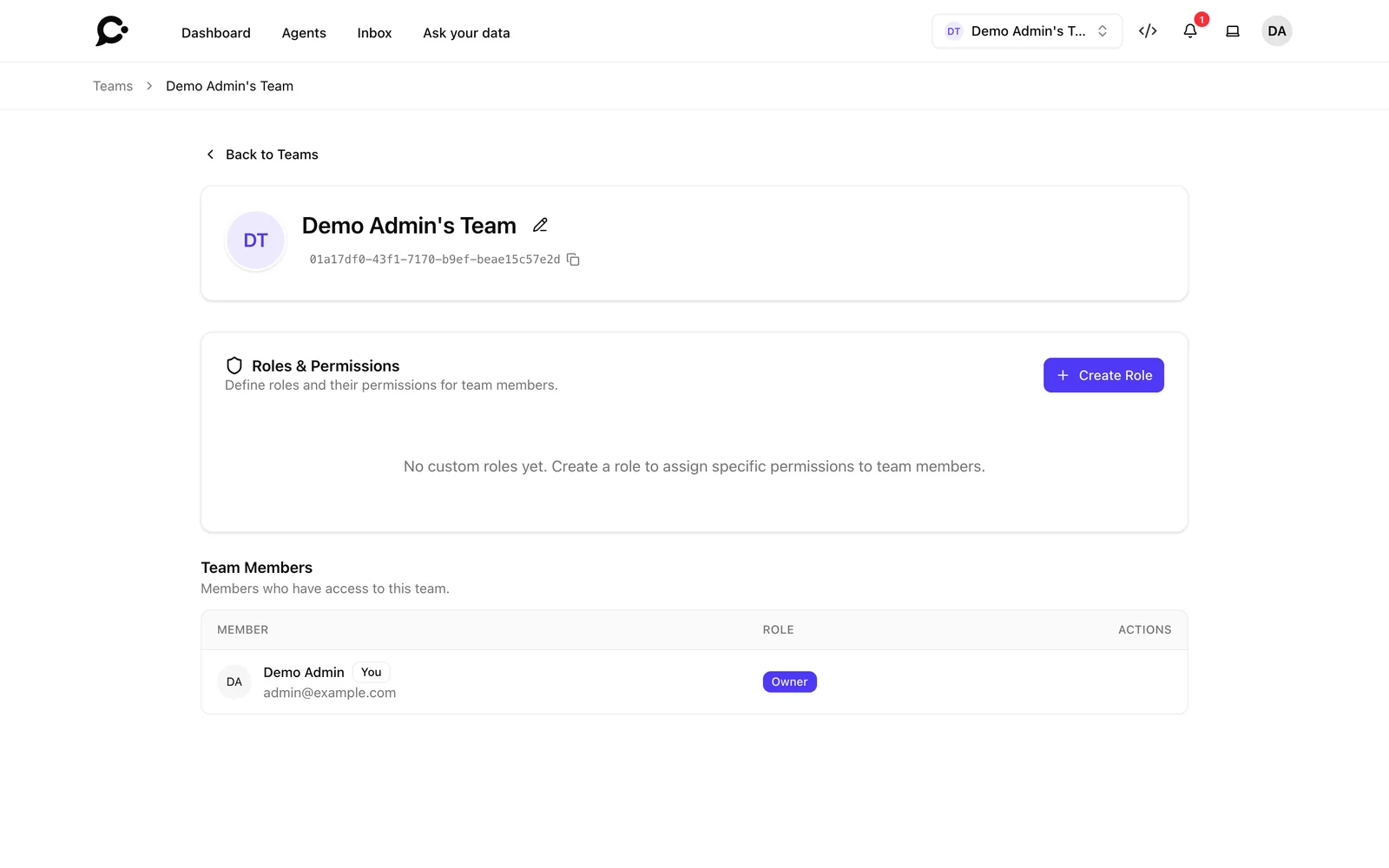
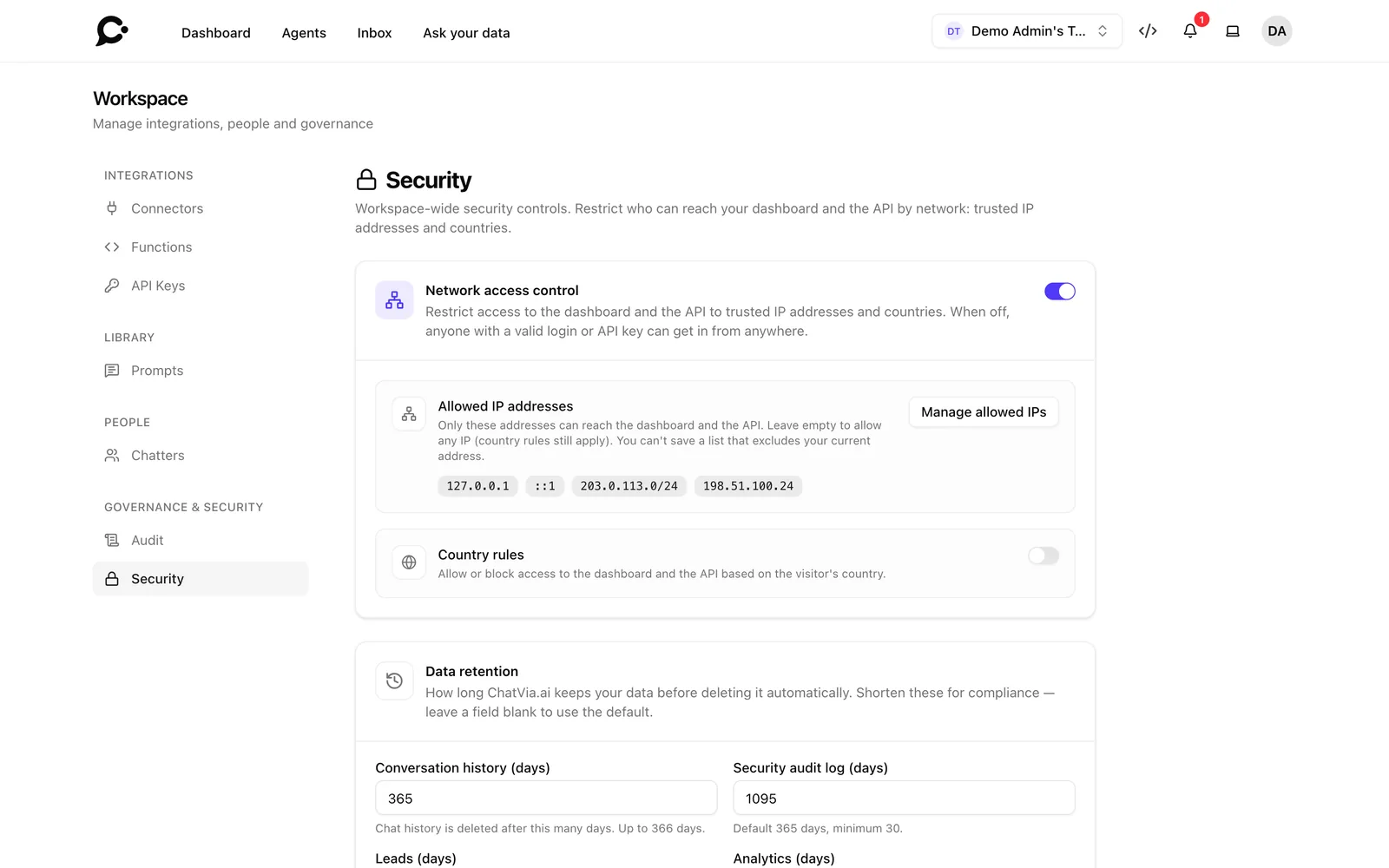
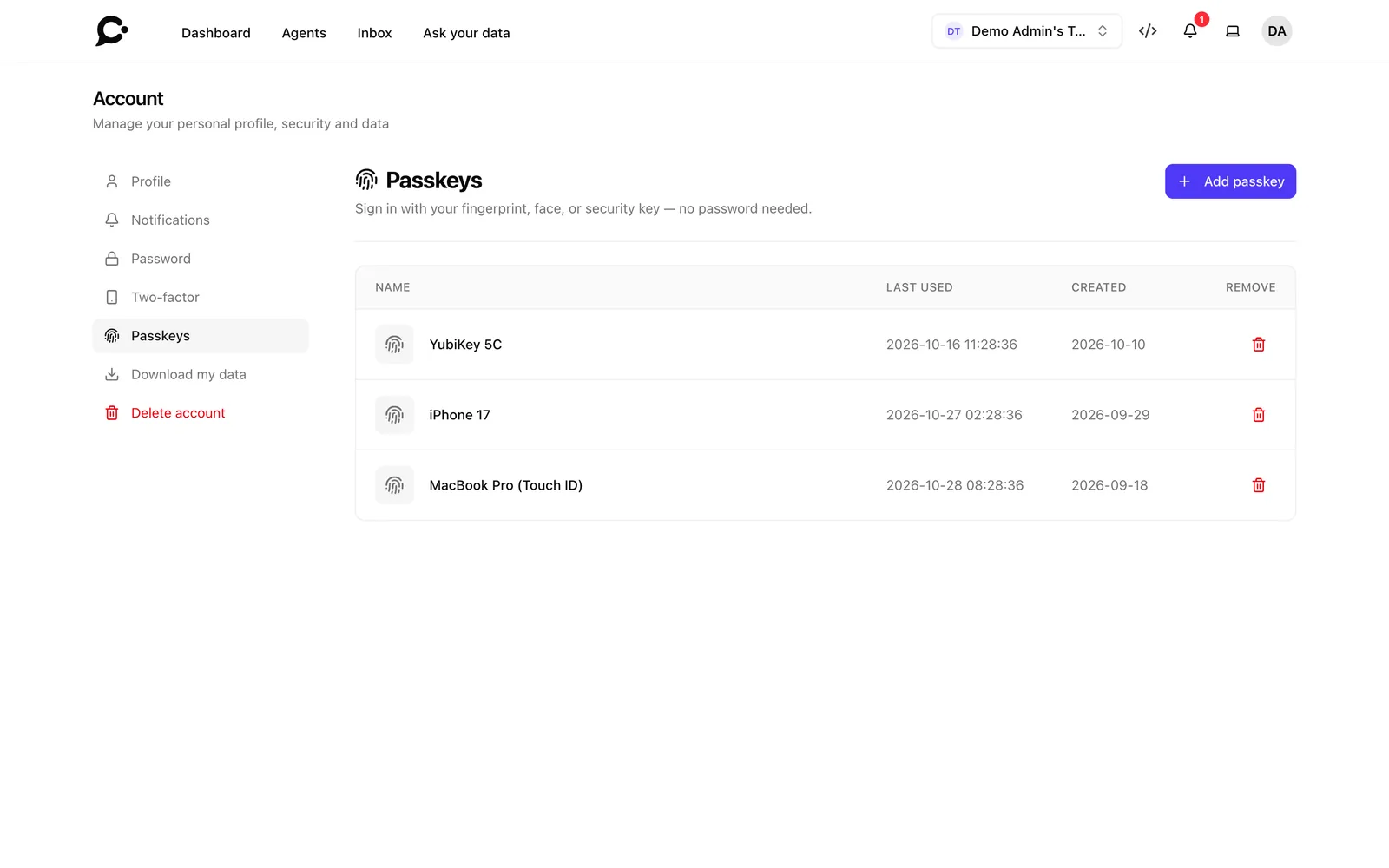
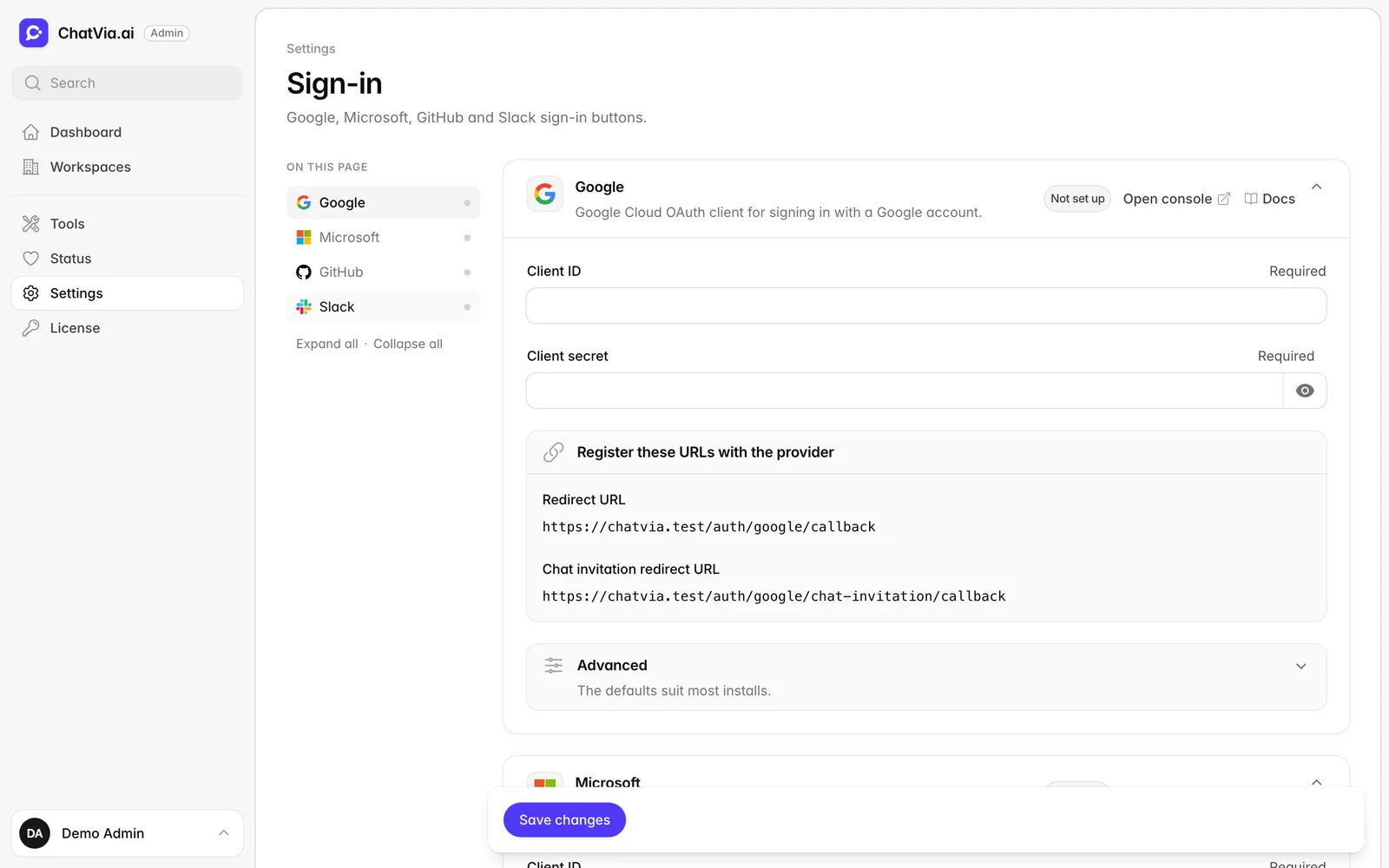
Invite teammates with roles and permissions. Sign in with two-factor codes, passkeys or social login. Limit access by IP, and set monthly message limits when you need them.
Any model you choose

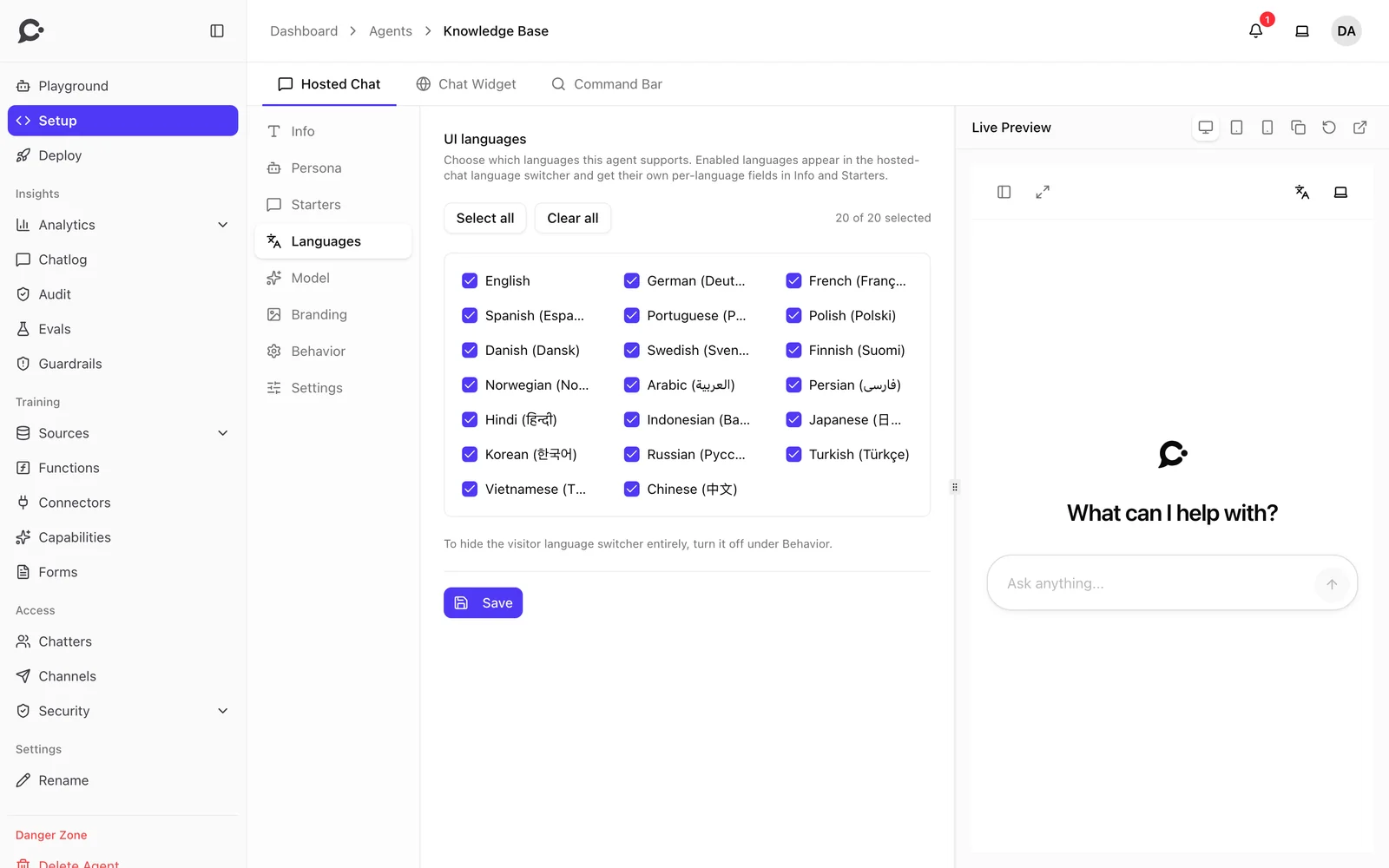
20 languages · RTL

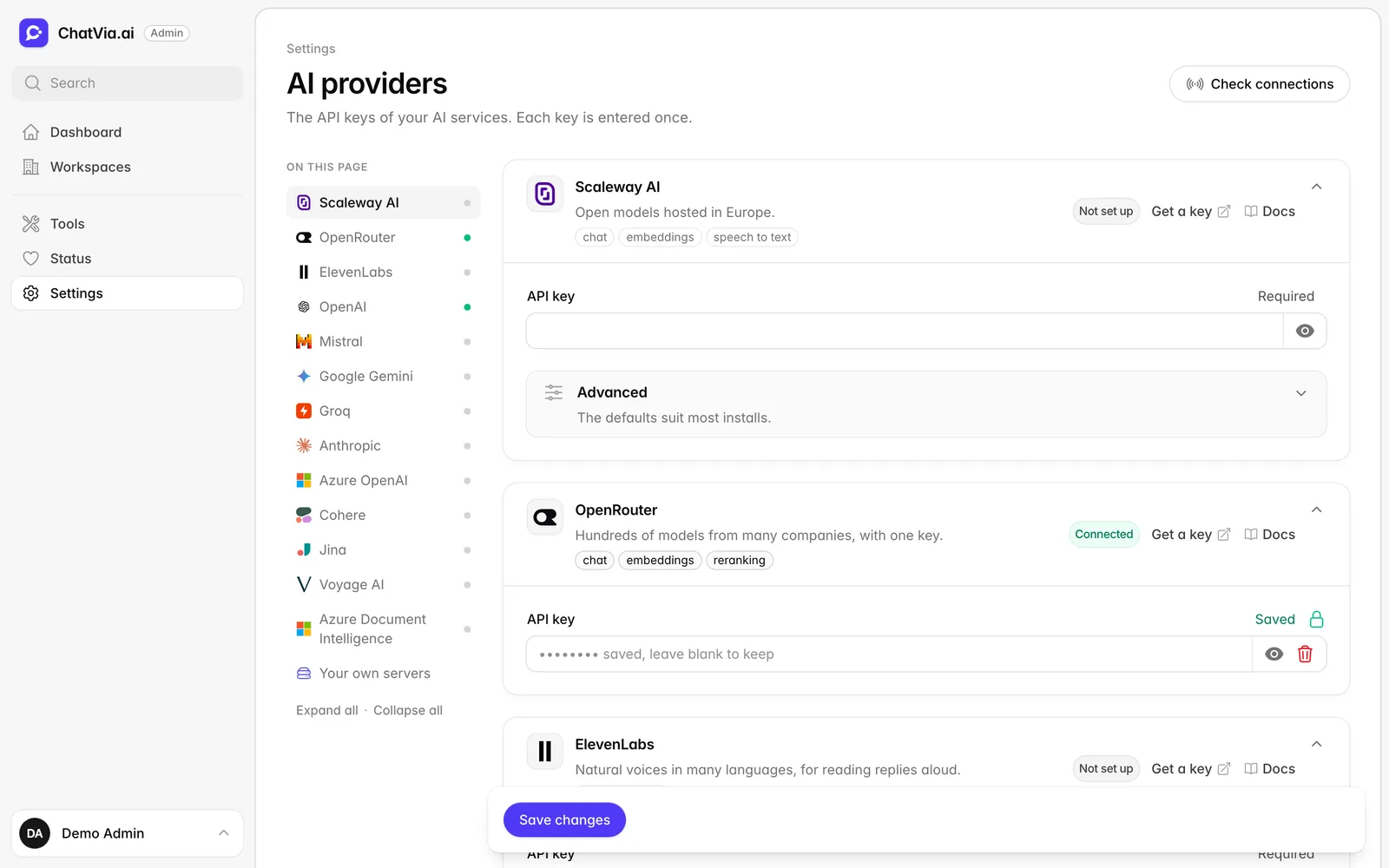
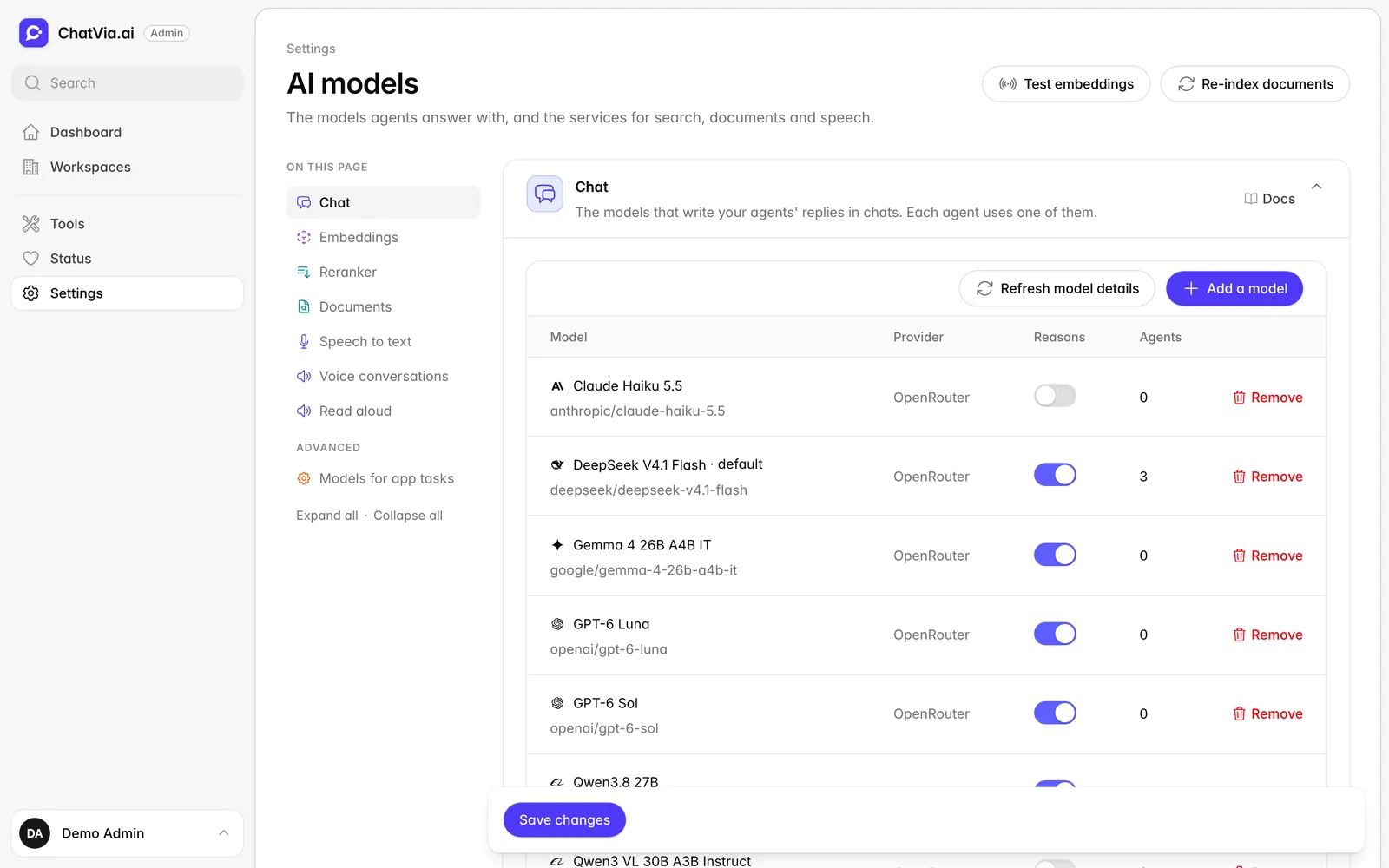
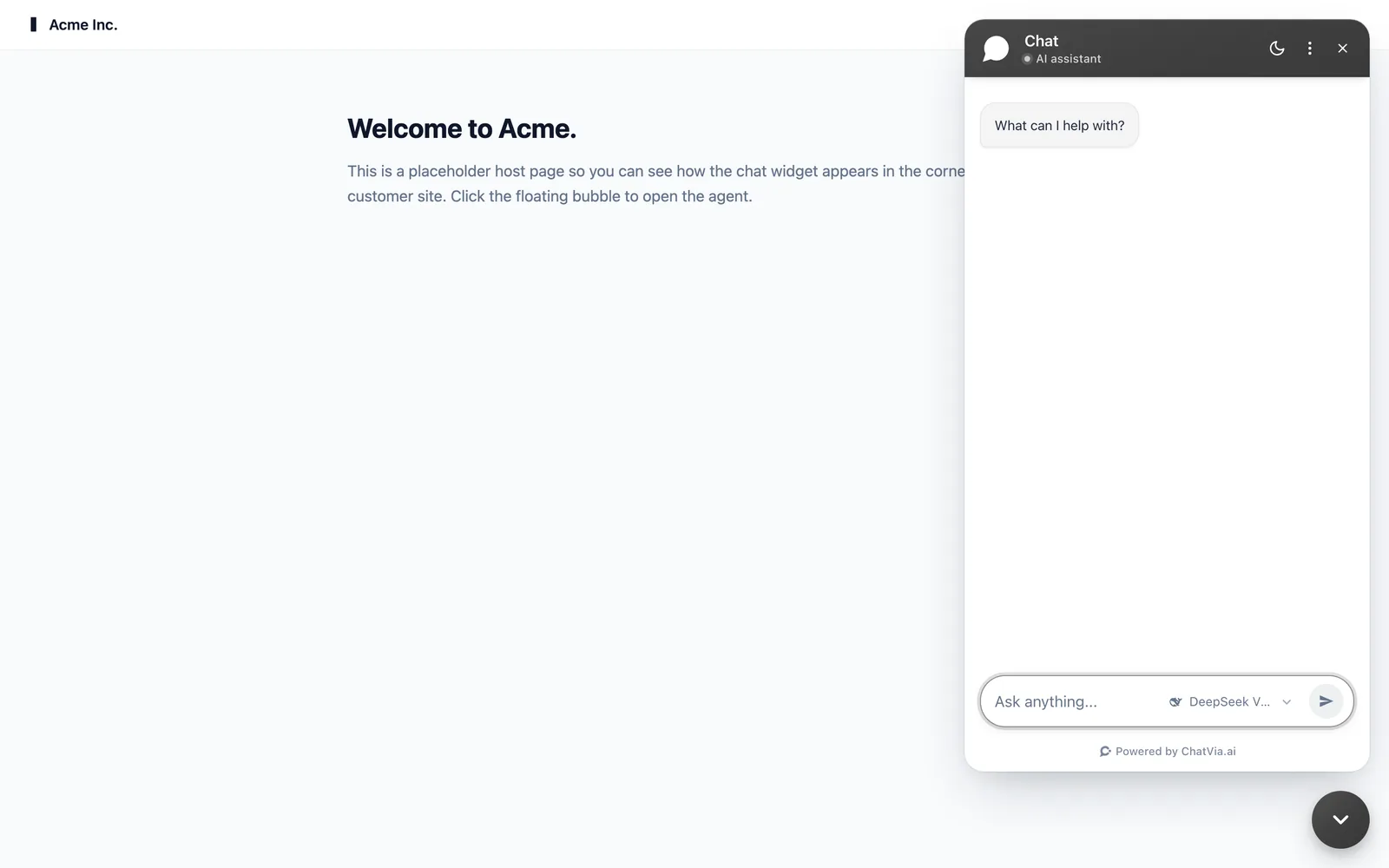
Chatvia is not tied to one model. Run open-weight models like Qwen3, or any model on OpenRouter, Mistral, Groq or Scaleway. Switch whenever you like.

Built for teams

Ready for real work, not just a demo.

Workspaces, roles, audit logs and data controls come built in. Here is what is in the box.

Show all features

Knowledge and search

Agents answer from your own documents, websites and Q&A.

  • Files of every kind
  • Website import
  • Hybrid search
  • Q&A pairs
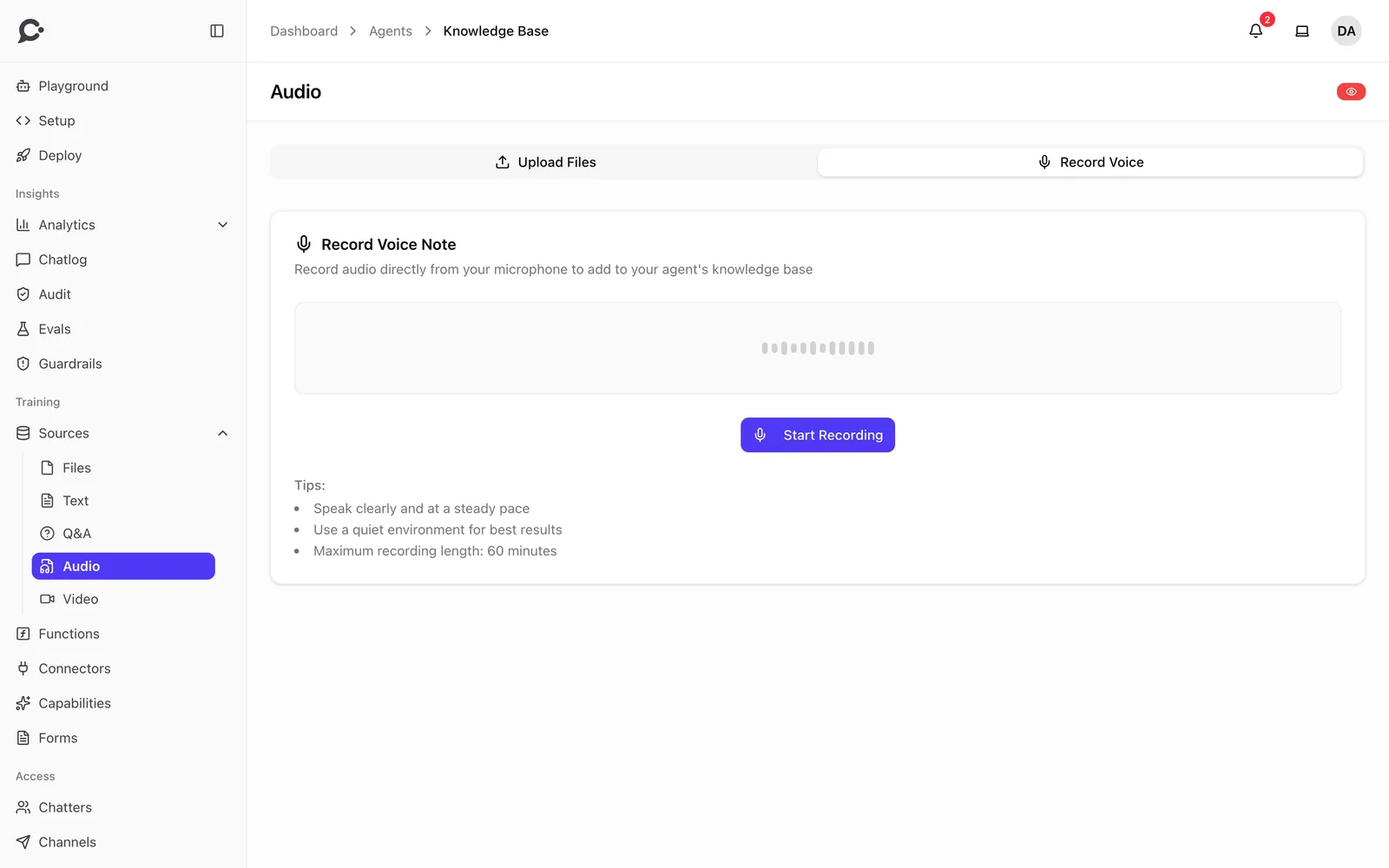
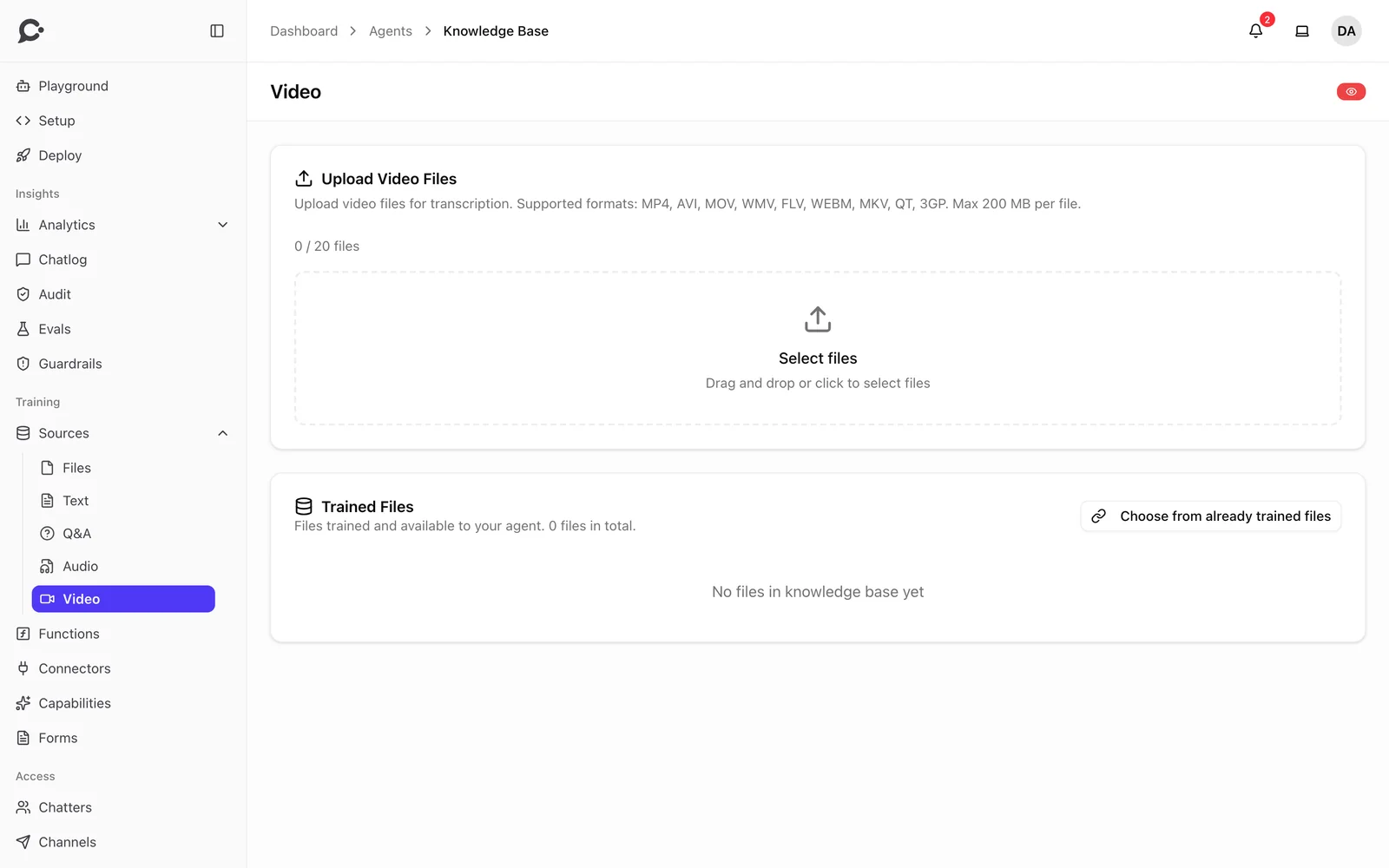
  • Audio and video
See all

Agent building

Shape how each agent thinks, talks and looks.

  • Persona and instructions
  • Any model you choose
  • Playground
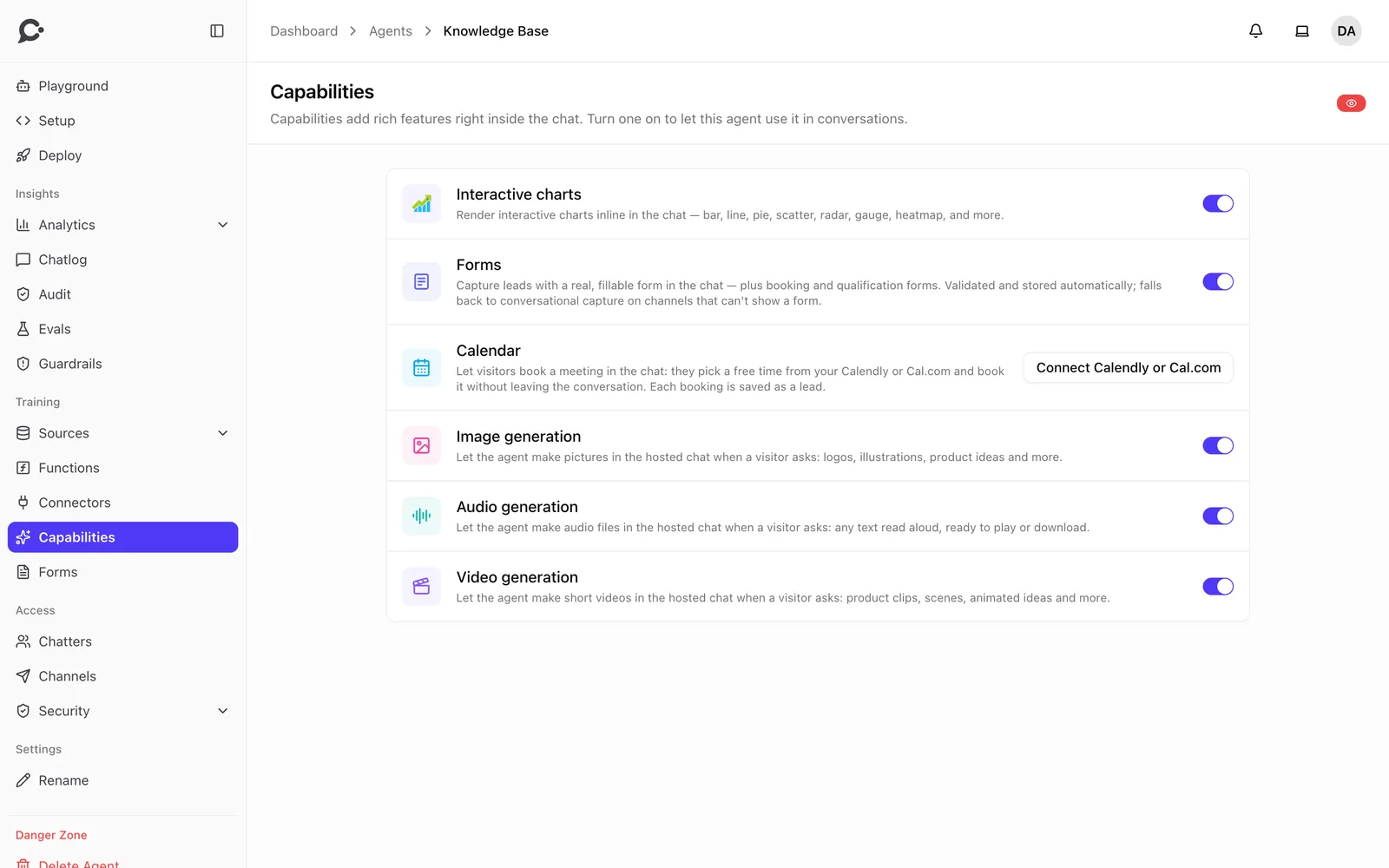
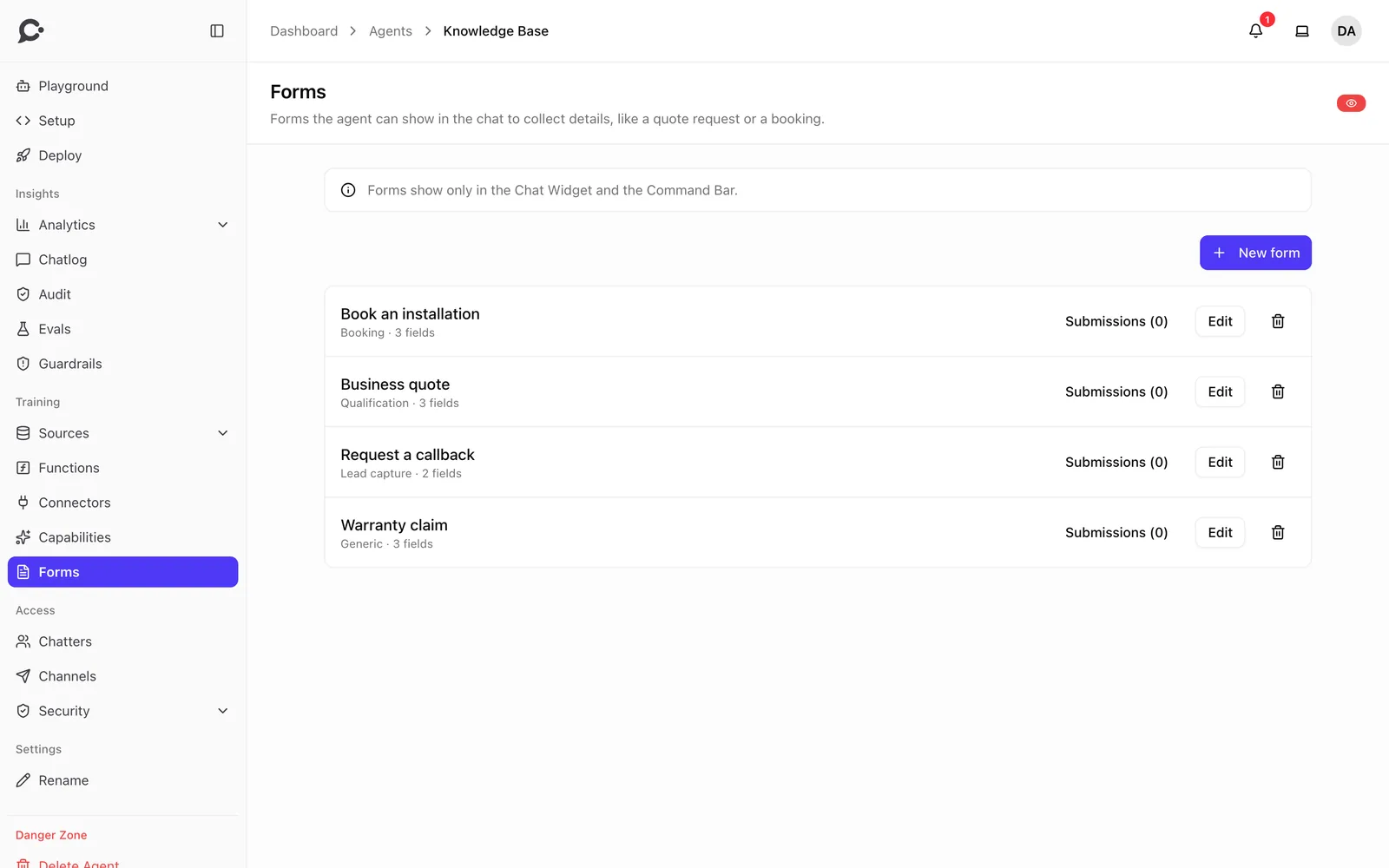
  • Forms in chat
  • Charts in chat
See all

Channels

Same knowledge, same tools, same rules in every place.

  • Chat widget
  • Hosted chat page
  • Voice conversations
  • Slack and Microsoft Teams
  • WhatsApp, Messenger and Instagram
See all

Tools and MCP

Let agents look things up and take action, with every call on record.

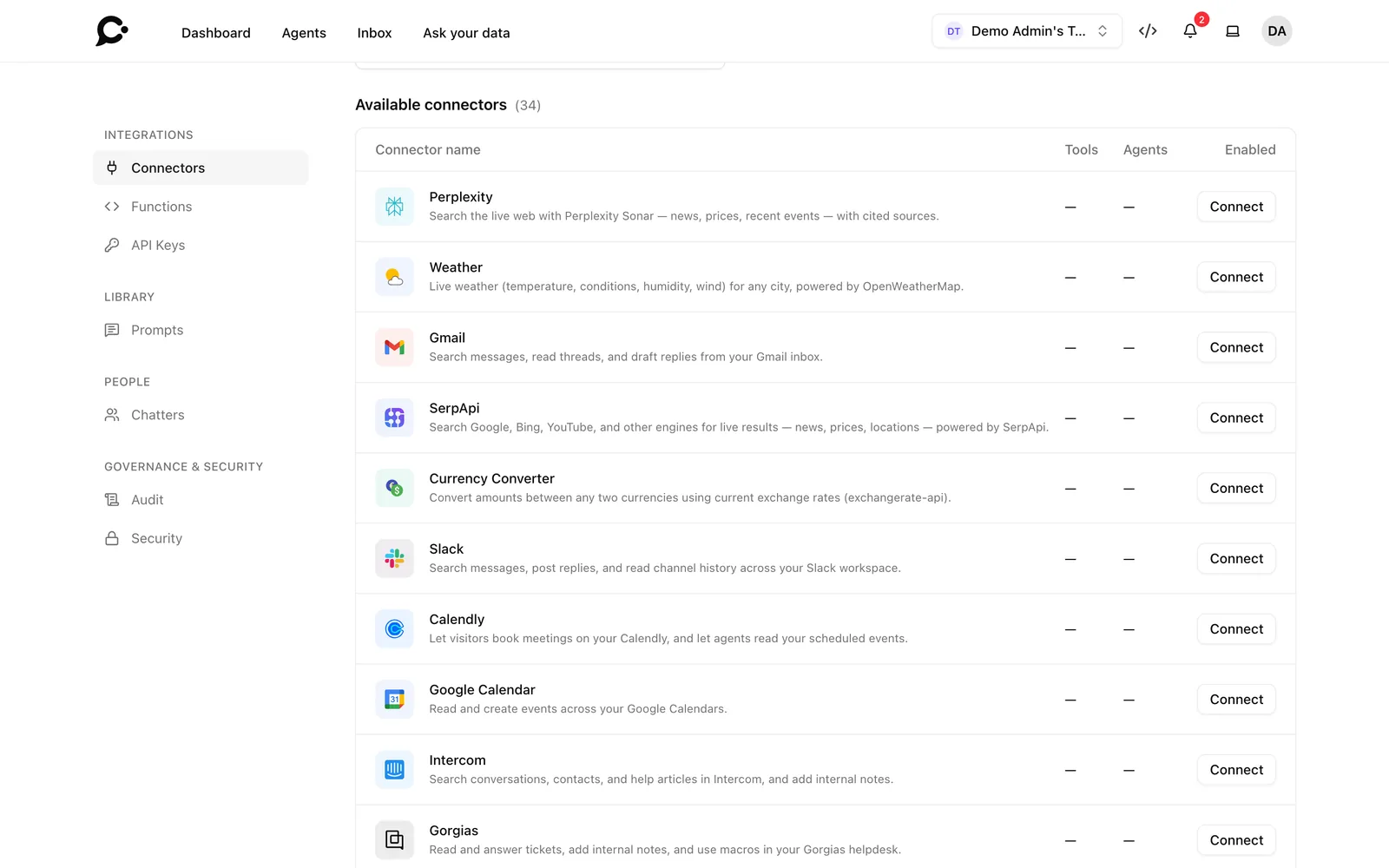
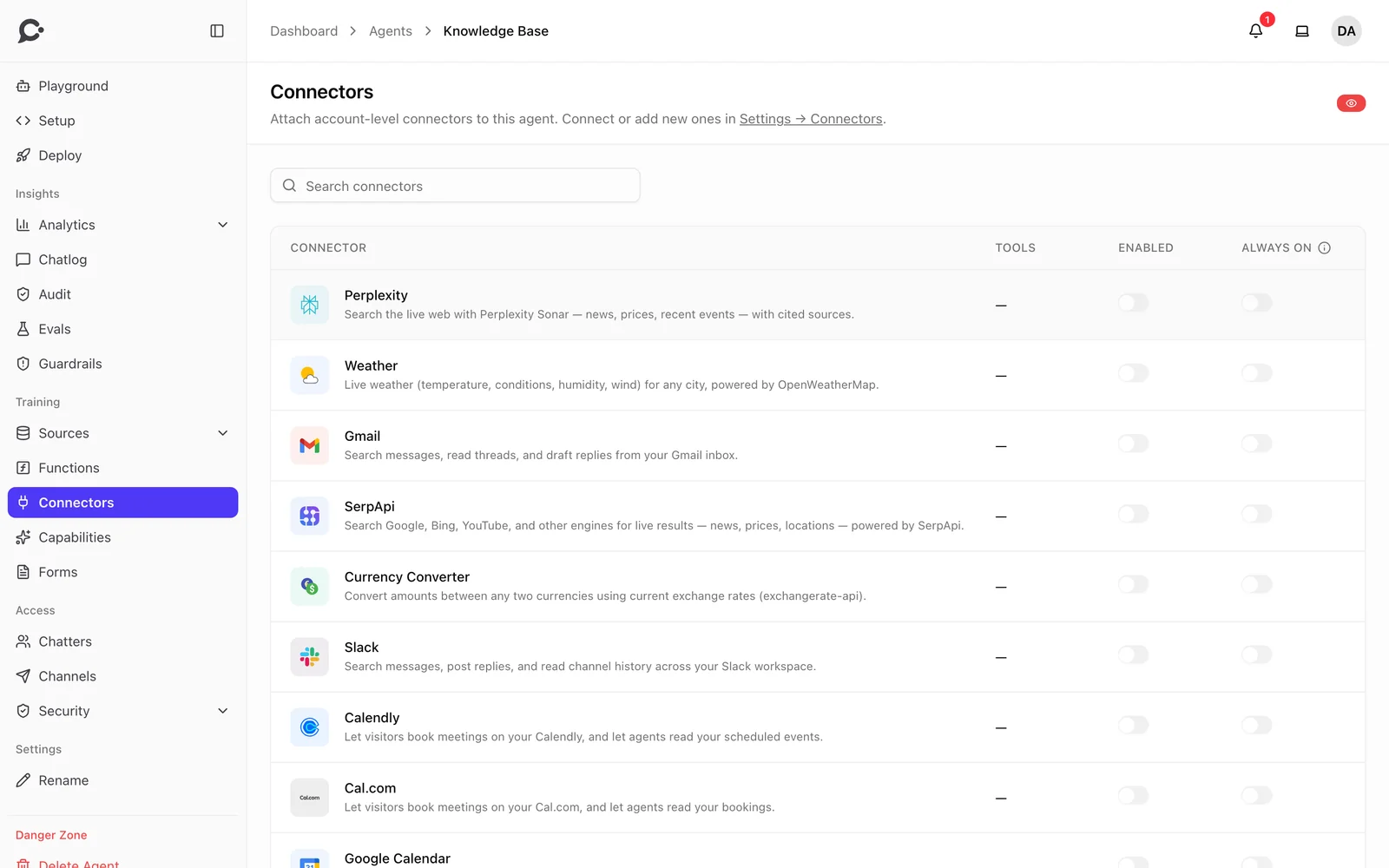
  • 24 ready-made connectors
  • Any MCP server
  • Custom functions
  • Allow, ask or block
  • Tool call audit
See all

Guardrails

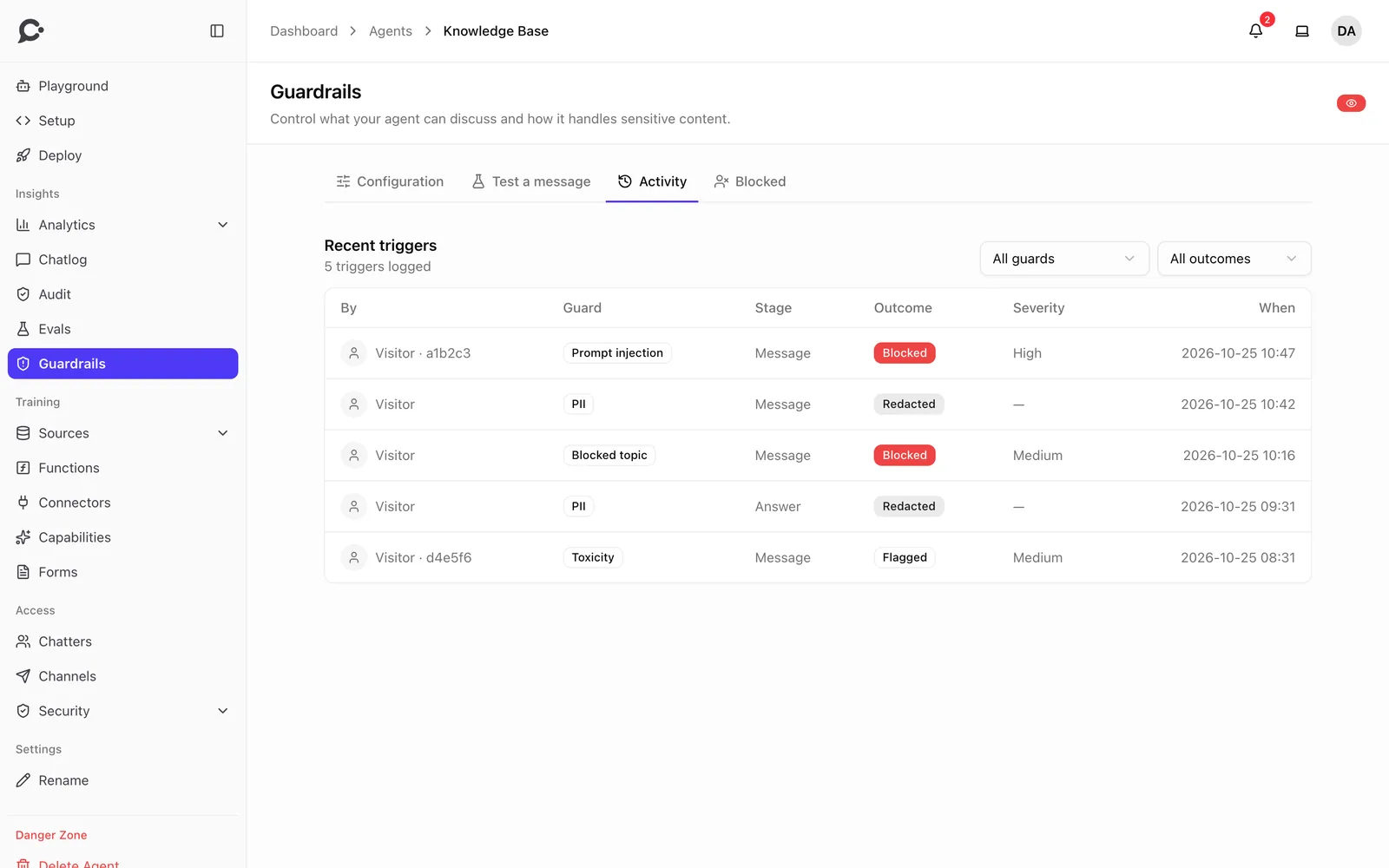
Checks on what comes in, what the sources say, what tools return and what goes out.

  • Prompt injection
  • Personal data
  • On-topic answers
  • Toxic content
  • Checked answers
See all

Insights and quality

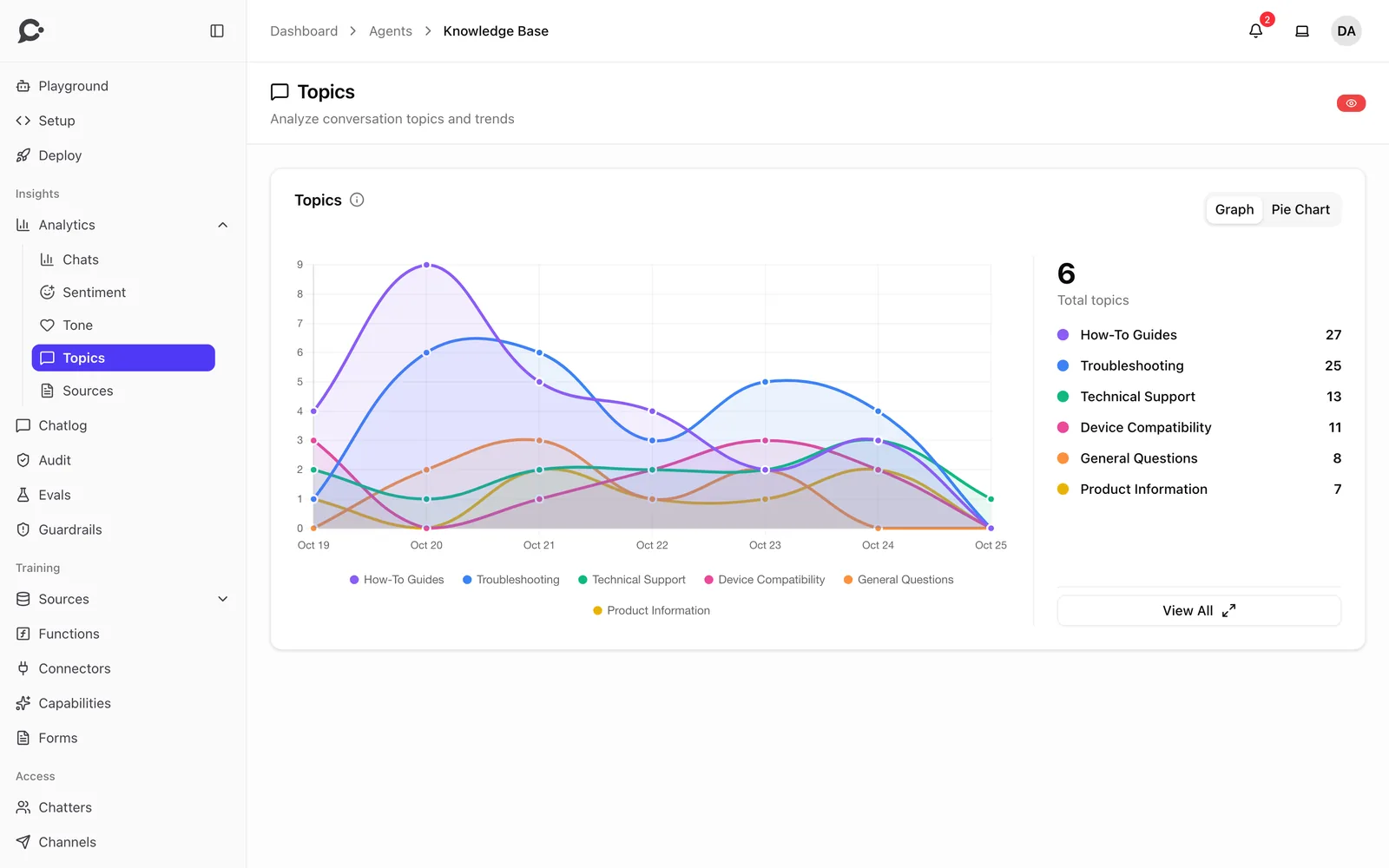
Every conversation tells you something. Chatvia sorts it out for you.

  • Chat logs
  • Analytics
  • Evaluations
  • Live chat handoff
  • Leads
See all

Workspaces and teams

Host many companies or departments, each in its own workspace, kept fully apart.

  • Isolated workspaces
  • Roles and permissions
  • Teams
  • Protected agents
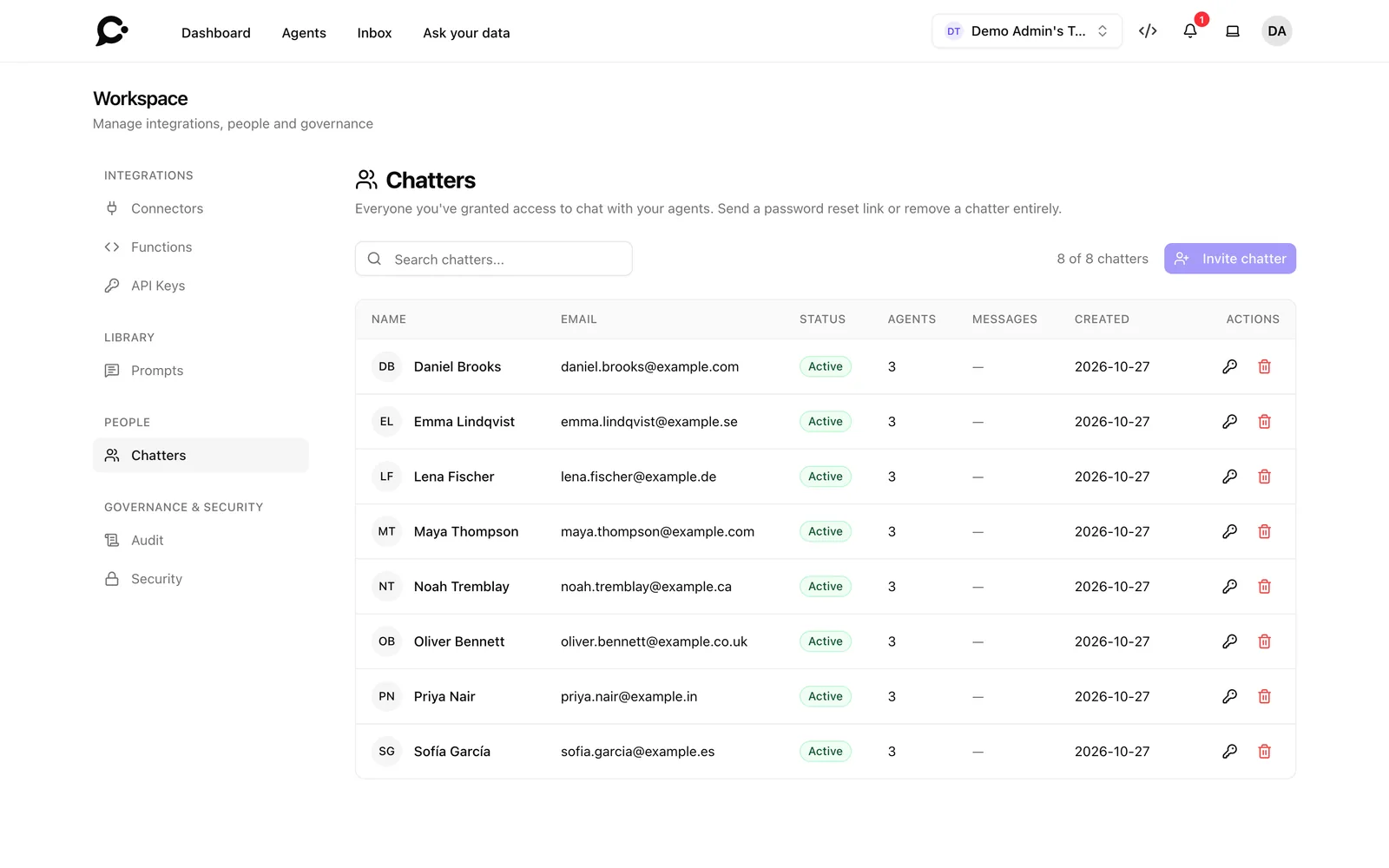
  • Chatter accounts
See all

Security and privacy

The controls security and legal teams ask for.

See all

Self-hosting and operations

Your data stays with you, and you get the tools to run it well.

  • One-line install
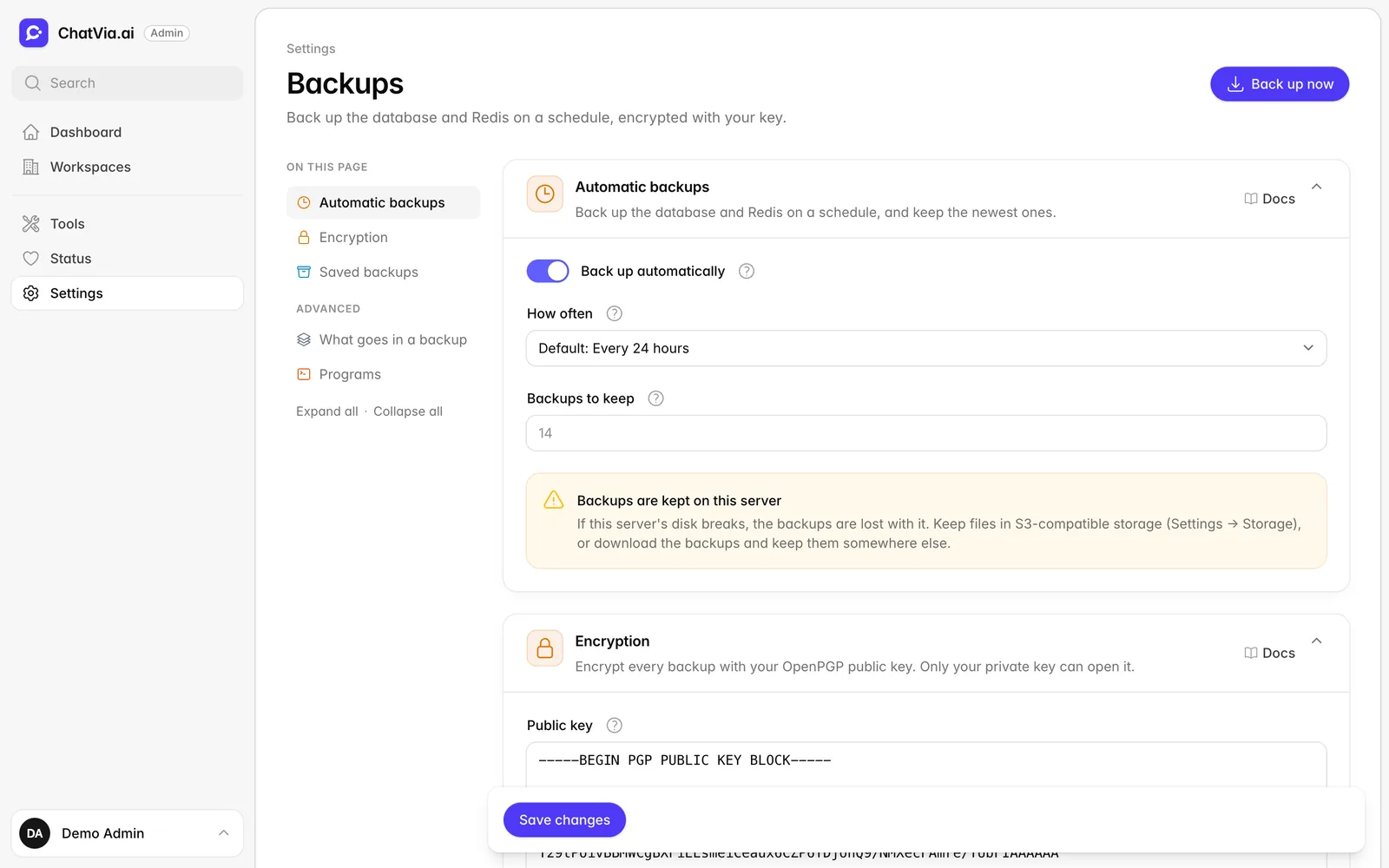
  • Upgrade, backup and restore
  • Admin panel
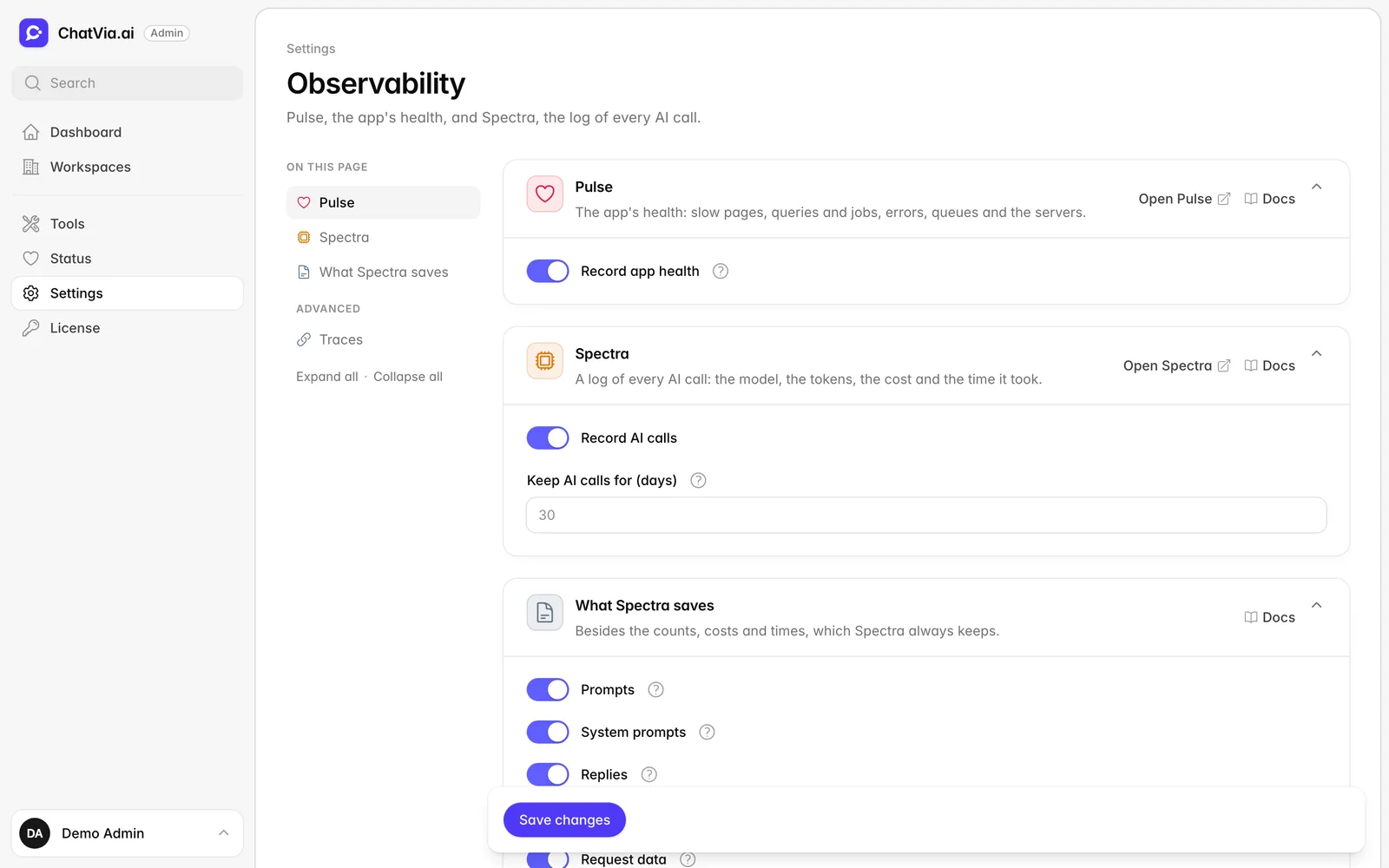
  • AI call traces
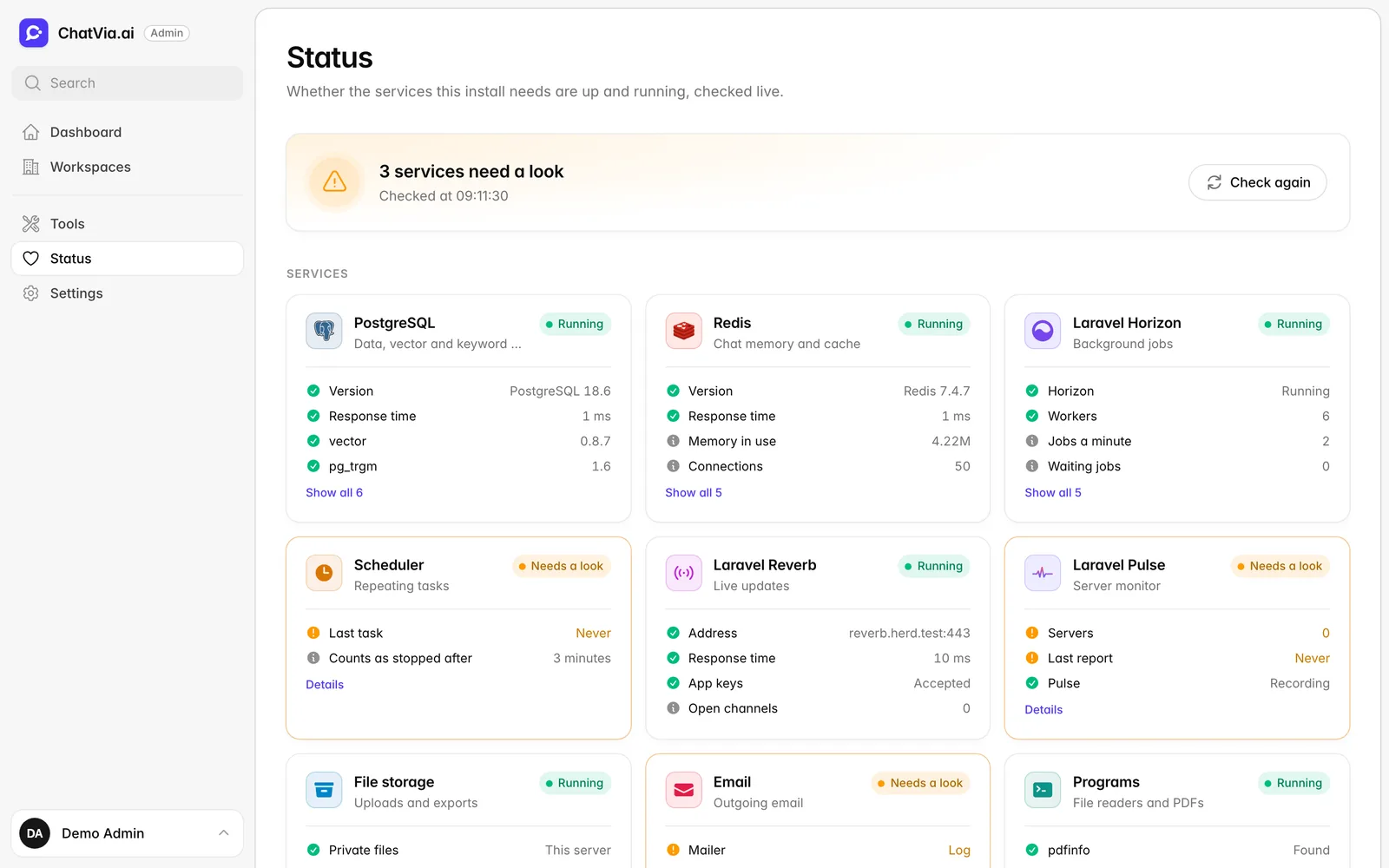
  • Queue and server health
See all

Channels

One agent. Every place people talk.

Build an agent once, then turn on the places it should answer. Same knowledge, same tools, same rules everywhere.

  • Hosted chat page

    A full-page chat on your own domain. Share the link.

  • Chat widget

    A chat bubble on any website, with one script tag.

  • Command bar

    Search-style answers that open with ⌘K.

  • REST API

    Bearer tokens and OpenAPI docs for your own apps.

  • Slack
  • Microsoft Teams
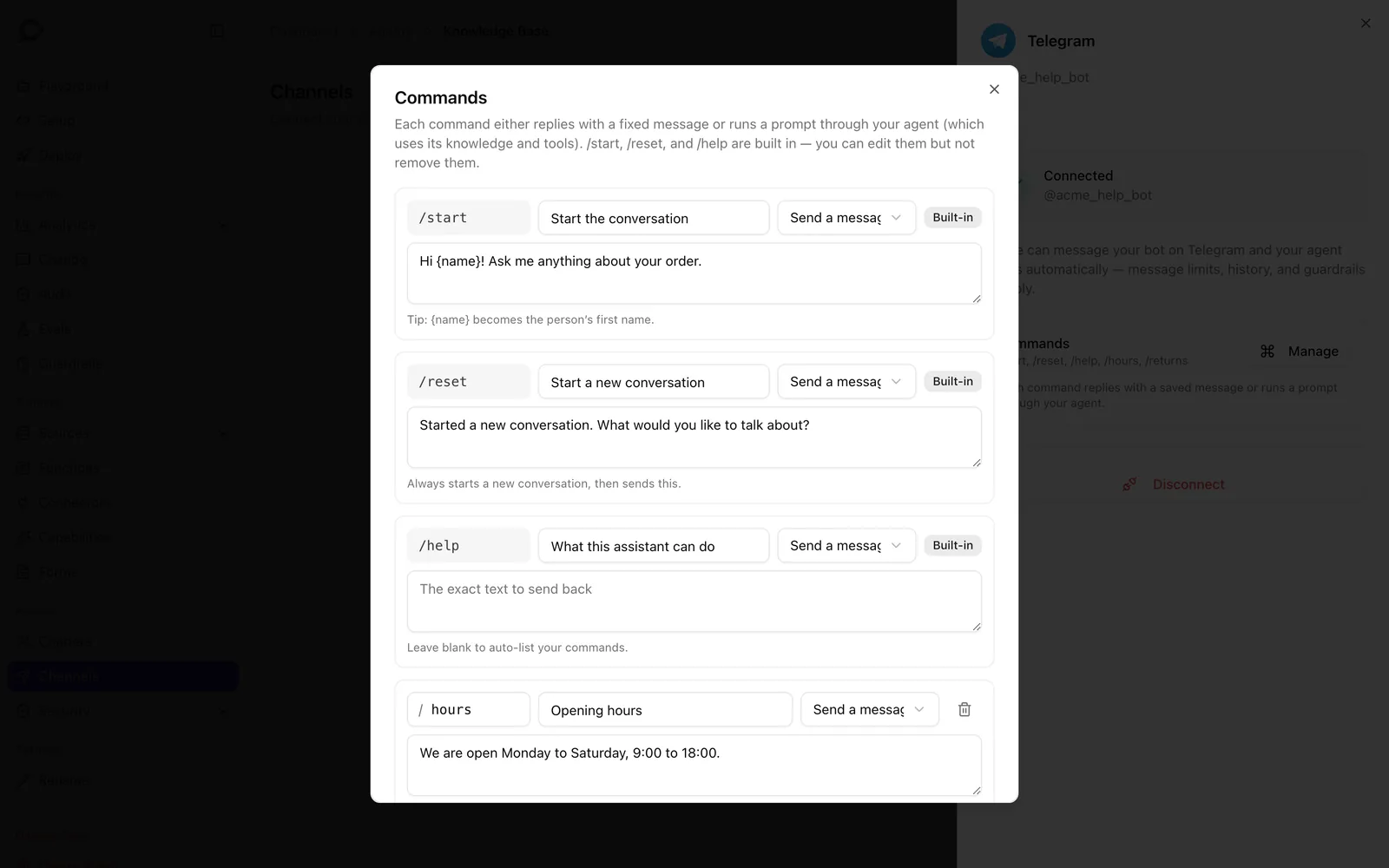
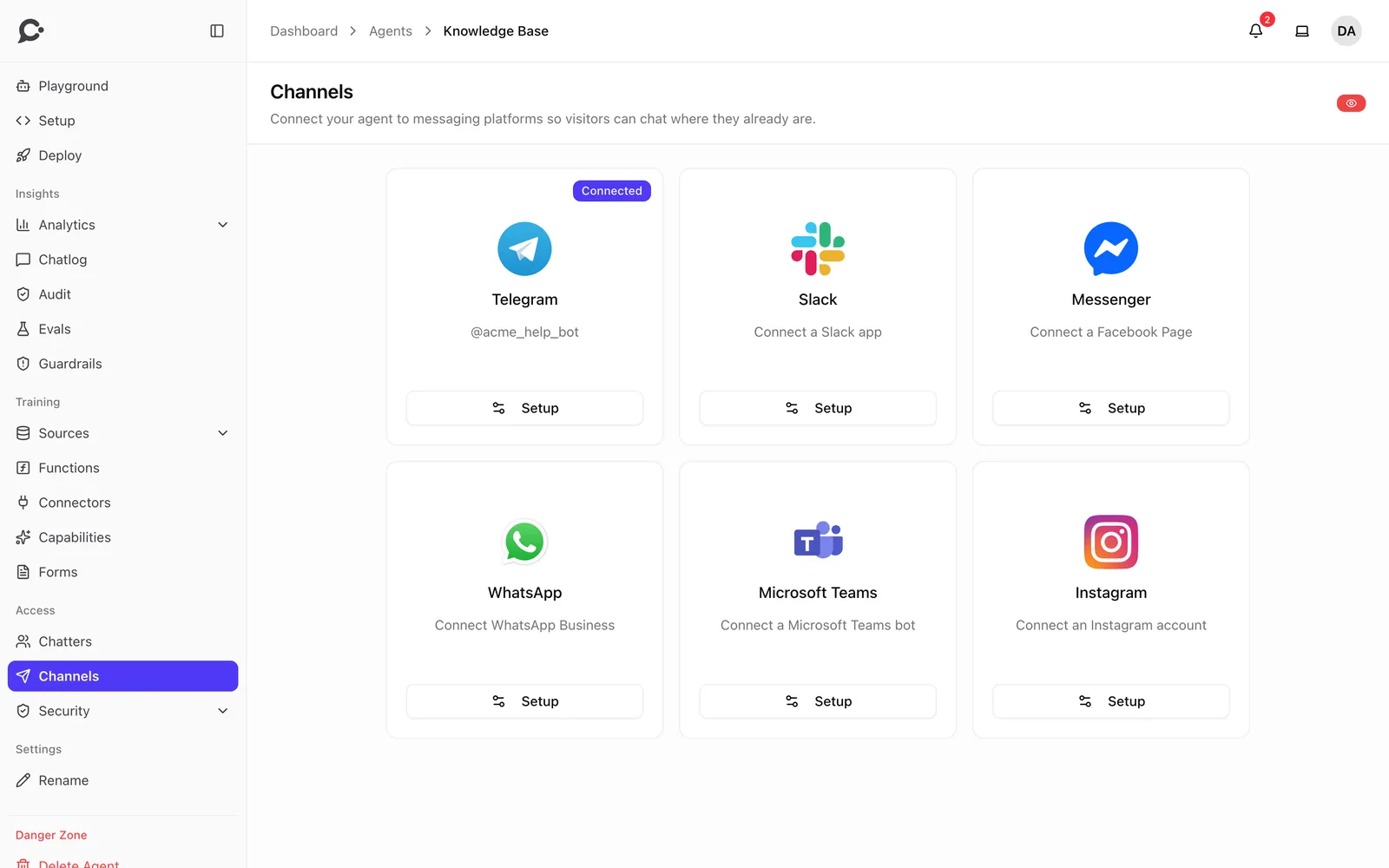
  • Telegram
  • WhatsApp
  • Messenger
  • Instagram

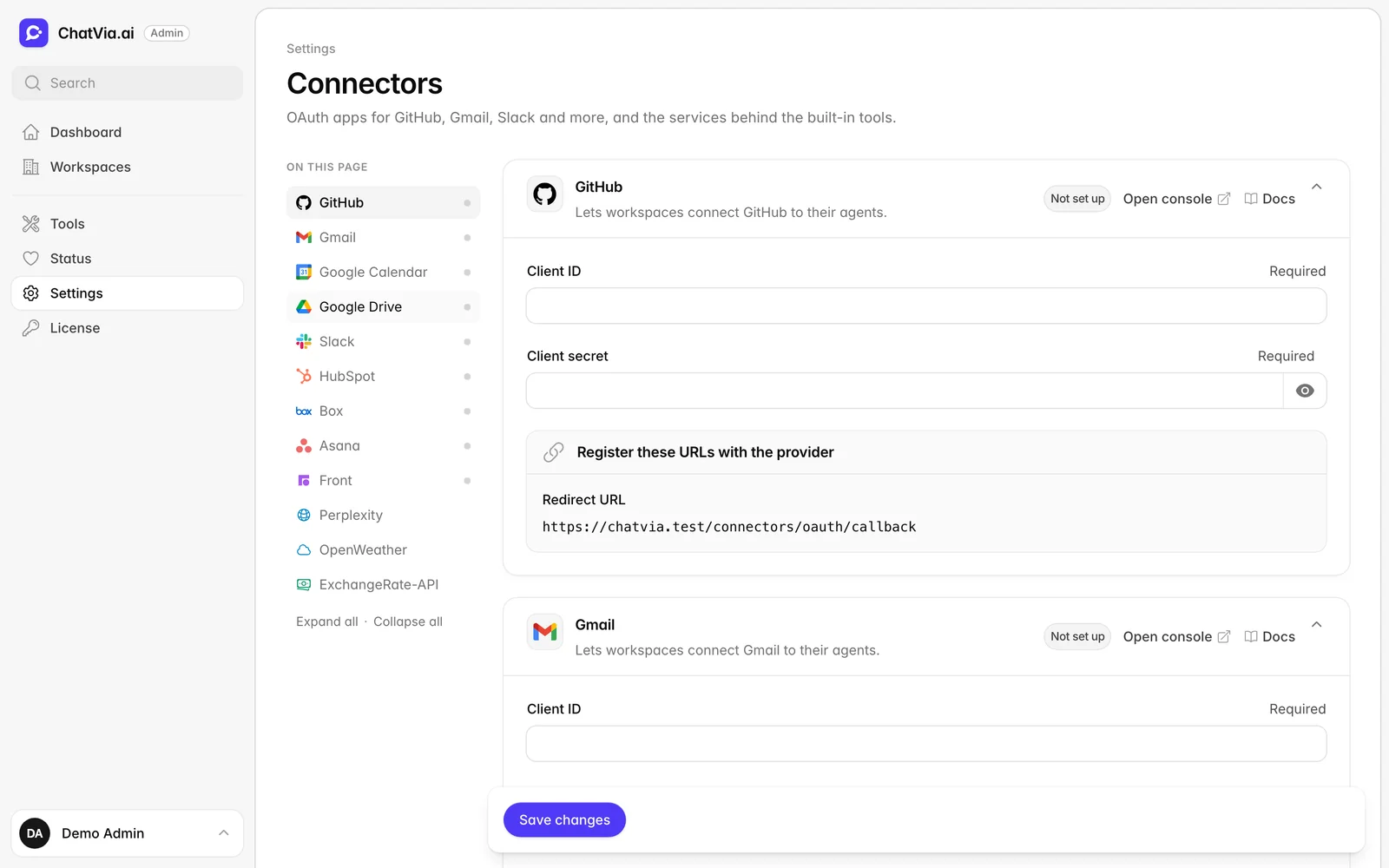
Plus ready-made connectors that sign in with OAuth, or any MCP server you point it at.

  • Github
  • Linear
  • Stripe
  • Hubspot
  • Zendesk
  • Atlassian
  • Google Drive
  • Gmail
  • Sentry
  • Asana
  • Calendly
  • Zapier
  • Box
  • Amplitude
  • Fireflies
  • Perplexity
  • Slack

Under the hood

Built on tools you already trust.

A clean Laravel codebase with clear layers and strict checks. Easy to read, easy to change, easy to run.

Read the architecture guide
PHP 8.5
Laravel 13
Vue 3
Inertia, TypeScript
PostgreSQL 18
pgvector, BM25
Redis
Horizon queues
Reverb
Live updates
Pest
Tested end to end

Your agents. Your servers. Your data.

Chatvia is free to use. Read the code, change it, run it anywhere. The "Powered by Chatvia" credit stays unless you buy a license key.